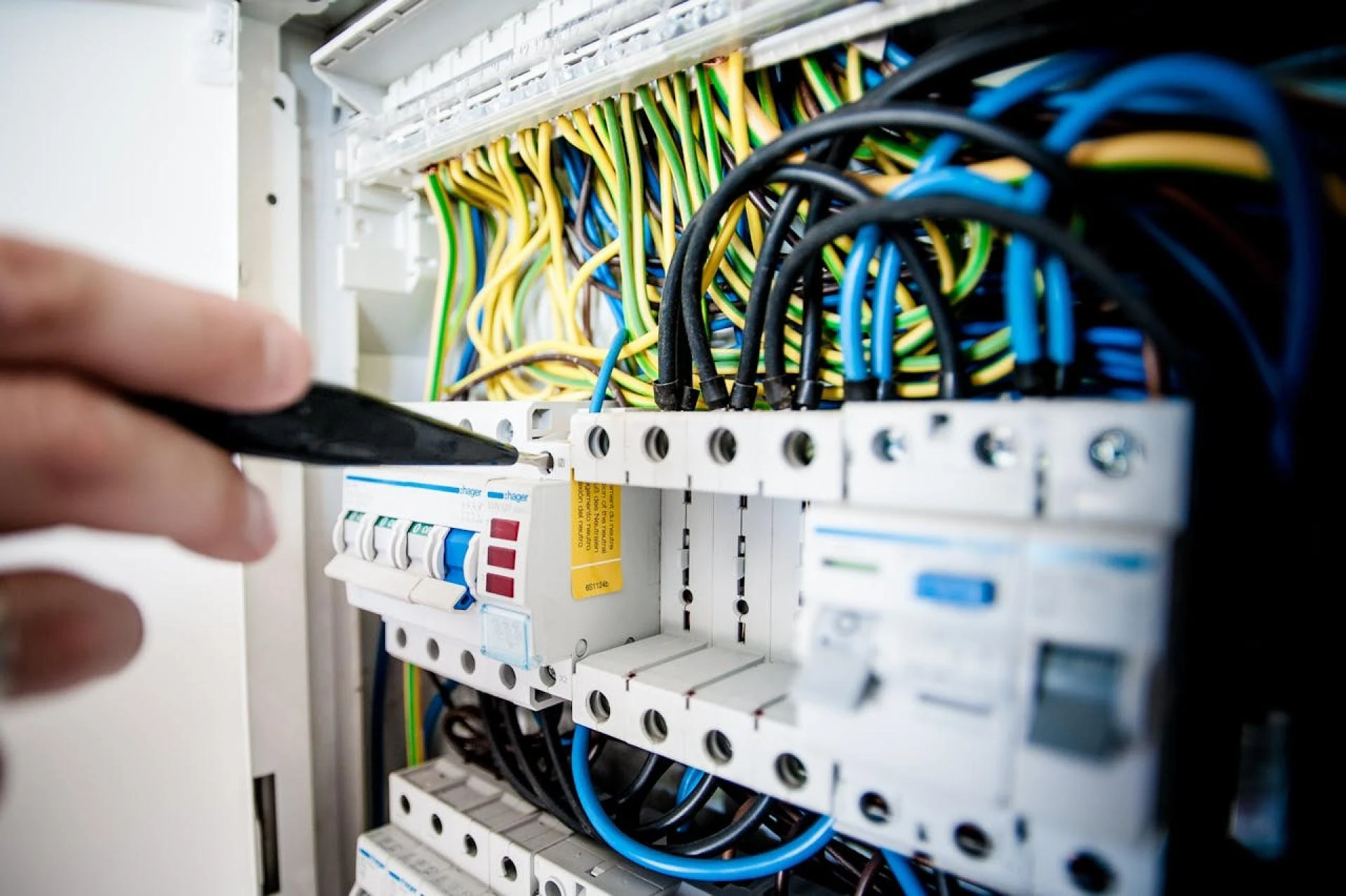

Servo drives are essential in modern automation. Whether you’re building a robotic system, a CNC machine, or an automated production line, servo drives play a key role in controlling motion. However, for these systems to work properly, the installation must be done carefully.
Wiring and installing a servo drive might seem simple on the surface, but there are a lot of small details that can make a big difference in performance, safety, and reliability. In this guide, we’ll walk through clear and practical tips that every engineer should follow while wiring and installing a servo drive.
Know Your Servo System First
Before you touch a wire or mount the servo drive, take time to understand the components of your system. A typical servo system includes:
- A servo drive
- A servo motor
- A controller or PLC
- A feedback device (such as an encoder)
Each of these components works together, and if one is not properly connected or configured, the entire system might not perform as expected. Read the manuals carefully and check all wiring diagrams provided by the manufacturer.
This step helps avoid costly mistakes and wasted time during installation.
Use the Right Type of Cables
Using the correct cables is very important. For power connections, choose cables that are designed to handle the required current and voltage. Shielded cables are better because they reduce electrical noise.
For signal or encoder cables, always use shielded twisted pair cables. These cables are designed to protect data signals from interference. Also, try to keep power and signal cables apart. If they run too close together, the power cables can cause interference that affects the signals.
Keeping cables separated and properly shielded helps the system run more smoothly and reduces the chance of future problems.
Ground Everything Properly
One of the most common mistakes in servo drive installation is poor grounding. A solid ground connection is important for both safety and signal quality.
Make sure the servo motor and servo drive are grounded directly to the main ground point in your control cabinet. Avoid daisy-chaining the ground from one device to another, as this can cause ground loops, which create noise and instability in the system.
If your cables have shields, ground them at one end only — preferably at the drive side. This prevents the shield from becoming part of a loop.
Good grounding reduces the risk of errors and improves overall system performance.
Match the Power Supply to the Drive
Always check the power supply before you connect it to your servo drive. The voltage and phase must match the drive’s requirements. Some drives are single-phase, while others are three-phase.
If the voltage is too high or too low, the drive might not work or could get damaged. Also, use proper circuit protection like fuses or breakers as recommended by the manufacturer.
It’s a good habit to measure the voltage at the terminals before turning on the power. This quick check can prevent major issues.
Connect the Feedback Device Correctly
Feedback devices like encoders or resolvers provide important position and speed information to the servo drive. Without correct feedback, the motor won’t operate as it should.
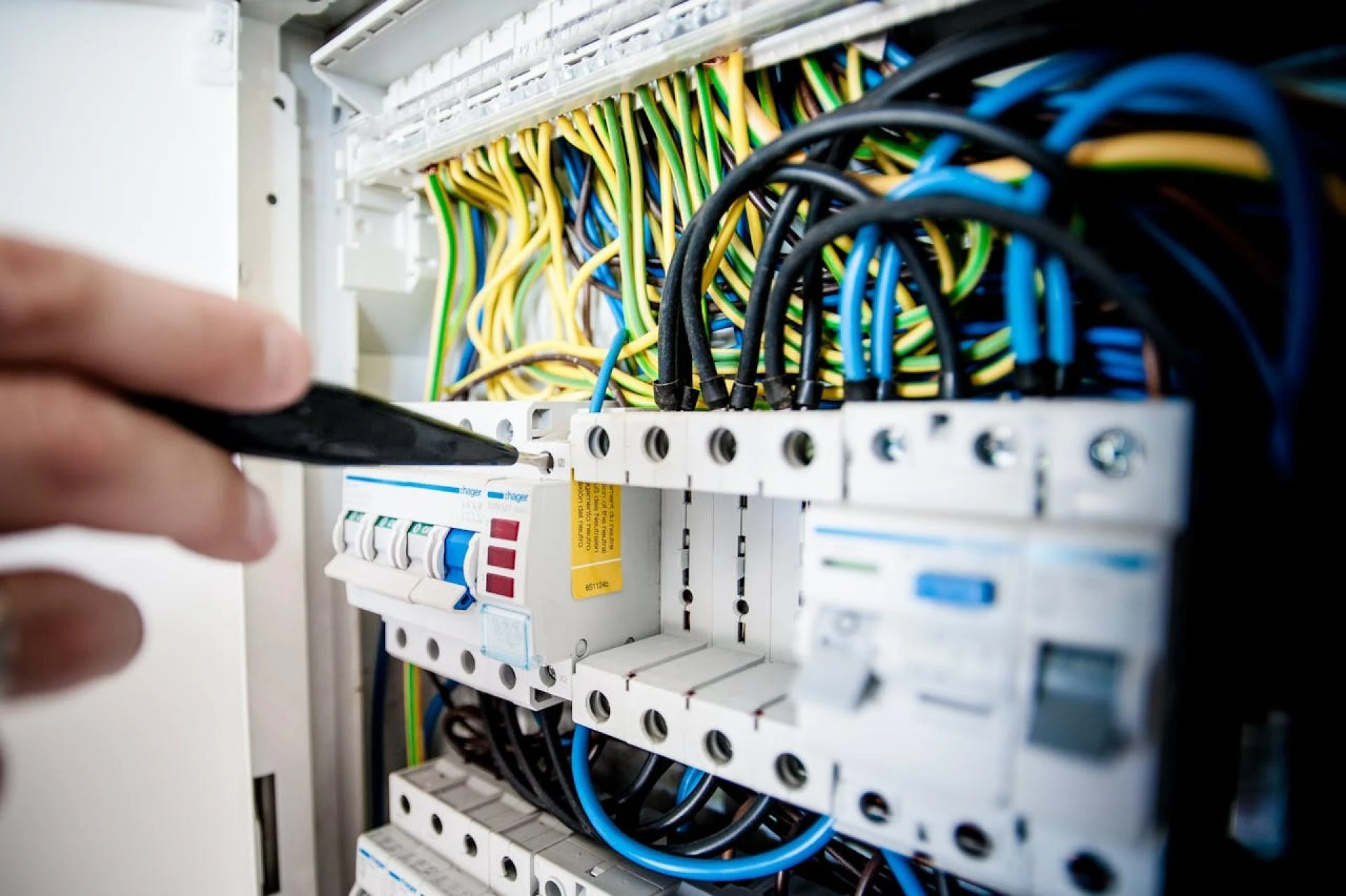
Follow the wiring diagram exactly. Double-check the pin numbers and wire colors. Use shielded twisted-pair cables for signal lines. Make sure the connections are firm and secure.
Even a small mistake in encoder wiring can lead to strange behavior, like jittery motion or failure to start.
Secure All Wire Connections
Loose wires can cause big problems. They may result in intermittent faults, overheating, or even system shutdowns.
Always strip the wire ends cleanly and use proper wire terminals or ferrules. Crimp them with the right tool. Don’t just twist the wire and push it into the terminal — that’s not reliable.
Tighten all terminal screws firmly but don’t over-tighten, which can damage the terminals. Secure the cables so they don’t move around, especially near the connectors.
Taking care of your wire terminations will make your installation more reliable and easier to maintain.
Allow for Airflow and Cooling
Servo drives generate heat when operating, especially under heavy loads. If the drive is placed in a tightly packed panel without airflow, it can overheat and shut down.
Mount the drive in a vertical position if recommended by the manufacturer. Leave enough space around it for air to move freely. Use fans or ventilation grills in the control cabinet if needed.
Check the ambient temperature rating of the drive, and try to keep the internal cabinet temperature below that level.
Proper cooling extends the life of your equipment and helps prevent unexpected breakdowns.
Double-Check Input and Output Connections
Many servo drives have digital and analog inputs and outputs. These may be used for things like emergency stops, limit switches, or speed commands.
Before you power up the system, go through every I/O wire and check its function. Make sure the voltage levels match what the drive expects. Some inputs need 24V, while others might work with 5V logic.
Also, if your system has a safety input like STO (Safe Torque Off), it must be correctly wired or the motor won’t turn on at all.
Checking your I/O connections in advance will save you a lot of frustration later on.
Start-Up the System Step by Step
When all wiring is done, it’s time to power up the system. Don’t jump straight into full-speed motion. Start slow and test everything step by step.
Use the setup software or drive display to check if the feedback device is detected. Try to jog the motor at a slow speed and verify the direction of motion.
Check for any fault codes and review the settings. Adjust the parameters as needed based on your motor size, load, and application.
A careful start-up process helps identify any issues early before they cause damage or delays.
Keep a Record of Your Setup
Once everything is working well, make a note of your wiring, drive settings, and any software configurations. Save backup copies if your drive has that option.
Having a record of your setup will make future maintenance or replacement much easier. If anything goes wrong later, you’ll have something to compare against.
This small step can save hours of work and reduce downtime in case of future troubleshooting.
Final Thoughts
Installing and wiring a servo drive is not just about connecting wires. It’s about doing it in a way that ensures safety, performance, and reliability.
By following simple best practices — like using the right cables, grounding properly, securing wire connections, and starting up carefully — you can avoid many common problems.
Take your time, follow the instructions, and double-check everything. The effort you put into wiring and installation will pay off in the form of smooth operation and fewer breakdowns.
If you’re new to working with servo systems, don’t hesitate to consult with the product’s technical support team. They can often help with wiring diagrams, parameter settings, or troubleshooting.
Good installation practices are a key part of professional engineering. And when it comes to servo drives, getting the wiring right is one of the best ways to ensure success.





























Sign in to leave a comment.