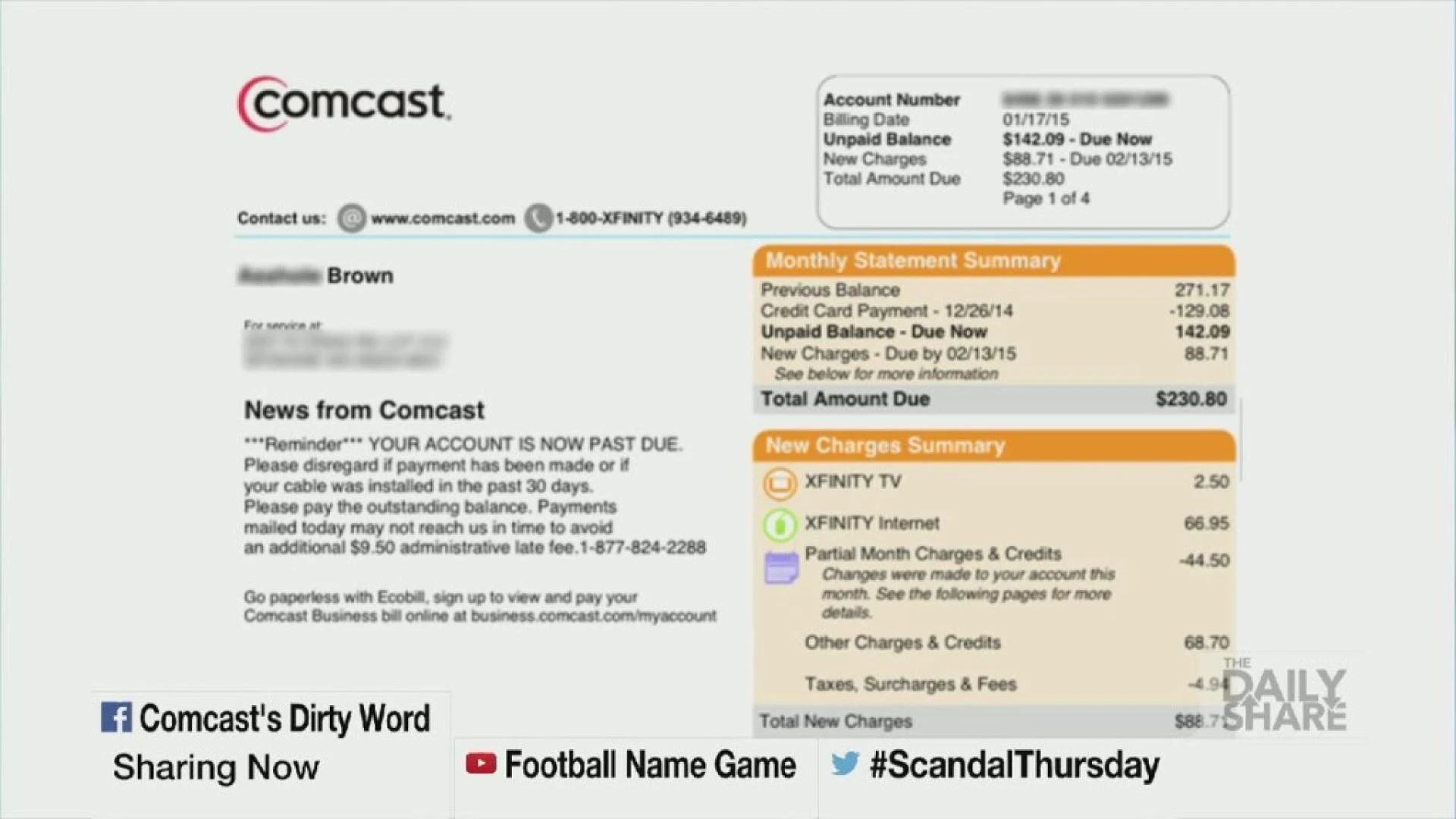

Are you tired of struggling to keep track of your monthly bills? Do you find yourself constantly missing payments or dealing with late fees? Look no further than Xfinity for your billing needs. In this article, we’ll explore how Xfinity makes billing easy and convenient, so you can simplify your monthly payments and focus on enjoying your services.
Automatic Payments
One of the easiest ways to simplify your Xfinity bill is to set up automatic payments. With automatic payments, Xfinity will automatically withdraw the amount due from your chosen payment method each month, eliminating the need to remember to make a payment yourself. This feature is especially helpful for busy individuals who don’t have time to worry about their bills each month.
To set up automatic payments, simply log in to your Xfinity account and navigate to the “Billing” section. From there, you can select “Auto Pay” and enter your payment information. You can also choose the date you’d like the payment to be withdrawn each month. Xfinity will send you an email confirmation once the payment has been processed.
Paperless Billing
Another way to simplify your Xfinity bill is to switch to paperless billing. Paperless billing allows you to receive your bill electronically, eliminating the need for physical mail and reducing paper waste. Not only is paperless billing more eco-friendly, but it’s also more convenient. You can access your bill online at any time, and Xfinity will send you an email notification when your bill is ready to view.
To switch to paperless billing, log in to your Xfinity account and navigate to the “Billing” section. From there, select “Paperless Billing” and enter your email address. Xfinity will send you an email confirmation once your account has been updated.
Mobile App
Xfinity also offers a mobile app that makes managing your bill even easier. With the app, you can view and pay your bill, set up automatic payments, and even troubleshoot issues with your services. The app is available for both iOS and Android devices and can be downloaded for free from the App Store or Google Play.
To get started with the Xfinity mobile app, download the app and log in to your Xfinity account. From there, you can view your bill and make payments, as well as access other features like Xfinity Stream and Xfinity WiFi.
Customer Service
Finally, Xfinity offers excellent customer service to help you with any billing issues or questions you may have. If you have a question about your bill, you can contact Xfinity customer service via phone or chat. Xfinity also offers a help center on their website with articles and tutorials on a variety of billing topics.
To contact Xfinity billing customer service, log in to your account and navigate to the “Support” section. From there, you can choose to chat with a representative or call the customer service line. Xfinity customer service is available 24/7, so you can get help whenever you need it.
Conclusion
In conclusion, Xfinity offers a variety of features to simplify your monthly payments and make managing your bill easy and convenient. By setting up automatic payments, switching to paperless billing, using the Xfinity mobile app, and utilizing customer service resources, you can take the hassle out of paying your Xfinity bill. So why wait? Start simplifying your bill today with Xfinity.










Sign in to leave a comment.