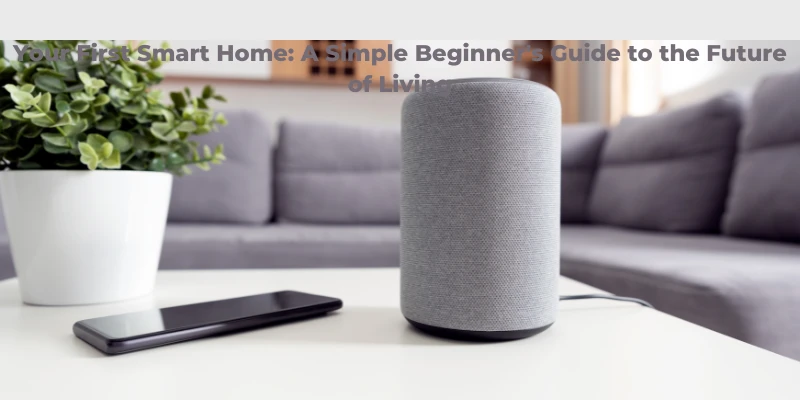
As technology continues to evolve, one of the most exciting developments is the rise of smart homes. Imagine a home that responds to your voice commands, adjusts to your preferences, and enhances your convenience, security, and energy efficiency. Whether you're a tech enthusiast or simply looking to improve your lifestyle, making your home "smart" can offer various benefits. But where do you begin? In this guide, I'll break down the essentials of setting up your first smart home, from understanding what it is to the steps you need to take to make it a reality.
What is a Smart Home?
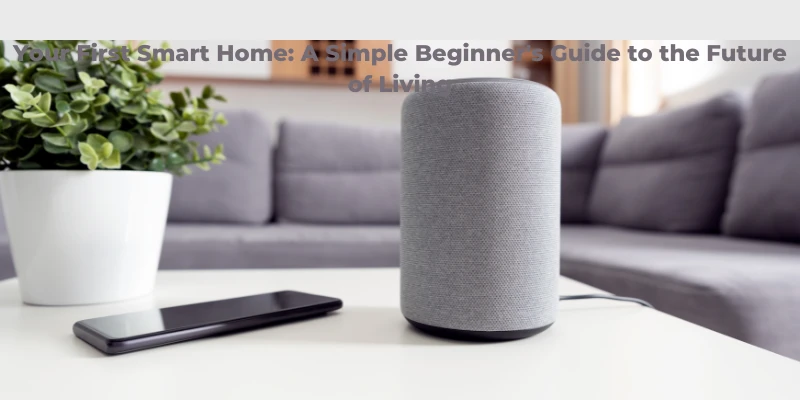
A smart home is a residence equipped with devices that can be controlled remotely, often through a smartphone app or voice assistant like Amazon Alexa or Google Assistant. These devices, connected through Wi-Fi, can automate tasks such as adjusting lights, controlling the thermostat, and managing security systems. The goal is to make everyday tasks easier and more efficient while providing greater control over your home environment.
Key Benefits of a Smart Home
Convenience: With the ability to control lights, appliances, and even locks remotely, you'll have more time for the things that matter most. Smart homes make it easy to manage daily tasks with just a few taps on your phone or simple voice commands.
Energy Efficiency: Smart thermostats, like the Nest Learning Thermostat, learn your preferences and adjust heating and cooling accordingly. This helps save energy and reduce utility bills.
Enhanced Security: Smart cameras, doorbells, and locks offer peace of mind, allowing you to monitor your home from anywhere. You can receive alerts when someone is at your door or when motion is detected.
Increased Home Value: Homes with smart technology can be more attractive to buyers, potentially increasing your property's market value.
How to Start Your Smart Home Journey
1. Choose a Hub or Voice Assistant
Before diving into smart devices, choosing a central hub or voice assistant is important. Popular options include Amazon Alexa, Google Assistant, and Apple HomeKit. These platforms connect various smart devices, allowing you to control them with your voice or through a single app.
2. Start with Basic Devices
To keep things simple and manageable, start with a few key devices:
Smart Lights: These can be controlled remotely or set on timers to suit your schedule. Consider brands like Philips Hue or LIFX.
Smart Plugs: These devices allow you to remotely control non-smart appliances, such as lamps or fans.
Smart Thermostat: Install a smart thermostat to manage your heating and cooling system more efficiently.
3. Add Security Devices
If security is a priority, add smart cameras or a doorbell. Brands like Ring, Arlo, and Nest offer easy-to-install systems to monitor your home from anywhere. Many devices send real-time alerts to your phone, so you're always in the loop.
4. Automate Your Home
Once you have the basics set up, take advantage of automation features. Smart homes allow you to create "scenes" or "routines," which automate various actions. For example, you could set your lights to turn off automatically when you leave home or adjust the thermostat based on your location. For better living, you can check shoppemaisonrose.com for designer-curated modern and contemporary lighting, rugs, and furniture.
5. Expand as You Go
There are countless smart devices on the market, from fridges to vacuum cleaners. As you become more comfortable with your system, consider expanding your setup. Keep in mind that it's best to integrate devices from the same brand or ecosystem for better compatibility.
Tips for Success
Compatibility: Ensure your chosen devices are compatible with your voice assistant or hub.
Security: Always change the default passwords on your devices to protect your home from unauthorized access.
App Management: Keep your smartphone apps updated to enjoy the latest features and security patches.
FAQs
1. Are smart homes expensive to set up?
The initial cost of setting up a smart home can vary depending on your chosen devices. Basic devices like smart plugs and lights are relatively affordable, while more advanced systems such as smart thermostats and security cameras can cost more. However, energy savings and increased security over time can help offset the initial investment.
2. Can I install a smart home system on my own?
Yes, most smart home devices are designed to be installed easily without professional help. Many devices come with step-by-step instructions or easy-to-follow app guides. If you need more clarification, plenty of online tutorials and videos will help you.
Conclusion
Your first smart home doesn't have to be complicated or expensive. By starting small with a few key devices and expanding as you become more comfortable, you can enjoy the many benefits of a smarter, more efficient home. Whether you want to improve convenience, security, or energy efficiency, the future of living is within reach. So why wait? Start your smart home journey today!







Sign in to leave a comment.