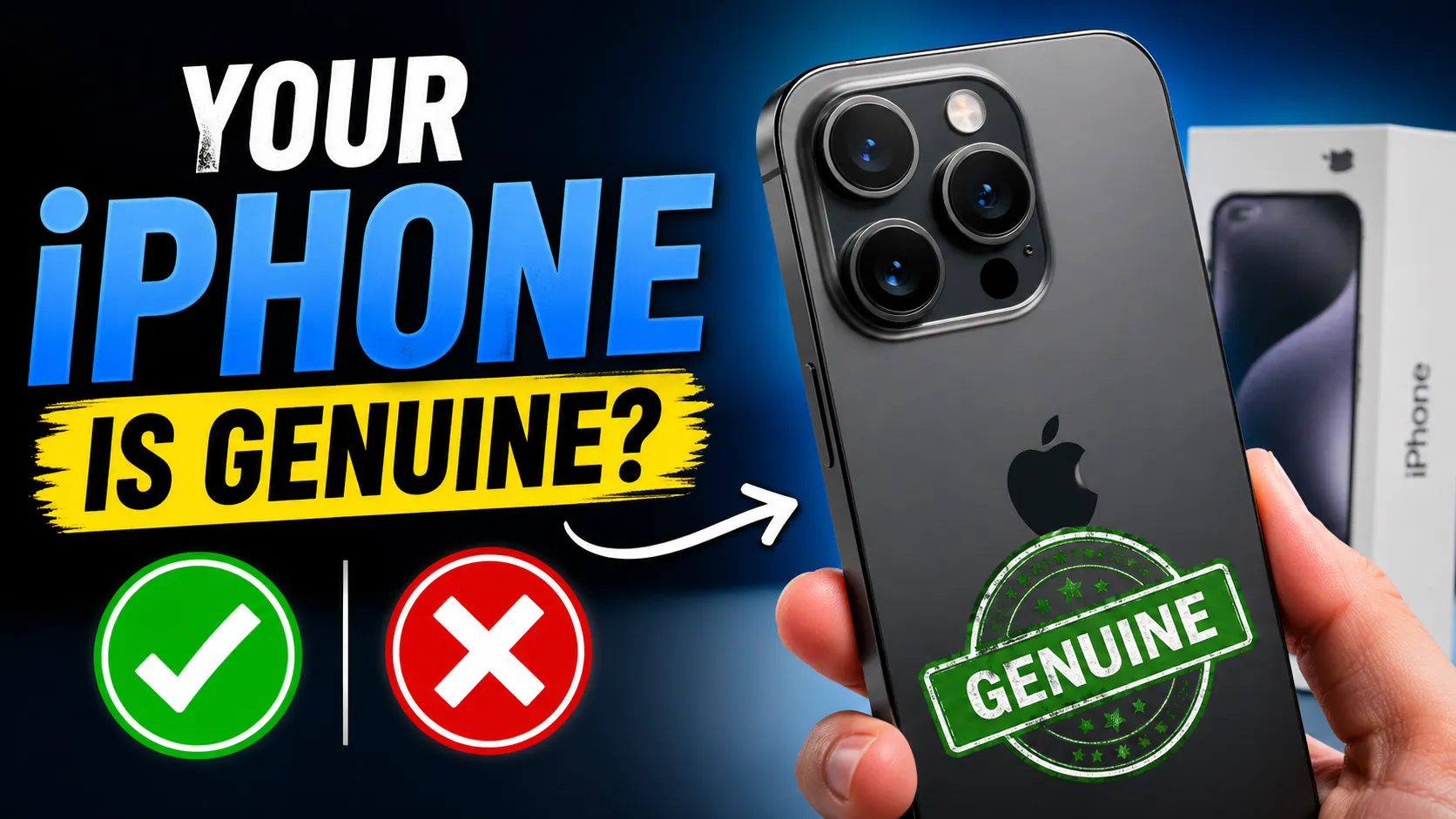

The market for pre-owned smartphones has grown exponentially, but so has the sophistication of counterfeit devices. As of 2026, high-end replicas can mimic the exterior design and even the user interface of the latest Apple devices with startling accuracy. Whether you are looking for a standard model or a high-performance iphone 16 pro refurbished, verifying the hardware and software before handing over your money is the only way to protect your investment. A "super-clone" might look perfect on the outside, but it will lack the security, camera quality, and long-term software support of a genuine device. By following a systematic verification process, you can ensure that your purchase is a legitimate piece of technology rather than a clever imitation.
Start with the Physical Build and Display Quality
Apple is known for its precision engineering, and this is the first area where counterfeiters often fail. Begin by examining the chassis. Genuine iPhones use high-grade titanium or stainless steel and glass that fits seamlessly into the frame. If you feel any sharp edges or notice gaps where the screen meets the body, it is a major red flag. Check the physical buttons; they should have a firm, tactile click without any wobbling.
The display is another dead giveaway. Modern iPhones use advanced OLED panels with incredibly high brightness and deep blacks. Fake devices often use cheaper LCD screens that show a slight gray tint when displaying a pitch-black image. Furthermore, check the "chin" or the bottom bezel of the screen. Genuine iPhones have symmetrical, thin bezels, whereas many fakes have a slightly thicker bottom border. If you are comparing refurbished vs new phones, remember that a quality refurbished unit from a reputable source like EasyPhones will maintain these original hardware standards, whereas a random street seller might be hiding a third-party screen replacement.
Verify the IMEI and Serial Number via Apple Official Servers
Every iPhone has a unique identity. The most foolproof way to check for originality is to verify the Serial Number and IMEI (International Mobile Equipment Identity). Navigate to Settings > General > About to find these details. Once you have them, head to Apple’s official "Check Coverage" website. If the site does not recognize the number, the phone is a fake.
Additionally, cross-reference the digital serial number with the one printed on the SIM tray or the back of the device. If they don't match, the motherboard may have been swapped or the housing replaced with non-original parts. Many people looking for second hand iphones online in india often skip this step in a hurry, but taking two minutes to run these numbers can save you from a total loss. EasyPhones simplifies this by providing transparent history reports for every device they sell, ensuring the internal IDs match the external hardware.
Inspect the iOS Environment and App Store
Counterfeit iPhones often run a skinned version of Android made to look like iOS. While the icons might look identical, the underlying system is different. The easiest way to test this is to open the App Store. A fake iPhone will often redirect you to a modified version of the Google Play Store or a random website to download apps. Try searching for an Apple-exclusive app like GarageBand or Keynote; if they aren't available, the device is not running genuine iOS.
Next, test the biometric security. Set up Face ID or Touch ID in the settings. Fake devices often have a "Face ID" that unlocks for anyone or a fingerprint scanner that doesn't actually read unique ridges. Genuine Apple Intelligence features and Siri integration are also extremely difficult for clones to replicate. If the AI responses feel sluggish or the interface looks slightly "off-font," proceed with extreme caution.
Check Internal Components and Parts History
With the release of recent iOS updates, Apple has made it easier to see if a phone has been tampered with. In the "About" section of Settings, look for a "Parts and Service History" section. This will tell you if the battery, display, or camera have been replaced. If a part was replaced with a non-genuine component, iOS will display an "Unknown Part" warning.
A genuine iphone 16 refurbished should ideally show "Genuine Apple Part" for any serviced items. Sellers on platforms like EasyPhones prioritize these genuine components to ensure the device performs exactly like a brand-new one. Checking this history prevents you from buying a phone that might suffer from ghost touches or sudden battery drains due to low-quality aftermarket repairs.
Test Connectivity and Charging Features
Finally, perform a functional test of the unique Apple technologies. Check if the device supports MagSafe charging; most fakes lack the internal magnet array required for a secure snap. Test the Action Button or the Camera Control sensor if you are looking at the latest models. These haptic-based inputs are very expensive to replicate and are usually missing or replaced by simple physical buttons on clones.
Check the AirDrop functionality by trying to send a file to another Apple device. Clones usually use Bluetooth or Wi-Fi Direct protocols that aren't compatible with Apple's proprietary ecosystem. If the "handshake" between two Apple devices doesn't happen instantly, you are likely looking at a counterfeit. Buying from a trusted vendor like EasyPhones ensures that every sensor, from the U-series chips to the MagSafe magnets, has been professionally audited for authenticity. Taking these steps today ensures that your 2026 iPhone purchase is safe, functional, and truly original.
























Sign in to leave a comment.