
For IT teams responsible for protecting organizational data, the 3-2-1 backup strategy remains one of the most trusted and widely adopted frameworks in the industry. Simple to understand yet powerful in practice, this strategy provides a resilient baseline that protects against hardware failure, ransomware, accidental deletion, and natural disasters.
What Is the 3-2-1 Backup Strategy?
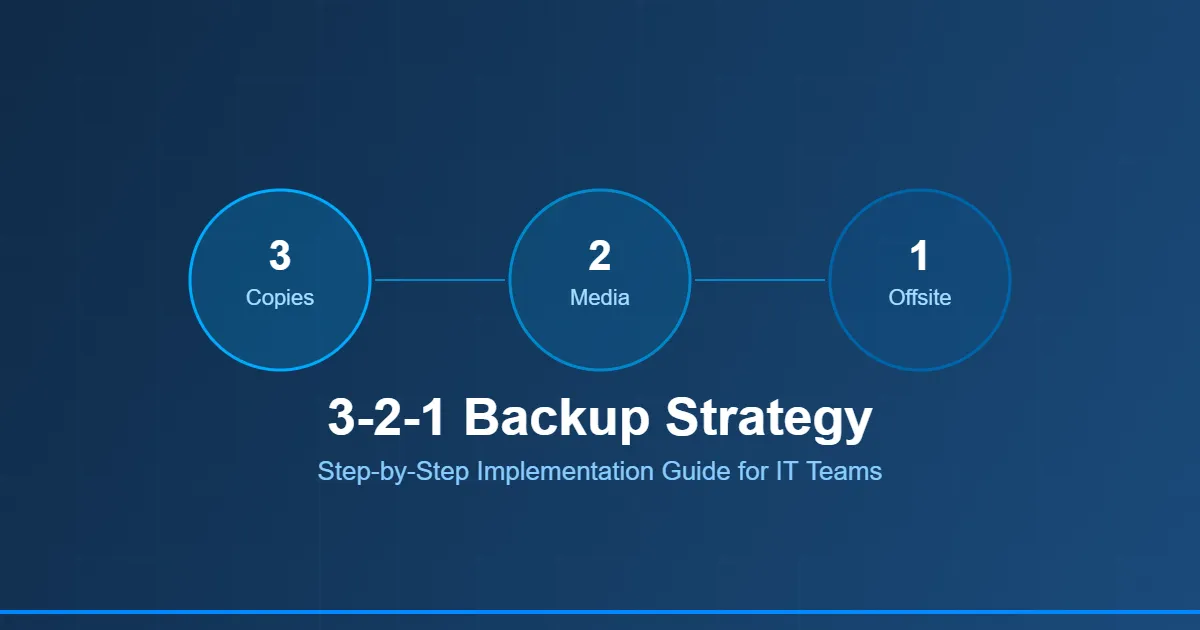
The 3-2-1 rule is straightforward: maintain 3 copies of your data, store them on 2 different types of media, and keep 1 copy offsite. This redundancy ensures that no single point of failure can result in permanent data loss.
Step 1: Identify and Prioritize Your Data
Before implementing backups, conduct a data audit. Categorize your data by criticality — mission-critical systems (databases, ERP, Active Directory) should have the shortest recovery time objectives, while archival data can tolerate longer RPOs. Document your classification clearly so backup policies reflect actual business impact.
Step 2: Set Up Your Primary and Secondary Copies
Your first copy is the production data. The second copy should live on a different storage medium — if production runs on SAN or NAS, your secondary backup might be on a dedicated backup appliance or a separate disk array. The third copy goes offsite: cloud storage, a remote data center, or tape shipped offsite.
When implementing the 3-2-1 backup strategy, having a purpose-built backup appliance streamlines both the backup and recovery process significantly. A well-configured 3 2 1 backup strategy appliance can manage all three copies from a single pane of glass, automating replication schedules and ensuring offsite sync without manual intervention.
Step 3: Define RPO and RTO for Each Workload
RPO (Recovery Point Objective) defines how much data loss is acceptable. RTO (Recovery Time Objective) defines how quickly systems must be restored. Critical workloads may require RPO of 15 minutes and RTO of 1 hour, while less critical systems may allow for daily backups with 24-hour recovery.
Step 4: Test Your Backups Regularly
An untested backup is an unreliable backup. Schedule quarterly recovery drills — restore a VM to an isolated environment, verify data integrity, and document recovery times. This validates both the backup data and your team's ability to execute under pressure.
Step 5: Evolve to 3-2-1-1-0 for Ransomware Resilience
Modern threats have prompted an evolution of the classic rule. The 3-2-1-1-0 variant adds: 1 immutable or air-gapped copy (ransomware-proof), and 0 errors in verified backups. Immutable storage ensures that even a compromised admin account cannot delete or encrypt your backup data.
The 3-2-1 backup strategy is not a one-time setup — it is an ongoing operational practice that evolves with your infrastructure and threat landscape. IT teams that consistently follow and test this framework are dramatically better positioned to recover from any data loss event.






























Sign in to leave a comment.