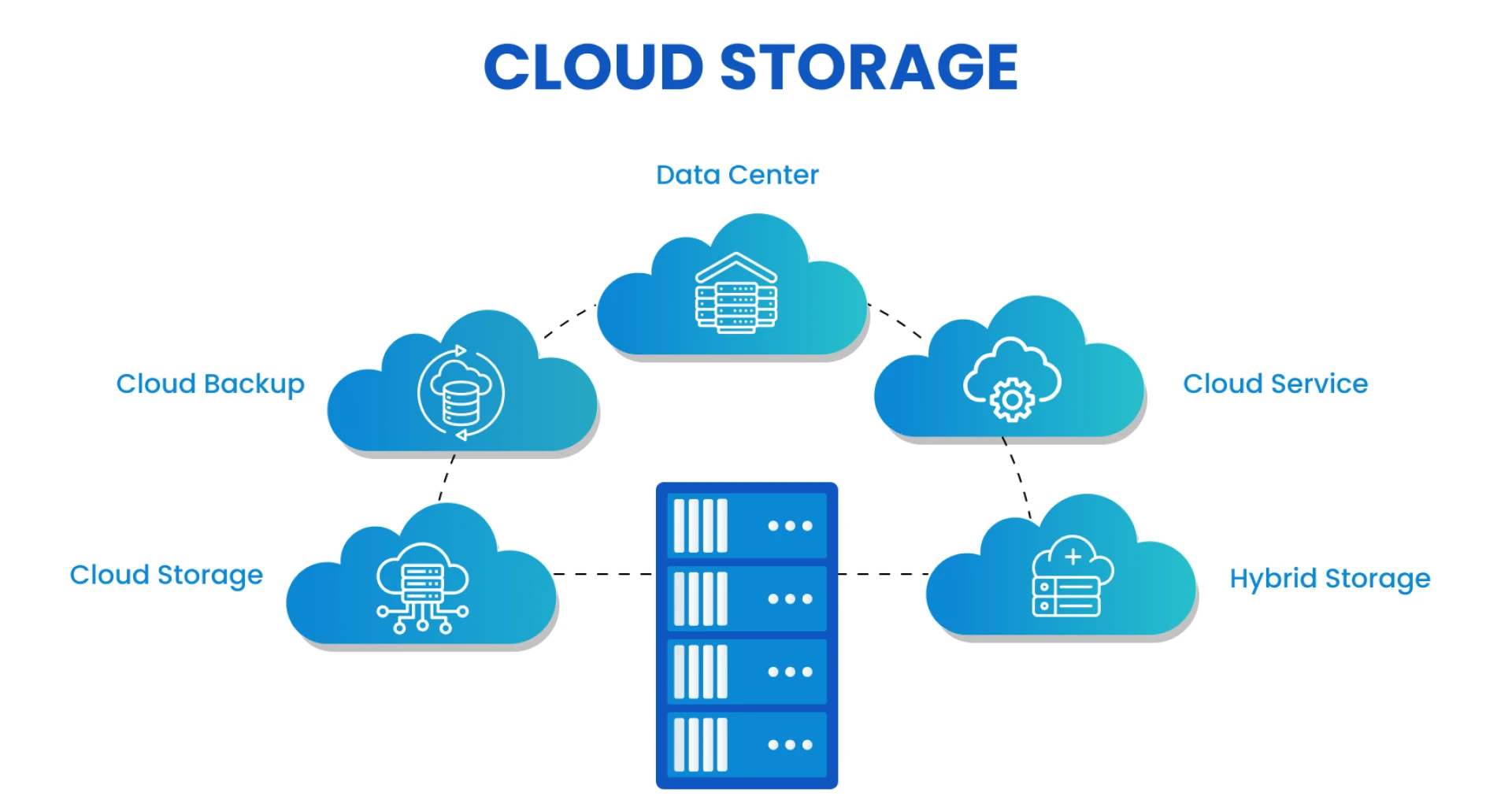

Today, distributed teams work across cities, countries, and time zones while sharing the same goals and deadlines. Because of this reality, businesses need systems that help people work together without friction or confusion. At the center of this need is cloud storage, which allows teams to save, access, and share files from anywhere.
When teams use it well, work feels smooth, connected, and reliable. However, when integration feels messy, teams face delays, stress, and lost trust in daily workflows. Therefore, organizations now focus on smarter ways to connect cloud storage with tools people already use. In this way, work continues without interruption and teams stay aligned.
When cloud storage integration works properly, teams spend less time searching and more time creating value. As a result, productivity improves, relationships grow stronger, and business goals feel easier to reach together.
1. Align Cloud Storage With Daily Team Workflows
When cloud storage matches how teams already work, adoption feels natural, and stress stays low. Therefore, the organization should study how teams create, share, and review files each day.
After that, they should connect cloud storage to those exact steps then As of this alignment, teams stop switching between tools and focus on meaningful work. As a result, collaboration becomes faster and more consistent across locations.
Practical alignment steps
- Map daily file usage across teams
- Connect storage tools with task platforms
- Set clear file naming rules
- Create shared folders based on projects
2. Standardize File Structure Across Teams
A shared structure helps everyone understand where files belong. Therefore, consistency builds confidence and saves time. When teams follow the same layout, they avoid confusion and duplicate work.
As a result, cloud storage becomes predictable and reliable for everyone. Over time, this structure supports growth and smoother onboarding.
Key structure principles
- Use clear folder names
- Group files by project or function
- Keep depth simple and logical
- Review the structure quarterly
3. Use Access Controls That Support Trust
Access rules protect data while respecting team needs. Therefore, leaders should assign access based on roles and tasks. When people get what they need, trust grows naturally.
As a result, teams move faster without security concerns. Cloud storage feels safe yet flexible for daily collaboration.
Smart access practices
- Assign role-based permissions
- Review access regularly
- Remove unused accounts
- Share guidelines clearly
4. Integrate Cloud Storage With Communication Tools
When storage connects with chat and meeting tools, teams stay informed. Therefore, the file updates reach everyone at the right time. This connection reduces follow-ups and confusion.
As a result, conversations feel clear, and progress stays visible. Cloud storage becomes part of daily communication instead of a separate system.
5. Automate File Sync and Backup Processes
Automation removes manual effort and reduces mistakes. Therefore, syncing files automatically ensures everyone sees the latest version. At the same time, backups protect work without extra steps.
As a result, teams trust cloud storage to handle reliability while they focus on results.
Automation benefits teams feel
- Always updated files
- Reduced manual uploads
- Lower risk of data loss
- Faster recovery when needed
6. Train Teams With Simple Ongoing Guidance
Training builds confidence and removes hesitation. Therefore, leaders should offer simple guidance that feels supportive. Short sessions and clear examples work best for distributed teams.
As a result, cloud storage feels approachable and useful for everyone. Learning continues naturally as tools evolve.
7. Set Clear Collaboration Guidelines
Guidelines explain how teams should share, edit, and store files. Therefore, clarity reduces friction and prevents overlap. When everyone follows the same rules, work feels organized.
As a result, cloud storage supports teamwork instead of slowing it down.
Helpful collaboration rules
- Define version control steps
- Set file ownership expectations
- Agree on review timelines
- Share best practices openly
Conclusion
Strong collaboration depends on systems that respect both people and processes. When businesses streamline cloud storage integration, they remove barriers that slow teams down. As a result, distributed teams feel connected, confident, and focused on shared goals. Each method shared here supports clarity, trust, and momentum in daily work.
Over time, these small improvements create a big shift in how teams experience collaboration. When cloud storage works quietly in the background, people feel empowered to do their best work together. This sense of ease builds stronger teams and healthier work relationships.
In the end, smart integration is not just about technology. It is about helping people work better together, no matter where they are.
































Sign in to leave a comment.