
Benefits of moving from PPT to eLearning There are many benefits to using eLearning courses in PowerPoint presentations. One of the main benefits is that you can easily track which students are interacting with your course.
eLearning courses also provide opportunities for students to interact with the content, allowing them to learn at their own pace. This means they can repeat the course as needed, helping to relearn later forgetting and more difficult concepts. Finally, students have more freedom to choose their learning environment when their content is delivered through an eLearning course. They don't have to be in a dark or cramped room where they feel uncomfortable or can't see what's on the screen.
PowerPoint vs eLearning PowerPoint presentations
are often used to provide information or training. PowerPoint is not the answer to creating an effective eLearning course (here are 5 key steps to creating your own eLearning course). PowerPoint presentations consist of static content that the presenter communicates to the audience. The slideshow continues as the slides scroll one by one on the screen. There is no interaction between the presenter and the audience as everything is done through visuals. An eLearning course includes interactive content that makes it more engaging for students.
A typical eLearning course can be delivered in a linear or branching format based on student progress and decisions made during course delivery.
In the next section
you'll learn how to turn your PowerPoint into an interactive eLearning course! Before we focus on how you and your organization can optimize your PowerPoint outputs for eLearning, let's look at some of the key eLearning practices, explore what level each meets, and then get down to the details. . As you can see, there are several obvious connections between e-learning courses and PowerPoint presentations. The difference is that PowerPoint relies more on the instructor to deliver information effectively, while e-learning relies only on content within programs.
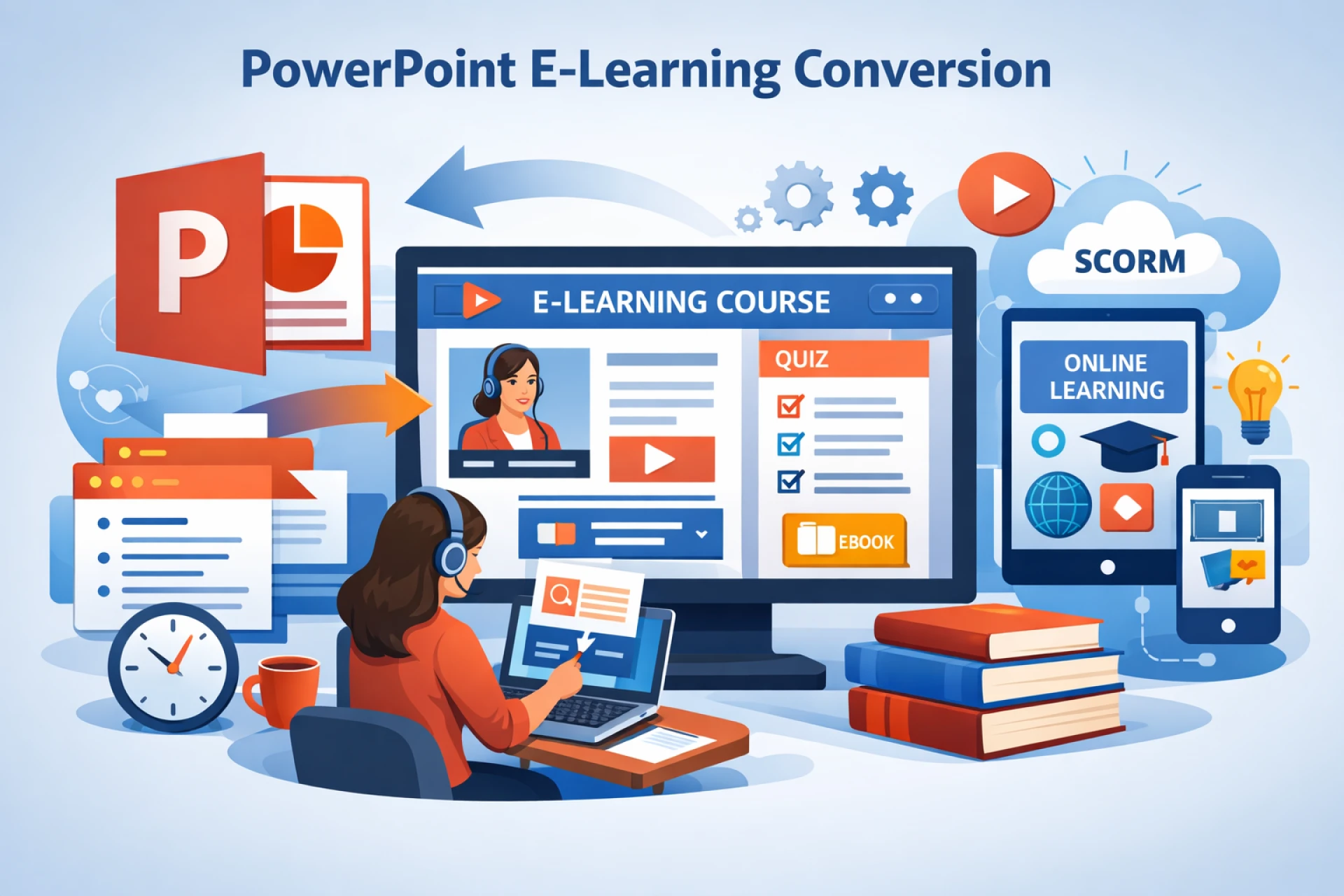
Convert PowerPoint into interactive eLearning modules
When you create an eLearning course, you create interactive content. PowerPoint presentations are not interactive, so your PowerPoint content must be edited before it can be turned into an eLearning course.
Before we convert the content into an eLearning format, we need to prepare the content that we will use.
We don't need to worry about slides at this point. Think of it as a script and include essential elements that are useful in imparting knowledge to our audience.





Sign in to leave a comment.