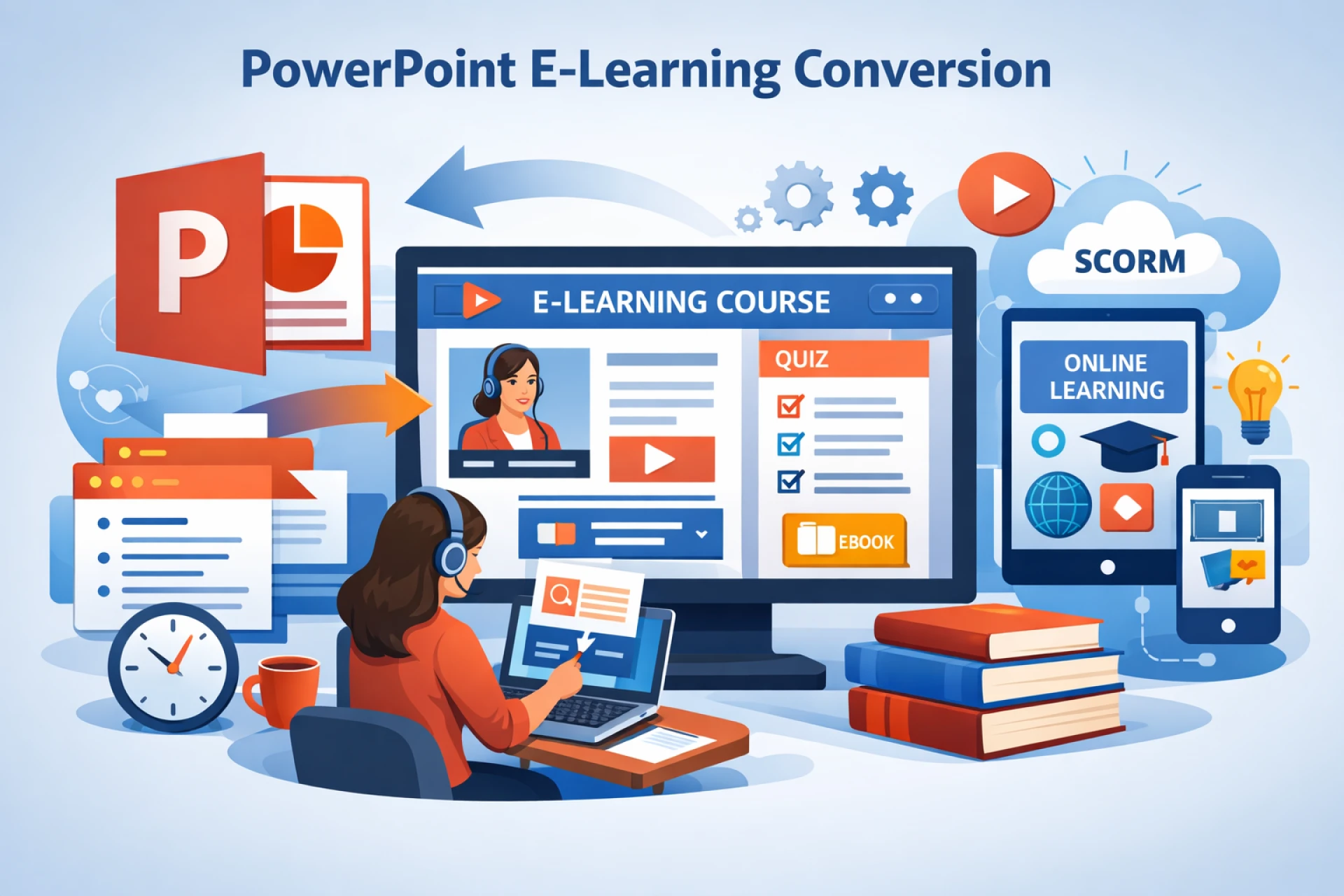
PowerPoint e-learning conversion is the process of transforming static PowerPoint presentations into interactive, engaging, and LMS-ready eLearning courses. In today’s digital-first learning environment, organizations can no longer rely on slide-based content alone. Learners expect experiences that are interactive, mobile-friendly, trackable, and aligned with clear learning objectives. This is where professional PowerPoint e-learning conversion plays a critical role.
PowerPoint remains one of the most widely used tools for creating training content. However, raw slides are not designed for effective online learning. Converting PowerPoint into eLearning ensures your existing content delivers measurable learning outcomes while saving time and development costs.
What is PowerPoint e-Learning Conversion?
PowerPoint e-learning conversion involves enhancing existing PPT or PPTX files by adding instructional design, multimedia, interactivity, assessments, and compatibility with Learning Management Systems (LMS). The result is a fully functional eLearning course that can be accessed anytime, anywhere.
Instead of simply uploading slides, the conversion process restructures content into modules, introduces learner engagement elements, and aligns the course with adult learning principles.
Why PowerPoint e-Learning Conversion Matters
Organizations invest heavily in PowerPoint-based training materials. Without conversion, this content often fails to meet modern learning expectations. PowerPoint e-learning conversion helps you:
- Improve learner engagement through interactivity
- Enable progress tracking and reporting
- Ensure consistency across training programs
- Support remote and hybrid learning models
- Maximize ROI on existing training content
Converted courses are scalable, reusable, and far more effective than static presentations.
Key Benefits of PowerPoint e-Learning Conversion
1. Cost-Effective Content Reuse: Rather than creating courses from scratch, conversion allows you to reuse existing PowerPoint materials, significantly reducing development time and cost.
2. Enhanced Learner Engagement: Interactive elements such as quizzes, branching scenarios, animations, and audio narration transform passive slides into active learning experiences.
3. LMS Compatibility: Converted eLearning courses can be packaged to work seamlessly within Learning Management Systems, enabling tracking, assessments, and certification.
4. Mobile and Multi-Device Access: PowerPoint e-learning conversion ensures content works across desktops, tablets, and smartphones, meeting the needs of modern learners.
5. Consistent Training Delivery: Standardized eLearning courses ensure every learner receives the same high-quality training experience, regardless of location.
The PowerPoint e-Learning Conversion Process
1. Content Analysis: The first step is reviewing the existing PowerPoint content to identify learning objectives, gaps, and opportunities for interaction.
2. Instructional Design Alignment: Slides are reorganized into logical modules, supported by clear learning outcomes and instructional strategies.
3. Visual and Multimedia Enhancement: Graphics, animations, voiceovers, and videos are added to improve comprehension and engagement.
4. Interactivity and Assessments: Knowledge checks, quizzes, and scenario-based interactions are embedded to reinforce learning.
5. Quality Assurance and Testing: The final course is tested for functionality, usability, and compatibility across devices and LMS platforms.
Common Use Cases for PowerPoint e-Learning Conversion
- Corporate training and onboarding
- Compliance and regulatory training
- Sales and product training
- Academic and higher education courses
- Soft skills and leadership development
Any organization with PowerPoint-based training can benefit from professional e-learning conversion.
Best Practices for Successful PowerPoint e-Learning Conversion
- Simplify slide content and avoid text-heavy screens
- Use visuals to support learning, not distract from it
- Include frequent interactions to maintain engagement
- Align assessments with learning objectives
- Ensure accessibility for all learners
Following these best practices ensures your converted course delivers real learning impact.
Challenges in PowerPoint e-Learning Conversion
While conversion offers many advantages, challenges may include outdated content, inconsistent slide design, or a lack of instructional structure. These issues can be addressed by partnering with experienced eLearning professionals who understand both instructional design and technical requirements.
Why Choose Professional PowerPoint e-Learning Conversion Services?
Professional services bring expertise in learning design, multimedia development, and LMS standards. They ensure your converted courses are not only visually appealing but also pedagogically sound and results-driven.
A well-executed PowerPoint e-learning conversion turns information into knowledge and training into performance improvement.
FAQs: PowerPoint e-Learning Conversion
1. What is PowerPoint e-learning conversion?
It is the process of transforming PowerPoint presentations into interactive, LMS-compatible eLearning courses.
2. Can existing PowerPoint files be reused for eLearning?
Yes, existing PPT files can be enhanced and repurposed into engaging digital learning modules.
3. How long does PowerPoint e-learning conversion take?
Timelines depend on content complexity, interactivity level, and multimedia requirements.
4. Is PowerPoint e-learning conversion cost-effective?
Yes, it saves time and cost by leveraging existing training materials.
5. Can converted courses work on mobile devices?
Yes, professional conversion ensures compatibility across desktops, tablets, and smartphones.
Conclusion
PowerPoint e-learning conversion is a smart and strategic approach to modernizing training content while maximizing existing resources. By transforming static slides into engaging digital learning experiences, organizations can improve learner engagement, ensure consistent training delivery, and achieve measurable learning outcomes. If you are ready to elevate your training strategy and unlock the full potential of your PowerPoint content, partner with a trusted eLearning expert. Contact us today! IKHYA eLearning solutions company.





























Sign in to leave a comment.