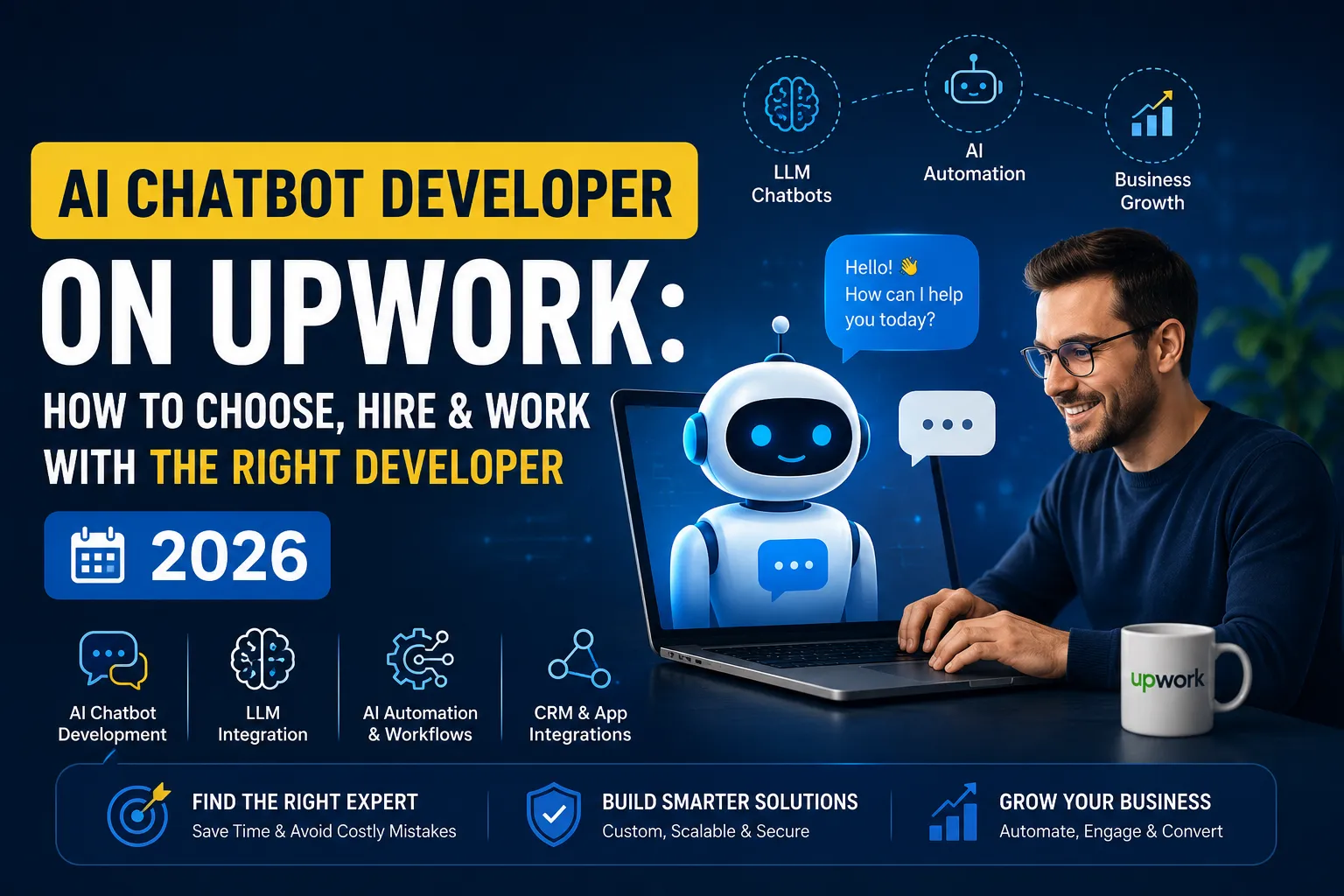

Businesses come to Upwork for chatbot help for very different reasons. Some want a basic FAQ bot for a website. Others need something that pulls live data from a CRM, qualifies leads, or hands off tickets to a human at the right time. That difference decides whether a project actually works, and it's a big part of why finding the right AI Chatbot Developer on Upwork matters more than most hiring guides admit.
What an AI Chatbot Developer Actually Does
A chatbot developer designs, builds, and maintains conversational systems that understand user input and respond usefully. That can mean writing rule-based logic for a simple use case, or building on large language models, the technology behind tools like ChatGPT, for a closer-to-real assistant.
In practice, the work means connecting a chatbot to a website, a CRM, or a knowledge base, so it does more than talk, it retrieves information, updates records, and triggers actions. That's the line between a chatbot and an AI agent: an agent takes steps on its own instead of only responding.
Hiring an AI Chatbot Developer on Upwork
Upwork gives businesses access to a wide pool of freelance AI chatbot developer talent without the overhead of a full-time hire or an agency retainer. That's useful when a project is well defined and doesn't need a permanent in-house team.
The trade-off is that quality varies a lot. Some profiles list chatbot experience as a skill without deeper background in natural language processing, prompt design, or API integrations. A cheaper hourly rate often means more revisions or a bot that breaks the first time someone asks something unexpected. Choosing a custom AI chatbot developer who scopes the actual problem, instead of reusing a generic template, tends to save time later.
Skills and Technologies to Look For
A capable developer should be comfortable with:
- Large Language Models (LLMs) and how to prompt, fine-tune, or ground them for accuracy.
- Retrieval-Augmented Generation (RAG), connecting a chatbot to a business's own documents or knowledge base so answers aren't generic.
- API integrations with CRMs, calendars, or e-commerce platforms.
- Chatbot platforms such as OpenAI's API, Dialogflow, or custom frameworks, depending on the use case.
- Workflow automation, since a useful chatbot usually triggers actions outside the conversation itself.
For anything involving live customer data or CRM chatbot integration, ask specifically how the developer handles authentication, data privacy, and error handling. That's usually where inexperienced builds fall apart.
Evaluating Developers on Upwork
Job success score and reviews are a starting point, not the whole picture. Look at what the reviews actually describe. A developer might have strong ratings for basic setups but no track record with more complex builds like RAG-based systems or multi-step AI agents.
Ask to see previous work, even a short screen-share of something they've built. Portfolios can be curated; a live walkthrough is harder to fake. For generative AI or conversational AI beyond simple scripted flows, ask how the developer handles edge cases, like what happens when the model doesn't know the answer.
Questions to Ask Before Hiring
Before starting a project, it helps to ask:
- What happens when the chatbot doesn't understand a request?
- How will the bot be tested before launch?
- Who owns the code and the underlying data afterward?
- Is there an AI automation developer involved for anything beyond the chatbot itself, like workflow automation or business process automation?
- How will the bot be updated as products or policies change?
These questions matter more than technical jargon. A developer who answers clearly, without hedging, usually understands the work.
Working With a Developer After Hiring
Once you hire AI chatbot developer talent, the project isn't finished at launch. Chatbots need monitoring, conversations that go wrong, questions the bot can't answer, integrations that break when another system updates. Agree on a maintenance window upfront, and ask for access to analytics or logs instead of relying entirely on the developer to flag issues.
Common Mistakes to Avoid
Businesses often underestimate scope, expecting a lead-generation bot and a customer support automation bot to be the same build. They're not, different goals need different logic and different data sources. Another common mistake is skipping a written scope of work, which leads to disagreements over what "done" means. Treating LLM chatbot development as a one-time project, rather than something that needs occasional retraining or prompt updates, also tends to shorten a chatbot's useful life.
The Practical Takeaway
Picking the right developer isn't about finding the lowest bid. It's about matching real experience, with LLMs, integrations, and actual deployments, to what the business needs the chatbot to do. Businesses that take the time to search properly for an AI Chatbot Developer on Upwork, rather than hiring the first cheap option, tend to end up with something that actually works long after launch.





















Sign in to leave a comment.