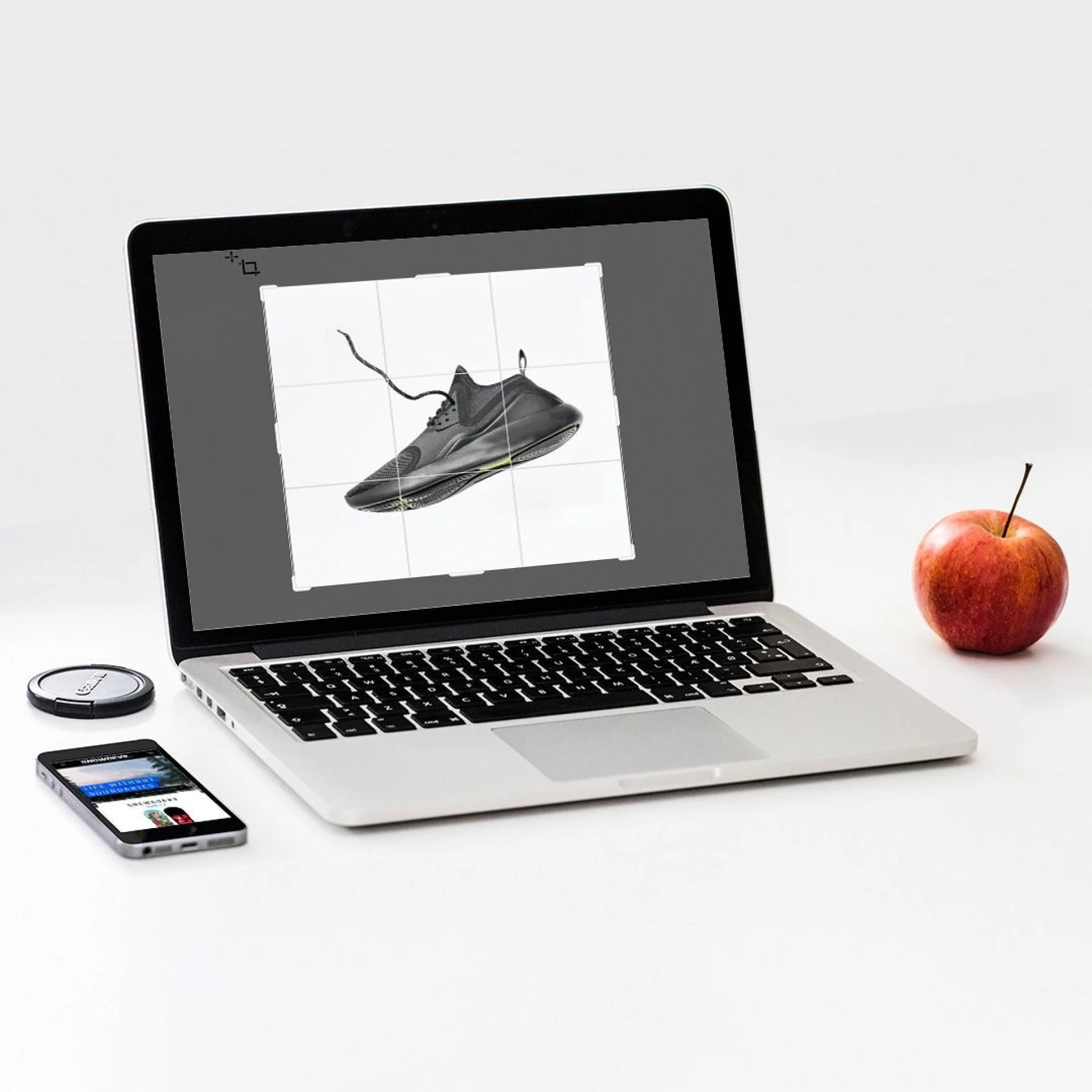

In today's eCommerce world, your brand's first impression is crucial to your success. Fortunately, Shopify has made it easy to create an appealing website for your business and sell your products worldwide. With the rise of the seller's market, you can create a product virtually anywhere and have it shipped to customers around the globe. However, there has been some recent confusion about the Shopify product image size requirements.
Why is Shopify product image size important?
Your online store's pictures are worth a thousand words, and then some. If you want to decrease your website's loading speed, take the time to optimize your product images. Allowing customers to spend more time on your website leads to a decrease in the bounce rate. Make sure that regardless of the platform, your users have a good experience by using the right Shopify image size.
• To offer a great customer experience
Your potential customers want to be able to see what your product will look like once they purchase it. By having your images optimized for all platforms and devices, you'll be able to show them exactly that. This way, there will be no surprises after they hit the "buy" button.
• To boost page speed
Consumers expect to see web pages that load quickly, and they'll often leave if they don't. That's why it's important to focus on making sure your Shopify images are high-quality, but also small in file size. By compressing your product images, you can help ensure that your web pages will load faster and keep people from bouncing off of your site.
• To boost SEO
Product images can have a big impact on your page speed. By optimizing them, you can help make sure your page is loading quickly, which can have a positive impact on your SEO.
Best practices for Shopify product image size
Your images should act as ambassadors for your brand. When a potential customer wants to learn more about what you're selling, pictures are often the best way to show off everything they need to know. Keep the following seven best practices in mind to make the most of your online store.
1. Show a variety of images
Your customers need to be able to trust you and feel confident in their purchase, especially when your shop is virtual. Adding images can help show potential customers what they're buying and give them a better idea of your product.
2. Use consistent editing
The theme, editing, size, and color code of your images should match throughout your website. This will ensure a cohesive look for your site that is visually pleasing for viewers.
3. Avoid using stock photos
While stock images are easy and accessible, they can also make your website look like every other site out there. If you really want your brand to stand out, consider using original pictures that capture your company's unique vision. This will help you stand out from the competition and build a stronger brand identity.
Conclusion
Now that you know about the best Shopify product image size, it's time to focus on optimizing your product images to increase conversions. To save you time and hassle, try out DoMyShoot's free trial for a day. With this app, you can focus on running your business and leave the product photography to us.












Sign in to leave a comment.