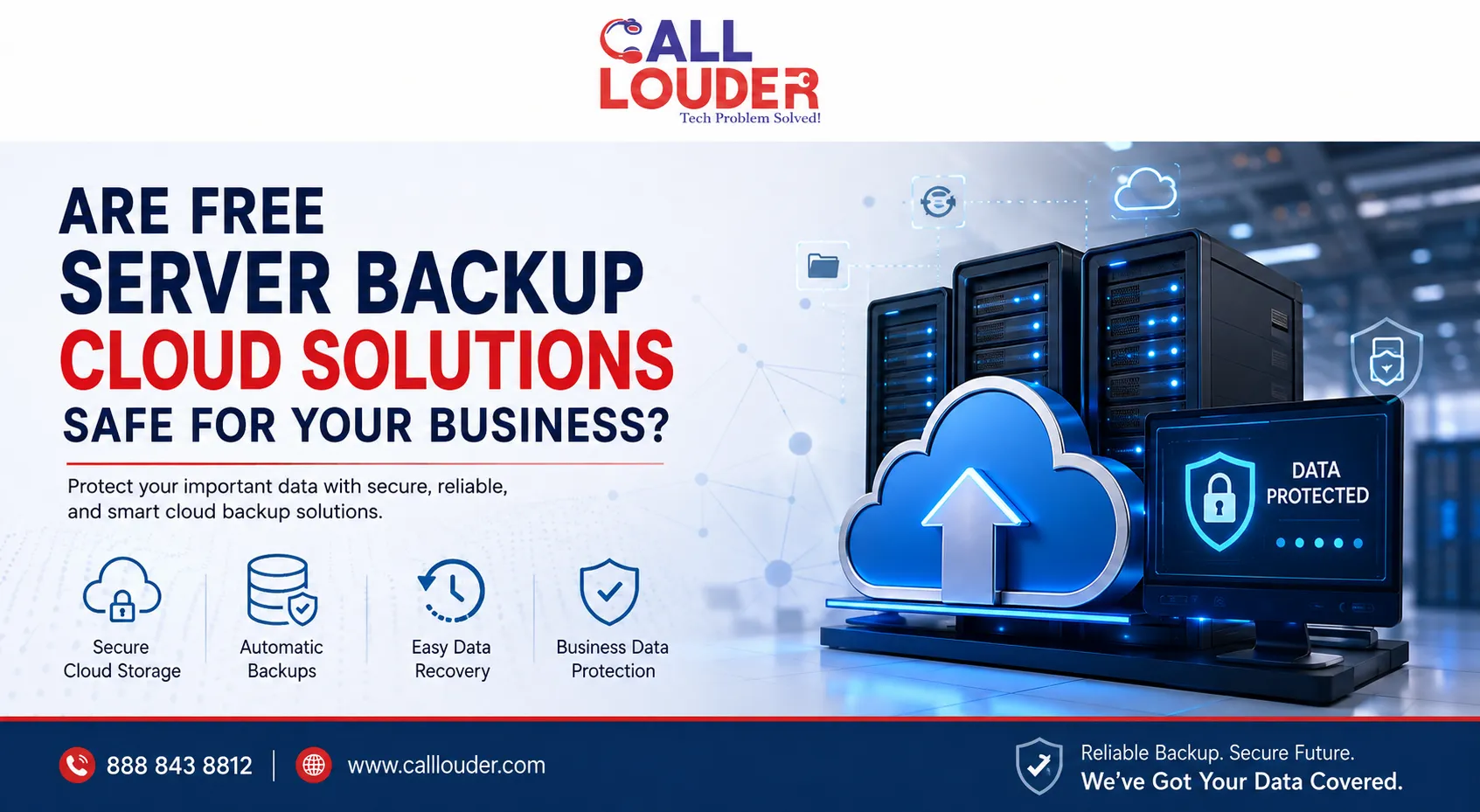

Business data is one of your most valuable assets. Customer records, financial documents, emails, databases, employee files, and operational information can be lost because of hardware failure, accidental deletion, malware, ransomware, or other unexpected incidents. For this reason, having a reliable backup strategy is essential.
Many businesses search for Server backup cloud solutions free because they want to protect their data without adding another monthly expense. Free backup options can be useful for testing or protecting smaller amounts of information, but businesses should carefully evaluate their security, storage limits, recovery options, and reliability before depending on them.
What Are Server Backup Cloud Solutions?
Server backup cloud solutions are services that copy data from a physical or virtual server to secure cloud-based storage. Instead of keeping the only backup on the same server, your information is stored separately and can potentially be restored after a system failure or data-loss event.
A typical cloud server backup may include:
- Files and folders
- Databases
- Server configurations
- Application data
- System images
- Business documents
- User information
- Virtual machine data
Cloud backups can provide an additional layer of protection because the backup is stored away from the primary server.
Are Free Server Backup Cloud Solutions Safe?
The answer depends on the specific provider and how the service is configured.
A free backup service is not automatically unsafe. However, businesses should not choose a solution simply because it has no upfront cost. The important question is whether the service provides the security, capacity, availability, and recovery features your business requires.
Before using any free cloud backup service, check whether it offers:
- Encryption during data transfer
- Encryption while data is stored
- Multi-factor authentication
- Access controls
- Reliable backup scheduling
- Data retention options
- Version history
- Recovery testing
- Monitoring and alerts
- Adequate storage capacity
- Clear privacy and security policies
If a free service lacks important safeguards or provides limited recovery capabilities, the potential cost of data loss could be much greater than the money saved.
What Are the Risks of Free Cloud Backup Services?
Free services often come with limitations. Understanding these limitations can help you determine whether they are suitable for business use.
1. Limited Storage
Free plans commonly provide less storage than paid business plans. A server can generate a large amount of data, especially when databases, applications, system files, and historical backups are included.
Once your storage limit is reached, backups may stop or older backup versions may be removed.
2. Limited Retention
Backup retention determines how long previous versions of your data remain available.
For example, if a file becomes corrupted today but the corruption is not discovered for several weeks, a service with very short retention may no longer have a clean copy available.
3. Fewer Recovery Features
Some free solutions may allow basic file backup but lack advanced disaster recovery capabilities. Businesses may need complete server restoration, bare-metal recovery, or virtual machine recovery rather than simply downloading individual files.
4. Security Concerns
Business backups can contain sensitive information. A provider with weak authentication, insufficient encryption, or poor access controls can increase security risks.
Always review how your data is protected before uploading business information to a cloud platform.
5. Limited Technical Support
Free plans may provide limited customer support. When a critical server fails, waiting for community assistance or relying only on documentation may not be sufficient.
When Can a Free Backup Solution Make Sense?
Free cloud backup can be useful in certain situations.
For example, it may be appropriate for:
- Testing a backup platform
- Small amounts of non-critical data
- Personal files
- Temporary projects
- Learning how cloud backups work
- Secondary copies of less-sensitive information
However, critical business servers generally require a more comprehensive backup strategy.
A business should consider the importance of its data, recovery time requirements, regulatory obligations, storage needs, and acceptable downtime before selecting a backup solution.
Remote Data Backup Services for Business Protection
For businesses that need more than basic cloud storage, remote data backup services can provide a structured approach to protecting important information.
Instead of manually copying files, a professional backup system can automatically schedule backups and monitor whether those backups complete successfully.
Depending on the service, businesses may also receive:
- Automated backup scheduling
- Encrypted data transfers
- Multiple backup versions
- Off-site storage
- Backup monitoring
- Recovery assistance
- Disaster recovery planning
- Data restoration support
Automation is particularly important because a backup that is forgotten or manually skipped does not provide reliable protection.
How Do Online Cloud Backup Solutions Work?
Online cloud backup solutions generally use backup software or an integrated system to transfer selected data from your computer or server to remote cloud storage.
A typical process looks like this:
Server → Backup Software → Encrypted Transfer → Cloud Storage → Recovery When Needed
Depending on the configuration, the system may perform incremental backups. Instead of uploading everything every time, it backs up only new or changed information.
This can reduce bandwidth usage and shorten backup times.
Businesses should also verify that backups are actually restorable. A successful backup message does not necessarily mean that every file or application can be recovered correctly.
Cloud Storage Backup Solutions vs. Traditional Backups
Traditional backups may rely on external hard drives, USB devices, local network storage, or other physical media.
Cloud storage backup solutions provide an off-site copy, which can be valuable if the primary location experiences:
- Hardware failure
- Fire
- Theft
- Flooding
- Ransomware
- Accidental deletion
- Server corruption
However, cloud backup should not necessarily replace every other type of backup. A layered strategy can provide stronger protection.
Follow the 3-2-1 Backup Approach
A commonly recommended approach is the 3-2-1 backup strategy:
- Keep 3 copies of important data
- Store them on 2 different types of media
- Keep 1 copy off-site
For organizations with critical systems, additional protections such as immutable backups or offline copies may also be considered.
What About “Data Backup Services Near Me”?
Businesses often search for data backup services near me when they want professional assistance with backup setup, monitoring, or recovery.
Local search can be useful when you need hands-on assistance, but remote support can also be effective for many backup environments. The important factor is not simply where the provider is located. Consider its experience, security practices, response time, backup technology, and recovery capabilities.
A provider such as Call Louder can help businesses evaluate their backup requirements and determine which approach fits their environment.
How to Choose a Safe Cloud Backup Solution
Before selecting a backup provider, ask these questions:
Is the data encrypted?
Look for encryption during transfer and while the data is stored.
Can you restore previous versions?
Versioning can be critical when files are accidentally deleted or corrupted.
How long are backups retained?
Make sure the retention period matches your business requirements.
Can you test the recovery process?
Regular recovery testing helps verify that your backups are actually usable.
Does the service support your server?
Check compatibility with your operating system, applications, databases, and virtual infrastructure.
What happens if ransomware encrypts your server?
Ask whether the backup system provides protected versions that cannot easily be modified or deleted by an attacker.
How much storage do you really get?
A free plan may initially appear sufficient but become inadequate as your business grows.
Is Paying for Backup Better Than Using a Free Solution?
Not necessarily in every situation, but businesses should compare the total value rather than focusing only on price.
A paid service may provide additional storage, longer retention, automated monitoring, professional support, advanced recovery options, and stronger business-oriented controls.
The cost of reliable backup should also be compared with the potential cost of losing customer data, operational files, or critical business systems.
Ultimately, Server backup cloud solutions free can be useful for testing and limited backup requirements, but businesses should carefully evaluate whether a free plan provides enough protection for their most important data.
Final Thoughts
Free cloud backup solutions can be a practical starting point, but they should not automatically be treated as a complete business disaster recovery plan. Storage limits, retention policies, security controls, recovery options, and technical support all matter.
For critical business systems, consider a layered strategy that combines automated backups, secure cloud storage, off-site copies, monitoring, and regular recovery testing.
Whether you are comparing remote data backup services, researching online cloud backup solutions, or looking for reliable cloud storage backup solutions, focus on recoverability and security—not just the word “free.”
Need help reviewing your business backup strategy? Contact Call Louder to discuss your remote IT and data backup needs.
Frequently Asked Questions
1. Are free server backup cloud solutions safe?
They can be safe when provided by a reputable provider with appropriate encryption, authentication, access controls, and reliable recovery features. However, businesses should review the limitations before using a free plan for critical data.
2. Can I back up an entire server to the cloud for free?
It depends on the provider. Free plans often have storage or feature limitations that may make complete server backups impractical.
3. How often should a business back up its server?
The appropriate frequency depends on how often data changes and how much data the business can afford to lose. Important systems may require daily or more frequent backups.
4. Are cloud backups protected from ransomware?
Cloud backups can provide protection against ransomware when they use appropriate security controls, versioning, access restrictions, and protected or immutable backup copies. Configuration is important.
5. What are remote data backup services?
Remote data backup services automatically or regularly copy business data to a separate location, often a secure cloud environment, so it can be recovered after data loss.
6. Should businesses use more than one backup?
Yes. Maintaining multiple copies in different locations or storage types can reduce the risk of losing all backup copies during a major incident.
7. How can Call Louder help with data backup?
Call Louder can help businesses evaluate their backup requirements, troubleshoot backup issues, and identify appropriate remote IT and data protection solutions based on their environment.























Sign in to leave a comment.