Popular writeup · 55 views

Be the first to respond, and Marco will see your name.
Canon printers have earned an excellent name for their excellent print quality; that is why many opt for this printer brand. As a new printer user, you may encounter hurdles while setting up your new Canon printer and downloading drivers from https://ij.start.canon/. In order to make the setup procedure simple for such users, we have mentioned the easy method below. Follow these steps in the mentioned way.
Popular writeup · 55 views
Popular writeup · 45 views
Popular writeup · 36 views
In addition to high-quality printing, Canon printers come with many scanning capabilities that allow you to digitize documents, photos, forms and anything else. To take full advantage of those capabilities you may require the use of the Canon IJ Scan Utility. If your Canon printer has an available scanner and your system is compatible, the Canon IJ Scan Utility can assist in the scanning process.
Installing Your Canon Printer In an effort to simplify things, Canon has made establishing your new Canon printer much simpler by introducing this central platform that is ideally structured to enable you to start finding the relevant setup information, drivers and software for eligible devices you have at your disposal: How To Establish The New Canon Printer Before you commence, please remove all protective packing materials within the new Canon Printer.
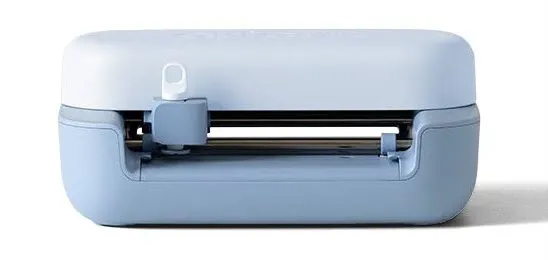
If you’re choosing between Cricut Explore 5 and Joy 2, learn which one is best for beginners and whether upgrading your current Cricut is worth it.
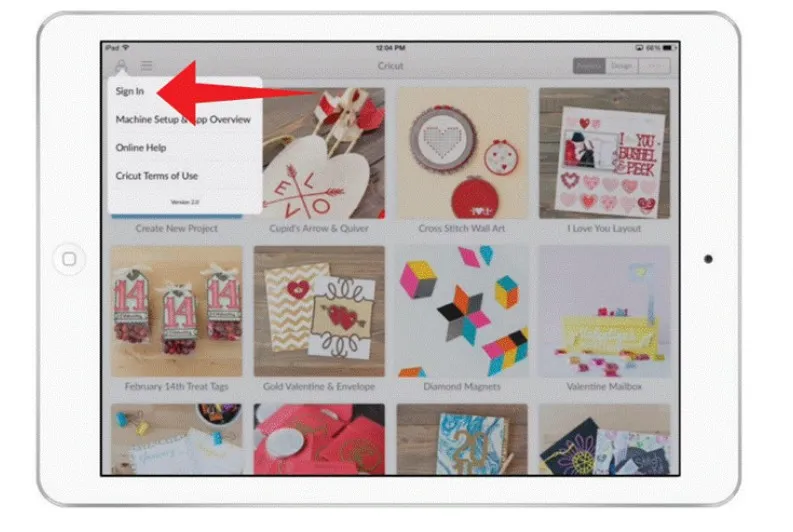
Cricut machines are flexible, as they allow you to connect them to different operating systems. You can connect them to an iPad for easy and convenient use. If you don’t have a desktop or want a more convenient way to manage your projects, a mobile device can help with that. However, if you don’t know how to setup Cricut Design Space on iPad, this guide will walk you through the process. You’ll learn how to get the Design Space app on your iPad and how to connect it to your machine.
Set up your Canon printer with IJ Start Canon in easy steps. Learn driver download, wireless setup on Windows and Mac, and key checks before you begin.
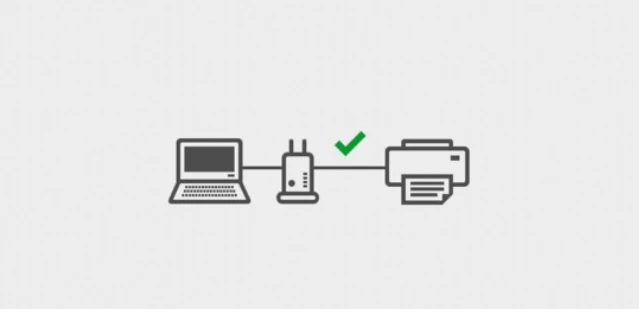
Learn how to setup wi-fi on a Canon printer with our step-by-step guide. In this guide, we explore the methods to connect Wi-Fi setup.
Learn why your Cricut Design Space is not working and how to fix it using simple troubleshooting methods and reinstall it correctly.
Learn how to make paper flowers with Cricut. Discover the full process for creating paper flowers with the machine. Learn how to make gifts.
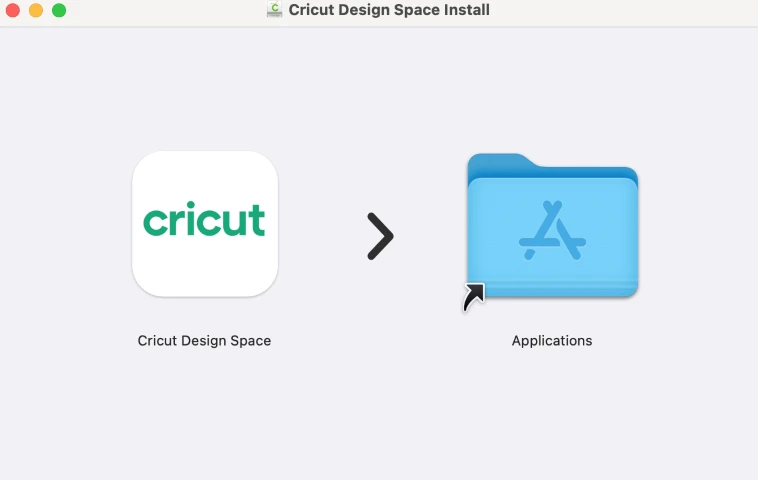
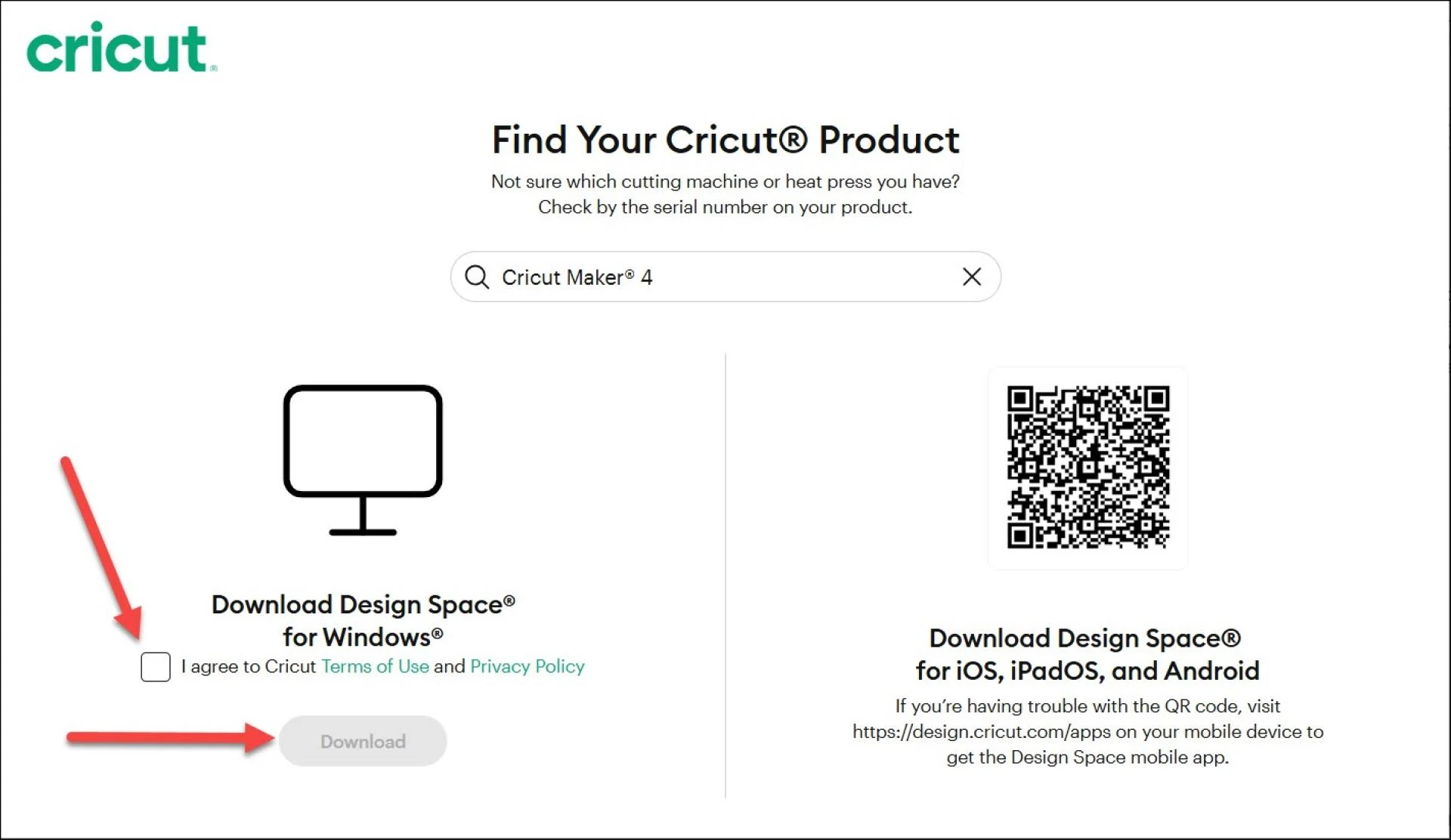
Learn how to complete the Cricut Design Space download for Windows 10. Discover system requirements and simple troubleshooting steps for a smooth installation.
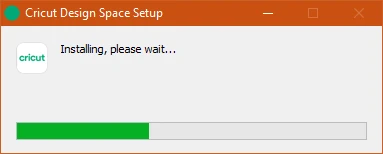
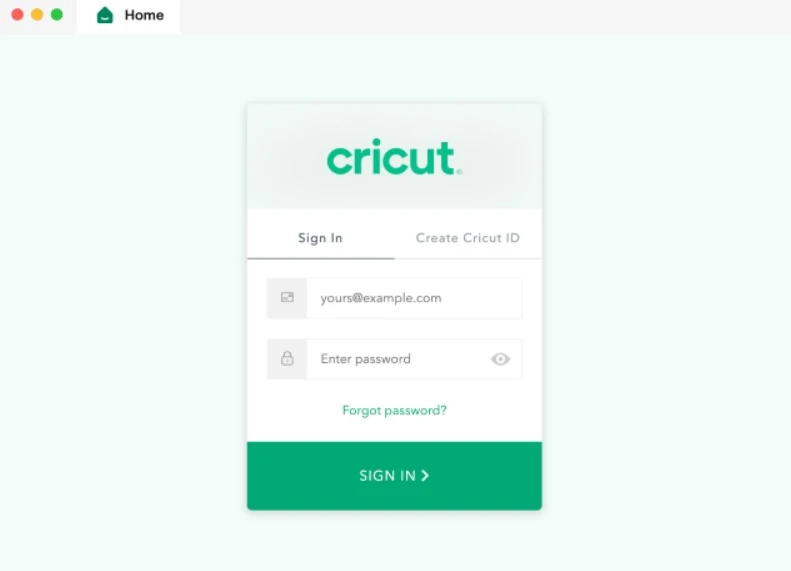
Learn how to set up a Cricut machine, including downloading and installing Design Space software and logging into your Cricut account.
Are you stuck before you even get to use your Cricut machine? You open your new Cricut box with excitement, and you sit down to set it up. Then the tr
Connecting your Canon printer to WiFi saves you from the hassle of traditional corded connections and allows wireless printing from your lap