
Introduction
In today’s digital world, privacy and security are essential for smartphone users. Whether you want to keep personal apps hidden from prying eyes or protect sensitive information, Realme provides built-in features to hide apps without the need for third-party applications.
If you’re wondering how to hide apps in Realme, this guide will walk you through the best methods to keep your apps secure and private.
For those looking for how to hide app in Realme, the App Lock and Hide Apps feature allows users to maintain complete control over their private applications.
Why Hide Apps on Realme?
Hiding apps on Realme smartphones can be beneficial for several reasons:
✔ Enhanced Privacy – Prevent others from accessing your personal apps.
✔ Increased Security – Keep sensitive apps like banking and social media accounts hidden.
✔ Decluttered Home Screen – Reduce clutter by keeping rarely used apps hidden.
With Realme UI and ColorOS, you can hide apps easily using built-in settings, eliminating the need for third-party apps.
Method 1: Using Realme’s Built-in Hide Apps Feature
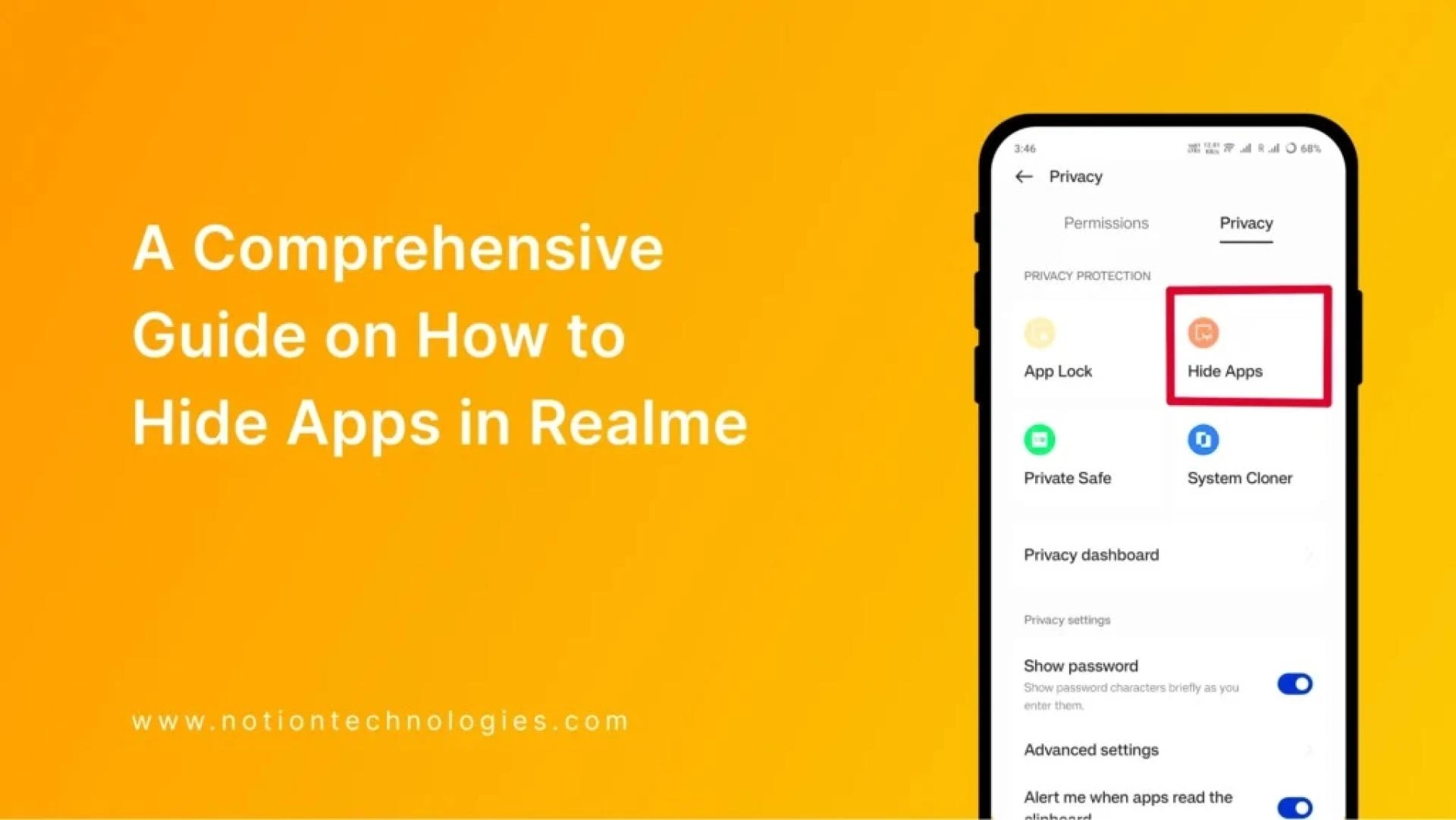
Realme smartphones provide a native Hide Apps feature, allowing you to hide apps without uninstalling them. Follow these steps:
Step 1: Open Privacy Settings
- Unlock your Realme smartphone.
- Navigate to Settings > Privacy.
- Select App Lock (if prompted, set up a privacy password).
Step 2: Enable App Lock
- Choose the apps you want to hide.
- Toggle on the App Lock feature.
Step 3: Hide Apps in Realme
- After enabling App Lock, go to "Hide Apps".
- Turn on the toggle switch to hide the selected apps.
- Set a secret dialer code to access hidden apps later.
This method is perfect for those searching for how to hide app in Realme, as it ensures privacy and security without affecting app functionality.
How to Access Hidden Apps on Realme
Once you’ve hidden your apps, they won’t appear on the home screen or in the app drawer. To access them:
- Open the Phone Dialer.
- Enter your pre-set access code (e.g., #1234#).
- Your hidden apps will now be displayed.
This is a secure and convenient way to keep your private apps protected.
Method 2: Hiding Apps Using Private Safe
Another option available on Realme devices is the Private Safe feature, which helps users store and hide important files and apps.
Steps to Use Private Safe:
- Go to Settings > Privacy > Private Safe.
- Set up a password for access.
- Move selected apps or files into the Private Safe folder.
While this method does not completely hide installed apps, it keeps sensitive files and app data private.
Method 3: Using Guest Mode
If you want a more temporary way to hide apps, Guest Mode is an effective option.
How to Use Guest Mode:
- Go to Settings > Users & Accounts > Guest Mode.
- Switch to Guest Mode, which hides all user-installed apps.
This is a useful feature for hiding apps when sharing your phone with others.
Alternative Ways to Hide Apps on Realme
If the built-in Hide Apps feature is unavailable on your Realme device, here are some alternative methods:
✔ Using Nova Launcher – Allows you to hide apps through home screen customization.
✔ Disabling Pre-Installed Apps – Go to Settings > Apps > Select App > Disable to remove system apps from the home screen.
These options offer additional flexibility in managing privacy on your Realme phone.
Frequently Asked Questions (FAQs)
1. Can I hide apps in Realme without third-party apps?
Yes, Realme provides a built-in Hide Apps feature under Privacy Settings that allows users to hide apps securely.
2. How do I access hidden apps on Realme?
You can access hidden apps by dialing a secret access code in the Phone Dialer.
3. Does hiding an app delete its data?
No, hiding an app does not delete any data. The app remains installed but is hidden from view.
4. Can I hide system apps on Realme?
No, system apps cannot be hidden using the built-in feature. However, they can be disabled under App Settings.
5. Will hiding apps affect my phone’s performance?
No, hiding apps does not impact the performance of your Realme phone.
Conclusion
Hiding apps on Realme phones is a simple and effective way to improve privacy and security. Whether you want to protect sensitive applications, secure confidential data, or declutter your home screen, Realme’s built-in Hide Apps feature provides an easy and efficient solution.
Now you know how to hide apps in Realme using multiple built-in methods.
For users searching for how to hide app in Realme, these strategies ensure that your private applications remain hidden while still being accessible when needed.


























Sign in to leave a comment.