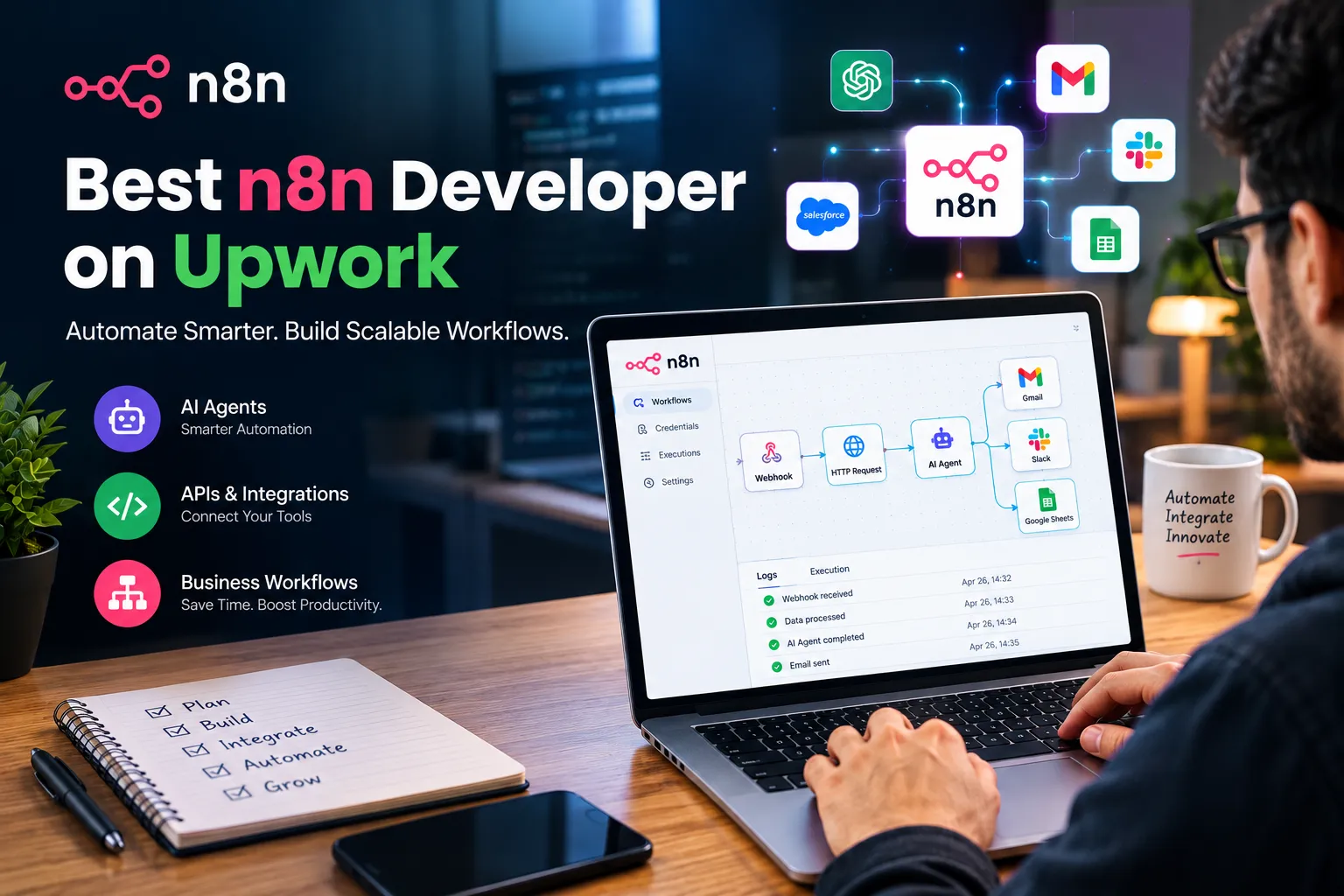

Finding the best n8n developer on Upwork usually comes down to one question: can this person actually connect your systems and make them work together without babysitting the workflow every week? n8n has become the default automation tool for businesses that need more flexibility than Zapier offers and more control than a fully custom-coded system requires. It's open-source, self-hostable, and built around visual workflows that can still drop into raw JavaScript when the built-in nodes aren't enough.
What Businesses Can Actually Automate With n8n
n8n is used to move data between systems and trigger actions automatically, without a human copying information from one app to another. A common example: a new lead fills out a form, n8n pulls that submission through a webhook, checks it against existing CRM records, enriches it with data from a third-party API, and routes it to the right sales rep in Slack - all within seconds of submission.
The practical range covers CRM automation, lead automation, marketing automation, sales automation, and business process automation across tools like HubSpot, Salesforce, Google Sheets, Gmail, Shopify, and WordPress. Because n8n supports raw HTTP requests and JSON handling alongside its pre-built nodes, it can talk to almost any system with a documented API, not just the platforms it has native connectors for.
Why n8n Works Well for AI Agents and API-Heavy Workflows
n8n can absolutely be used to build AI agents. It has native support for connecting to large language models, including OpenAI integration, and can chain multiple model calls together with conditional logic, memory, and tool access. This matters because most real automation problems aren't simple triggers - they involve a decision step where the workflow needs to interpret unstructured input (an email, a support ticket, a document) before deciding what to do next.
A workflow built for AI-powered lead qualification might use an LLM to read an inbound message, classify intent, pull relevant account history from a database, and only then decide whether to notify a rep or send an automated reply. That kind of branching logic is where n8n separates itself from simpler no-code tools - it can hold state, retry failed steps, and handle authentication (OAuth, API keys, token refresh) across multiple services in a single flow.
When Should a Business Hire an n8n Automation Developer?
Hiring an n8n automation developer usually makes sense once a workflow needs to touch more than two or three systems, handle errors gracefully, or scale past a handful of runs per day. Internal teams often start building automations themselves and run into trouble with rate limits, inconsistent API responses, or webhook payloads that don't match what the documentation described. An experienced developer has usually hit those exact problems before and knows how to build in retries, logging, and fallback paths from the start rather than patching them in after something breaks in production.
Common n8n Automation Use Cases
Recurring patterns worth knowing: automated invoice and order processing between Shopify and accounting tools, webhook automation that syncs form submissions into a CRM in real time, database automation that keeps records in sync across two internal systems, and SaaS integrations that connect tools like HubSpot or Salesforce to internal reporting dashboards. AI agents built on top of these same workflows are increasingly used for support ticket triage, content generation pipelines, and automated data enrichment before a lead ever reaches a sales rep.
What to Look for in the Best n8n Developer on Upwork
Look for someone who can explain how they'd handle failure, not just success. Ask what happens if an API times out mid-workflow, how they'd deal with a third-party service changing its response format, or how they structure workflows so one broken node doesn't take down the entire automation. A developer who talks through error handling, authentication renewal, and data validation before you ask is usually the one who's actually run these systems in production, not just built demos.
Why API, Webhook, and CRM Integration Experience Matters
Every integration is really a negotiation between two systems that weren't designed to talk to each other. Understanding REST APIs, webhook payloads, and how OAuth tokens expire and refresh is what separates a workflow that runs reliably for months from one that quietly stops working after a few weeks. This is also where AI workflow automation gets harder in practice - feeding unpredictable, model-generated output back into a rigid CRM schema requires validation steps that a lot of quick builds skip entirely.
My Approach on Upwork
I work as an AI automation developer building n8n workflows for businesses that need reliable automation across CRMs, APIs, databases, and AI models - not just simple app-to-app triggers. My Upwork profile covers projects involving webhook-based systems, OpenAI-connected agents, and multi-step business process automation built for maintainability, not just a working demo on day one.
If you're evaluating developers for an automation project, the official n8n documentation is a useful place to see what the platform actually supports before scoping a build. From there, reviewing a developer's specific integration and AI agent experience is the more reliable filter than general claims about automation expertise.

























Sign in to leave a comment.