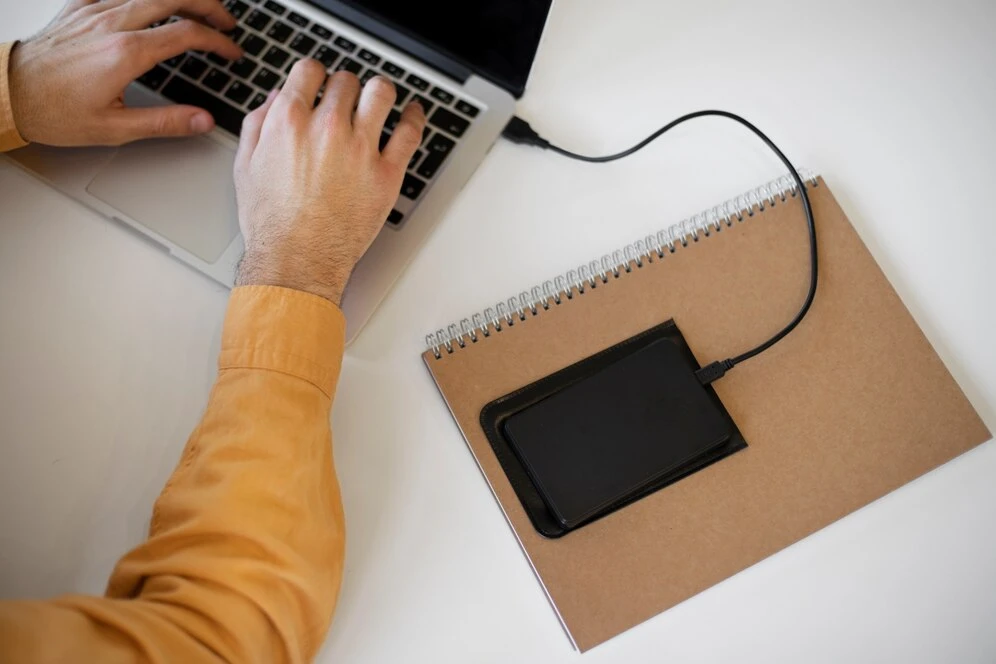

Upgrading to a new computer or transitioning multiple systems in a business environment can be a daunting task. Manually transferring files, reinstalling applications, and configuring settings not only consumes valuable time but also increases the risk of errors, data loss, and compatibility issues.
This is where the best PC migration software comes into play. Designed to automate and streamline the transfer process, these tools ensure seamless data migration while minimizing the risks associated with manual methods. In this article, we’ll explore how PC migration software helps save time and reduces errors for individuals, businesses, and IT professionals.
1. Automated Migration Saves Hours of Manual Work
Manually transferring data from one computer to another can take hours or even days, especially when moving large amounts of files, applications, and user settings. Every program must be reinstalled, files must be manually copied, and system preferences must be reconfigured.
With PC migration software:
✔ One-click migration: Transfers data, settings, and applications automatically.
✔ Batch processing: Moves multiple user profiles and files at once.
✔ Cloud and network-based transfers: Eliminates the need for external storage devices.
🔹 Time Saved: What could take a full day manually can be completed in a matter of hours or even minutes with an automated migration tool.
2. Reduces Human Errors and Data Loss
When migrating data manually, it’s easy to forget important files, misplace documents, or skip application configurations. Additionally, accidentally deleting files or copying the wrong versions can lead to significant issues after the migration.
How PC migration software prevents errors:
✔ Automated file detection: Ensures all data is selected and transferred.
✔ Application compatibility checks: Identifies potential software conflicts before migration.
✔ Error-free replication: Accurately copies files and settings without manual mistakes.
🔹 Error Reduction: By automating the process, PC migration software ensures that nothing is left behind, reducing the chances of lost or corrupted files.
3. Seamless Transfer of Applications and Settings
One of the biggest challenges of manual migration is reinstalling and reconfiguring applications. Many software programs require license reactivation, custom settings, and dependencies that are difficult to restore manually.
How PC migration software helps:
✔ Transfers installed applications with licenses and settings intact.
✔ Preserves system configurations, email setups, and personal preferences.
✔ Reduces the need for IT support and manual troubleshooting.
🔹 Time Saved: Instead of spending hours setting up applications, users can get back to work immediately on their new system.
4. Minimizes Downtime for Businesses and IT Teams
For businesses, migrating multiple PCs can disrupt workflow and lead to costly downtime. Employees may have to wait for their systems to be reconfigured manually, causing productivity losses.
How PC migration software prevents downtime:
✔ Schedule migrations during off-hours or weekends.
✔ Remote deployment for seamless enterprise-wide transitions.
✔ Bulk migration capabilities for faster business-wide rollouts.
🔹 Business Impact: IT teams can deploy hundreds of new PCs simultaneously without interrupting daily operations.
5. Ensures Security and Compliance During Migration
Manually transferring data often involves using external storage devices, unsecured networks, or outdated methods that put sensitive data at risk. Cybersecurity breaches, compliance violations, and accidental data leaks are common concerns during migration.
How PC migration software enhances security:
✔ End-to-end encryption ensures secure data transfer.
✔ Audit logs track migration progress for compliance and troubleshooting.
✔ No reliance on external USBs or cloud drives, reducing exposure to threats.
🔹 Security Benefits: Businesses can maintain compliance with data protection regulations and reduce risks associated with unsecured manual transfers.
6. Supports Cross-Platform and OS Migrations
When moving to a new system, compatibility issues can arise between different operating systems, hardware configurations, or software versions. Manual transfers often fail when dealing with system differences.
How PC migration software solves compatibility issues:
✔ Supports Windows-to-Windows migrations (Windows 10 → Windows 11, etc.).
✔ Handles different device architectures (HDD to SSD, desktop to laptop).
✔ Cloud-based solutions for hybrid and remote workforces.
🔹 Ease of Migration: Users can seamlessly switch to newer hardware or operating systems without compatibility roadblocks.
Final Thoughts: A Smarter, Faster, and More Reliable Solution
The best PC migration software eliminates the frustration, inefficiencies, and risks of manual data transfers. Whether you’re an individual upgrading your personal computer or an IT professional managing enterprise migrations, these tools save time, reduce errors, and ensure a smooth transition with minimal downtime.
Ready to migrate your PC the right way? Explore top-rated PC migration software and experience a hassle-free transition today!

























Sign in to leave a comment.