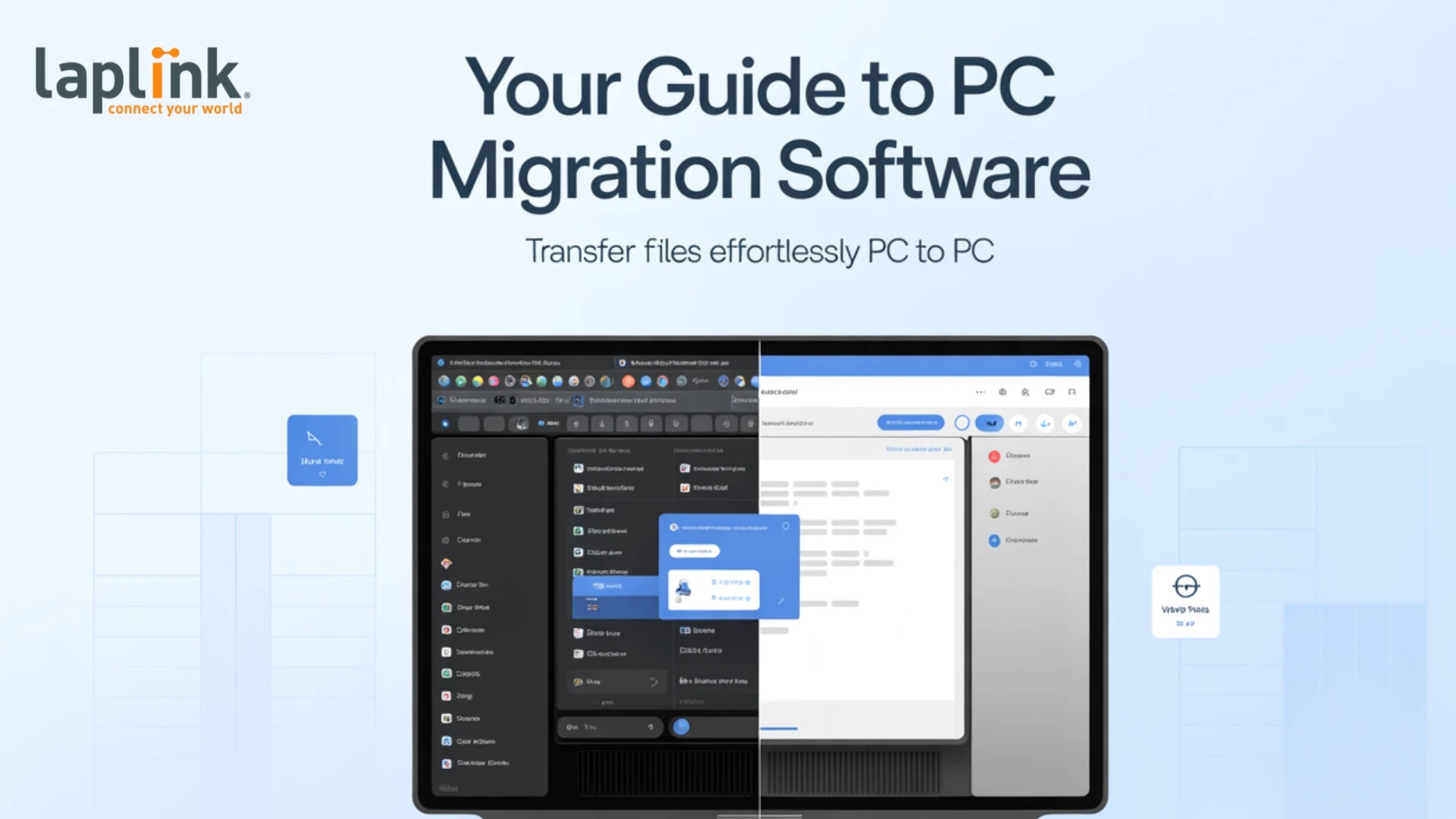

Getting a new computer should feel like an upgrade, not a headache. Yet, one of the biggest obstacles users face is figuring out how to transfer files from PC to PC while keeping all their apps, settings, and preferences intact. Relying on external drives, manual copies, or cloud uploads often leads to wasted time and the risk of missing critical data—challenges that become even bigger for IT teams handling large-scale migrations.
This is where modern PC migration software makes a difference. By 2025, the best tools are built to handle complete migrations—covering not only documents and media, but also installed applications, user profiles, and custom settings—delivering a smooth, worry-free experience from old device to new.
What Is PC Migration Software?
PC migration software (also called a PC migration tool or computer migration software) is designed to automate the process of moving everything from one computer to another. Unlike basic file transfer methods, these tools can:
- Transfer files, folders, and documents
- Move installed applications and licenses
- Migrate user profiles and settings
- Ensure compatibility with new operating systems like Windows 11
This makes them the best PC migration tools for both individuals upgrading at home and IT teams managing enterprise-scale refresh projects.
Why Not Just Transfer Files Manually?
Manually copying files with USB drives, cloud storage, or network shares may work for small jobs—but it doesn’t scale. Manual transfers often result in:
- Lost data (forgotten folders, hidden files)
- Reinstalled applications (costing time and effort)
- Incorrect settings (users must reconfigure everything)
- Downtime for employees (hours or days of lost productivity)
With the right computer migration software, the process becomes automated, reliable, and much faster.
Features to Look for in the Best PC Migration Tool (2025)
When evaluating PC migration software, here are the features that matter most in 2025:
- Application Transfer – Moves installed apps, licenses, and settings.
- OS Compatibility – Works seamlessly with Windows 11 and upcoming releases.
- Scalability – Handles single-user migrations or large enterprise rollouts.
- Automation – Reduces IT involvement with policy-based or zero-touch migrations.
- Reliability – Ensures near-100% success rates with minimal risk of data loss.
Top Use Cases for PC Migration Software
- Home Users: Easily move personal files, photos, music, and software to a new PC.
- Small Businesses: Save time when refreshing multiple desktops or laptops.
- Enterprises: Handle thousands of migrations efficiently during Windows 11 upgrades.
- IT Teams: Use centralized management for secure, automated rollouts.
PCmover: The Best PC Migration Software for 2025
One of the most trusted tools is Laplink PCmover, often recognized as the best PC migration tool on the market. Why?
- Transfers files, settings, and applications—not just data
- Works seamlessly with Windows 11 migrations
- Integrates with Windows Autopilot, Intune, and OneDrive for a complete refresh solution
- Scales from single PCs to large enterprise deployments
- Reduces downtime, saving both time and money
PCmover fills the gaps left by Microsoft’s built-in tools, making it the go-to choice for businesses and IT professionals.
How to Transfer Files and Apps from PC to PC in 2025
- Install PCmover on both the old and new PCs.
- Choose a transfer method (network connection, Laplink cable, or image).
- Select what to migrate—files, apps, settings, or everything.
- Start the migration—automation handles the rest.
- Verify and go—your new PC is ready to use with all files and apps intact.
Conclusion
In 2025, upgrading your PC doesn’t have to mean starting from scratch. With the right PC migration software, you can easily transfer files from PC to PC, move applications, and preserve your settings with minimal downtime.
Whether you’re a home user looking for convenience or an IT manager planning a company-wide Windows 11 refresh, the best PC migration tools—like Laplink PCmover Enterprise—deliver the speed, reliability, and automation needed to make migrations stress-free.



























Sign in to leave a comment.