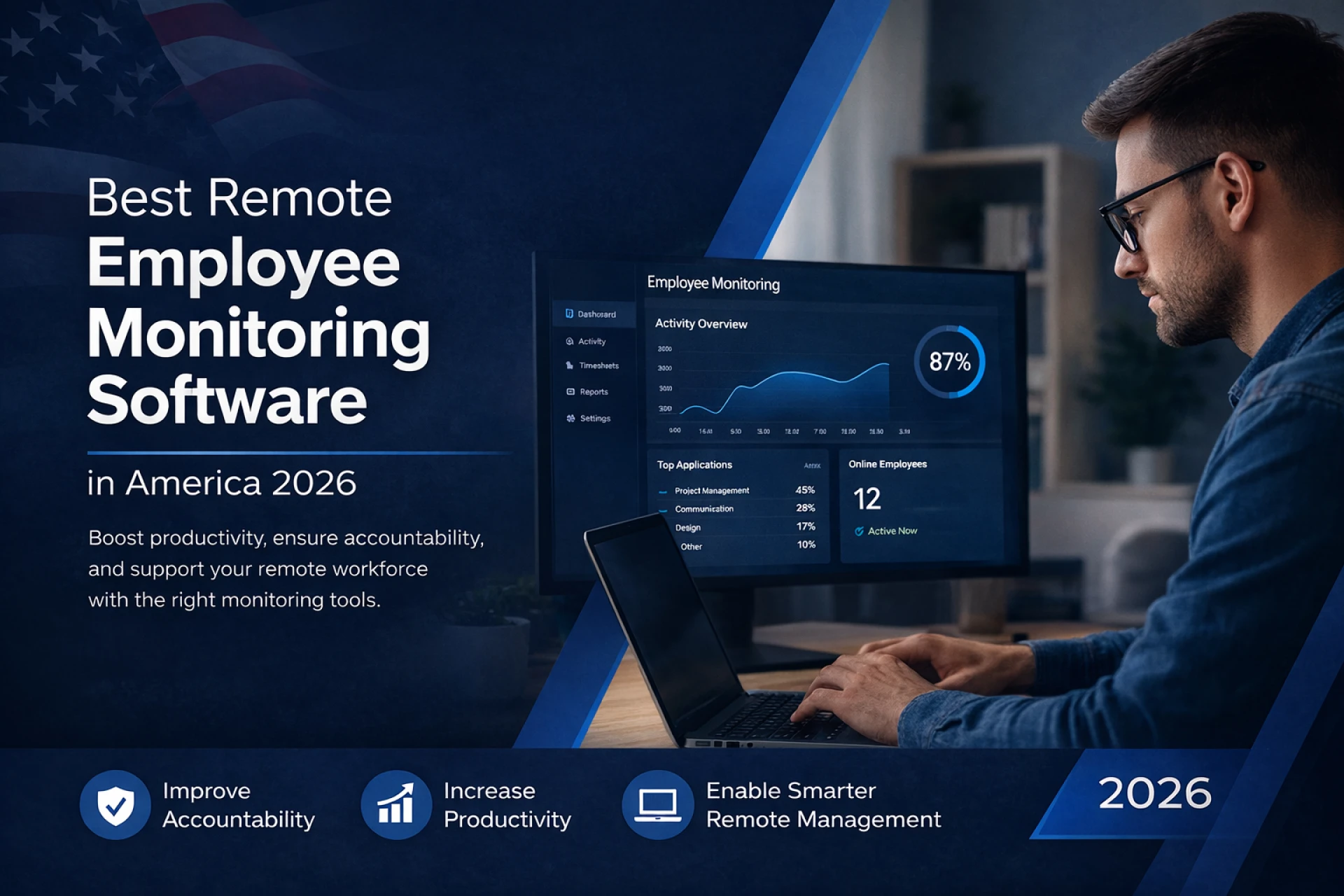
Remote work is now the standard for many companies in the United States. Businesses with remote teams need tools to track productivity, manage work hours, monitor employee activity, and improve team performance. This is where remote employee monitoring software becomes important. In this blog, we will explain employee monitoring, how it helps companies save money, important features, and the best remote employee monitoring software in America in 2026.
What is Employee Monitoring?
Employee monitoring is the process of tracking employee work activity, productivity, attendance, and computer usage using software tools. Companies use employee monitoring software to understand how employees spend their working hours and improve productivity.
Employee monitoring software can track:
• Time spent on tasks
• Applications and websites used
• Screenshots of work
• Attendance and work hours
• Productivity reports
• Remote team performance
• Idle time Tracker
• OT tracker
In remote teams, managers cannot physically see employees working, so monitoring software helps companies maintain transparency and accountability. Modern employee monitoring tools also provide analytics and reports to help businesses make better decisions and improve workflow efficiency.
Employee monitoring is not only about tracking employees but also about improving productivity, managing projects, and optimizing team performance.
How Remote Employee Monitoring Helps Teams Save Money
Remote employee monitoring software helps companies save money in many ways. Many businesses in the United States use monitoring tools to reduce operational costs and improve productivity.
• Improves Productivity
Employee monitoring software helps identify time wastage, distractions, and inefficient workflows. Companies can improve productivity by analyzing reports and employee activity data.
Studies show that companies lose 20–30% of productive time due to inefficient workflows and lack of visibility into work processes. Monitoring software helps reduce this loss and improve efficiency.
• Reduces Payroll Errors
Time tracking features automatically record employee working hours, reducing manual timesheet errors and incorrect payroll calculations.
• Reduces Time Theft
Time theft happens when employees log working hours but are not actually working. Monitoring software tracks active time, idle time, and screenshots, which reduces time theft.
• Improves Project Management
Managers can see how much time is spent on projects and tasks. This helps companies manage project budgets and avoid overspending.
• Reduces Office Costs
Remote monitoring allows companies to run fully remote teams, which reduces office rent, electricity, and infrastructure costs.
Overall, remote employee monitoring software helps companies increase productivity and reduce operational costs.
Features Required in Remote Employee Monitoring Software
1. Time Tracking
Time tracking is the core feature of remote employee monitoring software because it records employee working hours, login time, logout time, breaks, and total active hours. Many companies use time tracking tools to track billable and non-billable hours, calculate salaries accurately, and understand how much time is spent on projects and tasks. This improves project planning, payroll accuracy, and overall productivity management.
2. Screenshot Monitoring
Screenshot monitoring captures employee screen images at regular intervals to verify that employees are working on job-related tasks. This feature improves transparency and accountability in remote teams and helps reduce time theft. Many modern tools allow blurred screenshots for privacy and customizable screenshot intervals, making it useful for remote companies and outsourcing teams.
3. App and Website Tracking
App and website tracking monitors which applications and websites employees use during working hours. The software usually categorizes apps and websites as productive or unproductive, helping managers identify distractions and improve productivity. This feature also helps businesses understand software usage and optimize workflows by analyzing employee work patterns.
4. Activity Tracking
Activity tracking measures keyboard and mouse activity to calculate employee activity levels and productivity percentages. It helps managers identify active, idle, and less productive employees and understand work behavior patterns. This feature is very useful for remote teams where managers cannot physically monitor employees but still want to track engagement and performance.
5. Reports and Analytics
Reports and analytics provide detailed insights into employee productivity, attendance, time usage, projects, and performance. Managers can use these reports to make data-driven decisions, improve workflows, and identify productivity issues. Advanced software also provides dashboards, productivity trends, and performance comparisons for better team management.
6. Remote Team Management
Remote team management features help companies manage employees working from different locations. These tools include team dashboards, attendance tracking, task management, project monitoring, and performance tracking. This makes it easier for managers to coordinate work, assign tasks, monitor progress, and manage distributed teams efficiently.
7. Idle Time Tracking
Idle time tracking records when employees are inactive and not using their keyboard or mouse. This helps companies identify time wastage, improve productivity, and ensure accurate time tracking. Managers can also set idle time rules like automatic timer stop after inactivity or idle alerts for employees.
8. Real-Time Monitoring Dashboard
A real-time monitoring dashboard allows managers to see employee activity live, including active users, idle users, screenshots, app usage, and work hours. This helps managers monitor remote teams in real time, identify issues quickly, improve team coordination, and make faster management decisions.
Top Remote Employee Monitoring Software in America 2026
1. MaxelTracker
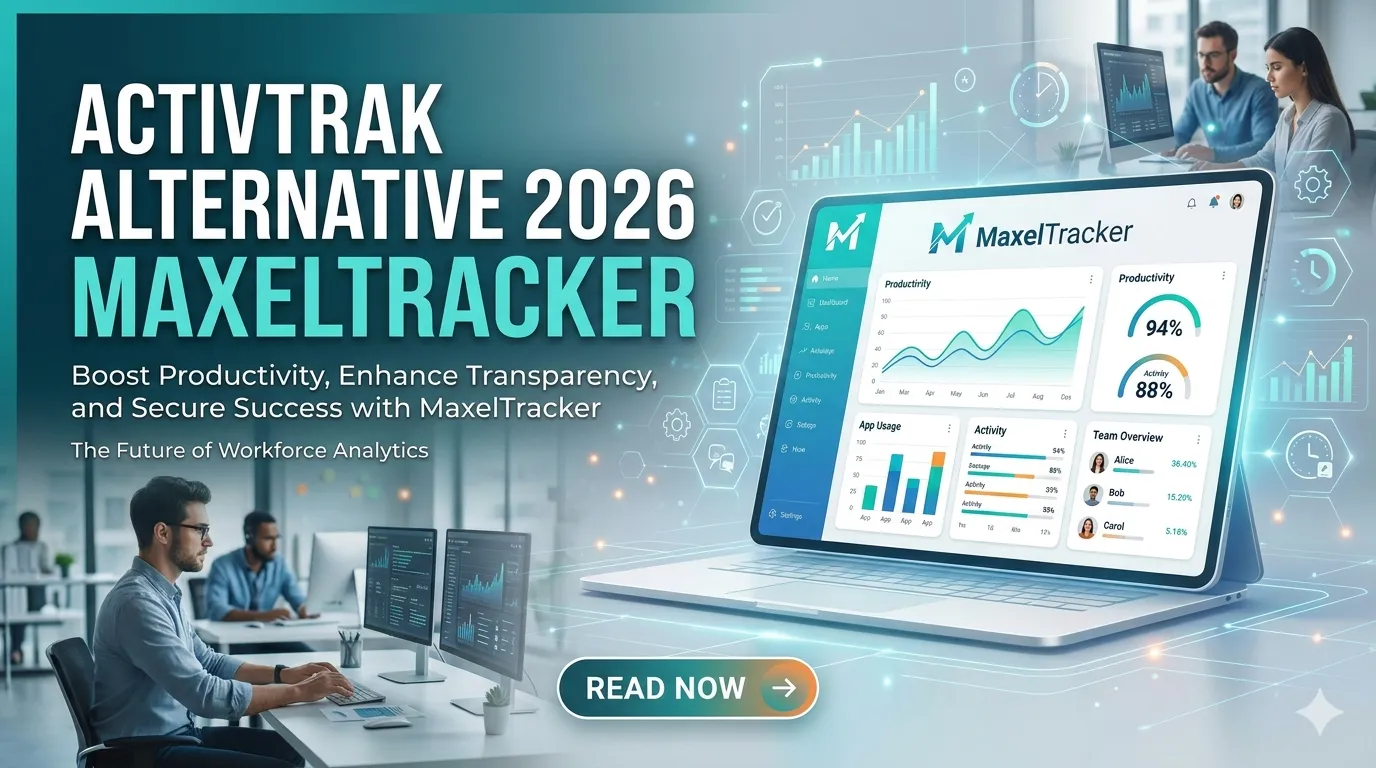
MaxelTracker is a remote employee monitoring and time tracking software designed for remote teams and businesses. It includes features like time tracking, screenshot monitoring, activity tracking, and website and app tracking to monitor employee productivity and work activity. The software also provides productivity reports, attendance tracking, remote team monitoring, and project tracking to help managers manage teams and workflows efficiently. In addition, it offers a real-time monitoring dashboard that allows managers to view live employee activity, track working hours, and monitor overall team productivity from one platform. MaxelTracker is suitable for remote teams, IT companies, agencies, and outsourcing companies and helps improve productivity and remote workforce management.
2. Teramind
Teramind is one of the most advanced employee monitoring software tools, especially for security and compliance-focused companies. It includes features like user activity monitoring, screen recording, keystroke logging, behavior analytics, data loss prevention, insider threat detection, and remote desktop monitoring to help companies monitor employee activity and protect sensitive data. Teramind is best for large companies and industries like finance, healthcare, and legal where security monitoring and data protection are very important.
3. Hubstaff
Hubstaff is one of the most popular remote employee monitoring software tools in the United States and is mainly used for time tracking, productivity monitoring, and project management. It includes features like time tracking, productivity monitoring, screenshots, GPS tracking, reports and analytics, project tracking, and remote team management to help businesses track work hours and manage remote teams efficiently. Hubstaff is widely used by remote teams, freelancers, and agencies to monitor productivity and manage projects.
4. Monitask
Monitask is a remote employee monitoring software designed for tracking employee productivity and managing remote teams. It includes features like automated time tracking, screenshots, productivity tracking, website tracking, attendance tracking, online timesheets, remote team management, and reports and analytics to help companies monitor employee performance and track work hours. Monitask helps companies improve productivity, manage remote employees, and generate accurate work reports automatically.
5. Time Doctor
Time Doctor is employee monitoring and time tracking software used by remote teams and companies in America. It includes features like time tracking, task tracking, website and app monitoring, screenshots, productivity reports, distraction alerts, and performance analytics to help businesses monitor employee productivity and improve work efficiency. Time Doctor helps companies manage remote teams, track work time, and improve employee performance and productivity.
Conclusion
Remote work is growing rapidly in the United States, and companies need employee monitoring software to manage remote teams efficiently. Remote employee monitoring software helps businesses track productivity, manage projects, reduce costs, and improve team performance. These tools provide visibility into employee work activity, help managers make data-driven decisions, and improve overall team efficiency in remote work environments.
However, MaxelTracker is the best out of all the time tracking and employee monitoring software because it provides complete remote employee monitoring, productivity tracking, time tracking, and team management features in one platform. Companies looking for remote employee monitoring software should consider using MaxelTracker to manage remote teams, improve productivity, and streamline remote workforce management.






















Sign in to leave a comment.