Introduction
In 2026, remote work, hybrid teams, and global hiring have become the norm—especially for companies using macOS devices. As more businesses adopt Apple ecosystems for their performance, security, and reliability, the need for free Mac employee monitoring software has grown significantly.
Employee monitoring is no longer about surveillance—it’s about productivity optimization, transparency, and data-driven decision-making. Modern tools help businesses understand how time is spent, identify inefficiencies, and improve overall team performance.
Mac employee monitoring software is specifically designed to work seamlessly on macOS devices without affecting system performance. These tools track employee activity, provide insights into workflows, and help organizations build a more productive and accountable work culture.
Whether you run a startup, agency, IT company, or remote team, choosing the right free Mac monitoring software can help you stay competitive in 2026.
How Mac Employee Monitoring Software Benefits You
Implementing employee monitoring software on Mac devices offers several advantages for businesses of all sizes. These tools are not just for tracking—they are essential for improving performance, accountability, and efficiency.
1. Improves Productivity
Mac monitoring tools provide detailed insights into how employees spend their time. By analyzing app usage, websites, and work patterns, businesses can identify distractions and optimize workflows. According to industry data, visibility into work habits can significantly boost team productivity by eliminating time wastage.
2. Enhances Accountability
When employees know their work is being tracked transparently, they tend to stay more focused and responsible. Monitoring tools create a culture of accountability without micromanagement.
3. Supports Remote & Hybrid Work
With teams working from multiple locations, it becomes difficult to track performance manually. Mac monitoring software bridges this gap by providing real-time visibility into employee activities, regardless of location.
4. Provides Data-Driven Insights
Modern tools use analytics and AI to generate reports on productivity, attendance, and efficiency. These insights help managers make smarter decisions regarding workload distribution and team performance.
5. Reduces Time Theft & Idle Time
Tracking idle time, login/logout activity, and break patterns helps organizations minimize unproductive hours and ensure fair work practices.
6. Improves Project Management
Employee monitoring tools integrate with project management systems to track time spent on tasks. This helps in accurate billing, better deadlines, and improved project delivery.
7. Ensures Compliance & Security
Advanced tools monitor data access, app usage, and suspicious behavior, helping businesses maintain compliance and protect sensitive information.
Features Needed in Mac Employee Monitoring Software
Choosing the right tool requires understanding the key features that make monitoring effective and ethical. In 2026, businesses expect more than just basic tracking.
1. Time Tracking & Attendance
The core feature of any monitoring software is time tracking. It should automatically track working hours, breaks, and idle time without manual input.
2. App & Website Usage Tracking
A good tool should provide insights into which applications and websites employees use and how much time is spent on them. This helps identify productive vs. non-productive activities.
3. Screenshot Monitoring
Many tools offer optional screenshots to visually track work progress. Advanced tools allow blurred screenshots to maintain privacy.
4. Real-Time Monitoring
Managers should be able to see live activity or access historical data to understand employee performance trends.
5. Productivity Reports & Analytics
Modern software uses AI to generate detailed reports, including productivity scores, work patterns, and performance metrics.
6. Idle Time Detection
Tracking idle time helps identify when employees are inactive and ensures accurate work-hour reporting.
7. Privacy Controls
Ethical monitoring is critical. Tools should include features like manual tracking, data encryption, and role-based access control.
8. Cross-Platform Compatibility
Even if your team uses Macs, some employees may use Windows or Linux. A good tool should support multiple platforms.
9. Integration Capabilities
Integration with tools like project management software, CRMs, and communication platforms is essential for seamless workflows.
10. Ease of Use
The software should be simple to install and user-friendly for both employees and managers.
Top Mac Employee Monitoring Softwares in 2026
Here are some of the best free and freemium Mac employee monitoring tools you should consider in 2026:
1. MaxelTracker
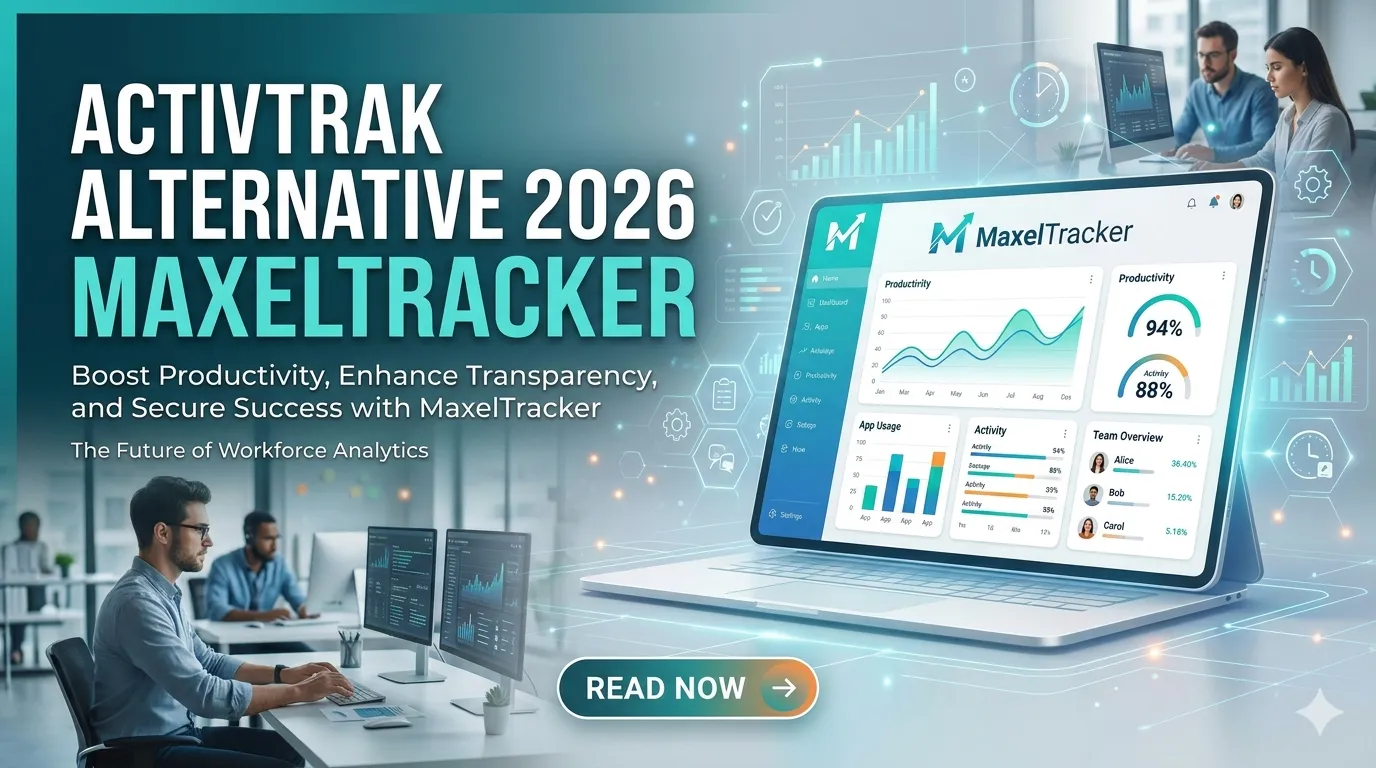
MaxelTracker is one of the most advanced and user-friendly Mac employee monitoring tools available in 2026. It is designed for modern teams that need deep insights without compromising performance or privacy.
MaxelTracker offers AI-powered monitoring with features like automated time tracking, app and website tracking, and real-time productivity analytics. As a powerful time tracking software, it also includes live screen monitoring, helping organizations understand how employees spend their time and identify areas for improvement.
One of its standout features is smart screenshots, which capture work activity while enabling time tracking with screenshots for accurate productivity monitoring. This feature is especially useful for Remote Employee Tracking, allowing managers to monitor work progress while still maintaining transparency. It also provides role-based access, ensuring that only authorized personnel can view sensitive data and maintain employee privacy.
Additionally, MaxelTracker tracks idle time, system activity, and work patterns, giving a complete overview of employee performance. It works seamlessly on macOS without slowing down the system, making it ideal for startups, agencies, and remote teams.
Best for: Businesses looking for AI-powered insights and all-in-one monitoring
2. We360
We360.ai is another popular Mac-compatible employee monitoring tool focused on productivity tracking and workforce analytics.
We360 provides features like real-time screenshots, overtime tracking, and productivity reports. It helps organizations measure employee efficiency and improve team performance through data insights.
The platform is particularly useful for remote teams, as it provides clear visibility into daily work activities. Its intuitive dashboard makes it easy for managers to track performance and generate reports.
Best for: Small to medium businesses focusing on employee productivity tracking
3. Teramind
Teramind is a powerful and advanced monitoring solution known for its deep tracking capabilities and security features.
It offers real-time screen monitoring, historical playback, application tracking, and website monitoring. One of its unique features is OCR (Optical Character Recognition), which allows businesses to extract text from screenshots for deeper analysis.
Teramind is widely used by enterprises that require high-level monitoring and security compliance. However, it may be more complex compared to other tools.
Best for: Enterprises needing advanced monitoring and security
4. Monitask
Monitask is effective employee monitoring tool that supports Mac devices.
It provides automatic time tracking, screenshot capture, and productivity tracking. Monitask is designed for ease of use, making it suitable for small teams and freelancers.
The platform focuses on transparency, allowing employees to track their own productivity while enabling managers to monitor team performance.
Best for: Freelancers and small teams
5. Jibble
Jibble a free time tracking and employee monitoring tool that works well on Mac systems.
It offers features like attendance tracking, timesheets, and basic monitoring. Jibble is especially useful for businesses that need a simple and free solution without complex features.
Its user-friendly interface and mobile compatibility make it a popular choice for startups and small businesses.
Best for: Teams looking for a free and simple solution
Final Thoughts
Choosing the right free Mac employee monitoring software in 2026 depends on your business needs, team size, and level of monitoring required.
If you need advanced insights and AI-driven analytics, tools like MaxelTracker are excellent choices. For simpler needs, tools like Jibble or Monitask can be more than sufficient.
However, it’s important to remember that employee monitoring should always be implemented ethically. Transparency, clear communication, and respect for privacy are key to maintaining trust within your team.
In the end, the goal is not to control employees—but to empower them with better tools, improve productivity, and create a healthier work environment.
























Sign in to leave a comment.