Long lines frustrate customers. Short staffing makes it worse. Meanwhile, upsells get missed, and service can feel different from one shift to the next.
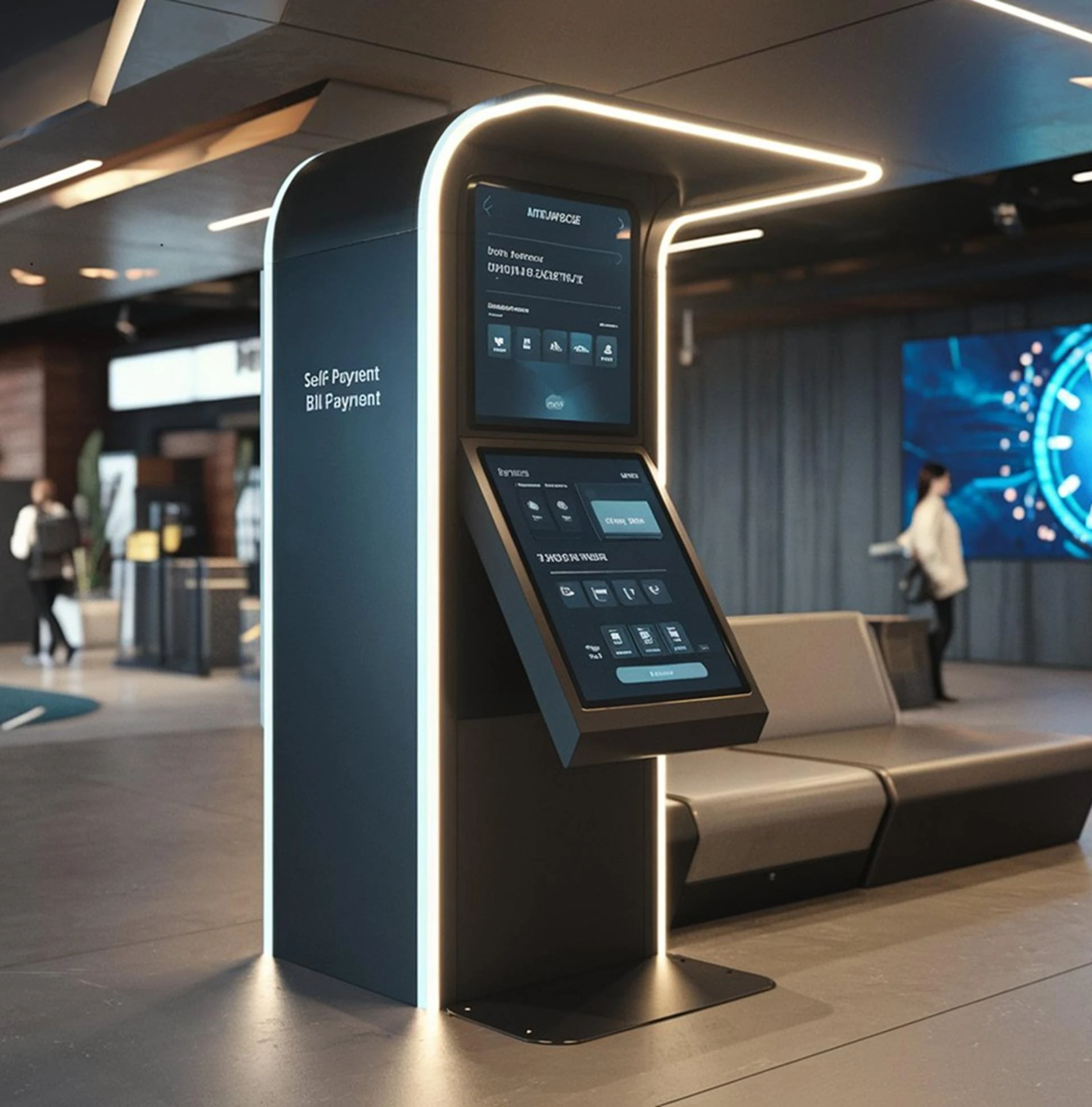
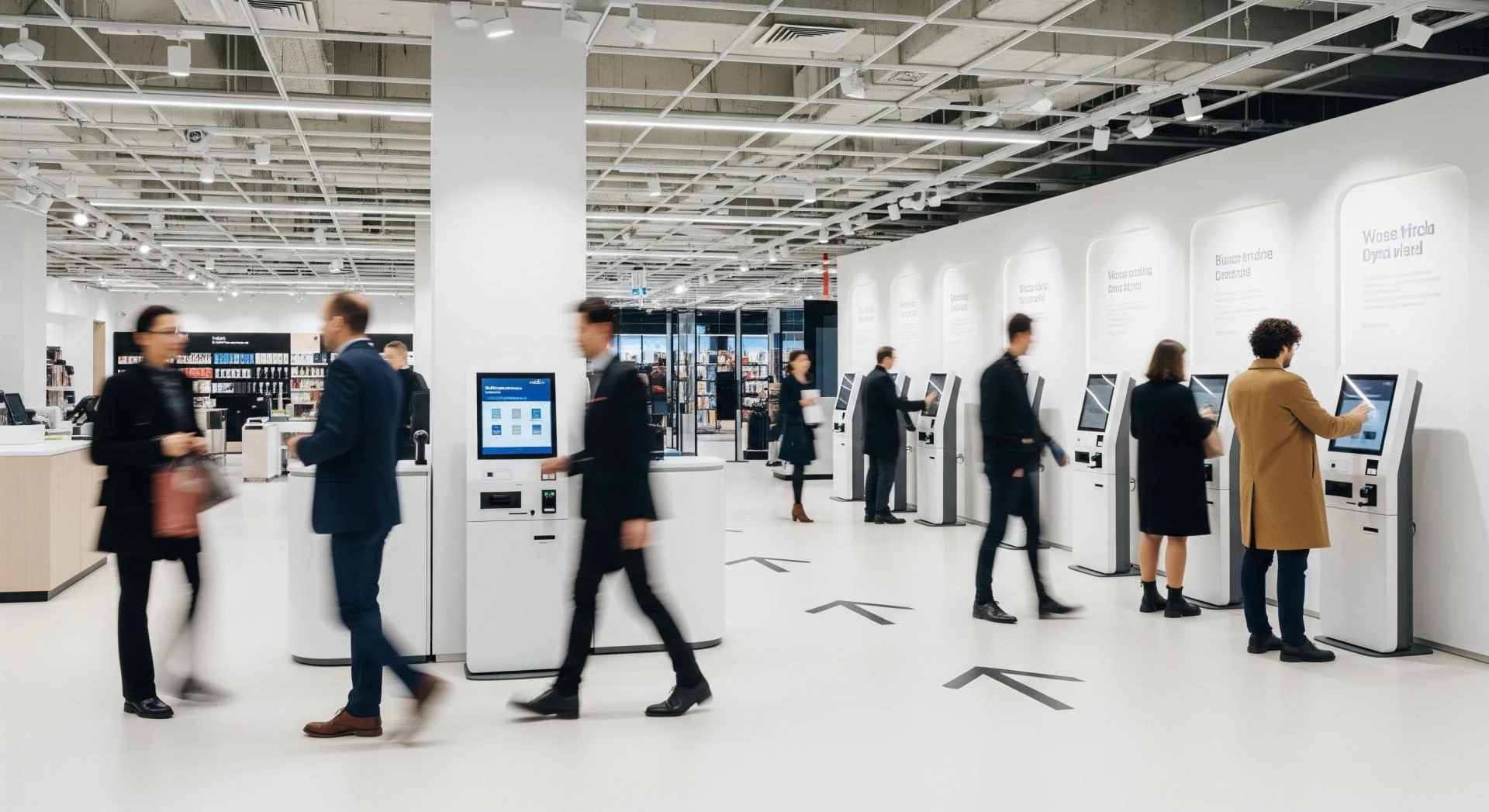
That’s why many teams are turning to advanced kiosk technology. In plain terms, it means modern self-service kiosks that pair solid hardware with smart software, secure payments, and tight integrations with the tools you already run (like POS and loyalty).
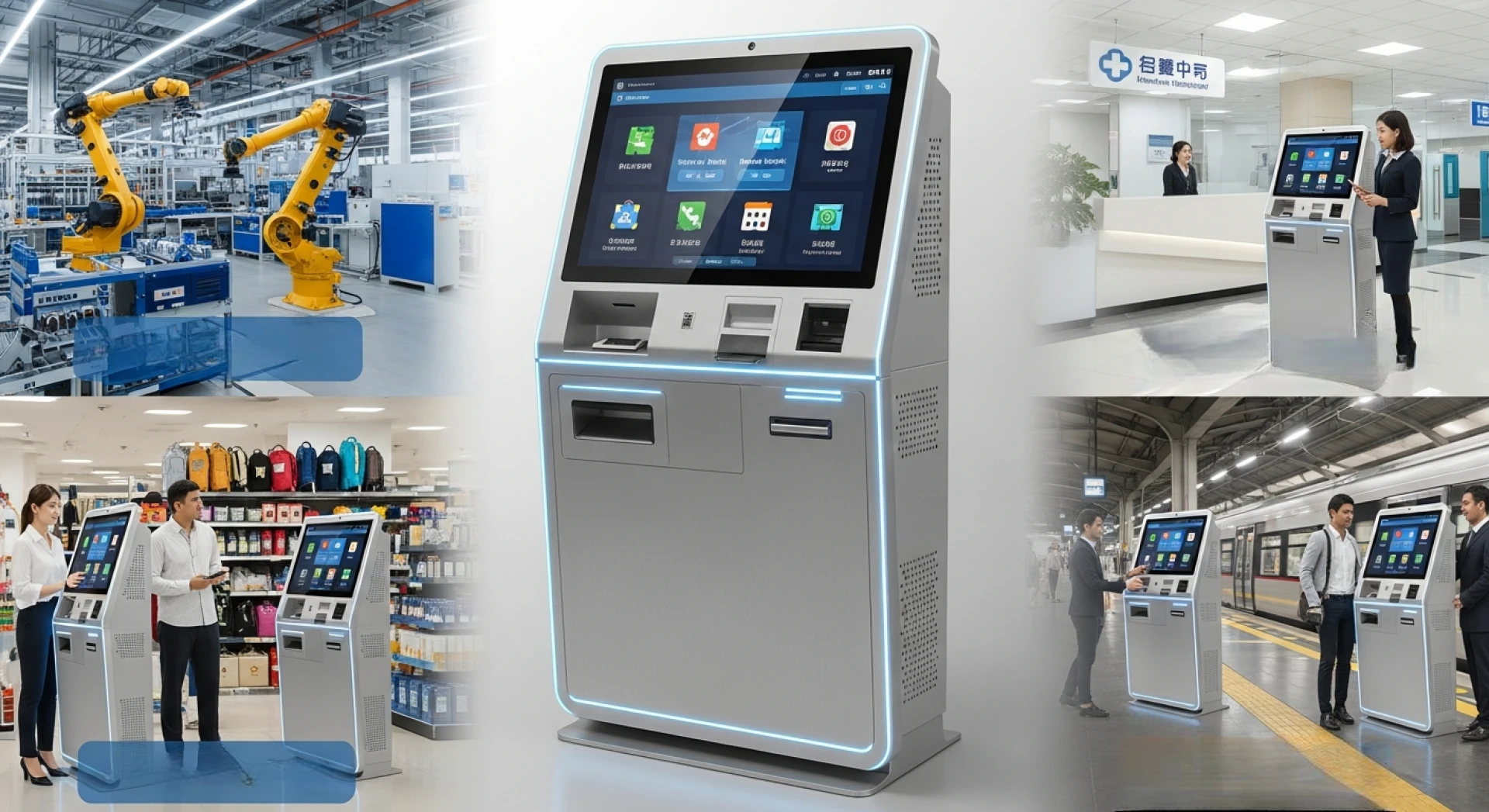
The goal isn’t to “replace people.” It’s to sell more with less friction, and to keep operations calm during the rush. You’ll see kiosks in quick service restaurants, retail stores, hotels, and healthcare check-ins because the problems look the same everywhere: time, accuracy, and consistency.
How modern kiosk technology increases sales without feeling pushy
A good kiosk sells the way a helpful shelf label sells, it guides, it clarifies, and it stays out of the way. Because customers control the pace, they often explore more items than they would at a counter. As a result, average order value can rise without awkward pressure.
Kiosks also reduce “walk-aways.” When the line looks long, some people leave. If a kiosk keeps ordering moving, more of those shoppers finish the purchase.
Here’s a simple scenario. A customer walks into a busy lunch spot and heads to a kiosk instead of the counter. They tap through a combo, add a drink with one button, pay by phone, and get a clear pickup number in seconds.
Upsells and add-ons that customers actually accept
Smart prompts work because they show one clear next best choice at the right moment. For example, “Add fries?” after a sandwich, “Upgrade to large?” after a drink, or “Add a protection plan?” after electronics. Unlike a rushed cashier, the kiosk asks every time, in the same tone, with the same timing.
The best prompts feel like help, not nagging. Keep the choices tight, show value fast, and let customers skip with one tap. Too many pop-ups backfire, because they slow the order and annoy people.
Photos matter here. A crisp image of a side item or a simple bundle (main + side + drink) can lift sales because customers see what they’re getting. In addition, clear pricing on the button reduces second-guessing and drop-offs at checkout.
Personalization, loyalty, and digital signage that drives repeat visits
Kiosks can connect to loyalty in seconds. Customers can log in with a phone number, QR code, or app, then see offers that match their habits. Someone who often buys coffee might get a quick “Add a pastry for $2” prompt. A frequent buyer might see a points reminder before paying.
Multilingual support also helps sales. When customers can order in the language they’re most comfortable with, they buy with more confidence and fewer mistakes. Accessibility features (like high-contrast mode, larger text, and audio guidance) widen the pool of people who can self-serve.
On-screen promos act like digital signage, but tied to the cart. Time-based menus (breakfast, lunch, late-night) and limited-time offers can change automatically. Still, keep pricing and terms plain, because fine print kills trust.
Where kiosks save time and money, and what “efficiency” really means
Efficiency sounds abstract until you attach it to daily pain. In practice, it means faster service, fewer errors, and better staffing during peak hours. When kiosks handle the repeatable parts of ordering and check-in, teams can focus on the work humans do best.
To see if it’s working, track a few metrics that connect to real outcomes:
- Average wait time (from entry to order completion)
- Order accuracy rate (voids, remakes, corrections)
- Labor hours per transaction (or transactions per labor hour)
If these move in the right direction, the savings show up quickly through higher throughput and fewer fixes.
If a kiosk doesn’t reduce errors or time-to-serve, the issue is usually the flow, not the customer.
Fewer mistakes, faster lines, and better use of staff
Kiosks reduce order-entry errors because customers choose items and modifiers themselves. They can review the cart, spot mistakes, and correct them before paying. That “review screen” sounds small, but it prevents expensive remakes.
Speed improves for another reason: parallel ordering. Instead of one cashier handling one order at a time, multiple kiosks can take multiple orders at once. During rushes, that extra capacity keeps the line from spilling out the door.
Importantly, kiosks don’t have to replace staff. They can shift people to higher-value tasks, like greeting, helping first-time users, expediting orders, stocking, and handling exceptions. Guided steps, clear buttons, and smart modifier screens (like “no onions” or “extra cheese”) keep the process moving without constant help.
Back-end integrations that cut busywork (POS, inventory, CRM, and support)
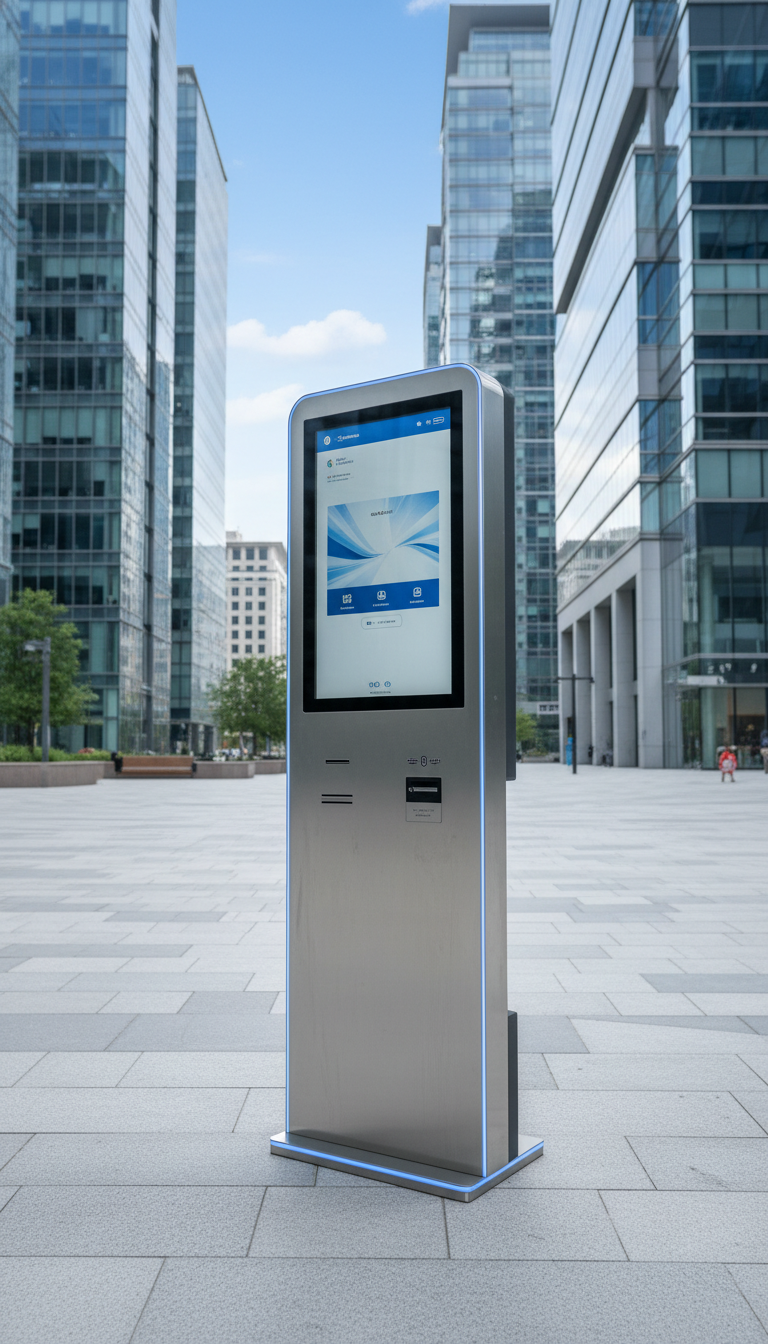
Integrations are where kiosk efficiency becomes real. When orders flow straight into the POS, staff don’t re-type tickets. When inventory updates automatically, you avoid selling items you don’t have. When refunds and receipts connect to the same system, the “where did this order go?” problem drops.
Customer data can also sync to CRM or email tools when customers opt in. That means you can send relevant offers instead of blasting everyone. However, the opt-in needs to be clear, and the value should be obvious.
Remote monitoring matters too. If a kiosk printer jams or a card reader fails, alerts can notify the team fast. Scheduled updates and device health checks reduce downtime, which protects revenue during busy hours. Finally, reporting dashboards help with daily decisions: top items, peak times, and where people abandon the flow.
A simple plan to choose, launch, and improve kiosk systems safely
Buying kiosks is easy. Rolling them out without chaos takes a plan. The best approach starts small, learns fast, then expands with confidence.
A practical path looks like this:
- Pick one use case (order and pay, check-in, ticketing, returns).
- Map the customer steps from start to finish, then remove friction.
- Pilot in one location or one department for 30 to 60 days.
- Train staff for assist mode, not sales scripts.
- Review results weekly, then adjust prompts, layout, and staffing.
That process keeps costs contained and avoids a big-bang launch.
What to look for when buying a kiosk solution
Start with the basics: a fast interface, large touch targets, and an ADA-friendly design. Payment options should cover tap, chip, and mobile wallets. Ask about offline mode or failover, because internet hiccups happen.
Hardware choices depend on your space and traffic. Screen size, durability, mounting options, scanners, and receipt printers all matter. In addition, check service terms, warranty coverage, and replacement timelines, because downtime costs more than most people expect.
On the software side, look for easy menu or content control, user roles, and audit logs. Those features prevent “who changed the price?” headaches. Before you commit, test with real customers, including older users and first-time visitors. If they struggle, the design needs work, not a longer instruction sign.
Rollout checklist: security, privacy, and continuous improvements
Payments should meet PCI requirements, and updates should stay current. Collect only the data you need, then explain what you collect and why. If you offer loyalty sign-in, make consent obvious and easy to skip. If a kiosk uses cameras for any reason, post a clear policy where customers can see it.
Operationally, set a fallback process for kiosk downtime. Train staff on a short “help in 10 seconds” script, and place simple signage that shows where to start. Also, assign ownership for content updates, because stale menus and expired offers hurt trust.
Treat kiosks like a living channel, not a one-time install. Small changes add up.
For improvement, run light A/B tests on prompts, review analytics weekly, and keep a short list of KPIs for the first 30 to 90 days. If drop-offs happen at payment, simplify the screen. If customers miss add-ons, improve the bundle placement, not the number of pop-ups.
For improvement, run light A/B tests on prompts, review analytics weekly, and keep a short list of KPIs for the first 30 to 90 days. If drop-offs happen at payment, simplify the screen. If customers miss add-ons, improve the bundle placement, not the number of pop-ups.
Conclusion
Advanced kiosks can deliver two wins at once: higher sales and smoother operations. The best results come from smart prompts that respect customers, strong integrations that remove busywork, and a rollout plan that protects security and service quality.
To get started, choose one location or one workflow to pilot. Set three metrics (wait time, accuracy, and average order value), then review them weekly. Improve the flow based on data and customer feedback, and expand only after the pilot feels routine.

















Sign in to leave a comment.