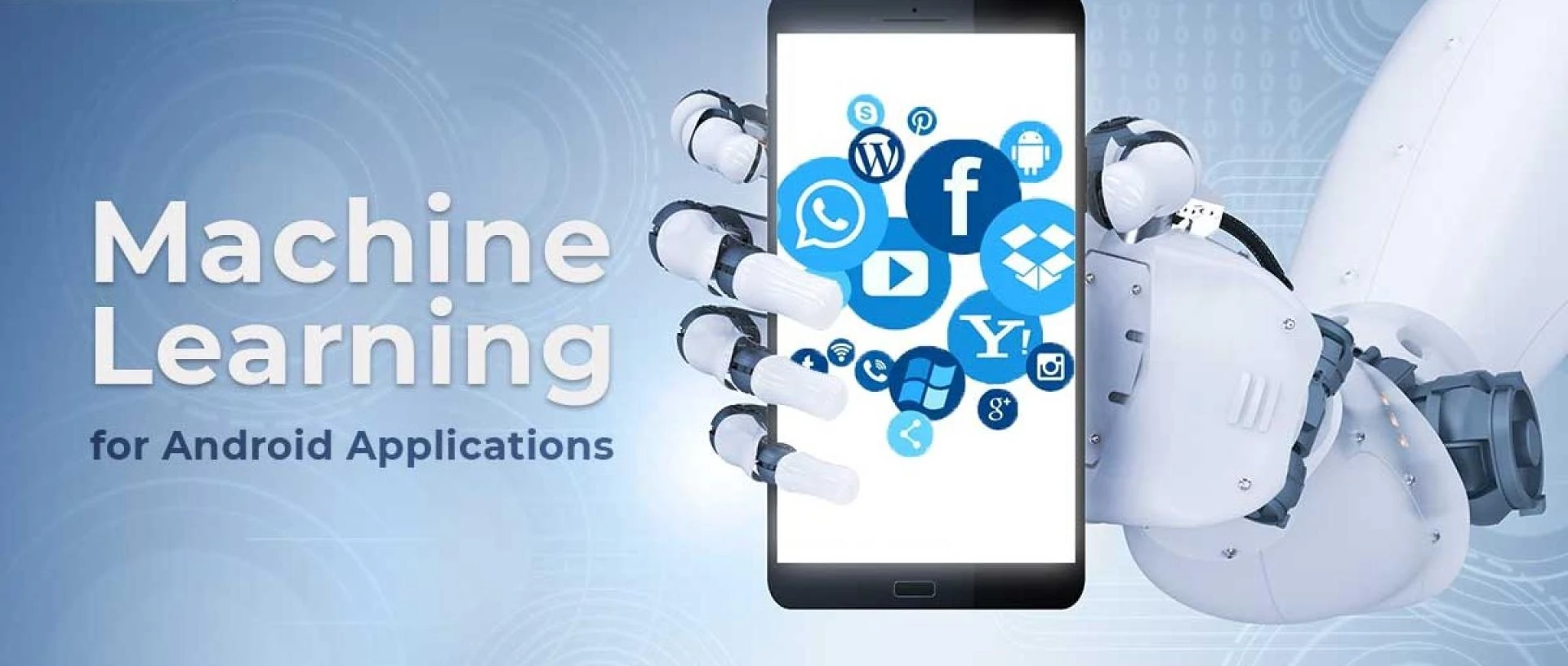

Machine learning (ML) is transforming the way we interact with mobile apps, making them smarter, more personalized, and highly efficient. From voice assistants to recommendation engines, integrating ML into your Android app can enhance user experience and provide a competitive edge. But how exactly do you go from idea to implementation?
In this guide, we’ll break down the process of integrating machine learning into Android apps, from choosing the right tools to deploying a model effectively. Whether you're a developer or a business owner looking to leverage machine learning solutions development, this article will help you understand the essential steps.
1. Understanding the Role of Machine Learning in Android Apps
Before implementing ML in your Android app, it's important to define the problem you’re trying to solve. Are you building a chatbot, an image recognition system, or a predictive analytics feature? Machine learning can enhance mobile apps in multiple ways, including:
- Personalization: ML algorithms analyze user behavior to provide personalized recommendations.
- Automation: Features like speech-to-text and object detection reduce manual input.
- Security & Authentication: Facial and fingerprint recognition improve app security.
- Predictive Analysis: Apps use ML to forecast trends, such as customer behavior or stock prices.
Once you’ve identified your use case, the next step is choosing the right tools for ML development solutions in Android.
2. Choosing the Right Machine Learning Tools for Android
Google offers several powerful tools to integrate ML into Android apps without requiring extensive expertise:
TensorFlow Lite
A lightweight version of TensorFlow, this tool is optimized for mobile devices, allowing you to run ML models efficiently with minimal latency. It’s ideal for applications like image classification and object detection.
ML Kit by Google
ML Kit provides pre-trained models for common use cases like text recognition, translation, and barcode scanning. It’s a great option if you want to integrate ML without training custom models.
Custom Models with Firebase ML
Firebase allows developers to deploy custom ML models while leveraging cloud-based processing. This is useful for apps requiring more complex AI-powered features.
For businesses looking to scale, working with experts in mobile app development services can ensure seamless integration and optimal performance.
3. Preparing Your Dataset and Training the Model
The success of an ML model depends on the quality of data it’s trained on. Here’s how to prepare your dataset effectively:
- Collect Data: Gather relevant images, text, or numerical data based on your app’s requirements.
- Clean & Preprocess Data: Remove inconsistencies, normalize inputs, and label the data if necessary.
- Choose the Right Algorithm: Depending on the task, you may need a deep learning model (CNNs for image recognition) or a traditional ML algorithm (decision trees, regression models).
Once your dataset is ready, train your model using TensorFlow, PyTorch, or another framework. If you lack in-house expertise, you might want to hire mobile app developer specializing in ML to ensure your model is optimized for Android.
4. Deploying the ML Model in Your Android App
Now that your ML model is trained, the next step is deploying it. You have two primary approaches:
On-Device Deployment
- Suitable for real-time applications requiring low latency.
- Works offline, ensuring privacy and faster processing.
- Limited by the device’s processing power.
Cloud-Based Deployment
- Ideal for complex models requiring heavy computation.
- Allows seamless updates without modifying the app.
- Requires an internet connection and may introduce latency.
TensorFlow Lite is a great choice for machine learning solutions development that prioritizes speed and efficiency, while Firebase ML is better for cloud-based implementations.
5. Optimizing Performance for Better User Experience
Machine learning can be resource-intensive, so optimizing performance is crucial to maintaining a smooth user experience. Here are some best practices:
- Model Compression: Use quantization techniques to reduce model size and improve inference speed.
- Efficient Memory Usage: Limit the app’s RAM consumption to prevent crashes.
- Battery Optimization: Avoid running ML tasks continuously in the background.
To ensure a high-performing and scalable solution, consider professional ML development solutions that focus on both accuracy and efficiency.
6. Testing and Continuous Improvement
Before launching your ML-powered app, thorough testing is essential:
- Performance Testing: Measure inference time and ensure smooth execution.
- User Testing: Gather feedback from beta users to refine ML-based features.
- Model Updates: Continuously train and update the model to maintain accuracy.
With evolving datasets and changing user behavior, ML models require regular improvements. Partnering with a android app service provider can help keep your app up-to-date with the latest ML advancements.
Conclusion
Integrating ML into Android apps is a game-changer, enabling intelligent features that enhance user engagement and efficiency. By leveraging tools like TensorFlow Lite and ML Kit, preparing high-quality datasets, and optimizing performance, you can create a powerful AI-driven app.
If you’re looking to implement ML but need expert guidance, you can hire mobile app developer with experience in machine learning to streamline the process. With the right strategy, your Android app can harness the power of AI to deliver smarter, more personalized experiences.
Are you planning to add machine learning to your Android app? Let’s discuss your ideas in the comments!

























Sign in to leave a comment.