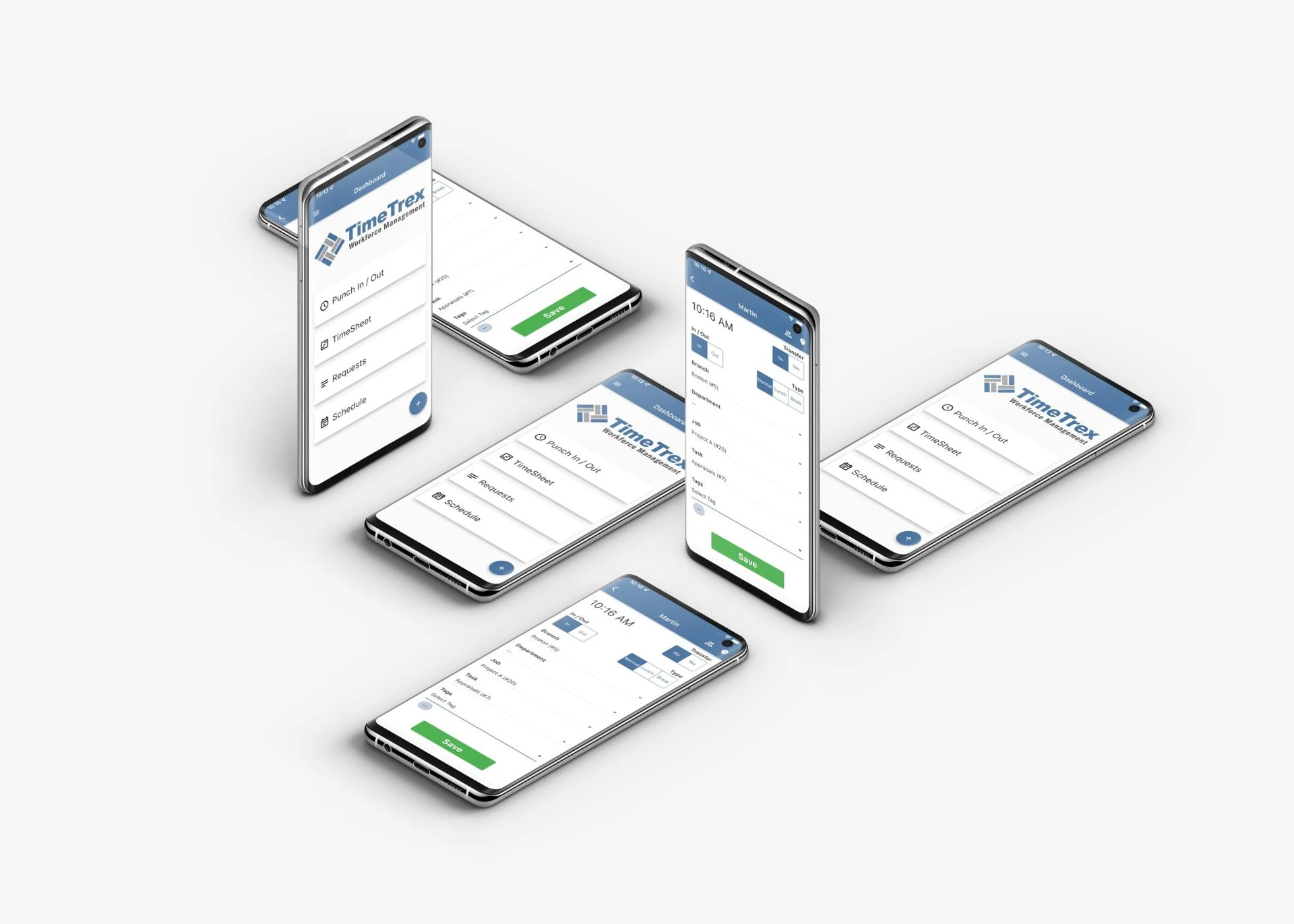
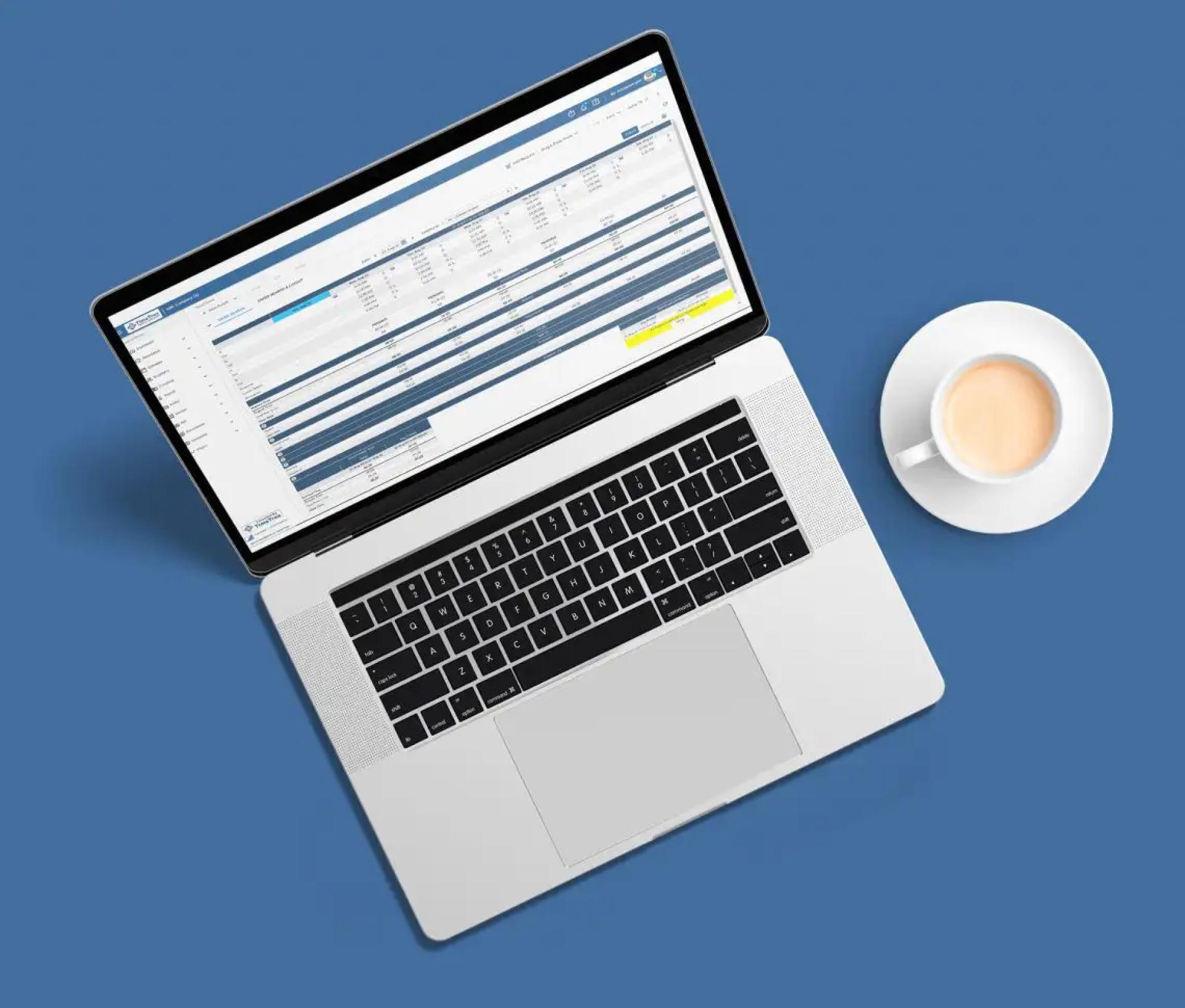
In today’s fast-paced business world, managing labor effectively is critical to maintaining productivity and profitability. Whether you're running a retail store, a restaurant, a manufacturing unit, or a healthcare facility, keeping track of employee shifts, managing labor costs, and ensuring compliance with labor laws are challenges that every organization faces. This is where Labor Scheduling Software becomes an essential tool in optimizing workforce management and streamlining operations.
What is Labor Scheduling Software?
Labor scheduling software is a digital solution designed to help businesses create, manage, and optimize employee schedules. Unlike traditional scheduling methods such as spreadsheets or manual rosters, this software automates scheduling processes by taking into account various factors including employee availability, skill sets, labor laws, and business demand.
With features like drag-and-drop scheduling, real-time updates, forecasting tools, and mobile accessibility, Labor Scheduling Software allows managers to spend less time on administrative tasks and more time on strategic decision-making.
The Growing Need for Labor Scheduling Solutions
In industries with fluctuating demands and dynamic work environments, having a reliable scheduling system is not just a convenience—it’s a necessity. The rise of gig economy workers, hybrid work models, and strict labor compliance regulations has made manual scheduling both inefficient and risky.
Businesses today are under increasing pressure to optimize costs without compromising employee satisfaction. Labor scheduling software addresses this challenge by balancing business needs with employee preferences, thus improving overall workforce morale and operational efficiency.
Key Features of Labor Scheduling Software
1. Automated Scheduling
One of the core advantages of labor scheduling software is its ability to automatically generate schedules based on rules set by the business. This includes factors like employee roles, availability, seniority, and overtime limits.
2. Real-Time Updates
Schedules often change due to sick leaves, shift swaps, or unexpected demand. This software enables real-time modifications and instantly notifies all concerned employees via email or mobile notifications, reducing confusion and no-shows.
3. Compliance Management
With complex labor laws varying across states and countries, businesses need to ensure that they are compliant with work-hour limitations, rest periods, and wage regulations. Labor scheduling tools help automate compliance checks, reducing the risk of legal issues.
4. Reporting and Analytics
Labor scheduling software often includes built-in analytics tools that provide insights into labor costs, productivity, and staffing efficiency. These reports enable data-driven decision-making for better resource allocation and forecasting.
5. Mobile Accessibility
Modern scheduling platforms offer mobile apps or mobile-friendly interfaces, allowing employees to check schedules, request time off, and swap shifts on the go. This level of accessibility boosts employee engagement and communication.
Benefits of Implementing Labor Scheduling Software
1. Improved Productivity
Efficient scheduling ensures that the right number of employees with the right skills are available during peak and non-peak hours. This leads to improved customer service, reduced wait times, and overall enhanced productivity.
2. Cost Optimization
By preventing overstaffing or understaffing, labor scheduling software helps reduce unnecessary labor expenses. It also minimizes costly overtime hours and ensures better use of available resources.
3. Employee Satisfaction
Allowing employees to set their availability, swap shifts, and access schedules remotely fosters a sense of autonomy and trust. Happy employees are more likely to stay, reducing turnover and training costs.
4. Enhanced Communication
All scheduling information is stored in one centralized platform, making it easier for managers and staff to communicate and coordinate. This eliminates misunderstandings and promotes a more collaborative work environment.
5. Scalability
As businesses grow, managing labor manually becomes increasingly difficult. Labor scheduling software scales with your business, allowing seamless integration with payroll, HR systems, and time tracking tools.
Use Cases Across Industries
Labor scheduling software is not limited to one industry. It proves valuable across various sectors:
- Retail: Ensures optimal staffing during peak shopping hours and holidays.
- Healthcare: Manages complex shift patterns, certifications, and union regulations.
- Hospitality: Balances customer service needs with employee well-being.
- Manufacturing: Aligns labor needs with production schedules and safety standards.
- Call Centers: Maintains required staffing levels to handle fluctuating call volumes.
Choosing the Right Labor Scheduling Software
When selecting labor scheduling software for your organization, consider the following:
- Ease of use: Intuitive interface for both managers and employees.
- Customization: Ability to tailor the system to fit your specific business rules.
- Integration capabilities: Compatibility with payroll, HR, and POS systems.
- Support and training: Access to customer service and training materials.
- Security: Strong data protection features to safeguard employee information.
By investing in the right labor scheduling software, you not only automate a critical business function but also pave the way for sustainable growth and improved employee satisfaction.
Final Thoughts
In an era where efficiency and adaptability are key to success, labor scheduling software serves as a strategic asset for businesses of all sizes. It reduces administrative burdens, enhances employee experiences, and ultimately contributes to a more agile and productive workforce. If your business is still relying on manual methods, now is the time to make the shift and experience the transformation for yourself.
Let technology handle the complexities of scheduling, so you can focus on what matters most—growing your business.

























Sign in to leave a comment.