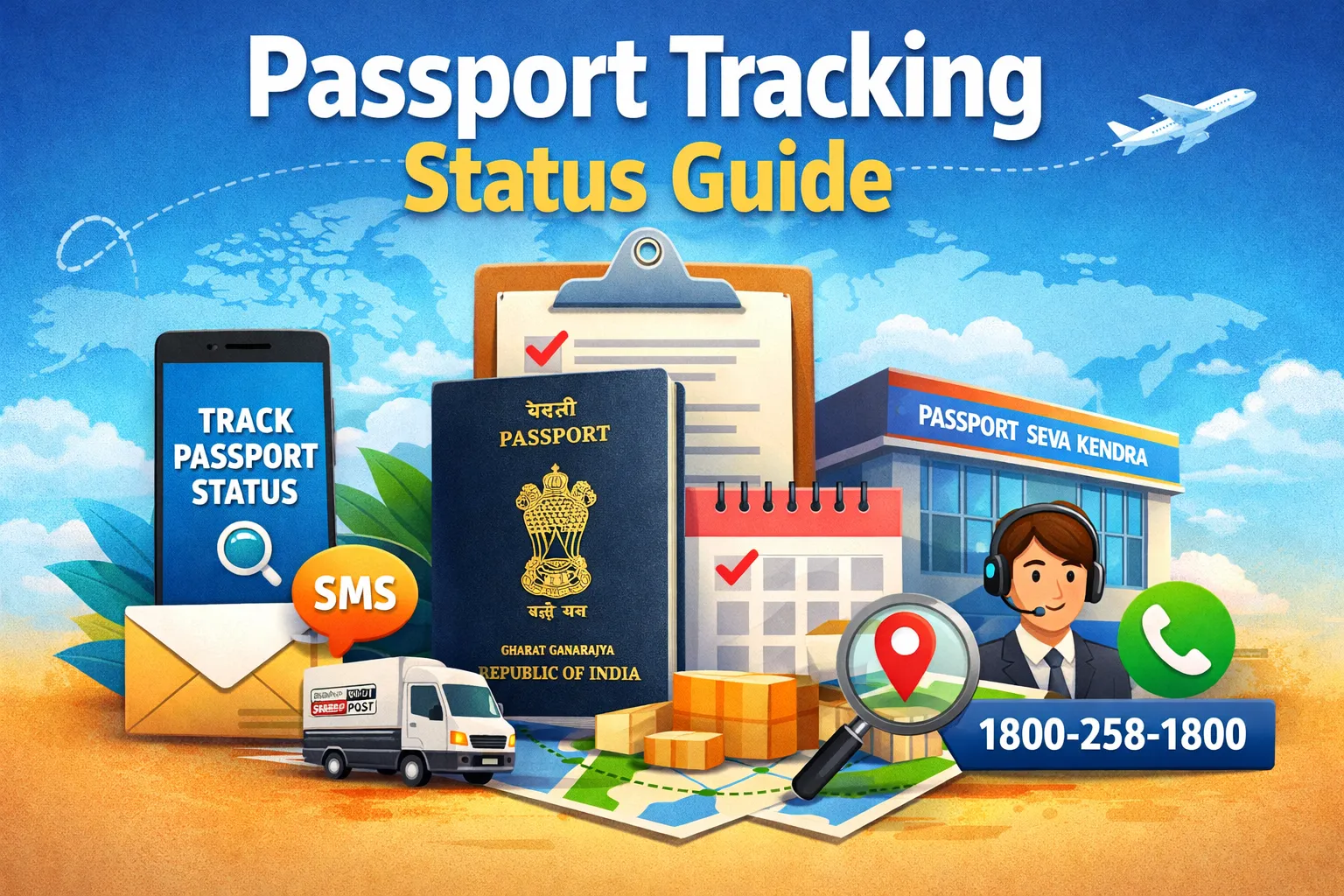

When you request a passport, the office performs several verifications before releasing the document. The duration of this verification process differs based on your application. You can verify the status of your passport application to confirm its progress, resolve any issues, and prevent unwanted delays.
This article will help you to check your passport status in both online and offline ways. It will also help you to check the status through mobile apps, SMS, and the Passport Seva Kendra.
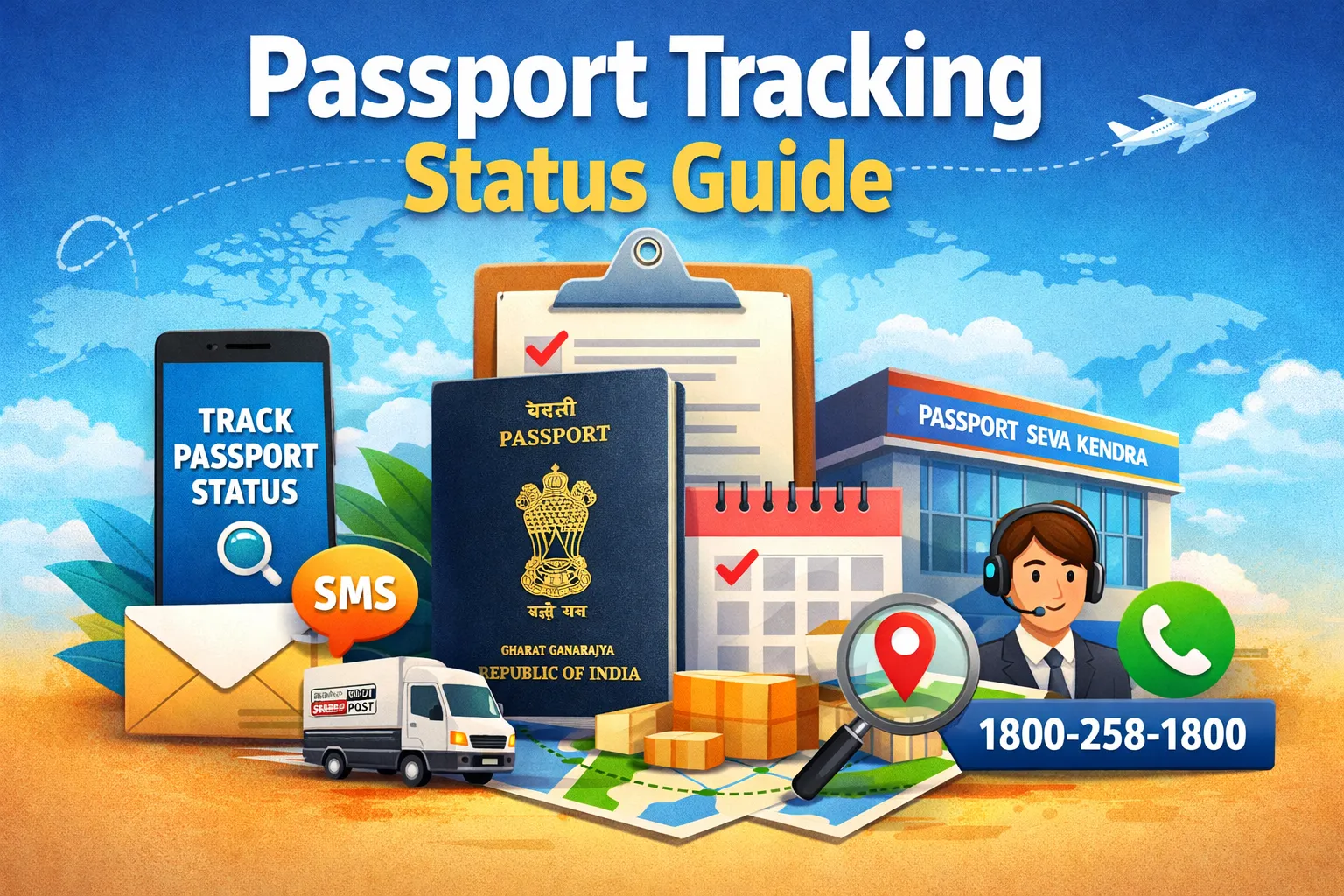
Why do you need to check the Passport Tracking Status?
Checking the passport application process is important to monitor progress, ensure timely processing and identify issues early. It allows you to confirm that police verification is complete, check for document mismatches and track the printing and dispatch of the passport. To check the status of your passport application, you will require the following details:
- Passport File Number: It is a 15-digit number you get after submitting the passport application.
- Date of Birth: Your valid DOB for identity verification.
Different Stages of Passport Application
The different stages of passport application are listed below.
- Application Submission: You can track the application progress on the portal after submitting it.
- Document Verification: Be mindful to track your passport status while the authorities verify your submitted documents.
- Police Verification: Be mindful and informed during the police verification process.
- Passport Printing: This is the final stage where your passport will be printed.
How to track Passport Application Status Online through the mPassport Seva App?
Follow the steps below to track your passport application status online.
- Install the mPassport Seva Mobile Application.
- Enter your name, email address and DOB to start the registration process.
- Select the "Status Tracker" option.
- Provide your Date of Birth and the 15-digit application number.
- Click on "Track Status" to view your passport application status.
How to track Passport Application Status Offline?
There are 3 ways to track your passport application status in an offline manner.
Via SMS
Follow these steps to check your passport application status through SMS.
- Text "Status [15-Digit File Number]" to 9704100100.
- You will receive an update on your application process.
It is a fast and easy way to track your passport application status. It is mostly used for immediate updates.
Via National Call Centre
To check the status of your passport, you may contact a citizen service agent at the national call centre using the toll-free number 1800-258-1800 from 8 am to 10 pm. Make sure to mention your passport application number.
The contact numbers for the national call centres are different for Jammu and Kashmir. Call 040-66720567 for J&K. Dial 040-66720581 for the Northeast. The Interactive Voice Response System (IVRS) is also available for use after office hours.
Via Passport Seva Kendra
To check the status of your passport application process, you can visit the Passport Seva Kendra (PSK) and share your application number. You will also be able to receive updates by using your email to reach out for them.
Process to track your Passport Application Status via Helpdesk
Another convenient way to track your passport status is through the Helpdesk option. Follow the steps given below:
- Access the Passport Seva website.
- Navigate to the "Helpdesk" section and enter your 15-digit file number in the status tracking tool.
- The current status of your passport application will be displayed on the screen.
How to track Passport Application Status through Speed Post?
Follow these steps to track your passport application status through the Indian Speed Post.
- Access the official Passport Seva Portal.
- Go to the "Check Passport Status" section after logging in.
- Enter your Date of Birth and file number.
- You can now track the progress of your passport's dispatch.
How to track Passport Dispatch and Delivery Status
Your passport will usually be delivered to your registered address through the Indian Speed Post. Follow the steps below to track the dispatch and delivery status of your passport.
- Access the official Passport Seva website.
- Recover your 13-digit tracking ID.
- Select the "Track Consignment" option and enter your tracking ID in the "Consignment Number" field.
- Enter the security code that will be displayed.
- Choose the "Track Now" option to check your passport's dispatch and delivery status.
Process to check Passport Police Verification Status
After submitting your passport application, the passport office will start the police verification to check and verify your details. You can also check the status of your police verification online by following these steps:
- Access the official Passport Seva website.
- Select the "Track Application Status" option.
- You can either provide your Date of Birth or enter your application reference number.
- Click on the "Track Status" option to check your application status.
- It will then show the status of your application along with the police verification update.
Process to check your Passport Status by Name
You can even use your name to check the status of your passport. It is a useful method if you do not have any other details available. Follow the steps given below:
- Visit the official Passport Seva website.
- Navigate to the "Track Application Status" section.
- Enter your name, date of birth, and the 15-digit file number. Submit the information.
- You can now check the status of your application.
Troubleshooting Passport Status Tracking Issues
There is a chance that some applicants may face issues while tracking their passport status. Such problems are temporary and arise mainly due to data mismatches.
The common issues and solutions are listed below.
- The application number or date of birth entered is incorrect.
- There could be a delay in the status update after police verification.
- There could also be some technical issues on the tracking portal.
- It could also be a network or server downtime.
Conclusion
Checking your passport application status in India can be done online through the official Passport Seva portal or via SMS. By keeping your application reference number or file number handy, you can easily stay updated on the progress of your application at every stage. Regularly tracking your status ensures that you are informed about any additional requirements or delays, which will help you avoid last-minute issues.
























Sign in to leave a comment.