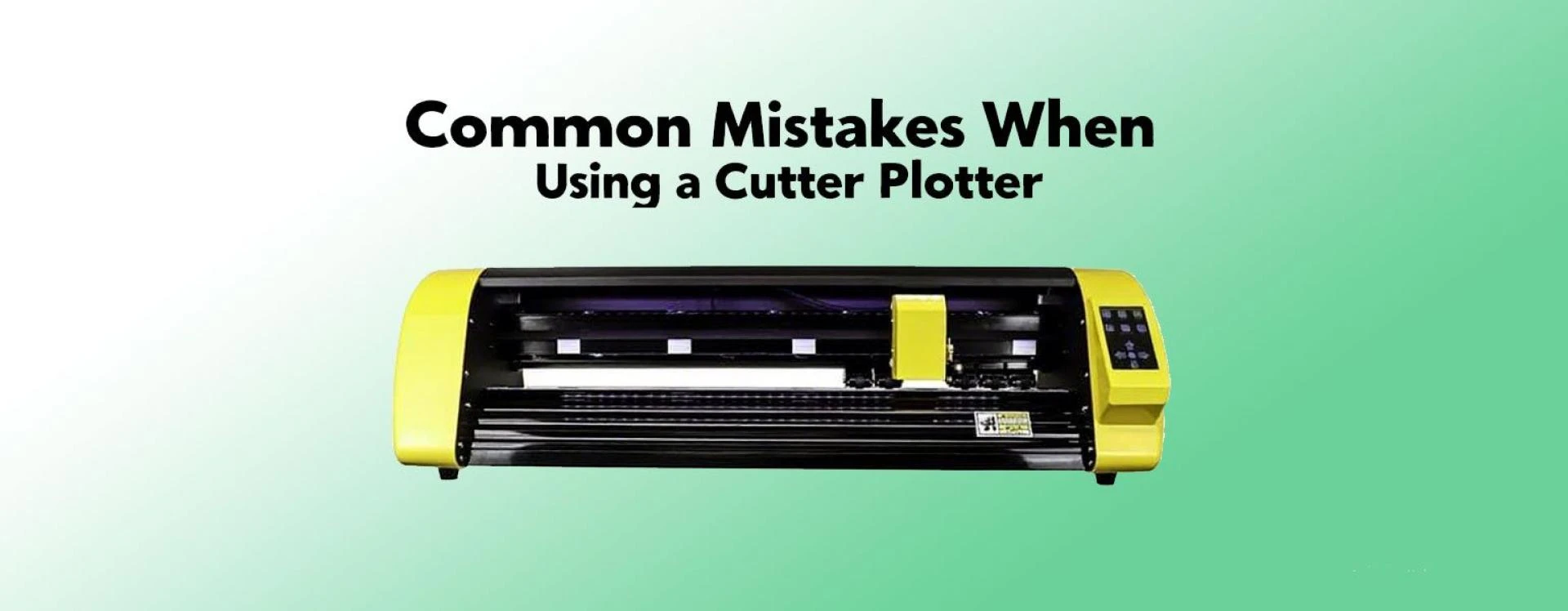

At Signzworld, our customer support team receives a steady stream of questions about using a Cutter Plotter. After reviewing hundreds of queries, we’ve found that most issues fall into just a few categories: blade settings, material handling, software setup, and machine maintenance.
If you’re struggling with inconsistent cuts, wasted material, or confusing software errors, chances are you’re making one of these common mistakes. Here’s what to lok out for — and how to prevent them.
1. Blade and Pressure Settings
- Blade extended too far – Can scratch the cutting strip or produce jagged, uneven cuts.
- Too much pressure – Cuts through the backing paper, making weeding difficult.
- Not enough pressure – Fails to cut properly, leaving frayed edges or messy transfers.
💡 Signzworld Tip: Always run a small test cut first. The ideal setting will slice cleanly through the vinyl without damaging the backing sheet.
2. Material Placement Issues
- Misaligned material – Leads to off-track cuts and distorted designs.
- Loose material – Slips during cutting, wasting vinyl and ruining projects.
- Wrong material choice – Thicker or speciality films require adjustments to blade depth and pressure.
3. Software and File Problems
- Open paths – Prevent the Cutter Plotter from finishing shapes.
- Incorrect line settings – Using fill instead of stroke makes the machine attempt to cut entire areas.
- Low-resolution files – Bitmaps don’t cut well. Convert artwork to vector format for sharp, accurate results.
4. Font and Design Errors
- Overly small fonts or fine details – Hard for the blade to handle, often causing lifting or breakage.
- Forgetting to mirror designs – Especially important for heat transfer vinyl (HTV); if you don’t mirror, the design will come out backwards.
5. Maintenance and Hardware Issues
- Blunt or worn blades – Cause rough edges and reduce accuracy.
- Damaged cutting strips or mats – Lead to inconsistent cuts.
- Lack of cleaning – Dust and debris on the tracks interfere with smooth feeding.
6. Other Common User Mistakes
- Cutting speed too high – Can tear material or distort corners.
- Wrong blade type – Different materials need specific blade angles (30°, 45°, 60°).
- Skipping test cuts – Jumping straight to large jobs risks wasting expensive material.
Final Thoughts from Signzworld
Most Cutter Plotter problems come down to a few simple factors: blade depth, material alignment, correct file setup, and regular maintenance. By paying attention to these areas, you’ll save time, reduce waste, and achieve professional results every time.
At Signzworld, we’ve helped thousands of UK businesses and creators get the best out of their Cutter Plotters. Whether you’re cutting vinyl, paper, or heat transfer materials, avoiding these mistakes will keep your projects running smoothly.


























Sign in to leave a comment.