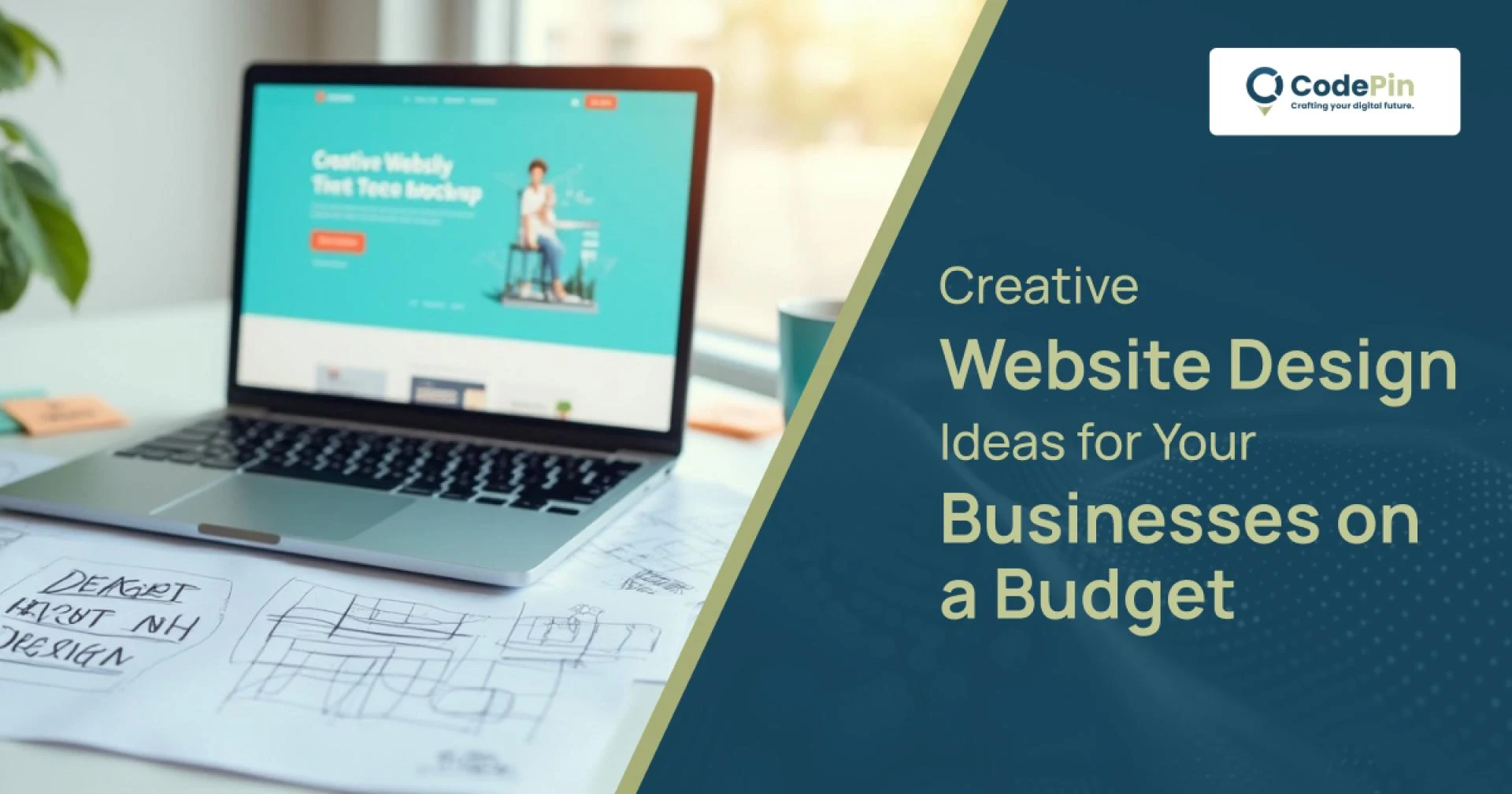
A website is often the first touchpoint where people interact with your brand. The challenge for many small and growing businesses is creating a design that feels professional, creative, and engaging—without burning through their budget. The good news is, you don’t need a huge investment to make a lasting impression online. With some smart choices and the right inspiration, you can build a website that captures attention and builds trust.
Below are practical and creative website design ideas you can explore while staying budget-friendly:
1. Choose Minimalist Layouts
A clean and minimal layout often costs less to design and develop while delivering a modern, professional feel. By focusing on essential elements like typography, color palette, and simple navigation, your website avoids clutter and communicates your brand message more effectively.
2. Use Open-Source Themes and Templates
Premium-looking templates don’t always come with a high price tag. Platforms like WordPress, Shopify, or Webflow offer free or affordable themes that can be customized to suit your business style. With some branding tweaks, you can achieve a unique look without hiring an expensive developer.
3. Smart Use of Stock Visuals and Custom Graphics
Original photography is ideal, but it can be expensive. A smart alternative is using high-quality free stock photos and combining them with light custom graphics. Tools like Canva or Figma make it easy to add your brand colors, icons, and overlays to give visuals a personalized edge.
4. Prioritize Mobile-Friendly Design
Most users today browse on mobile devices. A responsive design ensures your site looks professional across all screens and helps in better SEO ranking. You don’t need a large budget for this—most modern templates already come with mobile optimization built in.
5. Highlight Your Story with Micro-Interactions
Adding small animations, hover effects, or button highlights can make your website feel interactive without requiring heavy development work. These subtle touches enhance user experience while keeping costs manageable.
6. DIY Content Management
Instead of hiring a full-time developer for every small update, use a CMS (Content Management System). It gives you the flexibility to manage blogs, products, or service details on your own—saving both time and money.
7. Partner with Local Experts
Working with professionals who understand your market can be more affordable than outsourcing abroad. For example, the best website design company in Kolkata often provides creative, budget-friendly solutions tailored to local businesses. Partnering with the right agency ensures you get value without overspending.
8. Emphasize Branding with Colors and Fonts
You don’t need expensive design assets to stand out. A consistent color palette and carefully selected fonts can make your brand memorable. Think about what emotions you want your business to evoke and design around that.
9. Leverage SEO-Friendly Design
A beautiful site is only valuable if people can find it. Budget-conscious businesses should ensure their site structure, headings, and meta descriptions are optimized. Companies like CodePin specialize in combining website design with SEO strategy, giving you both visual appeal and discoverability.
10. Keep it Scalable
Think of your website as a foundation. You may start with a simple design, but as your business grows, you’ll want to add features like e-commerce, booking systems, or customer portals. Building with scalability in mind saves future redesign costs.
Creative design doesn’t always mean expensive design. By using minimalist layouts, open-source tools, mobile responsiveness, and strong branding, you can create an impressive digital presence without draining your budget. Many small businesses have found success by collaborating with the best website design company in Kolkata, ensuring their site is both affordable and impactful.
If you’re looking for a reliable partner that balances creativity with affordability, CodePin can help you build a website that truly represents your business vision.


























Sign in to leave a comment.