

Getting traffic to your WordPress website is only half the battle. The real challenge begins after visitors land on your site. If users leave before filling out a form, booking a consultation, or completing a purchase, your website may have hidden UX issues silently hurting conversions.
Many businesses focus heavily on SEO, ads, and content marketing but ignore one critical factor: user experience. A slow-loading page, confusing navigation, weak CTA placement, or a frustrating mobile layout can push potential customers away within seconds.
This is exactly why a UX website audit has become essential for modern businesses using WordPress at scale.
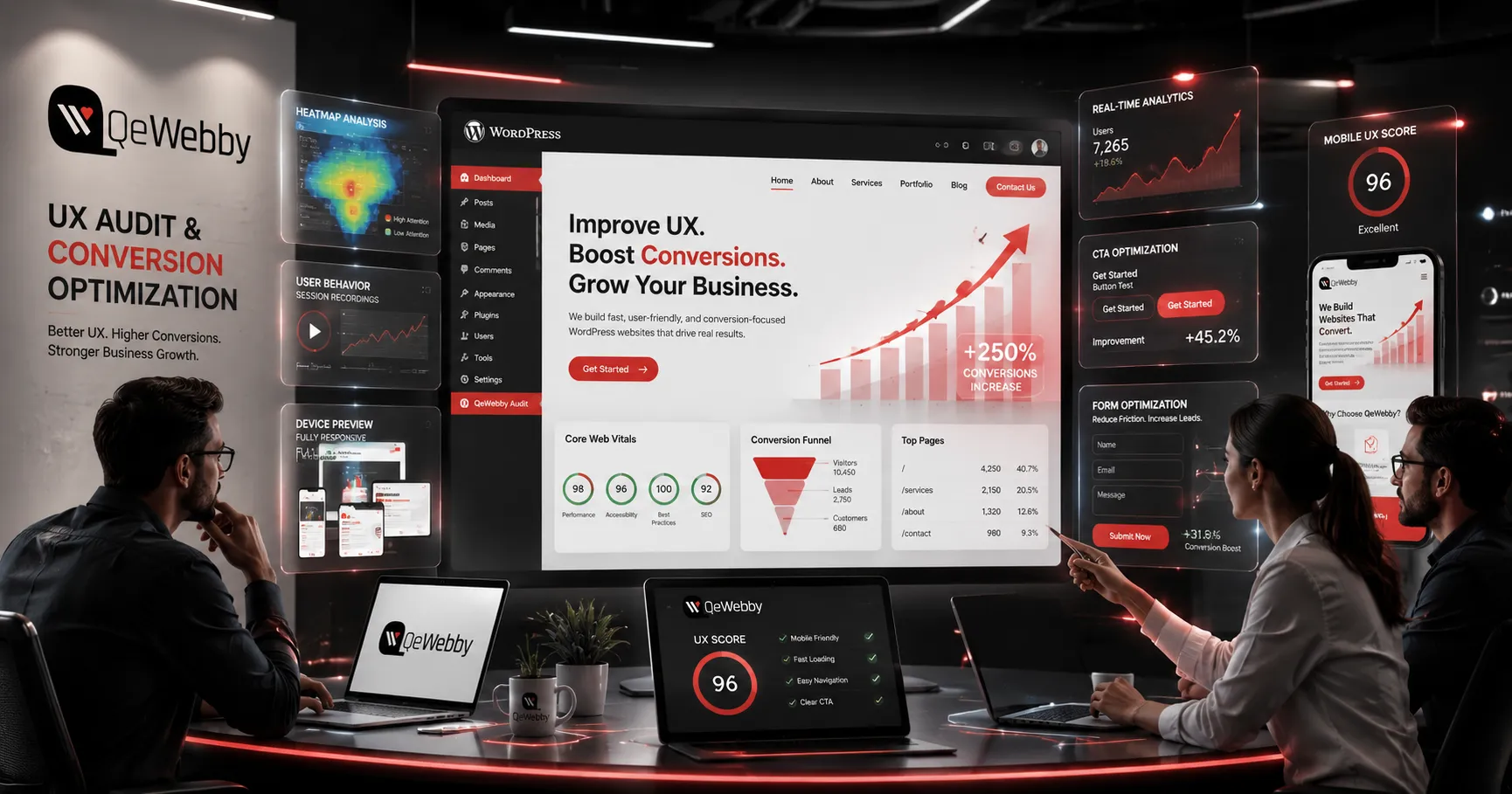
The Hidden Reason Visitors Leave Your Website
Most website owners assume low conversions happen because of poor traffic quality. In reality, the issue is often the experience users face after arriving on the website.
Visitors today expect:
- Fast loading pages
- Smooth mobile navigation
- Clear messaging
- Easy checkout or inquiry forms
- Trustworthy and distraction-free design
If your website fails in even one of these areas, users abandon the journey before taking action.
A professional website conversion audit helps identify these friction points before they impact revenue further. Instead of guessing what users want, businesses can use data-driven UX insights to understand exactly where visitors drop off and why.
Why UX Audits Matter More Than Ever for WordPress Websites
WordPress powers millions of websites because of its flexibility and scalability. But over time, websites often become overloaded with heavy plugins, page builders, third-party scripts, and poorly optimized layouts.
The result?
- Slow Core Web Vitals
- Poor mobile usability
- High bounce rates
- Low form submissions
- Cart abandonment issues
These problems don’t just affect SEO rankings. They directly impact trust and conversions.
A structured WordPress UX audit helps businesses uncover performance gaps, improve user journeys, and optimize every important touchpoint that influences customer decisions.
The First 5 Seconds Decide Everything
Users form opinions about a website almost instantly. If the page feels slow, cluttered, or difficult to navigate, they leave before exploring further.
This is where modern UX audits focus heavily on:
- Mobile responsiveness
- Above-the-fold messaging
- CTA visibility
- Page speed optimization
- Form usability
- Checkout simplification
- Accessibility improvements
Even small UX changes can create measurable growth in leads and sales.
For example, simplifying a contact form, improving CTA contrast, or optimizing mobile readability can dramatically improve conversion rates without redesigning the entire website.
Why Analytics Alone Is Not Enough
Analytics tools can show where users leave, but they rarely explain why users abandon the journey.
A proper UX website audit combines:
- User behavior analysis
- Funnel tracking
- Heatmaps
- Core Web Vitals testing
- Accessibility checks
- Mobile usability reviews
- Conversion flow analysis
This approach helps businesses move beyond assumptions and make decisions based on actual user behavior.
That’s where experienced UI/UX design and development services become valuable. Instead of applying random fixes, businesses can implement strategic improvements aligned with real conversion goals.
Mobile UX Is Now a Conversion Priority
More than half of website traffic comes from mobile devices, yet many WordPress websites are still designed desktop-first.
Common mobile UX issues include:
- Hard-to-click buttons
- Intrusive popups
- Poor text hierarchy
- Slow loading pages
- Confusing navigation
- Long forms
These friction points quietly increase abandonment rates.
A conversion-focused mobile UX strategy ensures users can complete actions comfortably on smaller screens without frustration.
Accessibility Also Impacts Revenue
Accessibility is no longer optional. Websites that are difficult to navigate create higher cognitive load for users, which reduces engagement and task completion.
Improving accessibility can help:
- Increase form completion rates
- Improve mobile usability
- Build user trust
- Strengthen SEO performance
- Create smoother customer experiences
Simple improvements like better color contrast, readable typography, keyboard navigation, and clear form labels often improve both usability and conversions simultaneously.
Why Businesses Choose QeWebby for UX Optimization
Improving conversions requires more than surface-level design changes. Businesses need a strategic combination of UX research, performance optimization, UI improvements, and conversion-focused development.
This is where QeWebby helps brands transform underperforming WordPress websites into high-converting digital experiences.
From detailed UX website audits to WordPress performance optimization, mobile UX improvements, UI/UX redesigns, and conversion-focused development, QeWebby helps businesses identify hidden growth barriers and turn user interactions into measurable business outcomes.
Final Thoughts
A website should do more than look visually appealing. It should guide users smoothly toward action.
Without a proper UX strategy, businesses risk losing valuable leads and sales every single day without realizing the actual problem.
A professional UX website audit helps uncover the hidden friction points affecting conversions, user trust, and overall website performance. Businesses that continuously optimize user experience are the ones that achieve sustainable long-term growth.
If you want to understand how modern businesses improve conversion rates, reduce bounce rates, and optimize WordPress user journeys, explore this detailed guide on UX website audit strategies for WordPress conversion optimization.




















Sign in to leave a comment.