CRM for WhatsApp Leads: How to Organise Enquiries and Improve Sales Follow-Ups

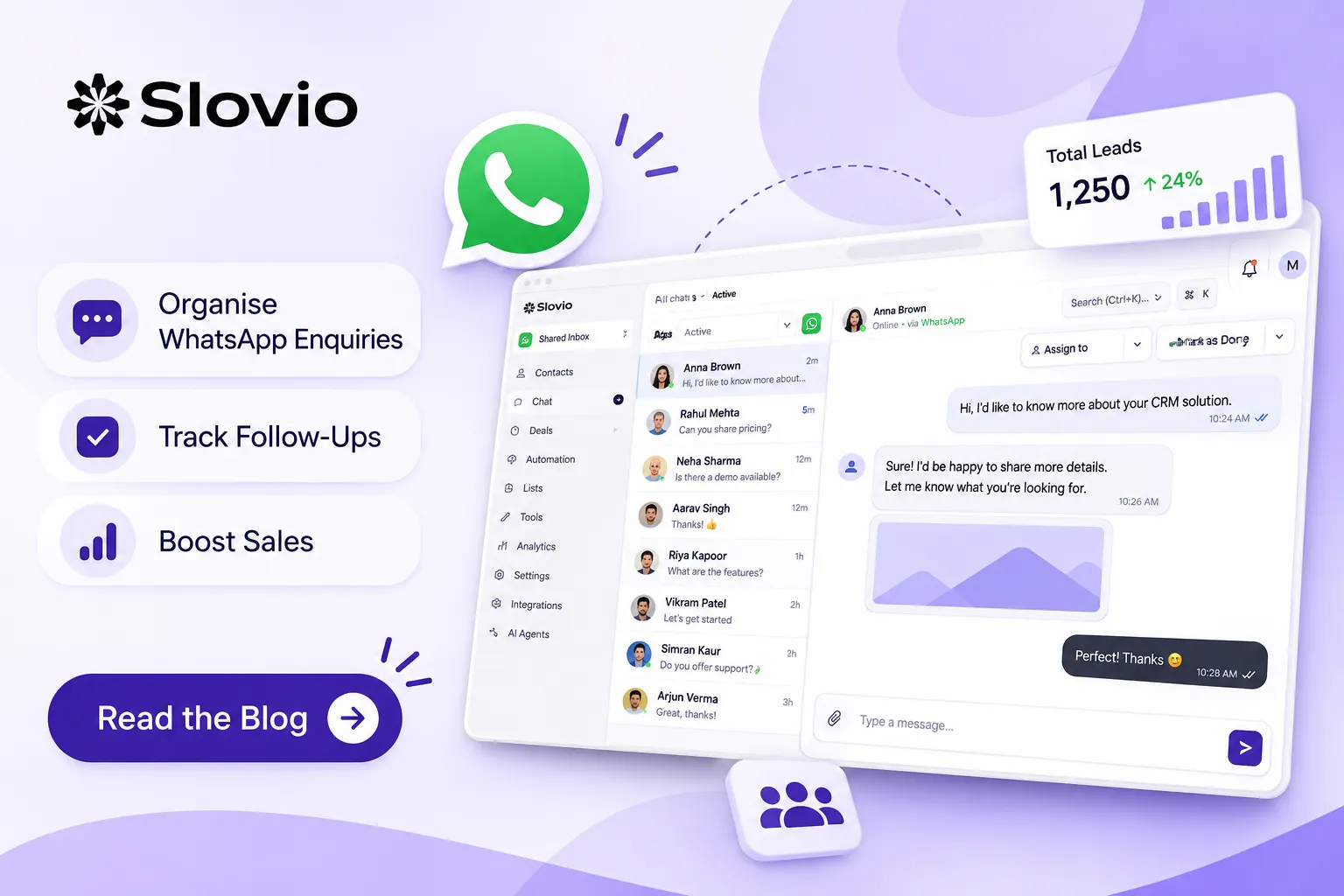
WhatsApp has become an important communication channel for businesses. Customers use it to ask questions, request prices, compare products and enquire about services. But as the number of enquiries increases, managing every conversation manually becomes difficult.
A CRM for WhatsApp leads helps businesses organise customer conversations, keep track of enquiries, assign leads to team members and manage follow-ups. Instead of relying on scattered chats and spreadsheets, businesses can connect conversations with customer records and sales activities.
This guide explains how WhatsApp lead management works, what features to look for in a WhatsApp CRM and how businesses can build a more organised sales process.
What Is a CRM for WhatsApp Leads?
A CRM for WhatsApp leads is a customer relationship management system that helps businesses manage potential customers who contact them through WhatsApp.
It connects customer conversations with useful information such as contact details, enquiry history, lead status, assigned team members and follow-up activities.
For example, when someone messages a business to ask about a product, the sales team can save the enquiry as a lead, record what the customer needs and plan the next follow-up.
A WhatsApp CRM can help businesses:
- Store and organise customer information.
- Track new enquiries and potential customers.
- Assign conversations to the right team members.
- Record notes and previous interactions.
- Manage follow-up tasks.
- Monitor leads as they move through the sales process.
The main purpose is simple: make sure important customer enquiries do not get lost in a busy WhatsApp inbox.
Why Businesses Need WhatsApp Lead Management
Using the WhatsApp Business app may be enough when a business receives only a few messages each day. However, managing enquiries becomes more complicated when several employees handle customer conversations.
Common problems include:
- Missed enquiries: Important messages get buried under new conversations.
- Unclear ownership: Multiple employees may respond to the same customer, or everyone may assume someone else will reply.
- Forgotten follow-ups: Sales teams may forget to contact customers who requested more information.
- Scattered customer details: Contact information and enquiry history remain spread across chats and spreadsheets.
- Limited sales visibility: Managers may struggle to understand how many enquiries are new, active or converted.
A WhatsApp CRM brings these activities into a more structured process. Teams can see who is handling each lead, what has already been discussed and what needs to happen next.
7 Ways a WhatsApp CRM Helps Manage Leads
1. Keep Customer Information in One Place
A useful WhatsApp CRM stores customer details alongside their conversations. Sales representatives can review contact information, previous enquiries, notes and interaction history before responding.
This reduces the need to search through old messages or ask customers to repeat information.
2. Track Leads Through Different Sales Stages
Not every WhatsApp enquiry is ready to become a customer. Some people are exploring options, while others may be requesting quotations or preparing to make a purchase.
A lead management system helps businesses organise prospects into stages such as:
- New enquiry
- Contacted
- Interested
- Qualified
- Proposal shared
- Won
- Lost
These stages give sales teams a clearer picture of their pipeline and help them decide which enquiries need attention.
3. Assign Leads to the Right Team Members
When several employees manage customer conversations, lead assignment becomes important.
A shared inbox and assignment system can help teams identify who is responsible for each enquiry. It also gives other authorised team members visibility into the conversation, reducing confusion when someone is unavailable.
4. Plan Timely Follow-Ups
A customer may ask for a quotation today but make a decision several days later. Without a proper process, the sales team may forget to reconnect.
A WhatsApp CRM can help teams organise follow-up tasks, reminders and customer activity. Depending on the platform, some follow-up steps can also be automated.
The goal is not to send repeated messages unnecessarily. It is to make sure relevant conversations receive attention at the right time.
5. Maintain Conversation History
Customer conversations often involve more than one interaction. A prospect might first ask about pricing, later request product details and eventually contact the support team.
Keeping interaction history connected to a customer record helps employees understand the context before replying.
This is especially useful when a conversation moves between sales, support and other departments.
6. Connect WhatsApp With Sales Automation
WhatsApp automation for business can reduce repetitive manual work.
Depending on the software and its configuration, businesses may be able to automate activities such as:
- Sending an initial response to an enquiry.
- Collecting basic information from a potential customer.
- Assigning enquiries based on selected rules.
- Creating follow-up tasks.
- Sending approved notifications or updates.
- Moving information between connected business systems.
Automation should support the sales team, not replace the personal attention required for complex customer questions.
7. Understand Sales Activity More Clearly
A structured CRM helps managers review lead status, team activity and follow-up progress.
Instead of depending on individual employees for updates, managers can use organised records to understand which enquiries are active and where leads may be getting delayed.
What Features Should You Look for in a WhatsApp CRM?
Not every CRM offers the same capabilities. Before choosing a WhatsApp CRM for business, consider the following features.
| Feature | Why it matters |
| Contact management | Keeps customer information organized |
| Lead pipeline | Tracks enquiries through sales stages |
| Shared WhatsApp inbox | Helps teams manage conversations together |
| Lead assignment | Makes ownership clear |
| Follow-up tasks | Helps prevent missed opportunities |
| Conversation history | Gives teams customer context |
| Automation | Reduces repetitive manual work |
| Reporting | Helps review sales activity |
| Integrations | Connects WhatsApp with other business workflows |
Choose a platform based on your team's actual requirements, the number of conversations you handle and the channels your customers use.
WhatsApp CRM vs. Managing Leads Manually
A manual process usually relies on individual WhatsApp chats, spreadsheets, notes and reminders. This can work for a small number of enquiries, but it becomes harder to maintain as the business grows.
A WhatsApp CRM provides a more organised way to connect customer details with conversations and sales activities.
For example, instead of searching through messages to find a customer's previous enquiry, a team member can open the customer record and review the available history.
The difference is not simply about sending messages faster. It is about creating a consistent process for managing customer relationships.
Which Businesses Can Benefit From a WhatsApp Sales CRM?
A WhatsApp sales CRM can be useful for businesses where customer enquiries and follow-ups are an important part of the sales process.
Real estate: Agents can organise property enquiries, record customer requirements and track site-visit discussions.
Education and coaching: Teams can manage course enquiries, share relevant information and follow up with prospective students.
Healthcare and clinics: Administrative teams can organise appointment enquiries and customer communication, subject to applicable privacy requirements.
Retail and ecommerce: Businesses can manage product questions, order-related conversations and customer follow-ups.
Travel agencies: Teams can organise trip enquiries, customer preferences, quotation requests and booking discussions.
B2B companies: Sales representatives can keep track of business enquiries, proposals, decision-makers and ongoing discussions.
The right setup depends on the business's communication volume, team structure and sales process.
How to Choose the Right CRM for WhatsApp Leads
Before selecting a platform, consider these questions:
- Can it organise contacts and customer conversations together?
- Can multiple team members manage enquiries?
- Does it support lead stages and assignment?
- Can the team create follow-up tasks?
- Does it provide the automation your business actually needs?
- Can it support other channels used by your customers?
- Are its pricing, usage limits and integrations suitable for your business?
Also check how the platform connects to WhatsApp and whether it uses the official WhatsApp Business Platform where required. Review the provider's current terms, setup requirements and messaging charges before making a decision.
How Slovio Helps Businesses Manage Customer Conversations
Businesses that want to manage more than individual WhatsApp chats may benefit from connecting their customer communication and sales workflows.
Slovio brings AI Agents, AI Calling, CRM, automation and a shared team inbox into one customer communication platform.
With Slovio CRM, businesses can manage contacts, companies, deals, tasks and tickets while keeping relevant conversations and AI call activity connected to customer records.
Businesses can also explore:
- WhatsApp communication for customer conversations.
- Shared team inbox for managing conversations with a team.
- WhatsApp and customer automation for connected workflows.
- AI Agents for AI-powered customer interactions.
- AI Calling for voice-based customer communication.
This approach helps businesses bring customer conversations and related activities into a more connected workflow, rather than managing every channel separately.
Frequently Asked Questions
What is the best CRM for WhatsApp leads?
The best CRM for WhatsApp leads depends on your business requirements. Look for contact management, lead tracking, a shared inbox, assignment, follow-up tasks, conversation history and suitable integrations.
Can WhatsApp be used as a CRM?
WhatsApp is primarily a messaging platform. Businesses can connect it with CRM software to organise customer records, manage enquiries, track sales activity and coordinate follow-ups.
How do I manage leads coming from WhatsApp?
Businesses can manage WhatsApp leads by recording customer details, assigning enquiries to team members, tracking lead stages, maintaining conversation history and scheduling follow-ups through a CRM.
What is the difference between WhatsApp CRM and WhatsApp Business?
WhatsApp Business provides messaging features for businesses. A WhatsApp CRM adds customer relationship management capabilities, such as organised contact records, lead pipelines, team assignment and follow-up management.
Can a WhatsApp CRM automate follow-ups?
Some WhatsApp CRM platforms support automated workflows, reminders and approved message templates. The available options depend on the software, configuration and applicable WhatsApp messaging policies.
Is a WhatsApp CRM useful for small businesses?
Yes. A WhatsApp CRM can help small businesses organise enquiries, maintain customer information and manage follow-ups as their conversations increase. The business should choose a solution that matches its team size and budget.
Final Thoughts
WhatsApp can be an effective channel for customer communication, but managing a growing number of enquiries requires an organised process. A CRM for WhatsApp leads connects conversations with customer records, sales stages and follow-up activities.
For businesses looking to improve WhatsApp lead management, the first step is to understand how enquiries currently move from the first message to a completed sale. The right CRM can then help make that process easier to manage, measure and improve.






Sign in to leave a comment.