
In modern web environments, developers often encounter a wide range of HTTP status codes while monitoring application performance. One lesser-known but increasingly common response is the 499 HTTP status code. Although it is not part of the official HTTP specification, it plays an important role in understanding client–server communication issues, especially in high-traffic or real-time applications.
What Is an HTTP 499 Error?
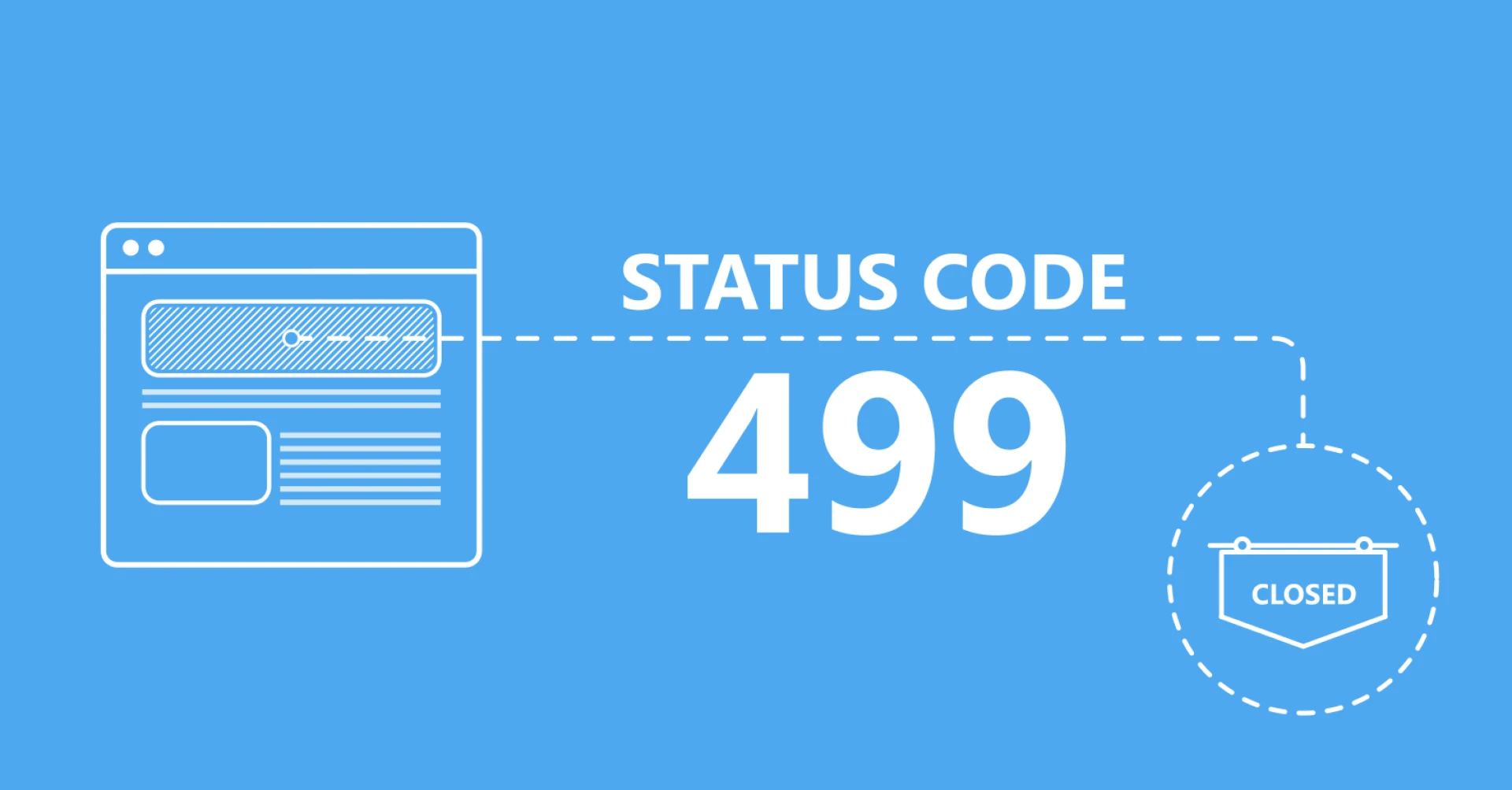
The 499 HTTP status code is primarily used by servers like NGINX to indicate that the client closed the connection before the server could return a response. Unlike server-side errors such as 500 or 503, a 499 error suggests that the server was still processing the request when the client aborted it. This often happens due to timeouts, network instability, or impatient users.
Understanding this distinction is critical because misinterpreting 499 errors as server failures can lead to incorrect optimization efforts.
Common Causes of 499 HTTP Errors
Modern web applications rely on multiple services, APIs, and databases, increasing the likelihood of delayed responses. When response times exceed client expectations, the connection may be terminated early.
Client-Side Triggers
Client-side behavior is one of the most frequent contributors to 499 HTTP errors. Examples include:
- Users navigating away or closing the browser tab
- Mobile users switching networks or losing connectivity
- Aggressive client-side timeout configurations
These actions interrupt the request lifecycle, leaving the server with incomplete transactions.
Server-Side Processing Delays
Although the client initiates the disconnect, the server’s performance still plays a role. Slow queries, unoptimized code paths, or overloaded services can increase processing time, making a client disconnect more likely.
Key Indicators to Monitor During Debugging
Effective debugging of 499 HTTP errors starts with proper observability. Logs and metrics provide valuable clues about when and why connections are dropped.
Metrics That Reveal 499 HTTP Patterns
When analyzing logs and monitoring dashboards, focus on the following indicators:
- Request duration: Long-running requests often correlate with 499 errors
- Endpoint frequency: Repeated 499s on specific routes signal optimization needs
- Traffic spikes: Sudden load increases can overwhelm backend services
These data points help determine whether the issue is systemic or isolated.
Practical Debugging Strategies
To reduce the frequency of 499 HTTP errors, teams must approach debugging from both the server and client perspectives.
Server-Side Improvements (3 Key Actions)
Optimizing backend performance is one of the most effective ways to reduce client disconnects:
- Optimize slow database queries to reduce response time
- Implement caching layers for frequently requested resources
- Increase upstream timeout values when long processing is unavoidable
These actions shorten server response times and reduce the likelihood of premature client termination.
Client-Side and Network Adjustments (3 Key Actions)
Improving client resilience can also significantly reduce 499 HTTP occurrences:
- Adjust client timeout settings to match realistic server response times
- Implement retry logic for non-destructive requests
- Improve frontend loading feedback so users don’t abandon requests prematurely
By aligning client expectations with server capabilities, many 499 errors can be prevented.
How HTTP 499 Affects User Experience
While users never directly see a 499 HTTP status code, they experience its consequences. Incomplete page loads, failed API calls, and broken real-time updates degrade trust and usability. Over time, these failures can increase bounce rates and reduce engagement, particularly in performance-sensitive applications.
Conclusion
Debugging 499 HTTP errors requires a balanced understanding of both client behavior and server performance. Although the error originates from client-side disconnections, backend inefficiencies often trigger the conditions that lead to it. By monitoring request durations, optimizing server workloads, and aligning client timeout strategies, development teams can significantly reduce the impact of 499 errors and deliver a smoother, more reliable user experience.




























Sign in to leave a comment.