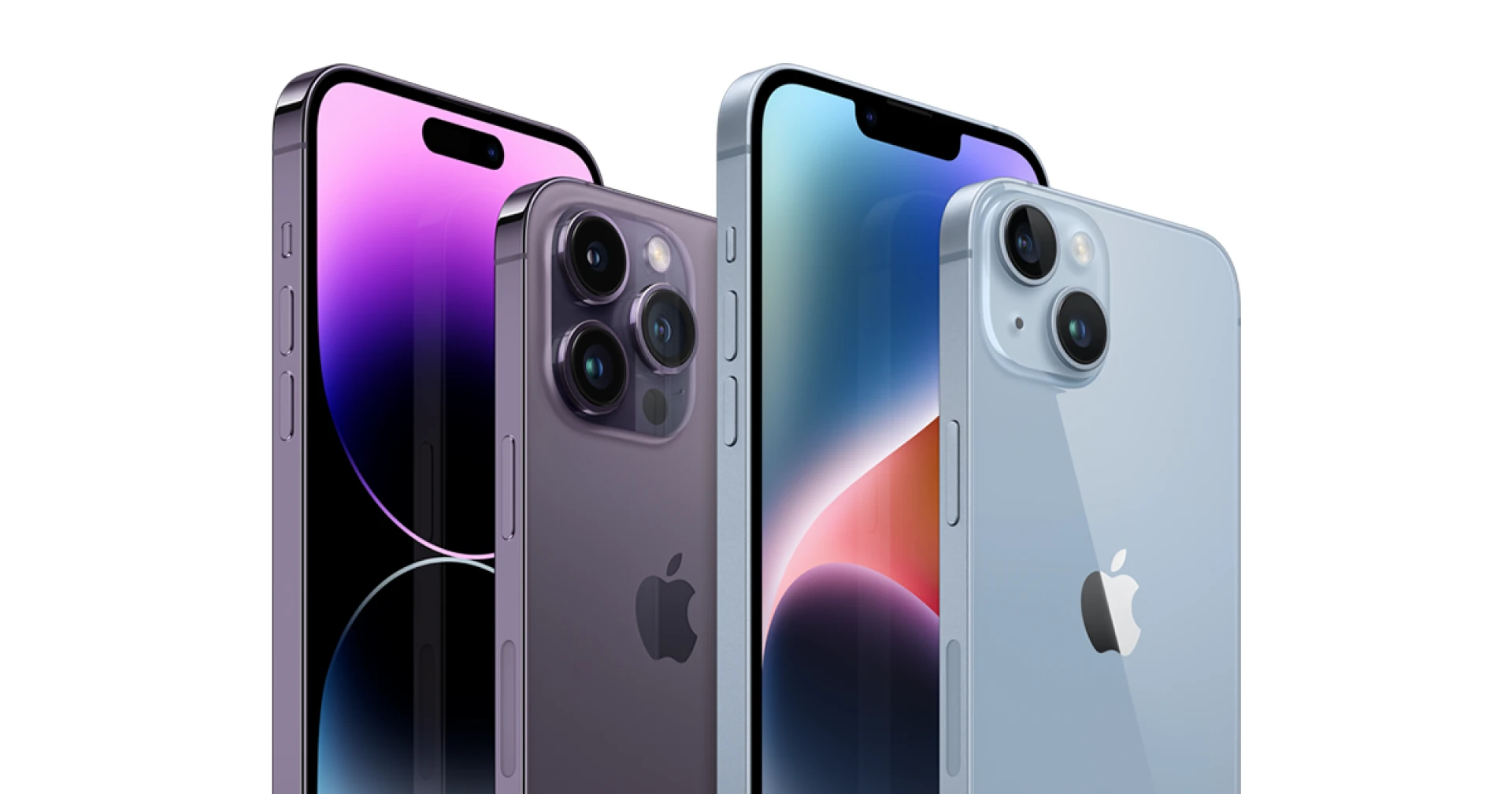

In today's fast-paced digital age, finding moments of rest and tranquility can be challenging. Thankfully, our smartphones, often considered culprits of sleep disruption, can also play a role in promoting healthier sleep patterns. The Sleep Mode feature on iPhones is a testament to this shift, allowing users to create a more conducive sleep environment and enhance their overall well-being. This guest post delves into the intricacies of Sleep Mode on iPhones, exploring its functionalities, benefits, and addressing frequently asked questions to help you make the most of this feature.
Understanding Sleep Mode: Enhancing Digital Wellness
The rapid evolution of technology has prompted tech giants to acknowledge the importance of digital wellness. Apple's introduction of Sleep Mode in its iOS ecosystem reflects a commitment to helping users strike a balance between their digital lives and their sleep routines.
What is Sleep Mode on iPhone?
Sleep Mode is a feature introduced in iOS that allows users to create a designated period during which notifications are minimized, the screen's brightness is adjusted, and certain apps are restricted. By activating Sleep Mode, users can foster a serene and distraction-free environment conducive to better sleep.
Activating Sleep Mode
To activate Sleep Mode, follow these steps:
Open the "Settings" app on your iPhone.
Scroll down and tap on "Do Not Disturb."
Toggle on "Scheduled" and set the desired start and end times for Sleep Mode.
You can also choose to enable "Bedtime Mode" within the Clock app, which syncs with Sleep Mode and offers a gentle reminder to wind down before bed.
Benefits of Sleep Mode
The benefits of utilizing Sleep Mode extend beyond mere convenience:
Reduced Distractions: Sleep Mode minimizes incoming notifications, ensuring that users are not disturbed by calls, messages, or app alerts during their designated sleep hours.
Enhanced Sleep Quality: The reduced screen brightness and restricted app access encourage users to detach from their devices, promoting better sleep quality by preventing overstimulation before bedtime.
Established Routine: Sleep Mode's schedule-setting feature helps users establish a consistent sleep routine, which can positively impact their overall sleep patterns.
Navigating Frequently Asked Questions about Sleep Mode on iPhone
Q1: Does Sleep Mode affect incoming calls and messages?
A1: While Sleep Mode minimizes notifications, you can customize its settings to allow calls from specific contacts to bypass the mode. Emergency calls will also go through, ensuring you remain reachable in critical situations.
Q2: Can I customize Sleep Mode settings for different days?
A2: Yes, iOS allows you to set different Sleep Mode schedules for various days of the week. This flexibility caters to variations in your sleep patterns over weekends or weekdays.
Q3: Will alarms still work during Sleep Mode?
A3: Yes, alarms set in the Clock app will still function even when Sleep Mode is active. This ensures you wake up on time without being disturbed by other notifications.
Q4: Can I customize which apps are restricted during Sleep Mode?
A4: Yes, iOS allows you to customize which apps are restricted or allowed during Sleep Mode. This allows you to prioritize essential apps while minimizing distractions.
Q5: Does Sleep Mode automatically adjust screen brightness?
A5: When Sleep Mode is activated, your iPhone's screen brightness will be dimmed. However, you can manually adjust the brightness to your preference if needed.
Q6: Does Sleep Mode affect background tasks or updates?
A6: Sleep Mode primarily focuses on minimizing distractions and optimizing the sleep environment. It may affect background tasks, but important updates and tasks will still occur as scheduled.
Conclusion
As our lives become increasingly intertwined with technology, finding ways to maintain a healthy balance between our digital interactions and our need for rest has become imperative. The Sleep Mode feature on iPhones exemplifies a mindful approach to digital wellness, enabling users to establish healthier sleep routines and create a more tranquil environment for rest. By utilizing this feature effectively and addressing the frequently asked questions surrounding its functionalities, users can unlock the potential for enhanced sleep quality and overall well-being.






















Sign in to leave a comment.