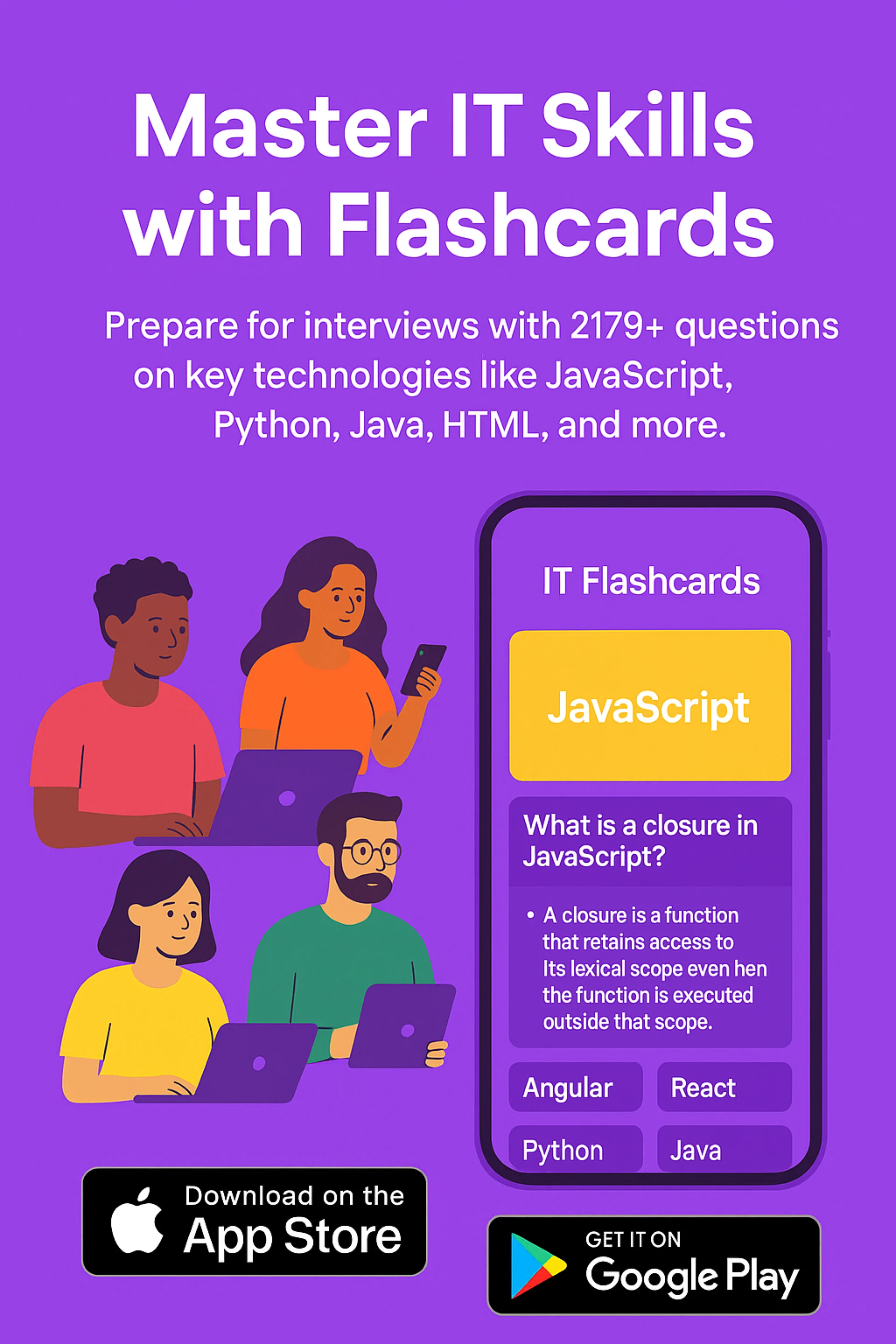
React is one of the most popular JavaScript libraries used for building user interfaces, especially single-page applications. Whether you're just starting with React or preparing for an interview, flashcards are a great tool for reinforcing key concepts and terminology. In this article, we’ll provide essential React flashcards for beginners that cover the foundational topics of React, including components, state, props, hooks, and more.
React Flashcards for Beginners:
- Flashcard Front: What is React?
- Flashcard Back: React is a JavaScript library developed by Facebook for building user interfaces, especially single-page applications where data changes dynamically. React focuses on creating reusable UI components, allowing developers to build fast and interactive applications with a declarative approach.
- Flashcard Front: What is a React Component?
- Flashcard Back: A React component is a JavaScript function or class that returns a React element (JSX) describing how a UI should appear. Components can be either functional or class-based. They allow you to break down the UI into smaller, reusable pieces.
- Flashcard Front: What is JSX?
- Flashcard Back: JSX (JavaScript XML) is a syntax extension for JavaScript that looks similar to HTML. It allows you to write HTML structures within JavaScript code. React uses JSX to define the structure and layout of the user interface, which is then rendered into the DOM.
- Flashcard Front: What are Props in React?
- Flashcard Back: Props (short for "properties") are read-only objects passed from a parent component to a child component. They allow data to flow from one component to another and are used to configure a component or pass dynamic data to it.
- Flashcard Front: What is State in React?
- Flashcard Back: State is a JavaScript object used to manage data that changes over time within a component. Unlike props, state is mutable and can be updated by the component itself. State changes cause the component to re-render with the updated data.
- Flashcard Front: What is the Virtual DOM?
- Flashcard Back: The Virtual DOM is an in-memory representation of the real DOM elements. React uses the Virtual DOM to optimize rendering performance by comparing the Virtual DOM with the actual DOM (using a diffing algorithm) and only updating the parts of the UI that have changed.
- Flashcard Front: What is a Functional Component?
- Flashcard Back: A functional component is a simpler way to define React components using JavaScript functions. It receives props as arguments and returns JSX. Functional components are generally preferred for their simplicity, especially when you don't need to manage local state or lifecycle methods.
- Flashcard Front: What is a Class Component?
- Flashcard Back: A class component is a more traditional way of defining React components using ES6 class syntax. Class components can hold and manage their own state and have access to lifecycle methods. However, with the introduction of hooks, functional components have become more popular.
- Flashcard Front: What are React Hooks?
- Flashcard Back: React hooks are functions that allow you to use state and other React features in functional components. The most commonly used hooks are:
- useState: Manages state in functional components.
- useEffect: Performs side effects like data fetching or DOM manipulation.
- useContext: Provides access to context in functional components.
- Flashcard Front: What is useState Hook?
- Flashcard Back: The
useStatehook is a built-in React hook used to manage state in functional components. It returns an array with two elements: the current state value and a function to update the state.
- Flashcard Front: What is useEffect Hook?
- Flashcard Back: The
useEffecthook is used to perform side effects in functional components. It can be used for tasks like fetching data, updating the DOM, or subscribing to external services. It runs after the render and can be customized to run only when specific dependencies change.
- Flashcard Front: What is the Context API?
- Flashcard Back: The Context API is a way to share data across components in a React application without having to pass props manually through every level of the component tree. It's especially useful for global state management, like user authentication or theme settings.
- Flashcard Front: What is a React Event?
- Flashcard Back: A React event is a synthetic event that wraps the browser's native DOM events. React uses a consistent event system across different browsers, providing methods for handling events like
onClick,onChange, andonSubmit.
- Flashcard Front: What are Keys in React Lists?
- Flashcard Back: Keys are unique identifiers used in React to help it track elements in a list when they change or are re-rendered. Keys help React identify which items have changed, are added, or are removed, ensuring efficient updates to the UI.
- Flashcard Front: What is React Router?
- Flashcard Back: React Router is a library used for routing in React applications. It allows you to navigate between different views or components in your application, enabling single-page application (SPA) behavior. It uses URL paths to map to components and supports features like nested routes and dynamic routing.
- Flashcard Front: What is a Controlled Component?
- Flashcard Back: A controlled component is an input element whose value is controlled by React state. The value of the input is bound to the state, and any changes to the input are handled by a React function, which updates the state.
- Flashcard Front: What is an Uncontrolled Component?
- Flashcard Back: An uncontrolled component is an input element that manages its own state internally. React does not directly control the value of the input; instead, you use a ref to access the value when needed.
- Flashcard Front: What are Lifecycle Methods in React?
- Flashcard Back: Lifecycle methods are special methods in class components that allow you to run code at specific points during a component's life cycle (e.g., mounting, updating, unmounting). Common lifecycle methods include
componentDidMount,componentDidUpdate, andcomponentWillUnmount. These methods are mostly replaced by hooks in functional components.
Conclusion:
React is a powerful and flexible library that has become a standard for building modern web applications. By using these React flashcards, you can reinforce your understanding of the core concepts and prepare yourself for building dynamic, efficient UIs. Flashcards are an excellent tool for beginners, helping you internalize key React principles like components, state, props, and hooks. Regularly practicing with these flashcards will make you more confident and ready to tackle real-world React projects or interviews.





















Sign in to leave a comment.