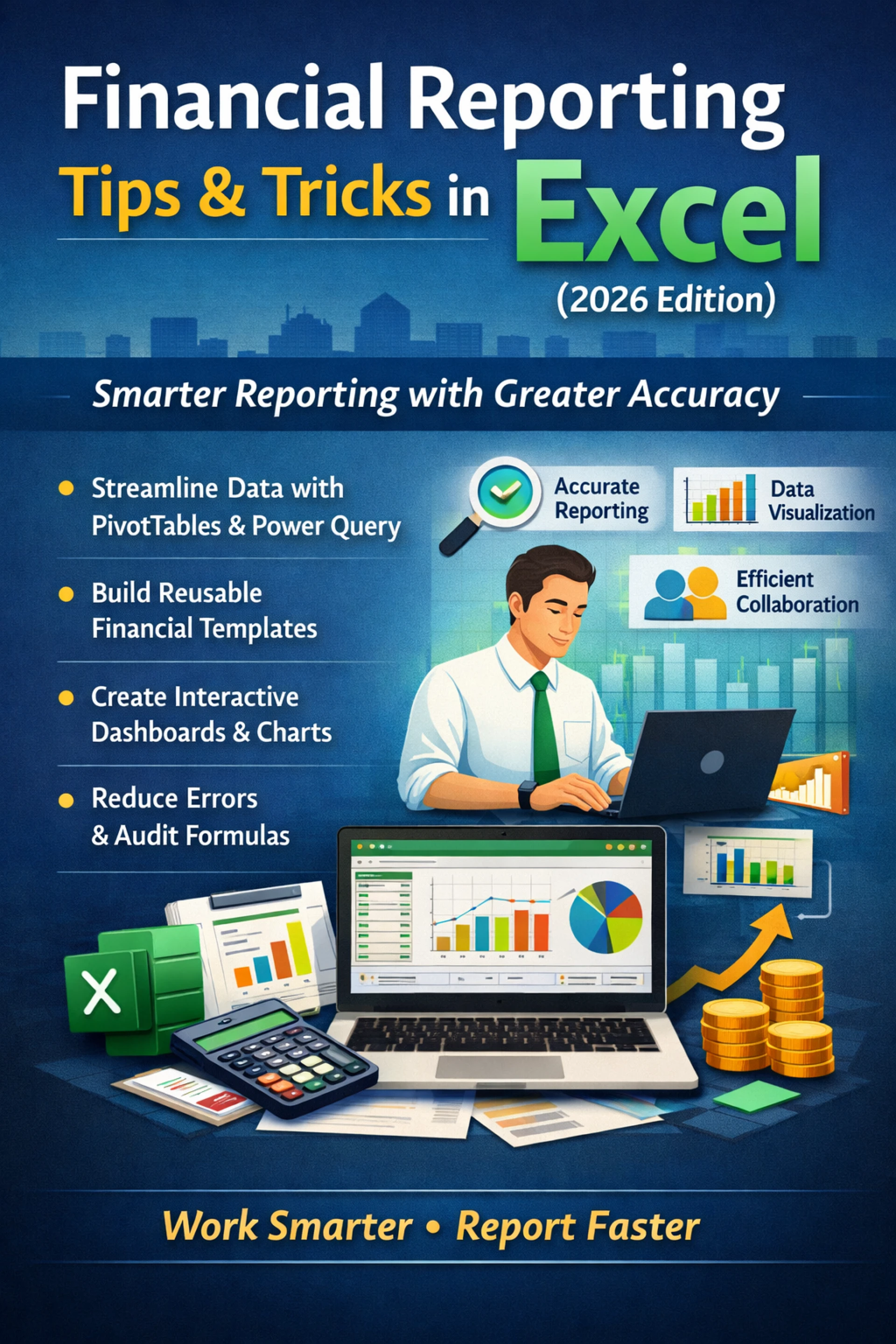

Financial reporting continues to evolve as organizations demand faster insights, greater accuracy, and cleaner presentation of data. In 2026, Microsoft Excel remains one of the most powerful and widely used tools for financial reporting—but only when used efficiently. Mastering the right Excel Tips & Tricks can dramatically improve reporting workflows, reduce errors, and save valuable time for finance and accounting professionals.
One of the biggest challenges in financial reporting is managing large volumes of data from multiple sources. Manual processes increase the risk of mistakes and slow down reporting cycles. Modern Excel tools such as Power Query and PivotTables allow users to automate data imports, clean information, and create dynamic reports that update automatically. These features eliminate repetitive tasks and ensure consistency across monthly, quarterly, and annual reports.
Another key area where Excel excels is financial statement preparation. By building standardized templates with formulas, named ranges, and structured references, professionals can produce reliable reports that require minimal adjustments each period. This approach not only improves efficiency but also strengthens internal controls—an increasingly important consideration in today’s compliance-focused environment. Applying proven Excel Tips & Tricks helps teams maintain accuracy while meeting tight deadlines.
Visualization is equally important in financial reporting. Decision-makers rely on clear, concise reports to understand performance and trends. Excel’s charts, conditional formatting, and dashboards transform raw data into meaningful insights. Using slicers and timelines allows users to filter reports instantly, making it easier to analyze results by department, time period, or business unit without recreating reports from scratch.
Error prevention is another critical benefit of advanced Excel techniques. Features such as data validation, audit formulas, and built-in error checks help identify inconsistencies before reports are finalized. Small formula mistakes can lead to major reporting issues, so learning how to audit and test spreadsheets is essential for maintaining credibility and compliance in financial reporting.
Collaboration has also improved in recent years. Excel now supports shared workbooks and version control, enabling finance teams to work together more effectively. When combined with structured reporting practices, these tools reduce confusion and ensure everyone is working from the most current data set. Applying the right Excel Tips & Tricks allows teams to collaborate efficiently while maintaining control over sensitive financial information.
As regulatory expectations and business demands increase in 2026, finance professionals must work smarter—not harder. Strengthening Excel skills is one of the most practical ways to enhance productivity, accuracy, and confidence in financial reporting. By leveraging advanced features, automating processes, and adopting best practices, organizations can transform Excel into a powerful financial reporting solution that supports informed decision-making and long-term success.



























Sign in to leave a comment.