
Frequently Asked Questions about Digital Teacher
Read the Frequently Asked Questions (FAQs) for Digital teacher Smart Class, e-learning educational apps,
software and other digital learning products...
What is Digital Teacher?
Digital Teacher is Copyright protected software of Code and Pixels Interactive Technologies Private Limited
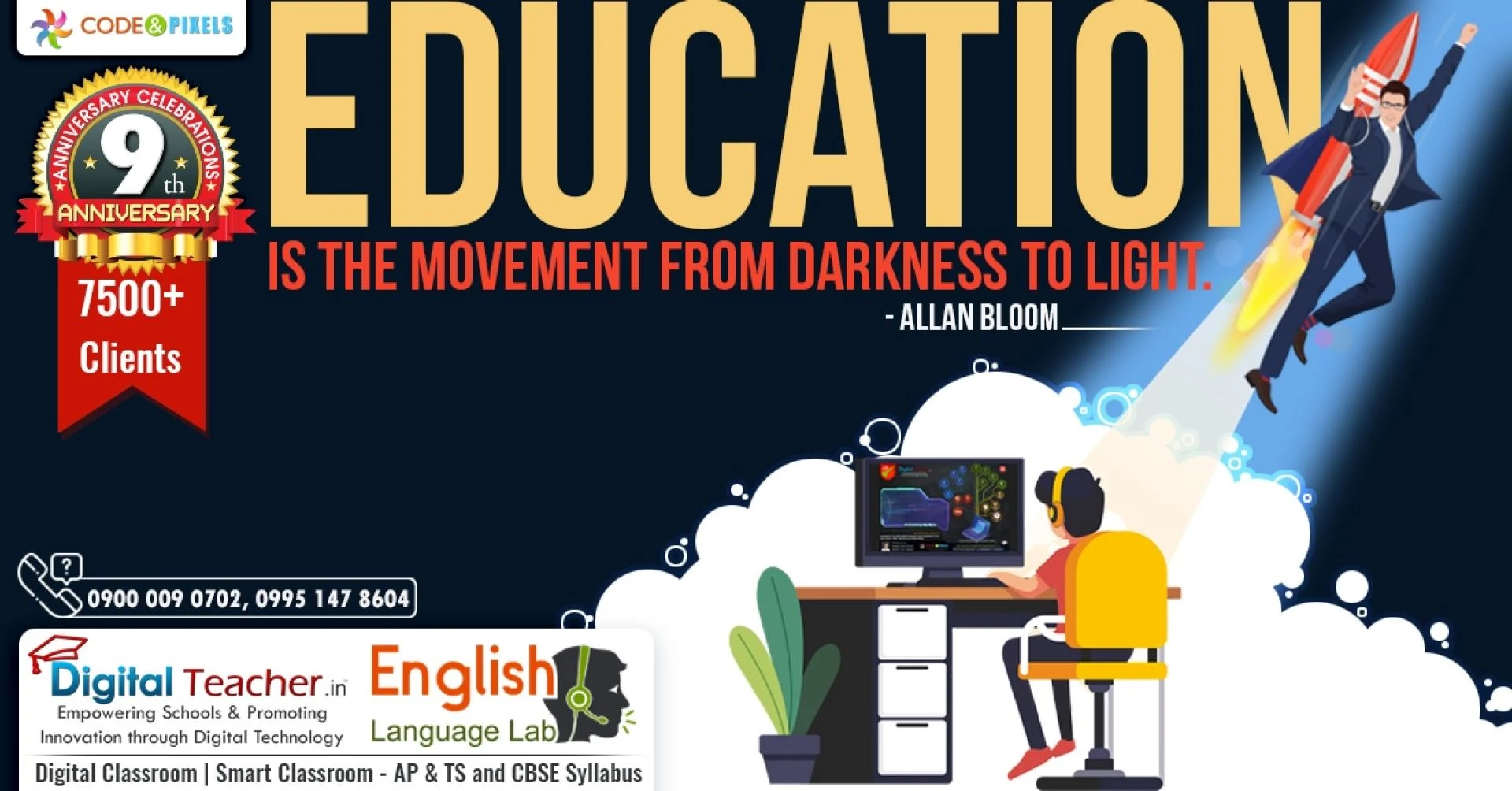
Digital teacher offers Smart Classroom solutions and English Language Lab.
How many schools are using Digital Teacher Smart Classroom?
Approximately 7500 schools in Andrapradesh and Telangana are using Digital Teacher Smart classrooms.
More than 1000 schools having CBSE syllabi are using Digital Teacher other than AP and TS.
What is the cost of Digital Teacher Software?
Digital Teacher Smart Classroom and English language lab cost depends on the number of systems that the
software is going to be installed. A school may have a single projector or multiple projectors. Cost depends
on how many systems the software is installed.
What are the subjects covered in Andra Pradesh and Telangana
syllabus
All the subjects i.e. Mathematics, Biology, Physical science, English, Social studies, etc from classes KG to
10th.
What is the language used in Digital Teacher?
Digital Teacher is an Animated smart classroom solution having English as Voice over. Neutral English so
that every student can understand easily.
The explanation is done using very simple English with detailed explanations so that average students also
can comprehend properly.
Do I need an internet connection to see the lessons?
Digital Teacher has 2 modes. Offline and Online. Offline schools can use either USB or installation to use
Digital teacher. Digital Teacher canvas is an online mode of software.
USB and Installation can be used in WINDOWS-based operating systems. Whereas online mode can be
used in All operating systems i.e. Windows, Android, Apple, etc. A good internet connection is required for
the device. (Laptop, Desktop, Tablet, Mobile phone, Smart TV, etc)
In physics and biology so many lab experiments are available in
the syllabus? Did the digital teacher cover the lab experiments?
Yes. The digital teacher has every experiment covered using high-end graphics and animations with
detailed explanations.
What are the various Navigation features available in Software?
Digital teacher software gives full control to the user. Users can use Play/Pause, Next/Previous, Mute,
Search, Index, Bookmark, Menu, and Seek bar to navigate the software.
I recently purchased branded software. But it covers only 50 % of
my school syllabus.
Digital Teacher covers 100 % syllabus and matches 100% with Telangana and Andhra Pradesh board
syllabus.
My School teachers are not computer experts. Can they use the
software ?
Digital Teacher GUI ( Graphic user interface) is very simple to use and any person with very basic
knowledge of computer /phone can operate it very easily.
Do I need Speakers to use the software?
Yes. To listen to Voiceover explanations you need to use speakers. As a teacher, if you want only to use
visual animation, then you can mute the software and you can give your explanation too.




















Sign in to leave a comment.