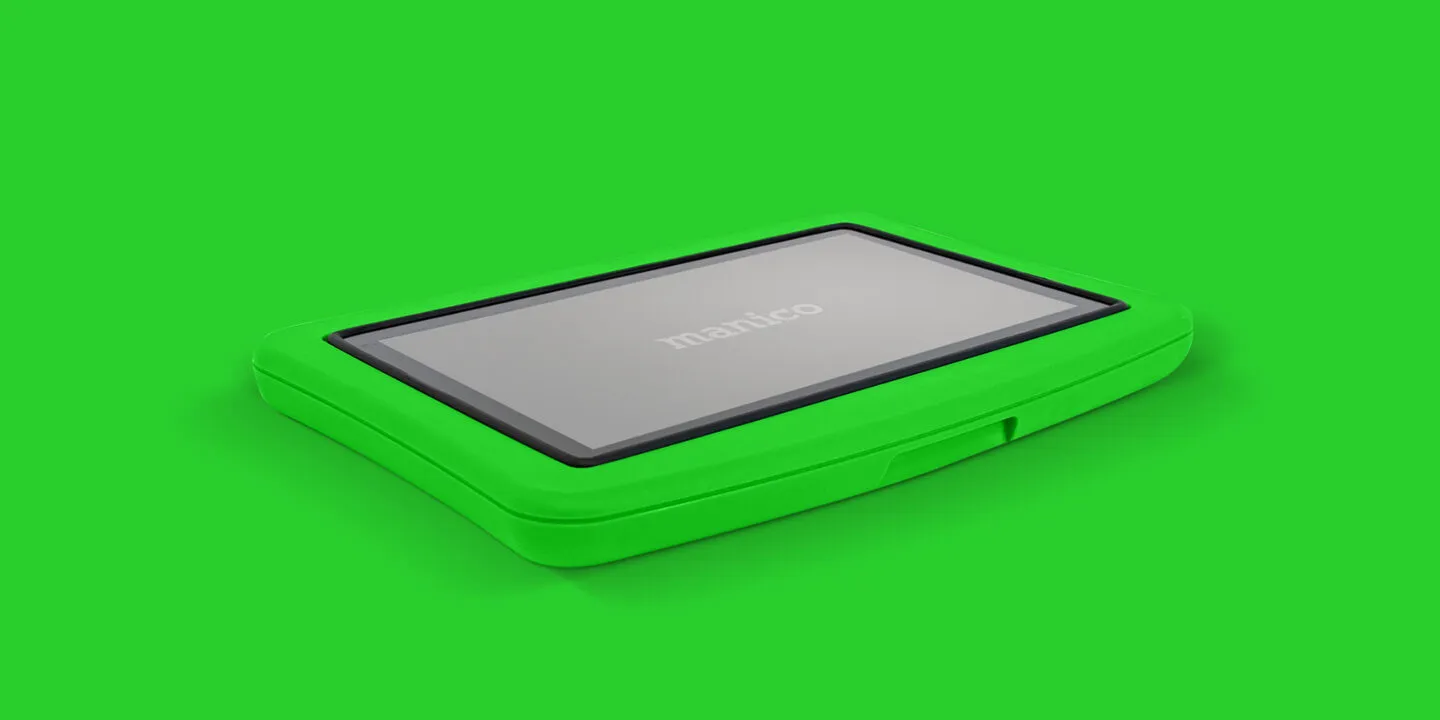

Technology is changing the way people learn, work, play, and interact with digital content. A screen is no longer just something we look at. Today, touch technology allows users to interact directly with what they see, making digital experiences more engaging and easier to understand.
FunBoard, with its 32-inch interactive touch screen, is designed around this idea. What makes it interesting is its flexible installation. It can be mounted on a wall, placed on the floor, or used on a table, depending on the space and purpose.
One Screen, Different Ways to Use It
Every environment has different needs. A wall-mounted display may work well in a classroom or reception area, while a table-mounted screen could be more useful for interactive activities.
FunBoard provides this flexibility through three installation options:
- Wall Mount: Keeps the screen fixed and saves floor space.
- Floor Mount: Makes the display easy to access in open areas.
- Table Mount: Allows users to interact with the screen while seated.
This flexibility makes the display suitable for different environments without requiring a completely different solution for every application.
Why a 32-Inch Touch Screen?
The 32-inch size offers a useful balance between visibility and space. It is large enough for individuals or small groups to view digital content comfortably while remaining compact enough for different installation locations.
The interactive touch feature also changes how people use the screen. Instead of relying only on a keyboard, mouse, or remote, users can interact directly with the displayed content.
For example, they can tap options, browse information, select items, or interact with digital applications through the touchscreen interface.
Making Learning More Interactive
In education, keeping students engaged can sometimes be challenging. Interactive technology can make lessons more visual and participatory.
FunBoard can be used for activities such as:
- Interactive lessons
- Educational games
- Digital quizzes
- Visual learning activities
- Presentations
- Group discussions
- Interactive demonstrations
Teachers can use touch-based content to make lessons more engaging, while students can participate directly instead of simply watching a screen.
For younger learners especially, the ability to touch and interact with digital content can make activities feel more natural and enjoyable.
Useful for Offices and Workspaces
Interactive displays are not limited to schools. Businesses can also use compact touchscreen displays in several ways.
A 32-inch interactive screen can support:
- Meeting presentations
- Interactive dashboards
- Product demonstrations
- Digital information points
- Team collaboration
- Training sessions
- Visitor information
For example, a company could place a touchscreen in a meeting area where employees can access information or interact with presentations. A wall-mounted setup can also help businesses make better use of limited office space.
A Practical Option for Retail and Customer Areas
Customer experience is another area where interactive displays can be useful.
Instead of displaying information passively, businesses can allow visitors to explore content themselves. A touchscreen can provide product information, catalogs, services, directions, or other digital resources.
For example, a retail store could use FunBoard as an interactive product catalog. Customers could browse different products and explore their features directly on the screen.
Similarly, a showroom could use the display to present product videos, specifications, images, and other information.
The Floor-Mount Advantage
The floor-mount option can be particularly useful when the screen needs to be placed in an open area.
It can be positioned where visitors or users can easily approach and interact with it. This can make it suitable for:
- Exhibitions
- Museums
- Events
- Showrooms
- Learning spaces
- Experience centers
- Public information areas
The screen becomes part of the physical environment rather than simply being another display mounted on a wall.
Table-Mounted for More Personal Interaction
A table-mounted setup creates a different experience. Users can sit around the display and interact with content comfortably.
This type of installation can work well for:
- Interactive games
- Collaborative learning
- Small-group activities
- Digital catalogs
- Creative applications
- Training
- Collaborative presentations
For example, students can gather around a table-mounted screen and work together on an interactive activity.
More Than Just a Display
The biggest difference between a traditional display and an interactive touchscreen is how users engage with the content.
A standard screen mainly delivers information. An interactive screen allows users to take part in the experience.
This can make digital content easier to explore and can encourage participation. Whether it is a student answering a question, a customer browsing products, or an employee exploring information, the interaction happens directly on the screen.
Choosing the Right Installation
The best mounting option depends on how and where the FunBoard will be used.
If space is limited, wall mounting can be a practical choice.
If the display needs to be accessible in an open environment, floor mounting may be more suitable.
If users need to sit around the screen and interact with it together, table mounting can provide a comfortable setup.
This flexibility allows organizations to adapt the same type of interactive technology to different environments.
Bringing Digital Interaction Into Everyday Spaces
Interactive technology is becoming part of classrooms, offices, retail environments, exhibitions, and public spaces. However, the technology is most useful when it fits naturally into the environment where people use it.
With its 32-inch interactive touchscreen and wall, floor, and table mounting options, FunBoard offers a flexible approach to digital interaction.
It can support learning, collaboration, customer engagement, presentations, entertainment, and information sharing—all through a screen that users can interact with directly.
As more organizations look for simple ways to make digital experiences more engaging, flexible interactive displays like FunBoard can become a useful addition to everyday spaces.























Sign in to leave a comment.