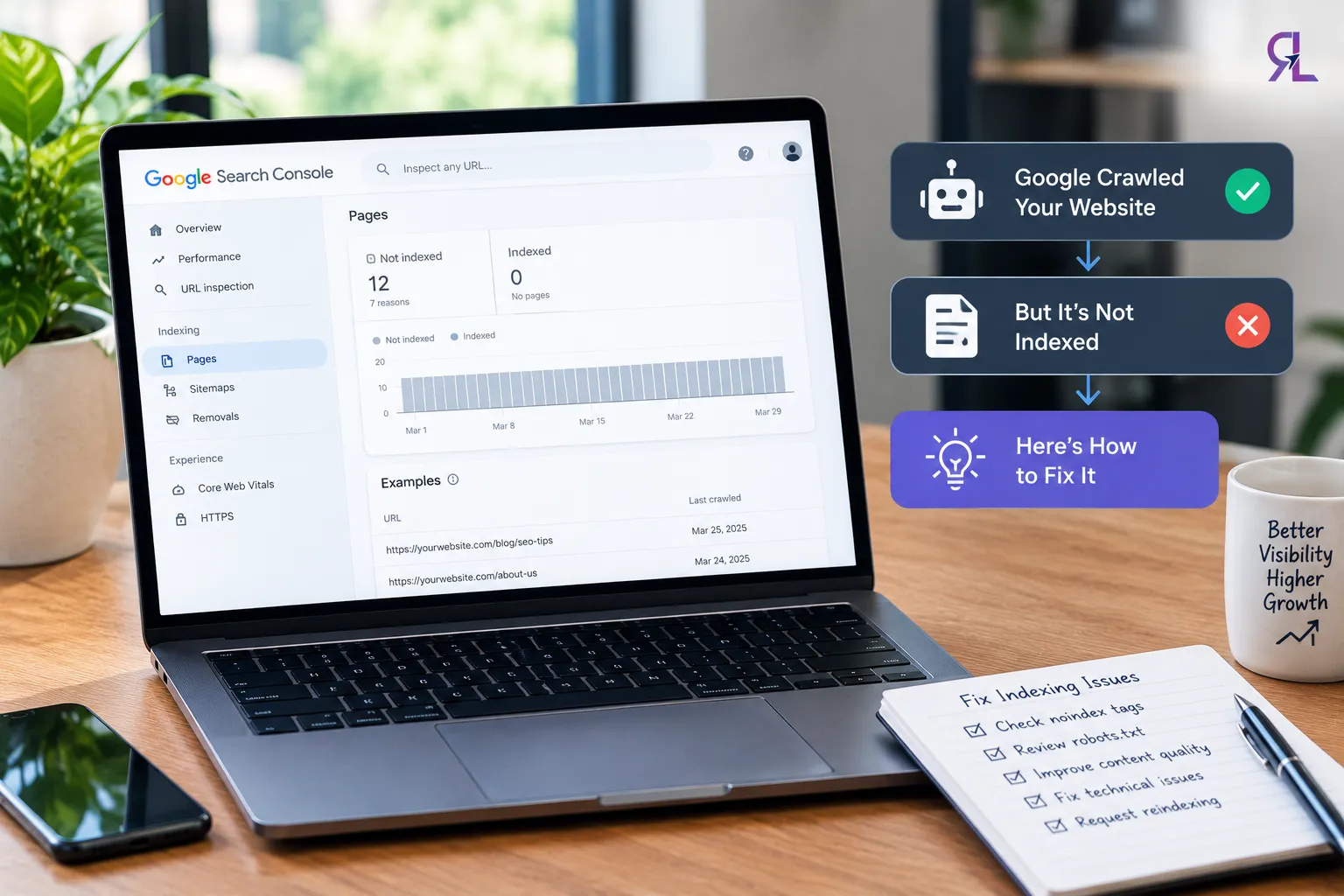

If Google has crawled your website but not indexed it, the problem may be related to content quality, duplicate pages, technical signals, or your website's overall value. Google has visited the page but has not added it to its search index yet. This does not automatically mean your website has a technical error or a Google penalty.
The first step is to identify the actual cause instead of repeatedly requesting indexing.
1. Check Technical SEO Issues First
Open Google Search Console and use the URL Inspection tool to check the affected page. Review these issues:
- Noindex tag: Make sure the page allows indexing.
- Canonical tag: Check whether Google is being directed to another URL.
- Robots.txt: Confirm that crawling is not blocked unintentionally.
- Server errors: Make sure Google can access the page successfully.
- Internal links: Link to important pages from relevant, accessible pages on your website.
If you find a technical issue, fix it before focusing on other factors.
2. Check Content Quality
If Google successfully crawled the page but did not index it, the content itself may not provide enough unique value. This can happen when a page repeats information already available elsewhere, offers only basic explanations, or does not fully answer the user's question.
To improve content quality:
- Answer the main search question directly.
- Add original examples, useful details, or practical steps.
- Remove repetitive or unnecessary sections.
- Make the page meaningfully different from similar pages on your website.
- Match the content to the user's search intent.
Adding more words alone will not solve the problem. The page needs to offer information that is useful and relevant.
3. Check Internal Links and Website Authority
A page that has few internal links may be harder for Google to discover and understand within your website's structure. Link it from relevant pages that are already indexed.
External mentions and relevant backlinks may also help Google discover pages and understand their importance. However, there is no fixed authority score or backlink count that guarantees indexing.
If you need a structured diagnosis, professional seo audit services can help identify technical issues, content gaps, duplication, and weak internal linking before you make changes.
4. Request Indexing After Fixing the Problem
Once you have corrected the identified issues, test the page in Google Search Console and request indexing if appropriate. Repeated requests alone will not guarantee inclusion.
Ultimately, separate technical errors from content and site-level quality issues. Fix the specific problem, improve the page's value, and monitor its status. Google does not guarantee that every crawled URL will be indexed.




























Sign in to leave a comment.