

7 Google Search Console Errors You Shouldn't Ignore
Google Search Console (GSC) helps you understand how Google discovers, crawls, and indexes your website. But sometimes, its reports show issues that can affect your search visibility. The tricky part is knowing which problems need attention and how to fix them.
From server errors to pages that Google hasn't indexed, here are seven common issues worth checking regularly to keep your website healthy.
1. Server Errors (5xx)
Server errors such as 500, 502, or 503 mean Googlebot couldn't successfully access a page because of a server-side problem. If these errors continue, Google may struggle to crawl important URLs.
How to fix it: Check your hosting status, server logs, and recent website changes. Confirm that affected pages return the correct HTTP status code, then use URL Inspection to test important URLs again.
2. Crawled – Currently Not Indexed
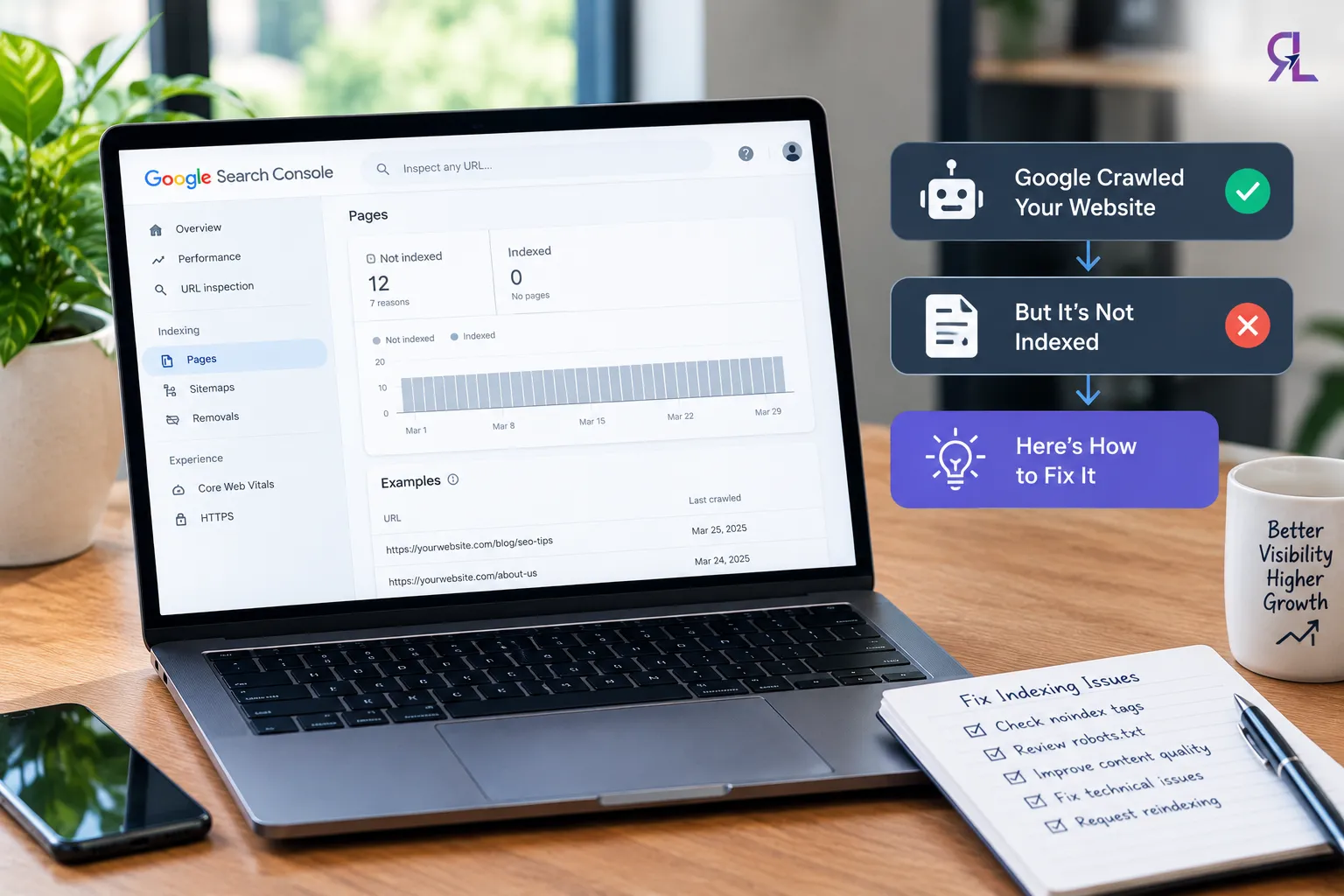
This status means Google crawled a page but hasn't included it in its index. Possible reasons include limited original value, duplicate content, or a page that doesn't appear useful enough to index.
How to fix it: Open the affected URL and review its content, canonical tag, internal links, and indexing directives. Improve the page where needed, then request indexing through URL Inspection. Remember, requesting indexing doesn't guarantee inclusion.
3. Discovered – Currently Not Indexed
Google knows the URL exists but hasn't crawled it yet. This can happen when Google delays crawling, including when a site has performance or capacity issues.
How to fix it: Check your website's response speed and server reliability. Add useful internal links, include the canonical URL in your sitemap, and remove unnecessary or duplicate URLs. Give Google time to revisit the page.
4. Redirect Errors
Redirect problems include loops, chains, and destinations that cannot be reached. These can prevent Googlebot from reaching the intended page.
How to fix it: Test the affected URL and follow its redirect path. Remove loops, shorten unnecessary chains, and ensure the final destination works correctly. Update internal links and sitemap entries to point directly to the final URL.
5. Soft 404 Errors
A soft 404 occurs when a page tells Google it loaded successfully, often with a 200 status code, but its content appears to indicate that the page is missing or has little useful content.
How to fix it: If the page should exist, add meaningful content. If it has been removed, return a proper 404 or 410 status. Redirect it only when a genuinely relevant replacement exists.
6. Blocked by Robots.txt
Your robots.txt file tells search engine crawlers which parts of your website they can access. An incorrect rule can accidentally block important service pages, blog posts, or product pages from being crawled.
How to fix it: Open your website's /robots.txt file and review the rules. Remove unintended restrictions and test the affected URLs. Remember, robots.txt blocks crawling, not necessarily indexing. If you need a page excluded from search results, Google must be able to crawl it to see a noindex directive.
7. Core Web Vitals Issues
Core Web Vitals measure important aspects of user experience, including loading performance, responsiveness, and visual stability. Poor results can indicate problems that deserve attention, although they don't automatically mean your pages will lose rankings.
How to fix it: Open Experience → Core Web Vitals in GSC, where available, and review the affected URL groups. Use PageSpeed Insights to investigate loading delays, interaction responsiveness, and unexpected layout shifts. Optimize large images, reduce unnecessary JavaScript, and address layout issues before validating improvements.
How an SEO Agency Can Help
A professional SEO agency can combine GSC reports with technical audits and website analytics to identify recurring issues and prioritize fixes. AI tools can help organize findings, but developers or SEO specialists should verify each issue before making changes.


























Sign in to leave a comment.