
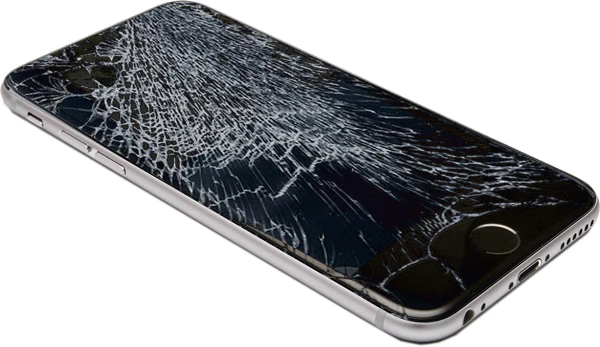
An Android screen that is damaged or unresponsive as a result of an accident is one of the most common phone issues consumers face. Knowing how Android screen repair is done will help you know what to expect, whether you're going to a professional specialist or attempting a do-it-yourself option.
Initial Assessment and Diagnosis
The first stage in the repair process of our Android screen repair is a thorough inspection of the device. Technicians evaluate the extent of damage to determine whether the LCD or touchscreen (digitizer) underneath is also affected. They also assess the phone's functioning, including touch response, display brightness, and camera performance, to make sure there are no additional issues. Before starting the repair, the phone is turned off and any SIM or memory cards are removed. The technician next uses a heat gun or other specialized heat equipment to weaken the glue holding the screen in place. This step is crucial because contemporary telephones are meticulously sealed to keep away moisture and dust.
Taking Out the Screen
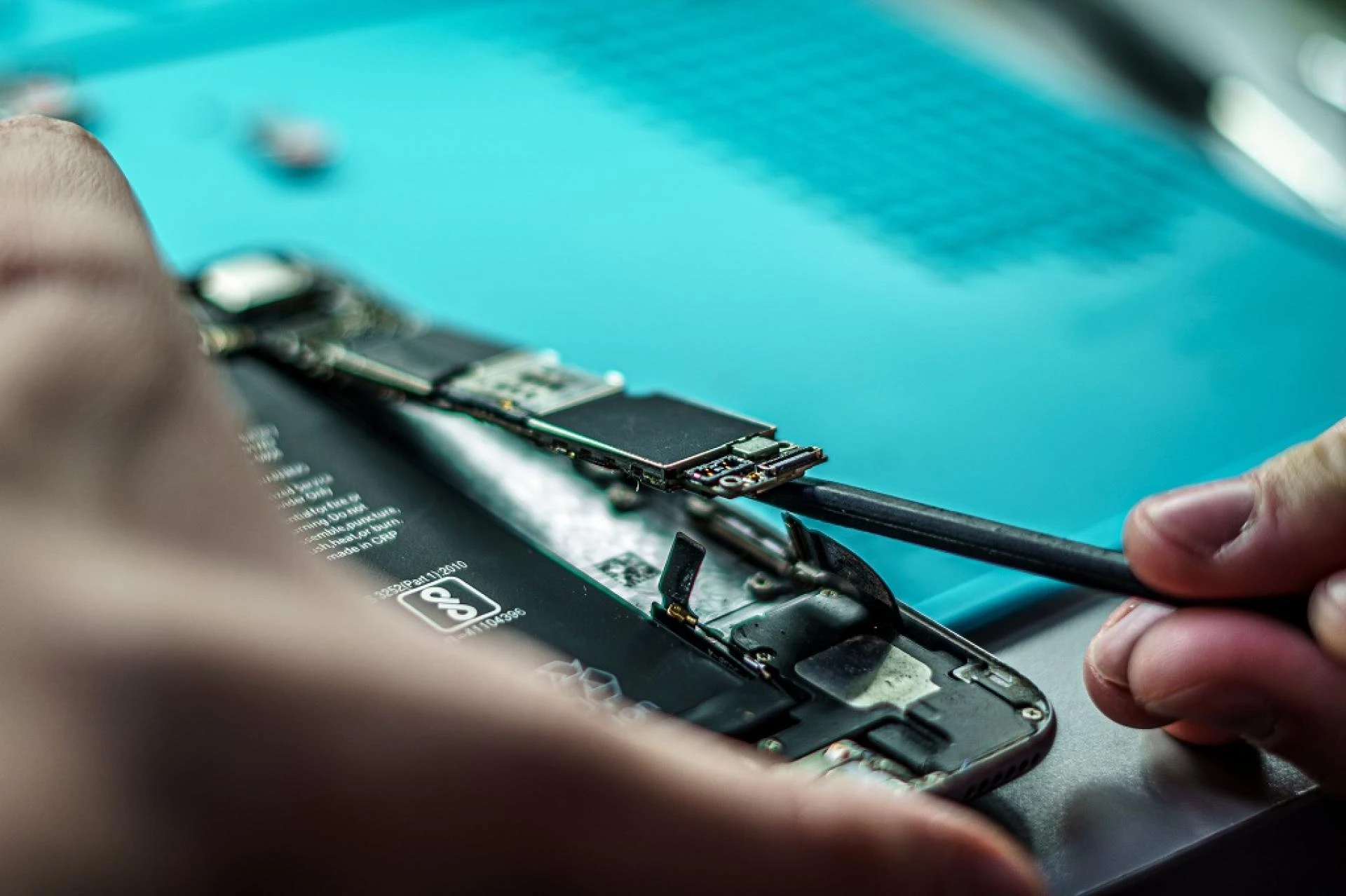
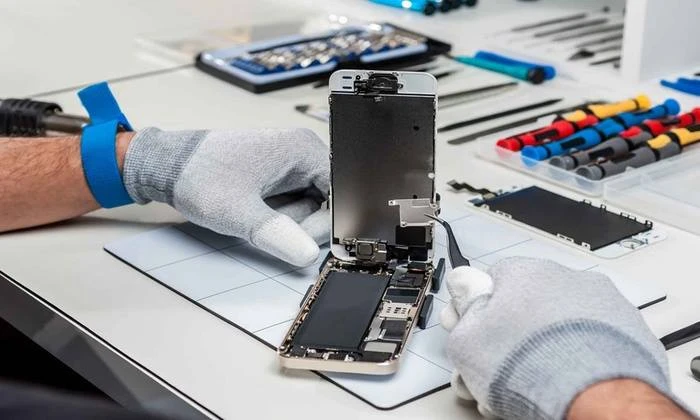
Using precise tools like plastic picks or suction cups, the damaged screen is carefully extracted from the frame. The technician must manage this process cautiously to avoid damaging internal components like the motherboard, battery, or fingerprint sensor. After removing the damaged screen, any leftover adhesive or glass fragments are washed away. The new screen assembly, which usually includes the display, digitizer, and glass, is then positioned and mounted onto the phone's frame. Strong adhesive is employed to keep it firmly in place.
Examining and Reassembling
After installing the replacement screen, the technician reassembles the phone, reconnects all internal cables, and switches it on for testing. They attest to the faultless operation of the display, touch sensitivity, and other characteristics. Before returning the equipment to the customer, a final inspection ensures that there are no visible defects, air gaps, or loose parts.
Conclusion
Expertise, the appropriate tools, and high-quality replacement parts are necessary for the precise and delicate procedure of fixing an Android screen. It extends the life of your equipment and restores it to like-new condition when done correctly by an expert.


























Sign in to leave a comment.