How AWS Cloud Consulting Services Help Reduce Cloud Costs

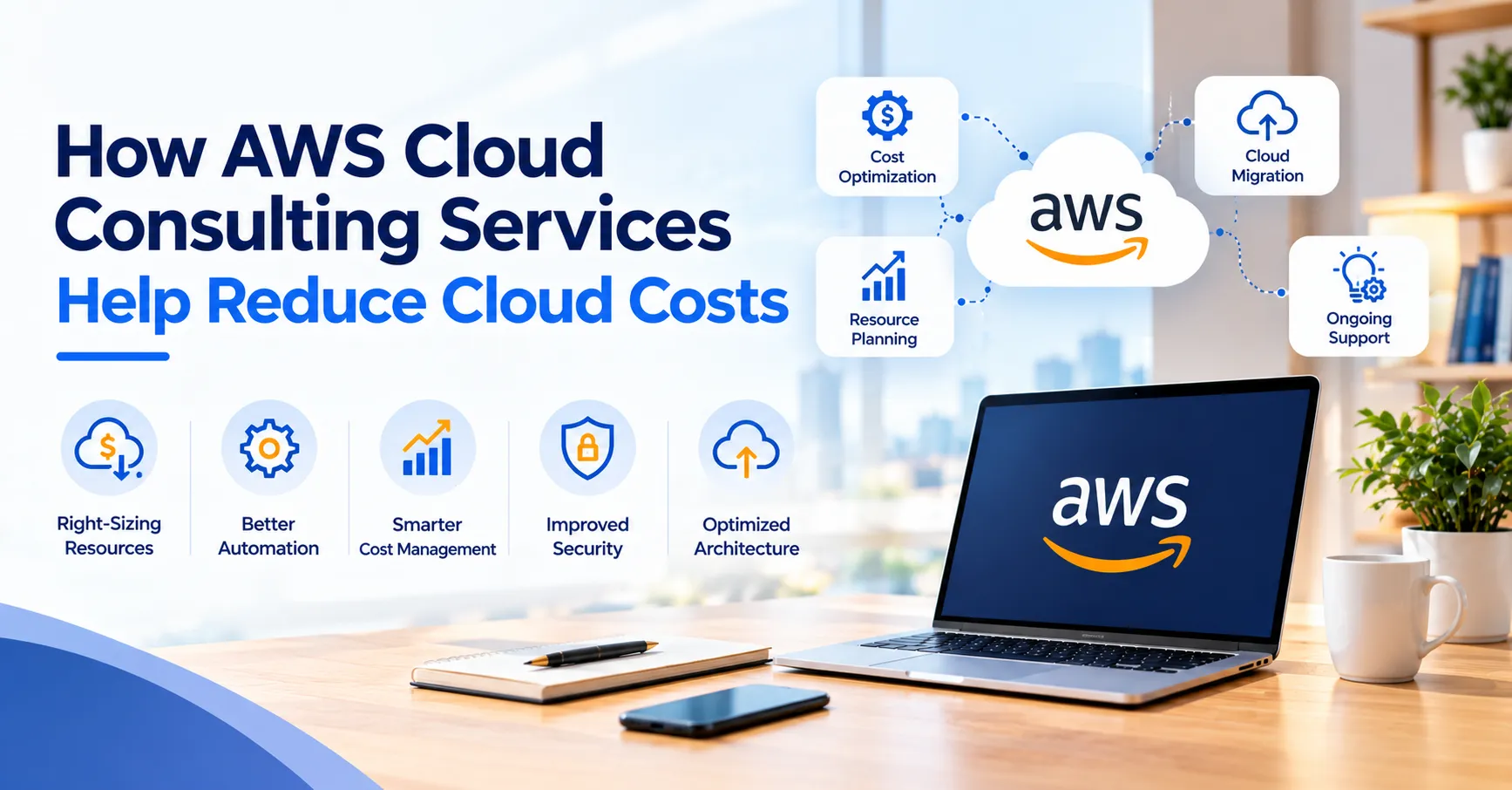
A bill that rises 3 percent a month doesn't set off any alarms. Twelve months later it's about 43 percent higher, and nobody can name the decision that caused it. That's how most AWS overspending happens. There's no single big mistake, just a lot of small, sensible choices that nobody went back to check.
The industry numbers say the same. Flexera's 2026 State of the Cloud report, published in March, puts wasted cloud spend at 29 percent, up from 27 percent a year earlier. It's the first increase in five years, and Flexera blames part of it on teams pushing AI workloads into production quickly. Put another way, the people running these systems think nearly a third of what they spend buys nothing useful. Of the more than 750 people surveyed, 85 percent called managing cloud spend a top challenge.
So the problem is common, and by Flexera's numbers it's getting slightly worse. AWS cloud consulting Partner reviews setups like this as part of the job. Below you'll find where the money usually goes, what gets fixed first, and when it makes sense to pay for aws cloud consulting services instead of handling it in-house.
Where the Money Actually Goes
Most waste sits in the same few places. None of them are exotic.
Machines nobody resized
Somebody picks an instance size for launch day, when traffic is hardest to predict, and goes big to be safe, and six months later it's still that size, still half empty and still billed by the hour. Non-production is worse. A staging environment that runs around the clock is on for 168 hours a week, while a team working ten-hour weekdays only uses 50 of them. AWS's Cost Optimization Hub files this whole category under actions like stop, delete and rightsize, so AWS clearly sees it all the time.
Paying list price for steady workloads
On-demand pricing is fine for things you're unsure about. It's an expensive habit for a database that has run the same way for two years. Savings Plans and reserved capacity cut the rate in return for a commitment, and the awkward part is that somebody has to pick the number. Under-commit and you keep overpaying. Over-commit, or lock into the wrong instance family, and you pay for capacity that sits idle. On many teams, nobody is actually given that job.
New AI and data bills
GPU instances, big data pipelines and chatty logging turn up fast and often skip the budget conversation. Flexera ties its higher waste figure partly to this. We'd add a plainer reason. These workloads are new, so nobody has a feel yet for what a normal bill looks like.
What a Consultant Does
It's less dramatic than it sounds. Mostly it's reading, asking questions and testing changes before anyone touches production, and well-run aws cloud consulting services start there.
Review first, change second
The first job is reading your account. That means usage by service, how accounts are split, what's tagged and how the architecture hangs together. AWS Well-Architected has a Cost Optimization pillar for exactly this, and as a Well-Architected Partner we check against all six pillars. Tools like Cost Explorer and Cost Optimization Hub, which gathers more than 18 kinds of recommendation in one place, supply the raw findings. They can't tell that one flagged server runs your payment service while another is a forgotten test box. A person has to tell them apart.
Rightsizing and Graviton
Rightsizing is simple on paper. Pick a smaller instance when the load allows. Moving from x86 to AWS Graviton chips is the other lever AWS itself points to for savings. It isn't always a straight swap, though. Some software needs changes, or at least a rebuild, before it runs on Graviton. Test on a copy first and roll out in stages.
Choosing a pricing model
Savings Plans, reserved instances and spot capacity suit different workloads. The newest option is Database Savings Plans, launched in December 2025, which the FinOps Foundation says can save up to 35 percent on a one-year commitment. A steady, well-known database might still do better on reserved instances. Spiky or changing ones suit the flexible plan. Which is which depends on how each workload behaved over recent months, and that's data a consultant pulls, not a guess.
Tags, the boring fix that lasts
Tagging is the dullest item on this list. It's also our pick for the one that pays back longest. Put team, project and environment on every resource and the bill stops being one number nobody owns. Skip it, and every later cost conversation turns into an argument about whose server it is.
Designing for Lower Bills
Cleaning up today's bill won't stop next quarter's from creeping back. Cost has to be part of how things get built, and a cloud development solution that plans for it from the start saves a lot of later clean-up.
Scaling that follows traffic
Autoscaling lets capacity rise and fall with demand instead of sitting at the peak all day. Serverless services like Lambda and Fargate can suit workloads that arrive in bursts, since you pay for what runs. They aren't automatically cheaper. A steady, heavy service often costs less on reserved capacity, so run the numbers before following a trend.
Storage and network traps
Data nobody reads doesn't need the priciest storage class, and lifecycle rules can move it down on a schedule. Network is the quieter problem. NAT gateways charge by the hour and by the gigabyte, and the traffic adds up in ways that surprise people. The FinOps Foundation's FinOps X 2026 recap notes that AWS now flags idle NAT gateways in its recommendations.
Automating the safe fixes
Compute Optimizer Automation lets teams apply certain recommendations through rules instead of by hand. FinOps Weekly's recap of the December announcements gives cleaning up unattached storage volumes as an example. A sensible split is automatic for low-risk clean-up and a human sign-off for anything touching a live service.
Making the Savings Last
Cost cuts fade when nobody's watching. New projects start, people move teams, and the old habits come back.
Budgets and owners
AWS Budgets and anomaly alerts flag a runaway bill within days, not at month end. Give every team a budget and a name beside it. Flexera found that 63 percent of organisations now run a dedicated FinOps team, so this is turning into a permanent job rather than a one-off project.
One number to watch
AWS added a Cost Efficiency metric to Cost Optimization Hub. It compares the savings still available against the spend that could be optimised, which gives you a single score to track every month. Check it on a schedule and it's hard to drift without noticing.
When to Call for Help
Plenty of teams handle AWS costs well alone. Some reach a point where the bill, or the workload behind it, outgrows the people looking after it.
Signs it's time
Watch for a bill growing faster than traffic, a pile of costs nobody can assign, a migration or AI project on the way, or a long commitment you're about to sign without being sure of the size. Any one of those is reason enough for a second opinion. It's cheapest before the commitment, not after.
Questions to ask a consultant
Ask what you'll be holding at the end of the review, and whether it names actual resources with expected savings. Ask who makes the changes and who tests them. Ask how savings get measured once the consultant leaves. And ask what happens when your own team changes something three months later. Clear answers are a good sign. Vague ones? Not so much.





Sign in to leave a comment.