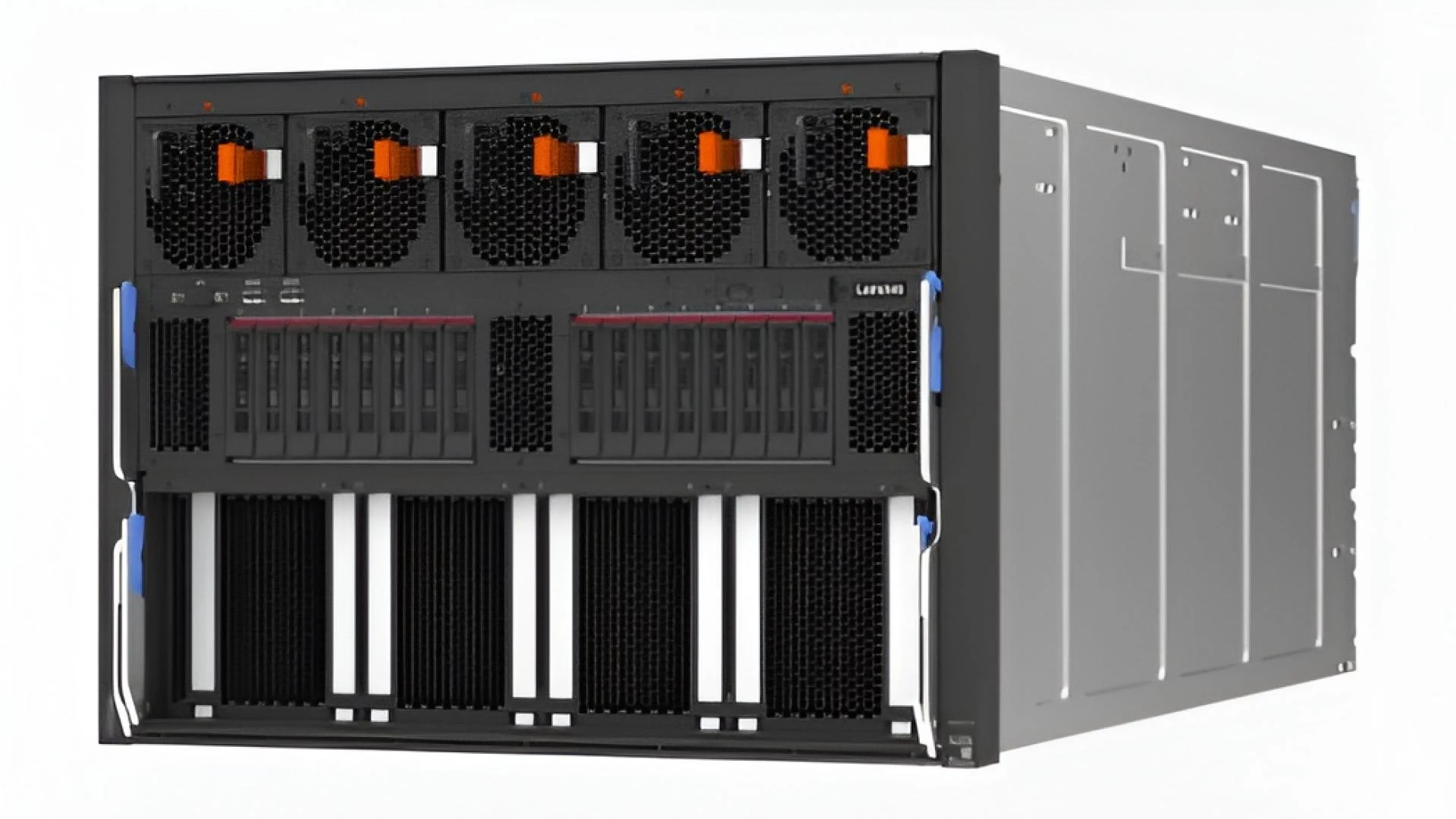

Many homes, schools, and offices use more than one PC every day. When multiple PCs work simultaneously, problems can arise. Files load slowly. Apps freeze. The internet feels weak. This is where servers play a big role. A server works like a smart helper that guides all PCs on a network. It shares data, controls traffic, and maintains order.
According to recent reports, more than 44 percent of small businesses now use a local or cloud-based server to manage daily work.
This illustrates the growing importance of servers. A server for PC setups enables devices to communicate with each other efficiently and securely. It removes stress from each PC and keeps work moving.
Today, you will learn seven simple ways servers help multiple PCs run smoothly together.
1. Central File Sharing Made Easy
Servers provide all PCs with a secure location to store files. This makes work smooth and fast. When each PC stores files alone, sharing becomes hard. People copy files using drives or emails. This wastes time and causes errors. A server fixes this problem by acting as a shared folder for everyone.
With a server for PCs, network users can save and open files from a single location, meaning all documents and data live on a central system rather than on individual computers. Everyone sees the latest version. This avoids confusion and delays. Because files stay in one place, PCs work lightly and faster. This keeps the whole network stable.
Key benefits include
- Easy access to shared files.
- No need to copy data repeatedly.
- Less risk of file loss.
2. Better Speed Through Load Sharing
Servers help spread work evenly across all PCs. When many PCs attempt to perform heavy tasks simultaneously, they slow down. A server takes part in that work and shares the load. This helps each PC stay responsive. The server manages tasks like file requests, updates, and data delivery. PCs no longer fight for resources. They work in balance.
How Load Sharing Helps Daily Tasks
Load sharing helps during busy hours. Many users may log in at once. Many files may open at once. The server guides traffic so nothing crashes. This makes systems feel smooth even during peak time. Users stay focused and less frustrated.
3. Strong Network Control From One Place
Servers provide a single point of control for the entire network. Without a server, each PC operates independently. This results in a mismatch between settings and access rules. A server brings order by setting common rules. Admins can manage users' folders and devices from one screen. This saves time and avoids mistakes.
Simple Control Means Fewer Errors
When settings match across PCs, fewer problems appear. Apps run better. Connections stay stable. Updates apply evenly. A server for PC networks keeps everything aligned. This helps even young students understand and use systems with ease.
4. Safer Data and User Access
Servers protect data better than single PCs. Each PC faces risks like accidental deletion or malware. A server adds layers of protection. It checks who can open what. It tracks activity. This helps prevent misuse and data leaks. Users feel safe while working.
Security advantages include:
- User login control
- File access limits
- Activity tracking
When data remains secure, PCs remain trusted. This builds confidence across the network.
5. Smooth Software Updates for All PCs
Servers make updates simple and fast. Updating each PC individually takes time. People often skip updates. This causes bugs and slow systems.
A server handles updates from a single location. It sends them to all PCs at once. This keeps systems fresh and stable.
With a server for PC setups, all devices stay on the same version. Apps work better together. Errors drop. This helps users focus on work, not fixes.
6. Reliable Backup and Quick Recovery
Servers maintain backup copies of important data in a systematic and planned manner. This helps protect files from mistakes, hardware issues, or sudden shutdowns. When a PC stops working, users do not panic. They know their data stays safe on the server.
A server saves files repeatedly throughout the day. This reduces the chance of losing recent work. If someone accidentally deletes a file, the server helps restore it quickly.
Backup benefits include
- Less work loss during failures.
- Faster return to normal tasks.
- Strong trust in the network.
This steady backup support keeps PCs running without fear and helps users stay calm and confident.
7. Better Use of Hardware Resources
Servers help PCs utilize power and storage more efficiently. Not every PC needs to handle heavy work. The server handles large file data processing and provides shared tools. This allows each PC to focus solely on user actions.
This setup reduces heat noise and slowdowns on individual PCs. Systems feel smoother and more responsive every day. Hardware also lasts longer because it faces less pressure.
A server for PC networks spreads work evenly. This balance enhances performance, conserves energy, and maintains the network's strength for long-term use.
Conclusion
Running multiple PCs together can be challenging without the right support. Servers solve this problem step by step. They share files, manage load protection data, and keep systems up to date. They also save time and reduce stress. Each PC works better because the server guides the network.
From schools to the office, this setup helps users stay productive. A server for PC networks acts like a silent leader. It keeps everything moving without noise or confusion. When PCs connect through a server, work feels smooth, simple, and reliable. This makes servers a smart choice for any growing network.






















Sign in to leave a comment.