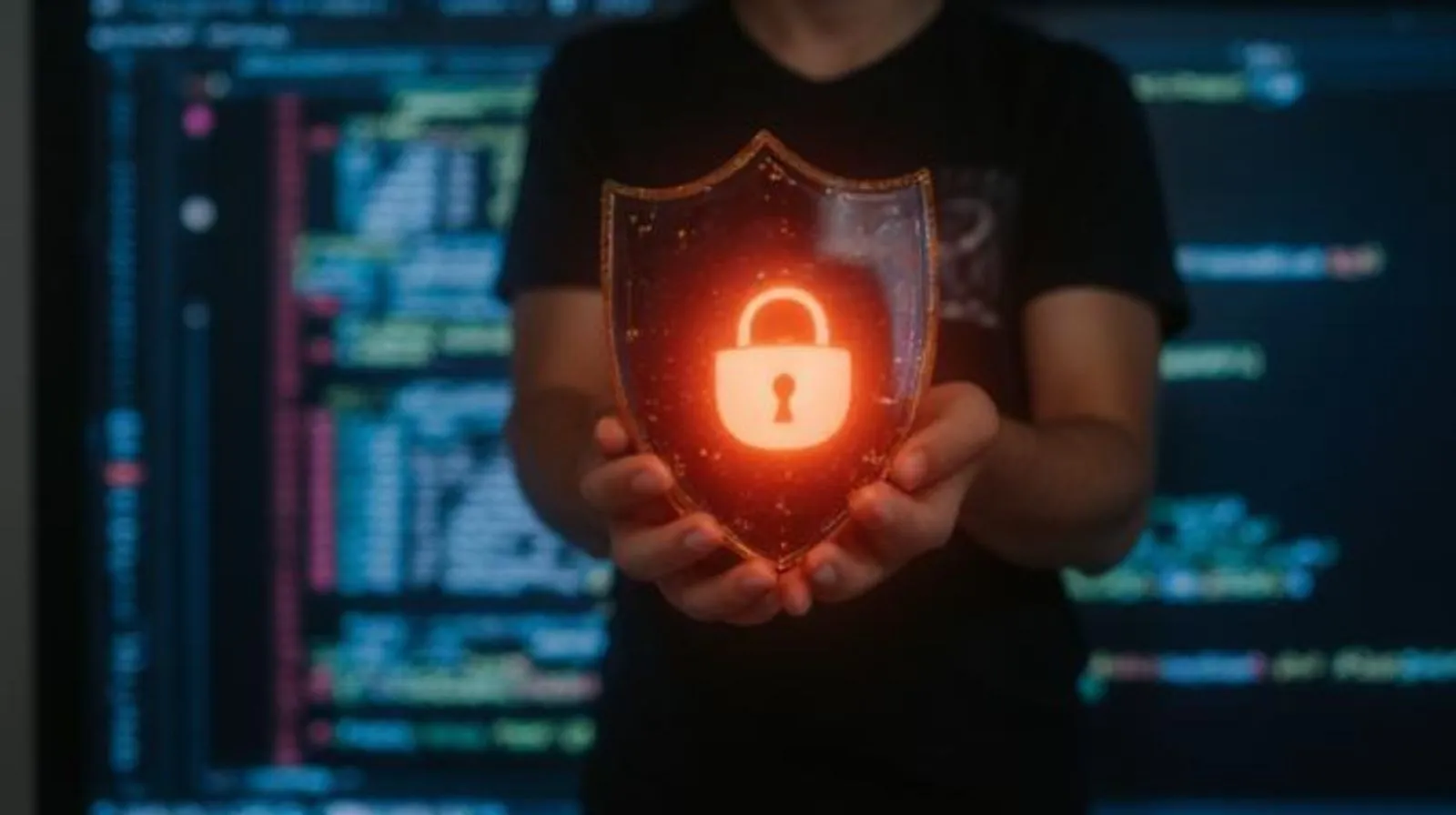

The rise of remote and hybrid work has transformed how businesses operate. Employees can now access corporate resources from virtually anywhere, using company-owned laptops, smartphones, tablets, and even personal devices. While this flexibility improves productivity and employee satisfaction, it also introduces significant security risks. One of the biggest concerns organizations face today is preventing sensitive company data from falling into the wrong hands.
Data breaches, unauthorized access, lost devices, insecure networks, and employee negligence can all contribute to costly data leaks. As cyber threats continue to evolve, organizations need a proactive approach to securing endpoints and protecting business-critical information. This is where Mobile Device Management plays a crucial role.
MDM solutions provide centralized control over mobile devices, enabling organizations to secure data, enforce security policies, and reduce the risk of information exposure in remote work environments.
Understanding the Data Leak Challenge in Remote Work
Traditional office environments allowed IT teams to manage devices and networks within a controlled perimeter. Remote work has effectively dissolved that perimeter.
Employees frequently:
- Access company data from home networks
- Use personal devices for work tasks
- Connect through public Wi-Fi
- Store sensitive files locally
- Download corporate applications outside IT oversight
- Share devices with family members
These practices increase the attack surface and create opportunities for data leaks. Whether accidental or malicious, a single exposed file can result in financial losses, regulatory penalties, and reputational damage.
Organizations need a solution that secures devices regardless of location, and MDM software provides exactly that capability.
What Is MDM?
Mobile Device Management is a security and management solution that enables organizations to monitor, configure, and secure smartphones, tablets, laptops, and other endpoints from a centralized dashboard.
Modern MDM platforms help businesses:
- Enroll and manage devices remotely
- Enforce security policies
- Control application usage
- Protect sensitive corporate data
- Monitor device compliance
- Lock or wipe lost devices
- Support remote troubleshooting
By maintaining visibility and control over endpoints, organizations can significantly reduce data leakage risks.
1. Enforcing Strong Access Controls
One of the most effective ways to prevent data leaks is controlling who can access company information.
MDM solutions allow administrators to enforce:
- Strong password policies
- Multi-factor authentication (MFA)
- Biometric authentication
- Automatic screen locks
- Session timeout rules
These security measures ensure that unauthorized users cannot access sensitive data even if a device is lost or stolen.
For remote employees working outside traditional office environments, strong authentication acts as the first line of defense against data exposure.
2. Securing Corporate Data on Mobile Devices
Remote workers often store documents, emails, customer information, and project files on their devices.
Without proper controls, this data can easily be copied, transferred, or exposed.
MDM solutions help protect corporate information through:
- Data encryption
- Secure storage containers
- File access restrictions
- Controlled document sharing
- Secure email management
Encryption ensures that even if a device is compromised, the data remains unreadable to unauthorized users.
Many businesses also combine MDM with endpoint data loss prevention strategies to further reduce the risk of sensitive information leaving approved environments.
3. Remote Lock and Remote Wipe Capabilities
Lost and stolen devices remain one of the leading causes of corporate data leaks.
Imagine an employee losing a company smartphone containing customer records, business emails, and internal documents. Without security controls, that information could be accessed by anyone who finds the device.
MDM software enables IT teams to:
- Remotely lock devices
- Reset passwords
- Locate devices
- Perform selective data wipes
- Execute full factory resets
These capabilities help organizations respond immediately to potential security incidents and prevent unauthorized access to corporate data.
4. Application Management and Control
Applications can become major sources of data leakage if not properly managed.
Employees may unknowingly install:
- Unapproved productivity apps
- File-sharing tools
- Cloud storage applications
- Messaging platforms
- Potentially malicious software
MDM platforms provide enterprise app management capabilities that allow IT administrators to:
- Approve trusted applications
- Block risky apps
- Restrict app installations
- Push corporate applications remotely
- Remove unauthorized software
This level of control ensures that sensitive business information remains within secure and approved applications.
5. Preventing Data Sharing and Unauthorized Transfers
Data leaks often occur when employees intentionally or unintentionally transfer information outside company systems.
Examples include:
- Copying files to personal cloud storage
- Sharing documents via consumer messaging apps
- Saving confidential information on external drives
- Taking screenshots of sensitive data
Modern MDM solutions can enforce policies that restrict:
- Copy-and-paste actions
- File downloads
- USB transfers
- Screenshot functionality
- Third-party sharing
By controlling how information moves between devices and applications, organizations significantly reduce the chances of accidental data exposure.
6. Ensuring Device Compliance
Every device connected to corporate resources should meet specific security requirements.
MDM platforms continuously monitor device compliance by checking:
- Operating system versions
- Security patch status
- Password compliance
- Encryption settings
- Jailbreak or root detection
Non-compliant devices can automatically be:
- Blocked from accessing company resources
- Quarantined
- Flagged for remediation
This proactive approach prevents vulnerable devices from becoming entry points for attackers.
7. Securing BYOD Environments
Bring Your Own Device (BYOD) policies have become increasingly common in remote work settings.
While BYOD reduces hardware costs, it introduces additional security concerns because personal devices often lack enterprise-grade protections.
MDM software enables organizations to:
- Separate personal and business data
- Create secure work profiles
- Enforce corporate security policies
- Protect company information without invading employee privacy
This balance allows employees to use their preferred devices while ensuring sensitive business data remains secure.
8. Real-Time Monitoring and Threat Detection
Visibility is essential for preventing data leaks.
MDM platforms provide real-time insights into:
- Device status
- Security incidents
- Compliance violations
- Suspicious activities
- Unauthorized access attempts
IT administrators can quickly identify potential threats and take corrective action before a security incident escalates.
Continuous monitoring helps organizations maintain a strong security posture even when employees are distributed across multiple locations.
9. Supporting Zero Trust Security Strategies
Many organizations are adopting Zero Trust Security models to strengthen remote workforce protection.
The core principle of Zero Trust is simple:
Never trust, always verify.
MDM plays a critical role in supporting Zero Trust by ensuring:
- Device identity verification
- Continuous compliance checks
- Secure user authentication
- Controlled resource access
- Ongoing monitoring
Only verified users on compliant devices are granted access to corporate resources, reducing the likelihood of data leaks and unauthorized access.
10. Simplifying Security Management for IT Teams
Managing hundreds or thousands of remote devices manually is nearly impossible.
MDM platforms simplify administration through centralized management features such as:
- Policy deployment
- Device enrollment
- Security configuration
- Software updates
- Compliance reporting
IT teams can manage remote endpoints from a single dashboard, ensuring consistent security across the organization.
This centralized approach improves efficiency while reducing the risk of security gaps.
Why Businesses Are Investing in Modern MDM Solutions
As remote work becomes a permanent part of business operations, organizations are recognizing the importance of comprehensive endpoint management.
Modern solutions such as EasyControl UDM provide businesses with:
- Unified Device Management across multiple operating systems
- Remote device monitoring
- Enterprise app management
- Endpoint data loss prevention capabilities
- Secure remote access controls
- Compliance enforcement
- Device lockdown features
These capabilities help organizations maintain productivity without compromising security.
Conclusion
Remote work offers tremendous benefits, but it also increases the risk of data leaks and security breaches. Employees now access corporate information from various locations, networks, and devices, making endpoint security more important than ever.
Mobile Device Management serves as a critical defense mechanism by providing centralized control, strong security enforcement, application management, compliance monitoring, and remote protection capabilities. From preventing unauthorized access to securing sensitive files and supporting Zero Trust Security initiatives, MDM helps organizations protect their most valuable asset—data.
Businesses that invest in a robust MDM solution can confidently support remote work while minimizing the risks associated with data leakage, compliance violations, and cyber threats.























Sign in to leave a comment.