

Have you ever noticed your laptop becoming slow when you open too many browser tabs or run several programs at the same time? Maybe the laptop works fine for basic tasks, but things start to slow down when you open Photoshop, a coding program, or a large Excel file.
In many cases, RAM can be one of the reasons behind this problem.
RAM, or Random Access Memory, is one of the main components responsible for handling the tasks your laptop is currently running. When there is not enough RAM for your workload, the system may become less responsive, and multitasking can feel slower.
But does that mean you should immediately upgrade your laptop RAM? Not necessarily. Before buying a new memory module, it is better to understand how much RAM you actually need and whether your laptop supports an upgrade.
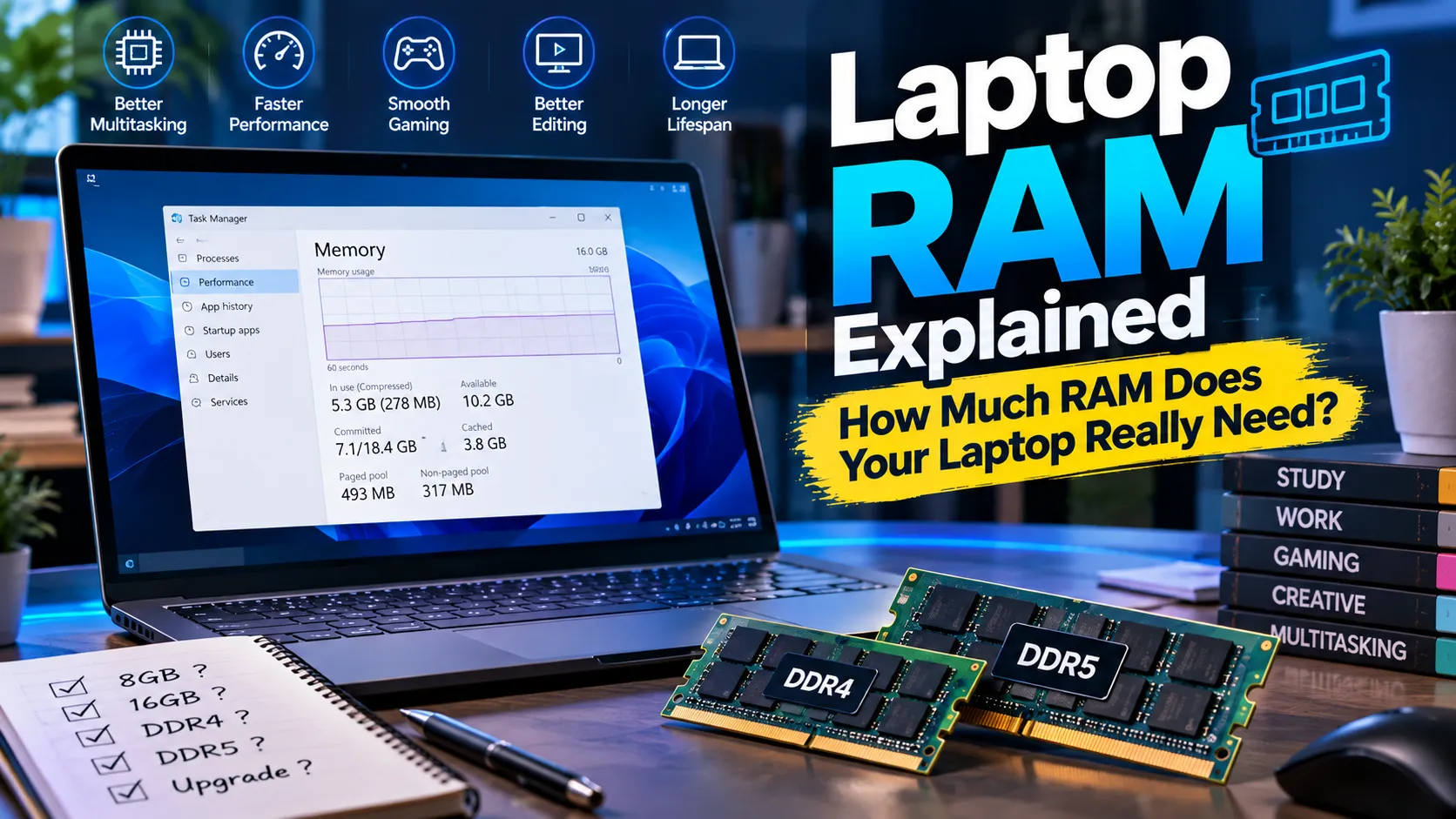
What Does RAM Do in a Laptop?
RAM is the temporary memory your laptop uses while applications are running.
For example, if you open a browser, a Word document, Spotify and an image editor at the same time, your laptop needs memory to keep those applications and their active data available.
RAM is different from storage. Your SSD or hard drive stores files even when the laptop is turned off. RAM, on the other hand, is used for active tasks while the laptop is running.
This is why having enough RAM can make a difference when you regularly switch between multiple applications.
Is 8GB RAM Enough for a Laptop?
For many basic users, 8GB RAM can still be enough. If you mainly use your laptop for web browsing, online classes, Microsoft Office, email, video streaming and simple everyday tasks, 8GB may handle your workload without major problems.
The situation changes when you regularly use several demanding applications at the same time.
For example, someone who keeps many browser tabs open while using Photoshop, Excel and other applications may notice that 8GB becomes limiting. In that situation, moving to 16GB can provide more room for multitasking.
The right amount of RAM depends more on your workload than on the laptop brand.
When Should You Consider 16GB RAM?
16GB RAM is a practical choice for users who regularly multitask or use more demanding software.
It can be useful for programming, photo editing, video editing, content creation and other workloads where several applications may remain open at the same time.
It is also worth considering if you plan to keep your laptop for several years. Software and browser applications can become more demanding over time, so having additional memory can give you more flexibility.
However, upgrading from 8GB to 16GB will not automatically make every laptop twice as fast. If your processor is the main limitation, or if the laptop has an old hard drive or overheating problem, adding RAM alone may not solve the issue.
DDR4 vs DDR5 Laptop RAM
You may see DDR4 and DDR5 when looking for laptop memory. These are different generations of memory technology and are not interchangeable. Your laptop's motherboard determines which type of RAM it can use.
This means you should not buy DDR5 simply because it is newer. If your laptop supports DDR4, you need compatible DDR4 memory.
Before purchasing a RAM module, check your exact laptop model and its supported memory type.
RAM Speed Also Matters
Laptop RAM has a specified memory speed. Depending on the specification, you may see speeds represented using MT/s or older listings that use MHz.
A higher-rated memory module is not automatically the right choice for every laptop. The processor and motherboard determine which memory speeds are supported.
For this reason, compatibility should come before chasing the highest RAM speed available.
A properly compatible RAM module that matches your laptop's specifications is generally a better choice than simply buying the fastest module you can find.
Can Every Laptop RAM Be Upgraded?
No.
This is one of the first things you should check before buying laptop RAM.
Some laptops have removable SO-DIMM memory modules that can be replaced or upgraded. Other laptops have memory soldered directly onto the motherboard.
There are also laptops that combine soldered memory with an additional RAM slot.
Because of these differences, you should check the exact model of your laptop before ordering anything. The manufacturer's specifications or service documentation can tell you whether the memory is upgradeable and how much RAM the laptop supports.
How to Check Your Current RAM Usage
If you are using Windows, you can check your memory usage through Task Manager.
Press Ctrl + Shift + Esc to open Task Manager and select the Memory section. You can see how much RAM is installed and how much is currently being used.
Try checking this while doing the work that normally makes your laptop slow.
If memory usage is consistently very high while your usual applications are running, a RAM upgrade may be worth considering if your laptop supports one.
However, high memory usage alone does not prove that RAM is the only cause of the slowdown. Other hardware and software issues can also affect performance.
How Much RAM Do Students Need?
Students who mainly use a laptop for browsing, assignments, presentations, online classes and document work may not need a very large amount of memory.
An 8GB configuration can be suitable for many basic student workloads. If the same laptop is also used for programming, graphic design, video editing or heavy multitasking, 16GB may be more comfortable.
Portability, battery life, keyboard quality and storage can also be important for students, so RAM should not be the only specification considered.
How Much RAM Do Office Users Need?
Office users generally work with browsers, email, spreadsheets, presentations and productivity software.
For light office work, 8GB may be sufficient. Users who work with large spreadsheets, multiple browser windows, communication applications and several productivity programs at the same time may benefit from 16GB.
The number of applications you normally keep open is a better guide than simply choosing RAM based on a general recommendation.
Does More RAM Make a Laptop Faster?
More RAM can help when your laptop does not have enough memory for the work you are doing.
If your system frequently runs out of available memory, adding RAM can reduce the need to move active data between RAM and storage. This can make multitasking feel smoother.
But RAM is only one part of the system.
If your laptop uses a slow hard drive, has an aging processor, suffers from overheating or has another hardware problem, increasing RAM may have limited effect.
That is why it is useful to identify the actual bottleneck before spending money on an upgrade.
What to Check Before Buying Laptop RAM
Before buying a new RAM module, check your laptop's exact model and supported specifications.
You should confirm the memory generation, maximum supported capacity, available slots, form factor and supported speed.
Laptop memory is generally available in SO-DIMM form, which is different from the larger DIMM modules commonly used in desktop computers.
If your laptop already has one RAM module installed, compatibility with the existing memory can also matter. When in doubt, check the manufacturer's specifications or ask the seller to confirm compatibility.
Laptop RAM Price in Bangladesh
The Laptop RAM Price in Bangladesh can vary depending on capacity, memory generation, speed and brand.
An 8GB DDR4 module will generally have different pricing from a 16GB DDR5 module. Even two modules with the same capacity can have different prices because of their specifications and brand.
So when comparing Laptop RAM Price in BD, don't choose based on price alone. First make sure the RAM is compatible with your laptop.
You can also compare different Laptop RAM options by capacity and specification before making a purchase.
Should You Upgrade Your Laptop RAM?
A RAM upgrade can make sense if your current memory is regularly limiting your normal workload and your laptop supports additional or replaceable RAM.
For example, moving from 8GB to 16GB can be useful for someone who frequently multitasks or uses demanding applications.
On the other hand, if your laptop already has enough RAM for your workload, adding more memory may not provide a noticeable improvement.
It is better to check your actual usage before spending money on an upgrade.
RAM Upgrade vs Buying a New Laptop
Sometimes a RAM upgrade is enough to extend the useful life of an older laptop. If the processor and other hardware are still suitable for your work, adding memory can be a relatively simple way to improve multitasking.
But if the laptop has several limitations at the same time, such as an old processor, poor battery health, outdated connectivity and insufficient storage, upgrading RAM may not be the best long-term solution.
In that situation, comparing the cost of upgrades with the price of a newer laptop makes more sense.



















Sign in to leave a comment.