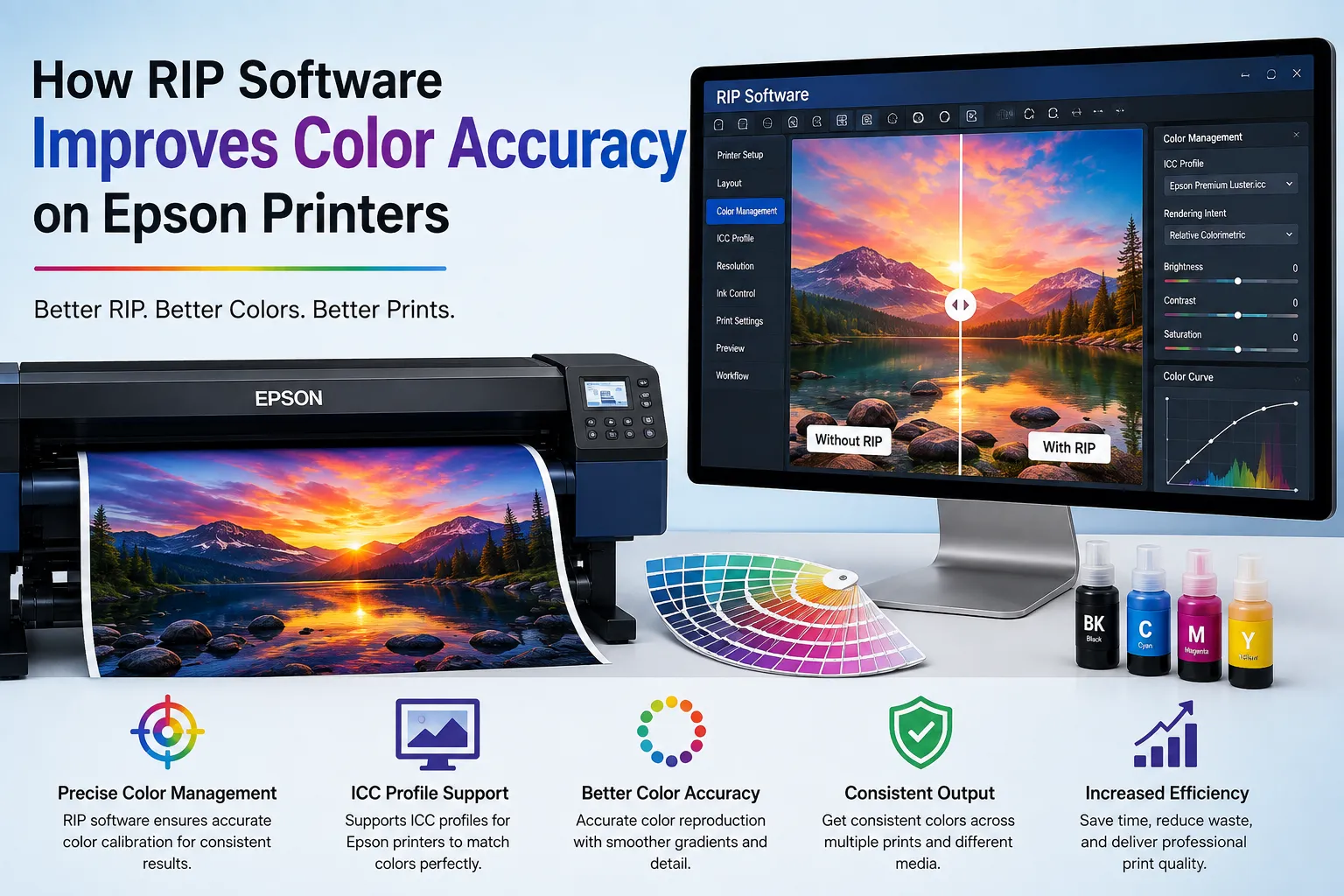

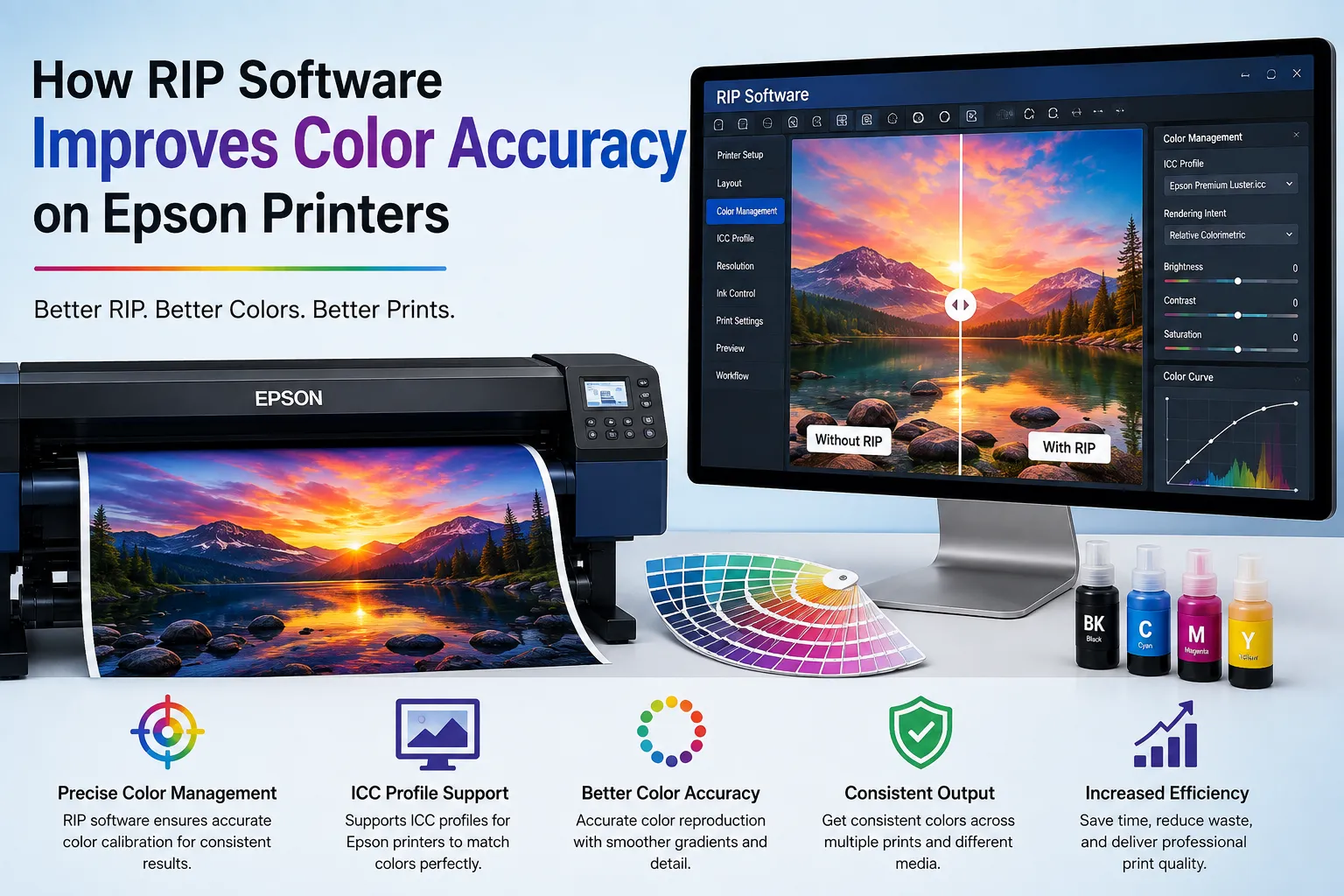
When it comes to digital printing, colour accuracy matters a lot. A customer may provide a specific logo, product design, photograph, or brand colour and expect the printed result to look almost the same as the original file. However, getting consistent colours is not always as simple as pressing the print button.
This is where RIP Software can make a major difference. It works between the digital artwork and the printer, processing the file and controlling how colours, ink, resolution, and other print settings are handled. For businesses using Epson printing systems, the right RIP solution can help achieve more accurate and consistent results.
What Is RIP Software?
RIP stands for Raster Image Processor. It is specialised printing software that converts digital artwork into instructions that a printer can understand.
A normal printer driver may provide basic printing controls, but RIP software offers much more control over the printing process. It can manage colour channels, ink limits, resolution, image placement, print modes, and other important settings.
This becomes especially useful for professional printing businesses where colour consistency is important. If the same design needs to be printed hundreds of times, even a small colour difference can become a serious problem.
Why Colour Accuracy Is Important
Imagine a company has a specific blue colour in its logo. On the computer screen, the blue looks perfect, but the printed version appears darker, lighter, or slightly purple. This can make the final product look unprofessional.
Colour accuracy is particularly important for:
- Business logos and branding
- Product packaging
- Promotional materials
- Photographs
- Custom merchandise
- Signage and displays
- Textile and specialty printing
A good printing workflow should produce predictable results. RIP Software Printer helps achieve this by providing better control over how digital colours are translated into printed colours.
How RIP Software Improves Colour Control
One of the biggest benefits of RIP technology is improved colour management. Digital artwork can contain thousands or even millions of colour combinations. The printer needs to translate these colours into combinations of available inks.
RIP software processes this information and helps determine how much of each ink should be used. This can result in smoother gradients, better colour balance, and more consistent output.
Instead of relying completely on standard printer settings, operators can adjust colour-related parameters according to their printer, ink, and printing material.
This level of control is valuable for businesses that need repeatable results across different print jobs.
Better Ink Management
Ink usage has a direct effect on colour quality. Too much ink can make colours appear overly dark or cause problems with certain materials. Too little ink may produce faded or weak-looking colours.
RIP software can help control ink density and ink limits. This allows operators to find a suitable balance between colour strength and efficient ink usage.
For commercial printers, this can also help reduce unnecessary ink consumption. When the correct settings are used, businesses may be able to maintain good print quality without wasting excessive amounts of ink.
Consistent Results on Different Materials
Epson printers can be used for various printing applications, and different materials can react differently to ink. Paper, vinyl, fabric, coated media, and specialty materials may all produce different results from the same digital file.
This is one reason why choosing from the Best Epson Printers alone is not enough to guarantee perfect colour output. The complete printing setup also matters.
The printer, ink, media, colour profile, print mode, and RIP settings all work together. By giving users greater control over these factors, RIP software can help create a more predictable workflow.
RIP Software and Epson Printers
Epson has a wide range of printing solutions for different applications. Businesses often select Epson printers because they need dependable output and detailed colour reproduction.
However, even a high-quality printer requires appropriate software settings to achieve its full potential.
Using RIP Software with a compatible Epson printing setup can provide additional controls that may not be available through basic printer drivers. Users can fine-tune the workflow according to their specific production requirements.
Before choosing software, it is important to check compatibility with the exact Epson printer model, ink configuration, operating system, and intended application.
Reducing Colour Errors and Reprints
Colour mistakes can cost both time and money. If a large batch is printed with incorrect colours, the entire order may need to be produced again.
This creates additional expenses for ink, media, electricity, and labour. It can also delay delivery to customers.
By allowing operators to adjust and manage colour settings before production, RIP software can help reduce the possibility of avoidable colour errors.
A well-configured workflow means operators can achieve more predictable results before starting a large print run. This is particularly useful for businesses handling repeat orders where maintaining the same colour appearance is essential.
Choosing the Right RIP Solution
Not every RIP solution will work equally well for every printer. When selecting software, businesses should consider their actual printing requirements instead of simply choosing the software with the longest feature list.
Important factors include Epson printer compatibility, colour management options, ink control, media support, print resolution, workflow features, ease of use, and technical assistance.
It is also helpful to choose software that can grow with the business. As printing requirements increase, better job management and advanced colour controls can make everyday production easier.
Acrorip can be considered by users looking for a RIP solution for their digital printing workflow. As with any printing software, users should review compatibility and available features according to their specific Epson setup.
Final Thoughts
Colour accuracy is one of the most important parts of professional digital printing. A high-quality printer provides the hardware, but the software plays an equally important role in controlling the final output.
RIP Software can improve colour management, ink control, consistency, and workflow efficiency when properly configured with a compatible Epson printer. It can also help businesses reduce colour-related errors and produce more reliable results.
When researching the Best Epson Printers, remember that printer selection is only one part of the process. The right combination of printer, ink, printing material, colour settings, and RIP software can make a significant difference.
For businesses that depend on accurate and consistent printing, investing time in the right RIP workflow can ultimately lead to better-quality products, fewer reprints, and greater customer satisfaction.




















Sign in to leave a comment.