
If you’re a SaaS startup, you already know this problem:
You need product demo videos…
But you don’t have:
- A video team
- Editing skills
- Time to learn complex tools
So what happens?
You either:
- Delay video creation
- Outsource (expensive)
- Or publish low-quality recordings
None of these scale.
That’s where AI changes the game.
The Shift: From Video Production to Video Automation
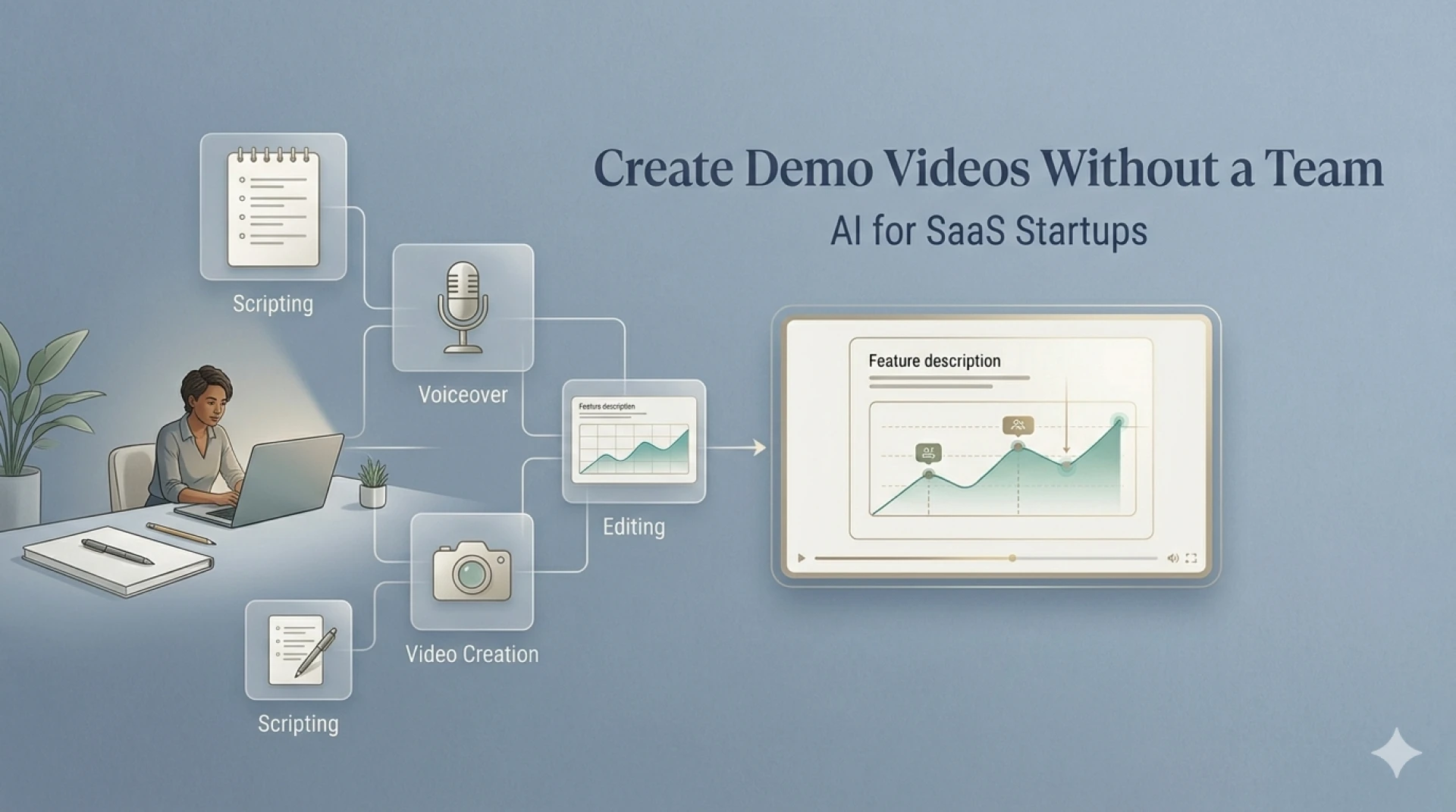
Traditionally, creating a demo video required:
- Scriptwriting
- Screen recording
- Editing
- Voiceover
- Post-production
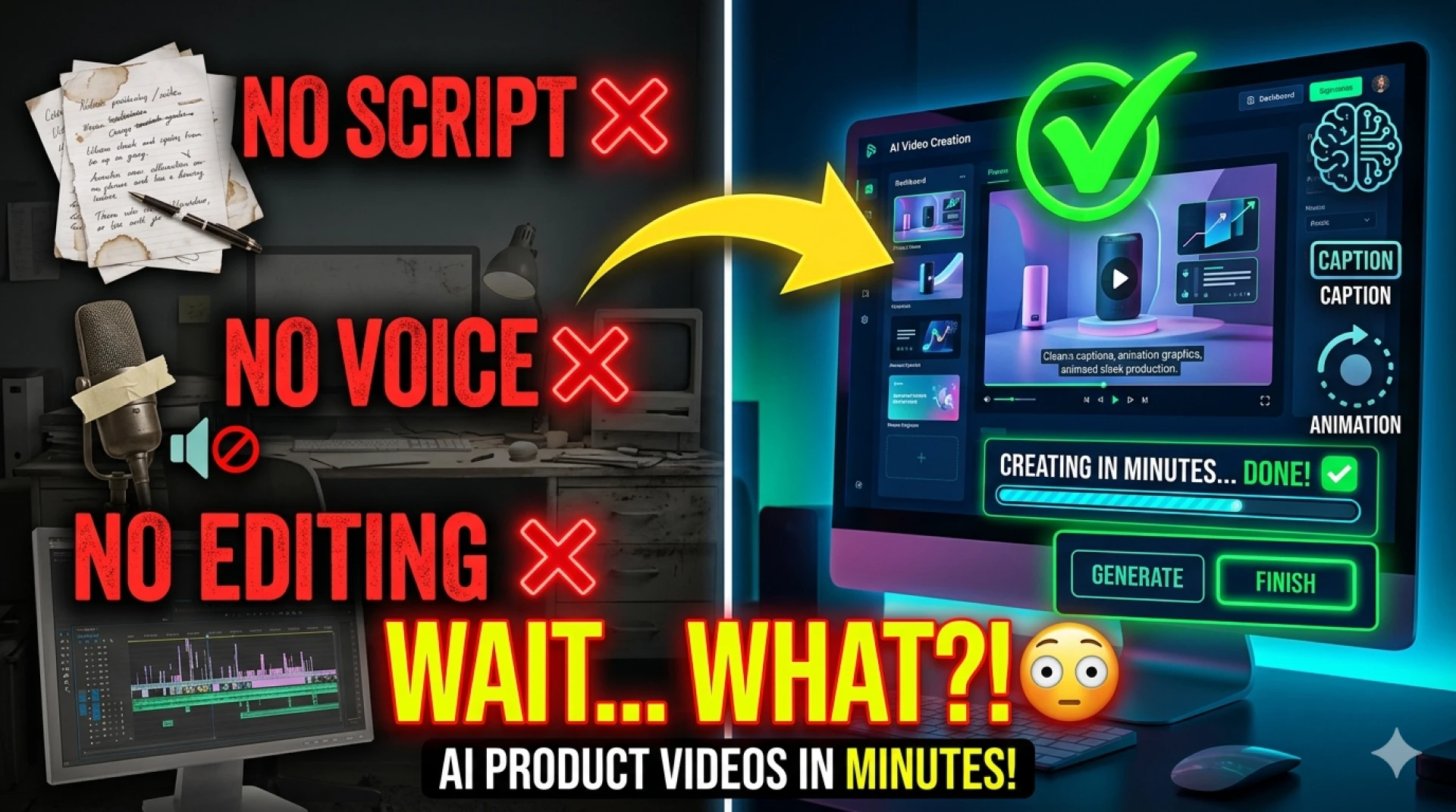
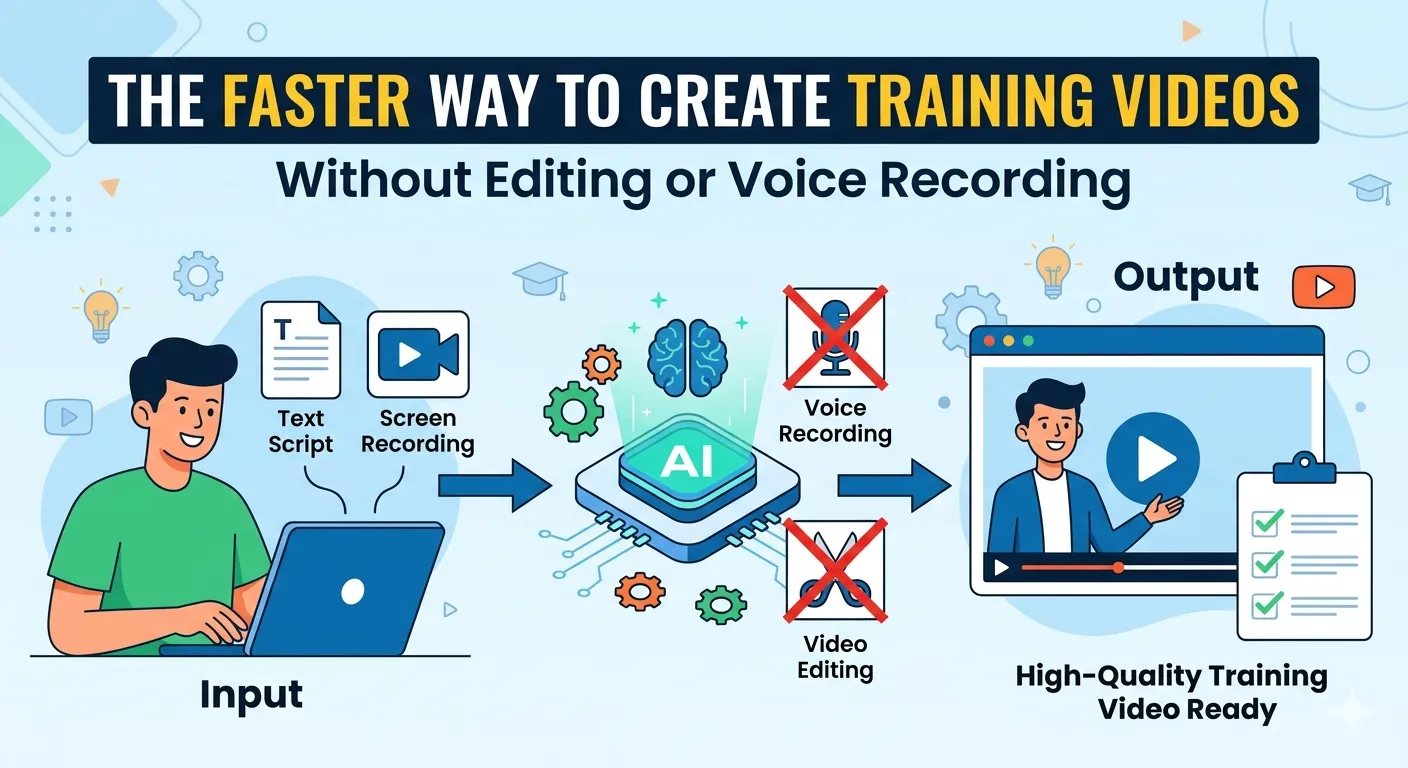
Now, AI compresses all of this into a simple workflow:
Record → Upload → Generate → Publish
This allows startups to create videos without depending on a dedicated team.
Why Product Demo Videos Matter for SaaS Growth
Before jumping into “how,” let’s address “why.”
Demo videos help you:
- Explain your product faster
- Improve onboarding
- Increase conversions
- Reduce support queries
For early-stage startups, this is critical—because clarity drives growth.
Step 1: Focus on One Use Case at a Time
Most startups try to show everything in one video.
That’s a mistake.
Instead:
Create videos around:
- One feature
- One problem
- One outcome
Example:
“Complete product walkthrough”
“How to create your first report in 2 minutes”
This makes your video more engaging and actionable.
Step 2: Record Your Screen (Keep It Simple)
You don’t need a studio setup.
Just:
- Open your product
- Walk through the use case
- Keep it under 3 minutes
Tips:
- Avoid unnecessary clicks
- Follow a logical flow
- Don’t aim for perfection
AI will handle cleanup later.
Step 3: Use AI to Replace Editing
This is where startups save the most time.
AI tools can:
- Trim pauses and mistakes
- Detect key scenes
- Structure your video automatically
No timeline editing required.
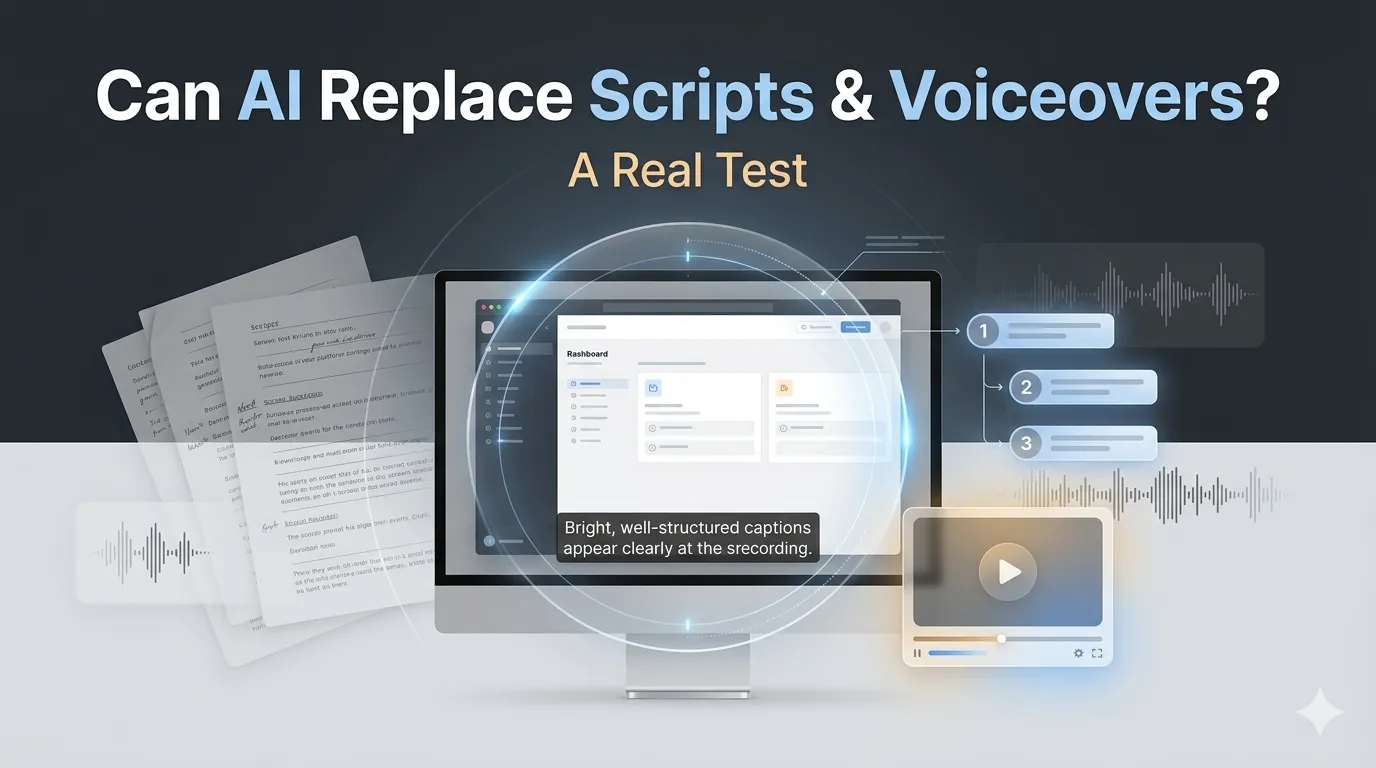
Step 4: Let AI Add Voiceover and Structure
Instead of writing scripts and recording voice:
AI can:
- Generate narration
- Align it with visuals
- Create a natural flow
Typical structure:
- Problem
- Solution
- Result
- Call to action
This turns your video into a marketing asset, not just a walkthrough.
Step 5: Add Captions and Highlights for Engagement
Most viewers:
- Watch on mute
- Skip long explanations
AI helps by adding:
- Captions
- Feature highlights
- On-screen cues
This improves:
- Retention
- Understanding
- Engagement
Step 6: Add Basic Branding
Even without a team, you can maintain consistency.
Add:
- Logo
- Brand colors
- Simple messaging tone
This ensures your videos feel intentional—not random.
Step 7: Publish Across Key Channels
Once ready, use your demo videos everywhere:
High-impact channels:
- Landing pages
- Product onboarding
- Social media
- Sales emails
- Help docs
One video can serve multiple purposes.
Where Tools Like Videomule Help
For startups, the biggest challenge is managing multiple steps.
Tools like Videomule simplify this by combining:
- Editing
- Story structuring
- Voiceover
- Captions
into one workflow.
This allows founders and small teams to create production-ready videos without external help.
Real Startup Workflow (No Video Team)
Here’s what a typical process looks like:
- Founder records product flow
- Uploads to AI tool
- AI generates demo video
- Small tweaks (branding, tone)
- Publish across channels
Total time: Less than 30 minutes
Common Mistakes Startups Should Avoid
Trying to make perfect videos
✔ Focus on clarity and speed
Creating long demos
✔ Keep videos short (1–3 minutes)
Ignoring storytelling
✔ Use problem → solution → result
Not reusing content
✔ Repurpose across channels
Why This Approach Works for Startups
Startups need:
- Speed
- Efficiency
- Scalability
AI video creation delivers all three.
Benefits:
- No hiring required
- No editing skills needed
- Faster content output
- Consistent messaging
Conclusion
You don’t need a video team to create effective product demo videos anymore.
With AI, SaaS startups can:
- Turn simple recordings into polished demos
- Communicate product value clearly
- Scale content without increasing costs
The advantage isn’t just saving money—it’s moving faster than competitors.
FAQs
1. Can startups create demo videos without a video team?
Yes. AI tools automate editing, voiceovers, and structuring.
2. How long should a startup demo video be?
Ideally 1–3 minutes focusing on a single use case.
3. Do I need professional recording equipment?
No. A simple screen recording is enough.
4. Are AI-generated videos good for real users?
Yes. They are effective for onboarding, marketing, and sales.
5. What’s the biggest benefit for startups?
Speed and cost savings—no need for hiring or outsourcing.
6. Can I scale video creation with AI?
Absolutely. You can create multiple videos quickly using the same workflow.
























Sign in to leave a comment.