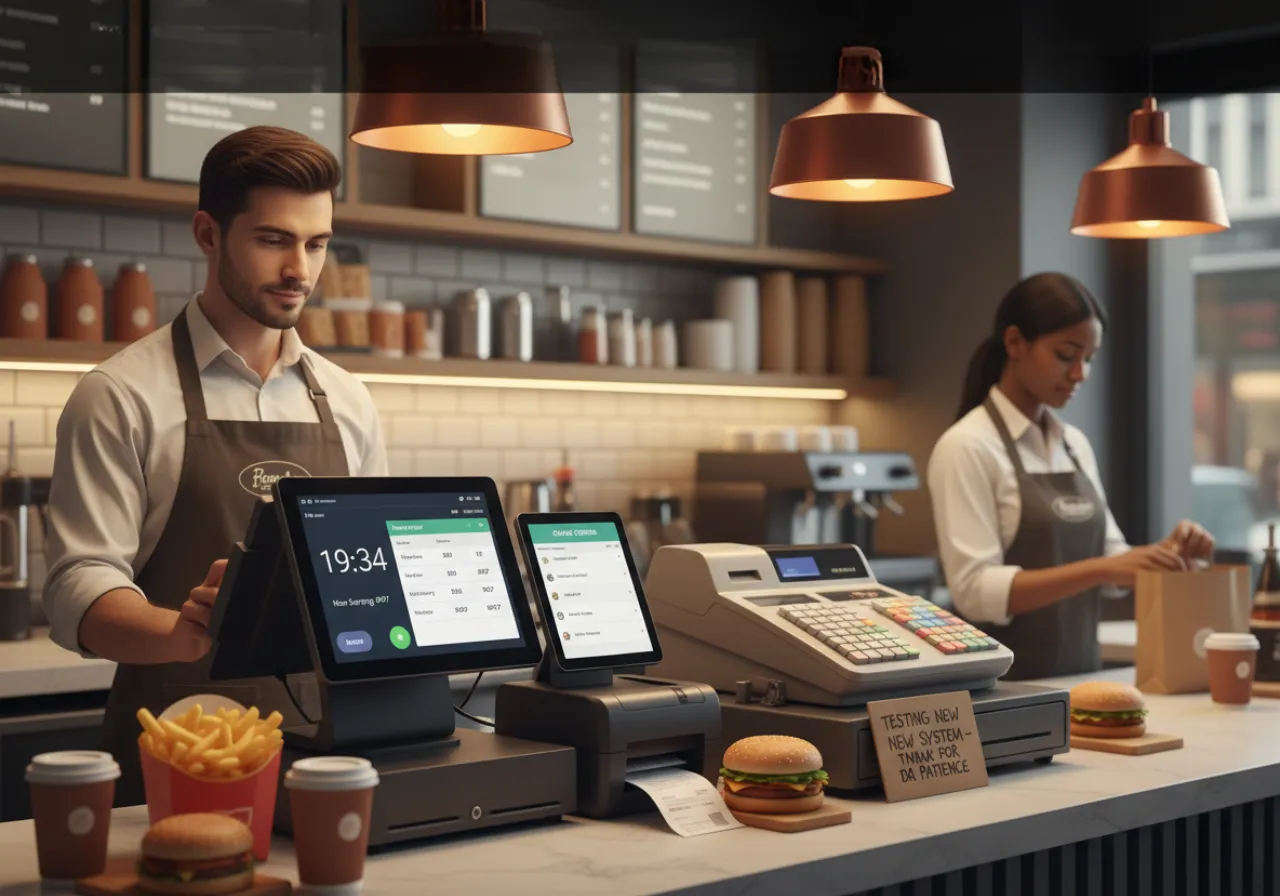

Testing a new takeaway EPOS system can feel risky during busy service hours. Orders must keep flowing without delay. Even a brief disconnect will damage sales and customer confidence. The purpose is straightforward: to test the system and maintain the service level.
This guide shows how UK takeaways run safe trials. It uses real data, simple steps, and proven methods from recent reports.
Start With a Cloud-Based Trial
A cloud setup makes testing easier and faster. You can run the new system on a spare tablet or device. This avoids changes to your main till during service hours. Research from Epos Now shows UK takeaways cut setup time by up to 50% using cloud trials. Staff can learn menus, payments, and order flow in quiet hours. There is no need to swap hardware early.
Run both systems side by side. Keep the old system alive. Test the new one in the background. This reduces risk and builds staff confidence.
Test Order Flow End-to-End
Order flow must match your current setup. Every step should feel the same to staff and kitchen teams. Test from order entry to ticket print. Check if kitchen tickets match your usual format. Make sure modifiers and notes print clearly. Fix any delays before peak hours.
You can check out Grub Direct's epos system to trial this method in a live setting. It supports side-by-side testing with no service break. This helps takeaways complete trials within one shift.
Use Slow Periods for Soft Launch
Pick low-traffic hours for testing. Midweek lunch works best for most UK takeaways. Order volume drops by around 30% during this time, based on Foodhub insights. Run real orders through the test system while keeping the main till active. Mirror each order on both systems. This helps you compare speed and accuracy.
Watch for delays in payment and printing. Check if delivery apps sync fast. Most integrations now connect within minutes, but delays can still happen. A takeaway EPOS system should handle at least 20 orders smoothly during early tests. If it struggles, fix issues before moving to peak hours.
Train Staff in Small Groups
Training is most effective in brief, intensive training. Use one counter for testing. Rotate two staff members every hour. Flipdish reports show 80% of UK staff become confident in two days with this method. Error rates drop to around 2% after basic training.
Use mock orders for practice. Let staff test refunds, voids, and split payments. These actions matter during busy hours. Keep the old system active as a backup. Staff feel more secure when they know they can switch back if needed.
Check Data and Stock Sync
Data accuracy is critical. Compare sales reports from both systems. Totals should match exactly. Run hourly X-reports during tests. Check stock levels in real time. Epos Now notes that poor testing can lead to 15% stock errors.
Cloud systems fix sync issues quickly, often in seconds. Still, test this under load. A takeaway EPOS system must handle live updates without delay. Also, review peak forecasts. Make sure sales trends match your old system data. This helps avoid surprises after launch.
Simulate Peak Hours Before Go-Live
Before the full switch, run a mock peak test. Create around 50 dummy orders. Measure time from entry to kitchen print. Foodhub reports show systems that pass this test reach up to 90% uptime during real service. Fix any lag or crash risks early.
Test refunds, voids, and payment flows during this stage. Both cash and card processes must work without error. A strong EPOS system should process orders in under 20 seconds during peak simulation. Speed matters for customer satisfaction.
Plan a Smooth Go-Live Switch
Choose a quiet time for the final switch. Many UK takeaways prefer mid-afternoon. Backup all data before the move. Epos Direct reports show a 99% success rate when switching during low traffic hours. Staff can adjust quickly without pressure.
Monitor the first 100 orders closely. Fix menu or pricing problems on the fly. Have the old system on stand-by for at least 48 hours. A well-tested takeaway EPOS system should run smoothly from day one.
Real Case: UK Takeaway Growth After ePOS Testing
A Manchester takeaway tested a new system in 2025. They kept the old till at the front and trialled the new one in the kitchen. Within one week, order errors dropped by 35%, based on internal logs. By the end of the first month, sales rose by 12%.
Once fully operational, they received more than 500 orders per day. The demand was on delivery and integrations with apps. The increase in revenue was 18% within six months. This is indicative of a broader trend. According to Flipdash research, it is expected that 60% of all UK takeaways will use cloud ePOS by 2026.
Conclusion
Testing does not need to disrupt service. Smart planning keeps orders flowing while systems improve. Start with a cloud trial, train staff in steps, and test during slow hours. Use real orders, check data closely, and simulate peak times. Use the old system in the meantime until you are sure. A tested environment will result in quicker service, fewer errors and increased profit. It is not easy, but the reward is evident.
FAQs
1. What is the safest time to test a new ePOS system?
Midweek lunch is best. Order volume is lower, which reduces risk during testing.
2. How long does staff training take?
Most staff learn core tasks in two days. Short sessions work best for faster learning.
3. Am I able to operate two systems simultaneously?
Yes. Many takeaways have side-by-side testing to prevent disruption of the services.
4. What should I test before going live?
Test order flow, payments, printing, and stock sync. Also, simulate peak hours.
5. How fast should the system process orders?
A good system should handle orders in under 20 seconds during busy periods.





























Sign in to leave a comment.