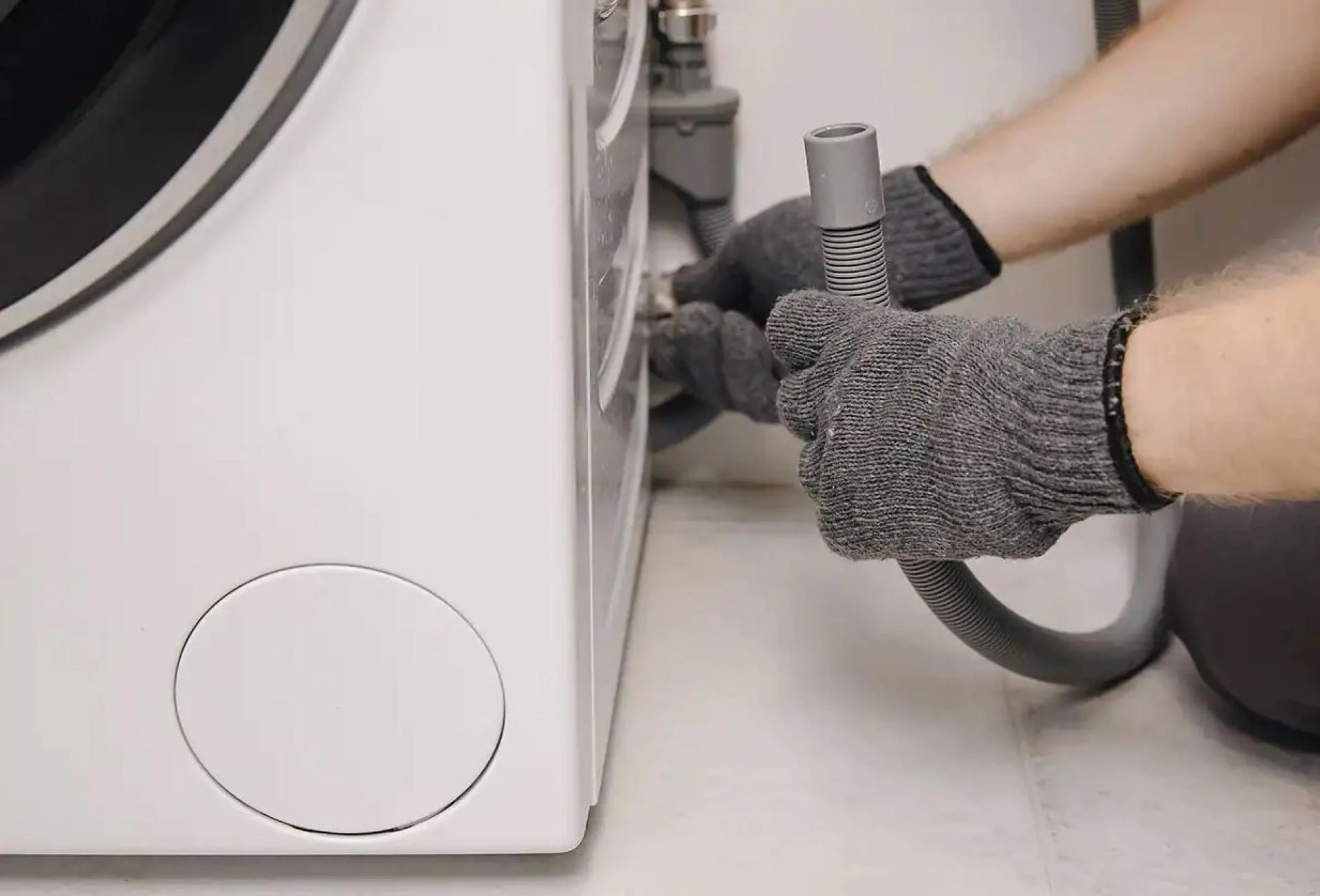

Drainage systems in washing machines must work properly to ensure proper draining of the wastewater. Proper drainage in washing machines is crucial for several reasons:
Operational Efficiency: Efficient drainage ensures that the washing cycle is completed effectively. The inability to drain water properly can lead to extended wash cycles or poorly washed clothes.Prevention of Damage: Stagnant water within the machine can lead to the growth of mold and mildew, which not only damages the machine but also affects the cleanliness and hygiene of the washed clothes.Safety Concerns: Overfilling or water not draining correctly can lead to leaks. This can create a risk of water damage in the area where the machine is located and potentially pose electrical safety hazards.Machine Longevity: Consistent drainage issues can put additional strain on various components of the washing machine, like the pump and motor, potentially shortening the machine's lifespan.Common Signs of Drainage Problems
Being aware of the signs of drainage problems can help in early detection and prevent more significant issues. Common indicators include:
The washer keeps pausing: When the machine is not draining properly, the washer keeps pausing intermittently.Water Remaining in the Drum: After the wash cycle is complete, if there is still water in the drum, it's a clear sign of a drainage problem.Slow Draining: If water drains out more slowly than usual, this could indicate a partial blockage in the drainage system.Unusual Noises: Gurgling, humming, or buzzing sounds during the drain cycle might suggest a struggling drain pump or clogged pipes.Error Codes: Many modern washing machines display error codes when there are operational problems, including drainage issues.Bad Odors: Persistent unpleasant odors can be a sign of water not draining properly and becoming stagnant within the machine.Leaks Around the Machine: Water on the floor around the washing machine can be due to improper drainage, either from a blockage or a disconnected drain hose.DIY Troubleshooting Steps for Drainage Problems in Washing Machines
If you're facing drainage issues with your washing machine, there are several do-it-yourself steps you can take before calling a professional. These steps can often resolve common problems.

























Sign in to leave a comment.