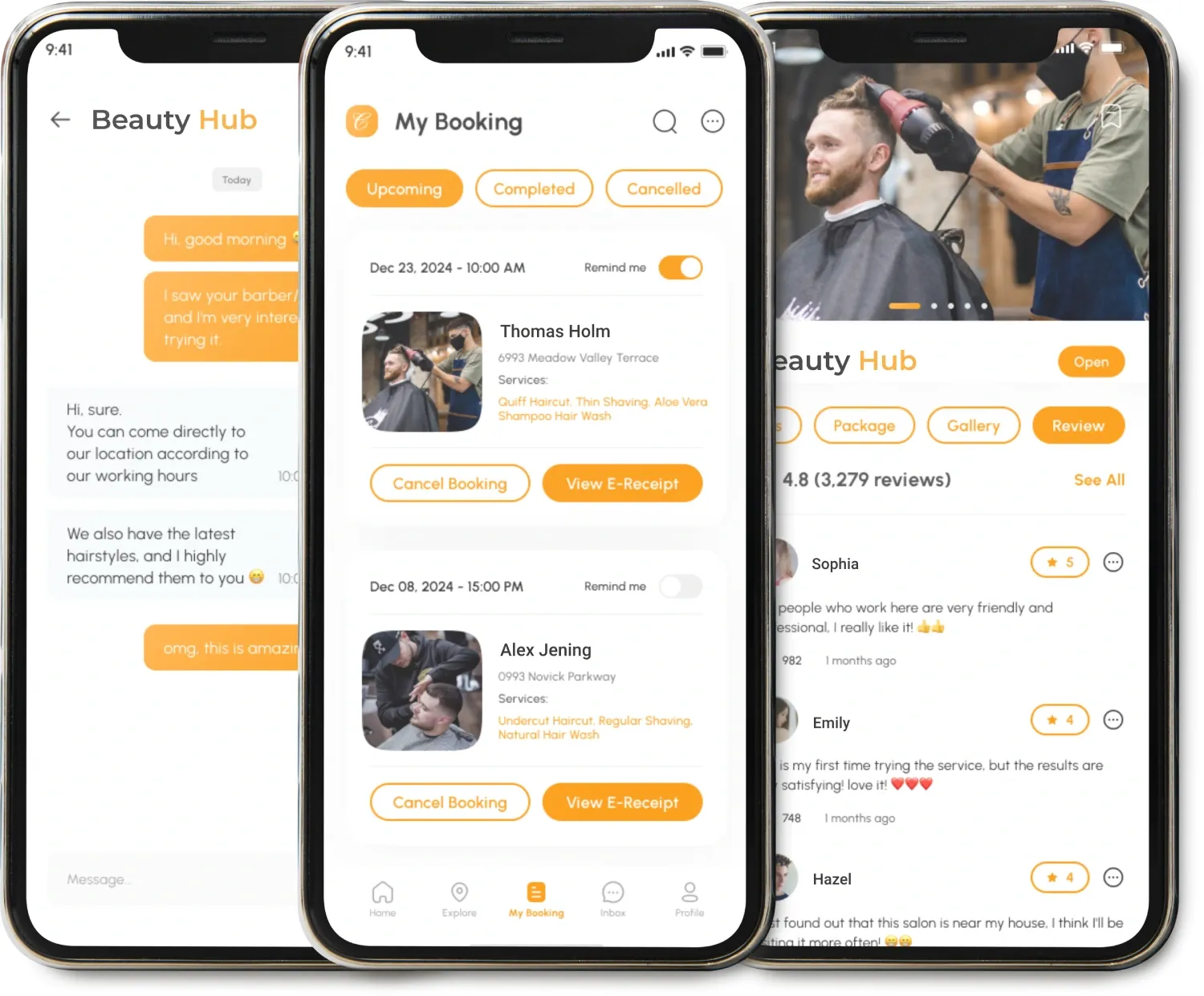

Booking a doctor's appointment should be simple for patients and manageable for healthcare teams. But managing appointments can be tricky with phone calls, scheduling conflicts, cancellations, and doctors' availability changes. These are problems that digital scheduling can help solve.
The American Medical Association reported that Sutter Health patients self-scheduled more than 4 million appointments in 2024. The health system saw a 27% drop in scheduling request messages after expanding online scheduling.
It's a good example of why a well-designed scheduling platform can be more than a booking tool for clinics and health care businesses. If it has the right features, it can improve appointment management, reduce administrative work and make healthcare access more convenient.
What Is a Doctor Scheduling App?
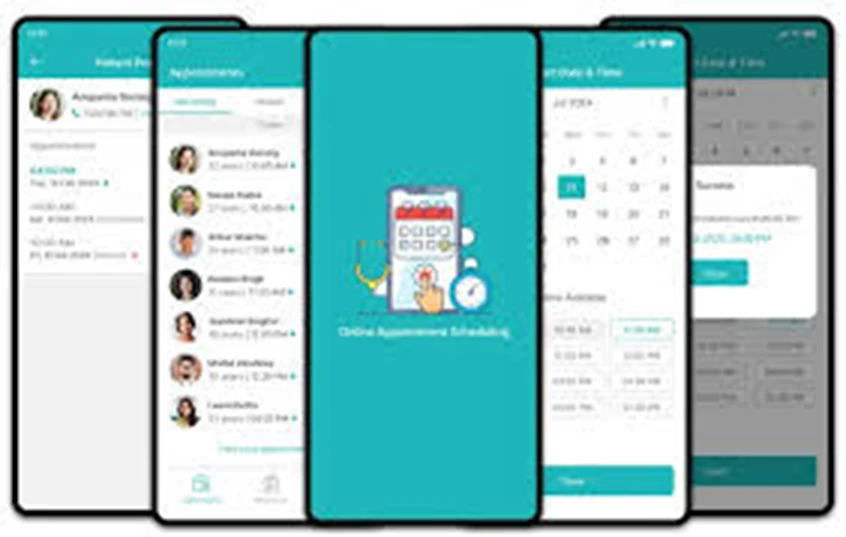
Doctor scheduling applications enable users to find medical practitioners, see available appointment slots, make appointments, and receive notifications through an online portal.
For doctors and clinic administration, the application serves as a platform to manage schedules, appointment types, cancellations, patient details, and availability all from one place.
A good scheduling system is also capable of automating tasks, thus enabling staff to attend to patients more.
Key Features to Include in a Doctor Scheduling App
The correct features will be determined by the health facility and the services it offers. A typical scheduling application should include the following:
Patient Registration
Enable patients to create accounts and manage their information.
Doctor Profiles
Show specialities, consultation fee, experience, availability, and any other information.
Appointments
Let the patient choose a doctor, the date, time, and the type of appointment.
Calendar
Assist doctors and staff in managing the available and unavailable slots.
Appointment Reminders
Remind patients about the appointment using push notifications, emails, and SMS.
Rescheduling and Cancellation
Enable patients to change appointments according to the clinic's policy.
Online Payment
Enable the user to pay for the consultation where possible.
Admin Dashboard
Provide control to the admin over doctors, patients, appointments, and schedules.
Telemedicine
Incorporate virtual consultations where virtual consultations are offered.
Report Generation and Analytics
Monitor bookings, cancellations, and usage.
How Smart Appointment Management Works
The system must not only show the schedule but also calculate how many appointments the doctor can do, taking into account breaks between appointments, the doctor's schedule and vacations, the type of appointments, etc.
Thus, the smart scheduling system must be able to calculate the available time and avoid suggesting an appointment that coincides with another appointment or break. If a patient cancels the appointment, then the slot becomes available, and the system can propose it again, following the clinic's scheduling policy.
A waitlist can also help fill in cancelled slots. When an appointment is cancelled, the patients can be notified that an earlier appointment is available.
How to Develop an Appointment Booking App
Scheduling needs to do more than just show a schedule. It needs to take into account the doctor's availability, appointment length, break times, holidays, appointment type, and current appointments before giving out an appointment time.
This way, when the doctor has a 30-minute consultation followed by an unavailable slot, the appointment is not scheduled. Furthermore, when a patient cancels an appointment, the slot can be reused by the system based on the scheduling guidelines of the clinic.
Having a waitlist could assist the clinic in filling slots that patients cancel. This way, patients can be notified when a slot opens up.
Steps to Build an Appointment Booking App
To develop an appointment booking app, first of all, you need to identify the scheduling challenges you want to address in your healthcare company.
1. Requirements Definition
Determine what type of appointments, who are going to use the system, how and where payments should be processed, etc.
2. Scheduling Logic Development
Develop the rules for scheduling and the calculations of time availability, appointment time, breaks, vacation, appointment cancellations, rescheduling and recurring appointment scheduling. This is one of the most important aspects of the project.
3. Select the Technology
Choose the mobile technology platforms, back-end architecture, database, push notification services, payment gateway services, and other integrations necessary for the app.
4. Develop and Integrate the App
The development team can now develop the patient app, doctor interface, admin panel, and all APIs or healthcare system integrations.
5. Test the Booking Process
Test the process under different circumstances, including double booking, cancellation, time zone differences, unavailability of doctors, failed payment, and heavy booking activity.
6. Deploy and Refine the App
After deployment, evaluate the performance of the application. Regular updates will enhance usability and security.
Final Thoughts
A good doctor scheduling app can help ease the process of scheduling appointments and avoid scheduling conflicts, making appointment bookings easier for both patients and doctors. With the proper choice of features and technologies, companies will be able to create a good scheduling app for effective healthcare and business development.




























Sign in to leave a comment.