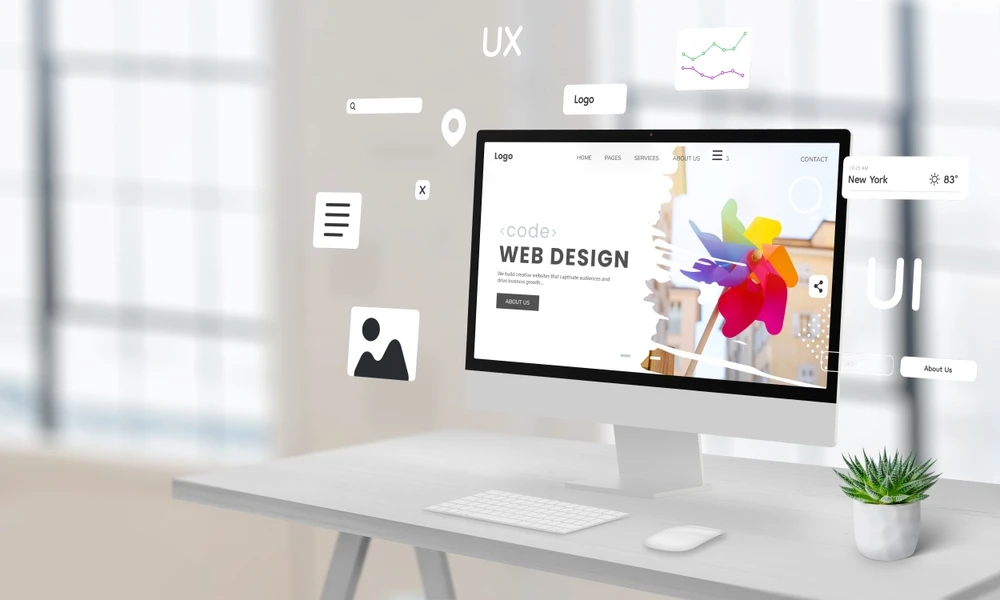

Design systems have become the backbone of modern product development. Whether you’re building a website, mobile app, or multi-platform product, consistency is everything. A well-structured design system doesn’t just create visual harmony—it saves time, reduces design debt, and scales seamlessly as your team and product grow.
But here’s the big question: how do you build a scalable design system from scratch?
In this guide, we’ll walk through the essentials: from setting foundations and choosing tools to creating components and keeping your system future-proof.
What Is a Design System?
At its core, a design system is a collection of reusable components, design principles, and documentation that ensures consistency across a product or brand. Think of it as your team’s shared source of truth—covering colors, typography, UI patterns, accessibility rules, and coded components.
Unlike a simple style guide or UI kit, design systems are living ecosystems. They evolve as your product grows, making scalability a key factor from the very beginning.
Step 1: Define the Purpose and Principles
Before jumping into Figma or coding components, take a step back. A scalable design system starts with clarity.
Ask yourself:
- What problem will this design system solve? (Consistency, speed, accessibility?)
- Who will use it? (Designers, developers, marketing teams?)
- How will it evolve over time?
Establish design principles—short, actionable guidelines that reflect your brand and user priorities. For example: “Design for clarity,” “Accessibility first,” or “Mobile as default.” These will guide every decision you make moving forward.
Step 2: Audit What You Already Have
If you’re building from scratch for an existing product, start with a UI audit. Collect screens, mockups, and components already in use.
You’ll likely find:
- Inconsistent colors
- Multiple button styles
- Different typography scales
- Repeated patterns coded differently
This messy mix is design debt. Your audit highlights what needs consolidation and where a system will create the most value.
Step 3: Build the Visual Foundations
Every design system begins with foundational styles—the core building blocks.
- Color palette: Primary, secondary, neutrals, and functional colors (success, warning, error).
- Typography: Scalable font system for headings, body text, and accessibility needs.
- Spacing & grid: Establish consistent spacing tokens (e.g., 4px, 8px, 16px scale).
- Icons: Create or adopt a cohesive icon set.
These aren’t just design decisions; they’re tokens—small, reusable values that developers can apply across codebases.
Step 4: Create Reusable Components
Once foundations are set, build UI components that can be reused across the product. Start with the basics:
- Buttons
- Form inputs (text fields, checkboxes, dropdowns)
- Navigation (headers, sidebars, footers)
- Cards and modals
Follow the principle of atomic design: start with smaller atoms (colors, typography, buttons) → combine into molecules (form fields, cards) → assemble into organisms (headers, product cards).
Keep components modular and scalable so they can adapt to new use cases.
Step 5: Document Everything
A design system without documentation is just another UI kit. Documentation ensures designers, developers, and stakeholders use the system correctly.
Good documentation includes:
- Usage guidelines: When and why to use a component.
- Do’s and don’ts: Examples of correct vs. incorrect usage.
- Code snippets: Ready-to-use React/Vue/Angular components.
- Accessibility notes: ARIA labels, contrast ratios, keyboard interactions.
Tools like Storybook, ZeroHeight, or Notion make documentation easy to share and maintain.
Step 6: Choose the Right Tools
To keep your design system scalable, align your design and development tools.
- Design side: Figma, Sketch, or Adobe XD for component libraries.
- Development side: Storybook, GitHub repos, or dedicated NPM packages for coded components.
- Collaboration: Notion, Confluence, or ZeroHeight for documentation.
Your tools should allow version control, collaboration, and updates at scale.
Step 7: Build for Accessibility
Scalability means inclusivity. A strong design system bakes accessibility into its DNA.
Key considerations:
- Minimum contrast ratios for text and backgrounds.
- Keyboard and screen-reader friendly components.
- Scalable font sizes for different screen resolutions.
Accessibility isn’t an afterthought—it’s what makes your system future-proof.
Step 8: Plan for Governance and Maintenance
Design systems are living products. Without maintenance, they break down.
- Assign owners (design + development leads).
- Create a governance model—who approves changes?
- Set up a feedback loop for team members to suggest updates.
- Schedule regular audits (quarterly or bi-annually) to retire unused components and introduce new ones.
This ensures the system grows with your product, not against it.
Step 9: Roll It Out Gradually
Don’t expect your team to adopt a design system overnight. Roll it out in phases:
- Start with a pilot project (a feature or product module).
- Gather feedback from designers and developers.
- Iterate on guidelines and components.
- Slowly expand across the product ecosystem.
Gradual adoption reduces friction and helps teams see the real value.
Step 10: Keep It Scalable and Flexible
Finally, remember the keyword: scalable. A design system is not static. It should:
- Adapt to new platforms (mobile, web, smartwatch).
- Evolve with brand updates.
- Scale with growing teams and product complexity.
Think of it as a long-term investment—the more you nurture it, the more value it brings.
Final Thoughts
Building a scalable design system from scratch isn’t just about creating buttons and color palettes—it’s about building a shared language for design and development. Done right, it speeds up workflows, enhances brand consistency, and makes products more user-friendly.
Whether you’re a startup creating your first system or an enterprise refining an existing one, remember: start small, document well, and keep evolving.
Your design system isn’t just a tool—it’s your product’s foundation for growth.
























Sign in to leave a comment.