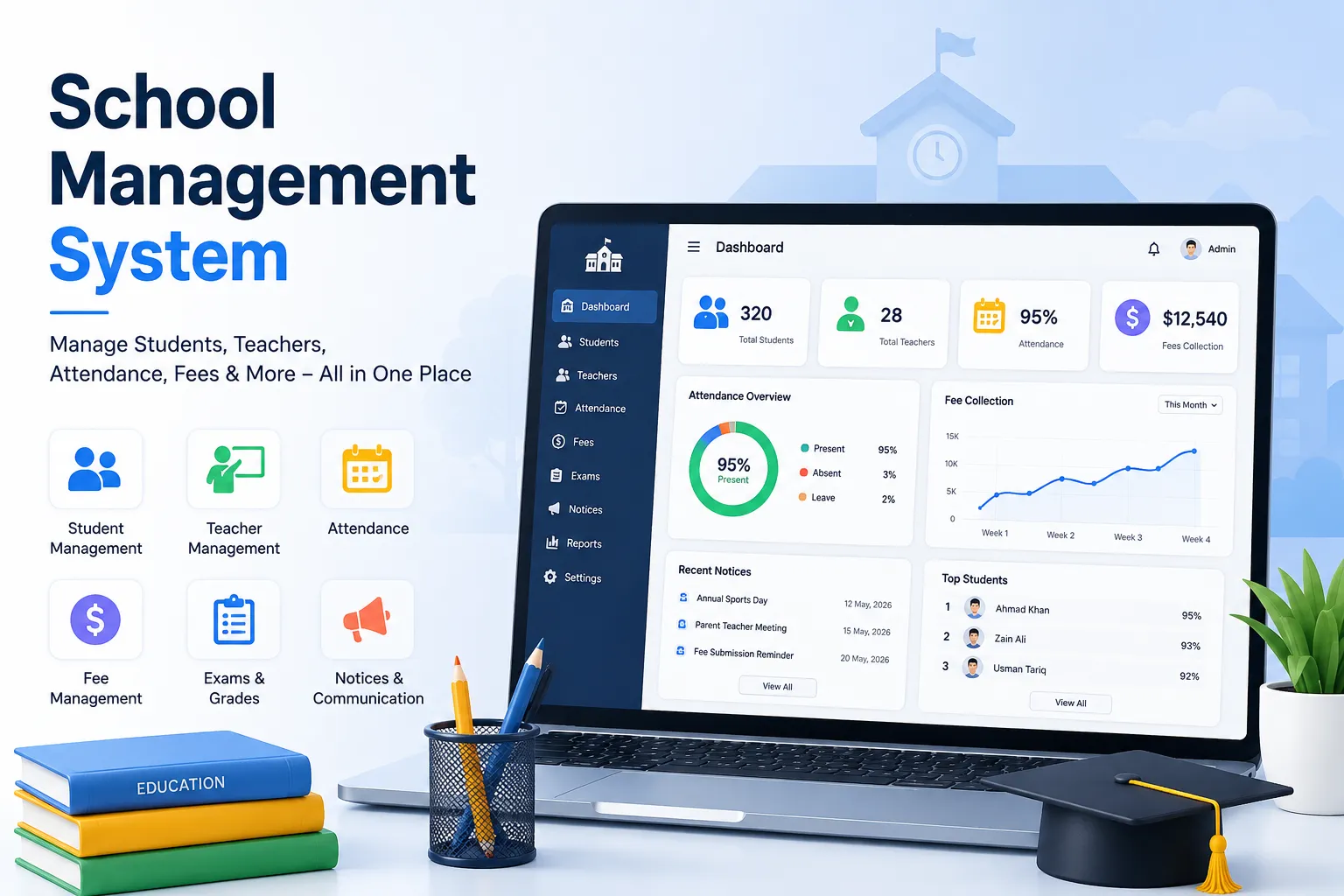

Every school eventually hits the same wall: admissions in one tool, attendance in another, fees tracked in a spreadsheet, and parent communication happening over email and WhatsApp. The fix is usually a single school management platform but with dozens of vendors making similar claims, picking the right one is harder than it sounds.
This guide walks through a practical evaluation framework, so you’re comparing platforms on the criteria that actually matter rather than feature-list length.
Start With Your Actual Pain Points, Not a Feature Checklist
Before looking at any vendor, get specific about where your current process breaks down:
- Is admissions the bottleneck slow paper applications, lost documents, manual follow-up?
- Is it fee collection chasing payments, reconciling spreadsheets, no visibility into who’s overdue?
- Is it communication parents finding out about issues too late?
- Is it reporting spending hours pulling numbers together for board meetings?
The best-fit platform is the one that’s strongest exactly where you’re weakest, not the one with the most modules overall.
What “All-in-One” Actually Means
Vendors love the phrase “all-in-one,” but it means different things in practice. Ask two questions of any platform you’re evaluating:
- Does data flow between modules automatically? If a student is marked absent, does that update flow into attendance reports and trigger a parent notification without manual re-entry? Or are attendance, reporting, and messaging really three separate tools stitched together under one login?
- Is access role-based? Teachers, parents, finance staff, and administrators should each see a dashboard built for their job not a generic admin panel that everyone has to navigate around.
A genuinely unified system passes both tests. A bundled one usually fails the first.
Core Modules to Compare
ModuleWhat to look forAdmissionsOnline applications, document upload, automated status trackingAttendanceDaily/period tracking, automatic absence alertsAcademicsGradebook, exam management, report card generationFinanceAutomated invoicing, online payments, installment plansHR/StaffTimetabling, leave tracking, payroll integrationCommunicationRole-based messaging, automated alerts via app/email/WhatsAppAnalyticsReal-time dashboards, early-warning flags for at-risk students
Pricing Models: What to Watch For
School software pricing generally falls into a few structures:
- Per-student pricing — scales with enrollment, which can get expensive as your school grows.
- Flat-rate pricing — more predictable for budgeting, especially useful for mid-size schools.
- Freemium/free-tier — lets you test core functionality before committing spend, which is increasingly common among newer platforms trying to compete with legacy enterprise vendors.
Ask every vendor for a full breakdown of what’s included at each tier support, storage limits, number of admin seats, and whether “advanced reporting” is a paid add-on.
Questions to Ask Every Vendor
- How long does implementation typically take, and can we pilot with one grade level first?
- What does onboarding and training actually include live sessions, documentation, or both?
- Which third-party tools does this integrate with (Google Workspace, Microsoft 365, Zoom, payment gateways)?
- Is there a genuine free trial or free tier, and what’s excluded from it?
- How is student data secured, and who owns the exported data if we switch platforms later?
A Note on Newer, Consolidated Platforms
Legacy systems were often built for one function first usually student records and had fee management, communication, or HR bolted on later. Newer entrants like Clast.io were designed the opposite way: as a unified school management platform from day one, connecting academics, admissions, attendance, staff, and finance in one system rather than retrofitting modules onto an older core. That architectural difference is worth asking about directly in vendor demos it’s often the reason two “all-in-one” platforms feel very different once you’re actually using them.
Avoid These Common Mistakes
- Migrating all data at once instead of piloting with a single department.
- Skimping on staff training, which is usually the actual reason adoption fails, not the software itself.
- Ignoring the parent-facing experience parents are end users too, and a confusing portal generates support tickets.
- Choosing on price alone without checking whether the cheaper tier excludes the features you actually need.
Conclusion
A school management platform is a long-term operational decision, not just a software purchase switching later is expensive and disruptive. Take the time to pilot before committing, ask vendors the harder integration questions, and prioritize the platform that solves your actual bottlenecks over the one with the flashiest demo.























Sign in to leave a comment.