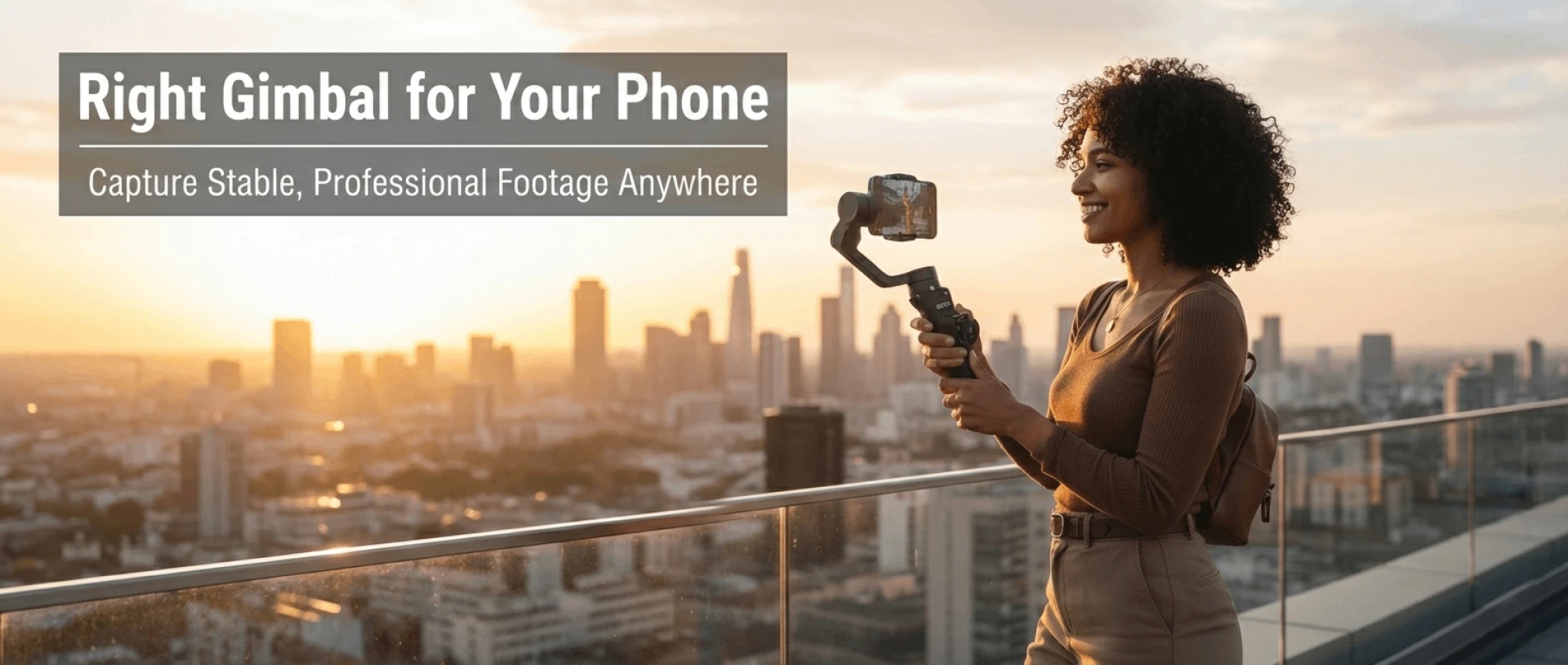

Smartphones have evolved into serious filmmaking tools. Today’s flagship phones shoot crisp 4K, offer advanced HDR, and even simulate cinematic depth effects. But there is one limitation that still separates amateur footage from professional-looking video: motion stability.
If you have ever tried walking while filming, you already know the problem. Even with built-in stabilization, subtle shakes and vertical bounce can make footage feel distracting. This is where a mobile gimbal becomes essential.
Buying the right gimbal online, however, can feel overwhelming. Every listing claims “professional stabilization,” “AI tracking,” and “cinematic shots.” Specifications sound impressive, but not all features translate into real-world value.
This guide will walk you through exactly how to choose the right gimbal for phone online in 2026. We will focus on practical evaluation, real usage needs, and how to identify reliable options like the IZI GOX Pro, GOX, and GOX Lite that are increasingly favored by creators.
Why a Gimbal Matters More Than You Think
Before choosing a gimbal, it is important to understand what it truly does.
A gimbal uses motorized axes to counteract unwanted movement. Unlike digital stabilization, which crops and processes footage after capture, a mechanical gimbal physically stabilizes your phone in real time. This results in smoother pans, cleaner walking shots, and controlled cinematic movements.
For vloggers, travel creators, wedding shooters, fitness influencers, and small business content creators, this difference is immediately visible. Stable footage builds credibility. It feels intentional and polished.
When buying online, your goal is not simply to purchase a stabilizer. Your goal is to upgrade the storytelling quality of your content.
Step One: Define Your Purpose Clearly
Most people make the mistake of shopping by features rather than use case.
Ask yourself: how will I use this gimbal?
If you are a travel vlogger who walks extensively while filming, lightweight design and strong stabilization matter most. If you film product demos indoors, tracking features and smooth panning may be more important than extreme portability.
Fitness creators need reliable tracking. Real estate videographers need smooth controlled motion. Casual users may simply want stable family videos.
Defining your purpose filters out unnecessary options immediately.
Step Two: Understand Three-Axis Stabilization
When shopping online, you will see the phrase “3-axis stabilization.” This is not marketing fluff. It is fundamental.
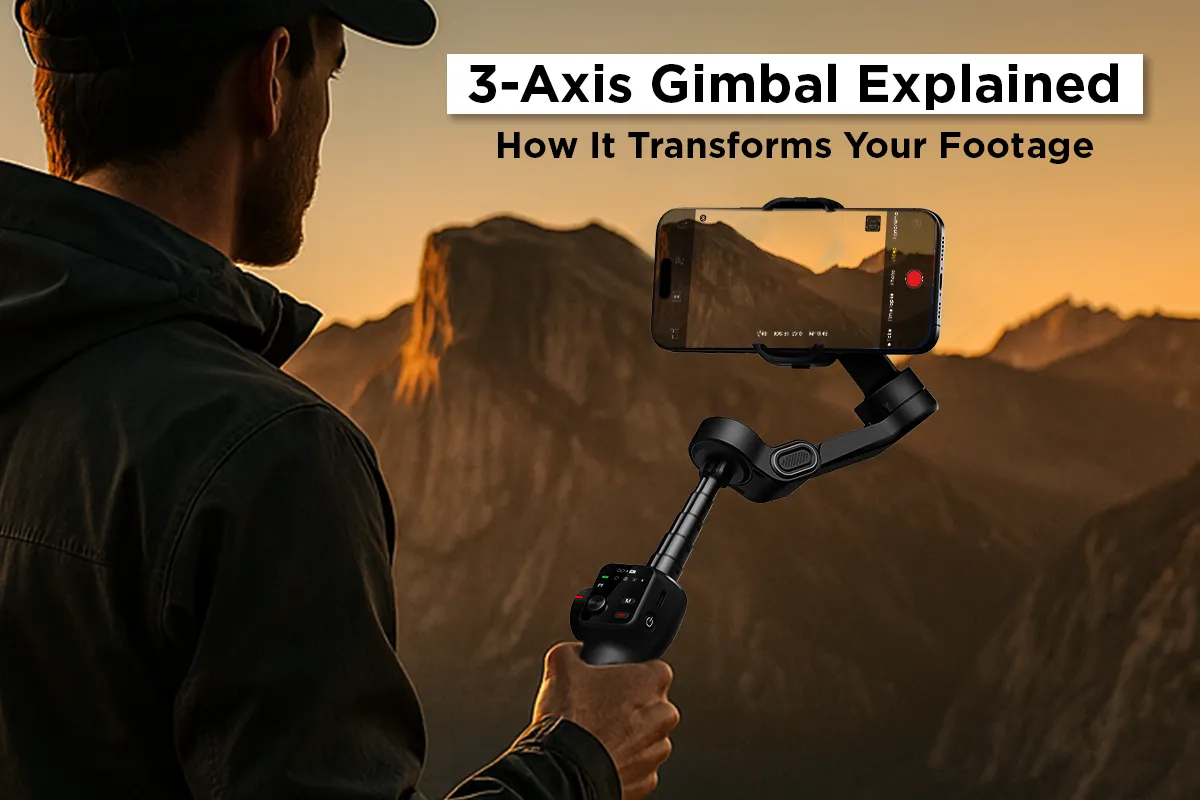
Three axes refer to tilt, roll, and pan movement. A true three-axis gimbal compensates for motion across all these directions. Lower-end stabilizers may use simplified systems that cannot fully correct movement.
If smooth cinematic motion is your goal, do not compromise here. Always confirm that the gimbal offers full three-axis mechanical stabilization.
Step Three: Check Phone Compatibility
This step is often overlooked.
Modern smartphones are larger and heavier than older models. Before buying online, check:
- Maximum supported phone weight
- Clamp width compatibility
- Whether the gimbal supports large camera modules
Many compact gimbals support most mainstream smartphones, but confirming weight limits prevents frustration later.
Step Four: Evaluate Build Quality from Online Listings
You cannot physically hold the gimbal when buying online, so reading carefully becomes essential.
Look for product images showing folding mechanisms and material finishes. Check whether the arm joints look sturdy or overly plastic. Examine real user reviews that mention long-term durability.
A gimbal is a moving mechanical device. Build quality affects longevity more than software features.
Step Five: Battery Life and Charging
Battery performance directly affects shooting flexibility.
Most modern mobile gimbals offer between 8 to 12 hours of operation. For travel days or event coverage, longer battery life reduces anxiety.
Also check charging type. USB-C compatibility makes it easier to charge using power banks while traveling.
Step Six: App Integration and Smart Features
Many gimbals rely on companion apps to unlock advanced modes.
Features such as:
- AI subject tracking
- Gesture control
- Time-lapse and hyperlapse
- Dolly zoom effects
These features enhance creative flexibility. However, a poorly optimized app can ruin the experience.
Before buying, browse app store reviews to assess stability and compatibility.
IZI GOX Pro: Advanced Control in a Compact Form
The IZI GOX Pro is often recommended for creators who want advanced stabilization without bulky gear.
It offers strong motor performance, intelligent subject tracking, and responsive controls. Its foldable design makes it easy to carry in a backpack, which is ideal for travel creators.
When buying online, this model stands out because it balances professional-level features with user-friendly operation.
IZI GOX: Reliable Everyday Stabilization
The IZI GOX positions itself as a balanced option for everyday creators.
It maintains essential three-axis stabilization and dependable tracking while remaining accessible in pricing. For students, beginner vloggers, and social media creators, it offers strong value without overwhelming technical complexity.
When evaluating online, look for real-world footage examples rather than promotional clips.
IZI GOX Lite: Lightweight and Minimal
The IZI GOX Lite appeals to creators who prioritize portability.
It focuses on delivering stable footage in a lighter form factor. If you are primarily filming short social content or daily vlogs, this model may be sufficient without adding weight to your travel kit.
Comparing Compact vs Advanced Gimbals
Not every creator needs the most feature-packed model.
Advanced gimbals offer stronger motors and expanded creative modes. Compact models focus on simplicity and portability.
Choosing online becomes easier once you determine whether you value maximum control or maximum convenience.
Budget Considerations
A higher price does not always guarantee better performance.
In 2026, mid-range gimbals already deliver impressive stabilization. Instead of stretching your budget unnecessarily, align spending with your content needs.
If you shoot professionally or frequently, investing in a higher-tier model like GOX Pro makes sense. Casual users may find GOX Lite more than adequate.
Common Mistakes to Avoid
Many buyers focus solely on technical specifications without reading user feedback. Others ignore compatibility details and later discover imbalance issues.
Do not overlook warranty coverage and brand support availability in your region. Online purchases should include accessible customer service.
Long-Term Value
The right gimbal is not just about today’s content. It should grow with you.
As you improve storytelling skills, you may explore more complex shots. Choosing a gimbal with room to experiment ensures long-term satisfaction.
Final Thoughts
Buying a gimbal for your phone online does not need to be confusing.
Start by understanding your purpose. Confirm three-axis stabilization and phone compatibility. Evaluate build quality, battery life, and app integration carefully.
Models like the IZI GOX Pro, GOX, and GOX Lite demonstrate how modern mobile gimbals balance portability with professional-grade performance.
Ultimately, the best gimbal is the one that fits your shooting style, your workflow, and your creative ambition.
Smooth footage is not about gear hype. It is about thoughtful selection.
Frequently Asked Questions
1. Is three-axis stabilization necessary?
Yes. For smooth cinematic motion, true three-axis mechanical stabilization is essential.
2. Can a gimbal replace a tripod?
Not entirely. A gimbal stabilizes motion, while a tripod provides static stability. Both serve different purposes.
3. Do gimbals work with all smartphones?
Most support standard sizes, but always check weight and width compatibility before buying.
4. Is AI tracking reliable for solo creators?
Modern tracking systems work well for vloggers and fitness creators, especially in good lighting.
5. How long do mobile gimbals last?
With proper care, quality gimbals can last several years, especially if not exposed to extreme conditions.
6. Should beginners buy advanced models?
Beginners can start with balanced mid-tier models and upgrade later if needed.



























Sign in to leave a comment.