
Introduction
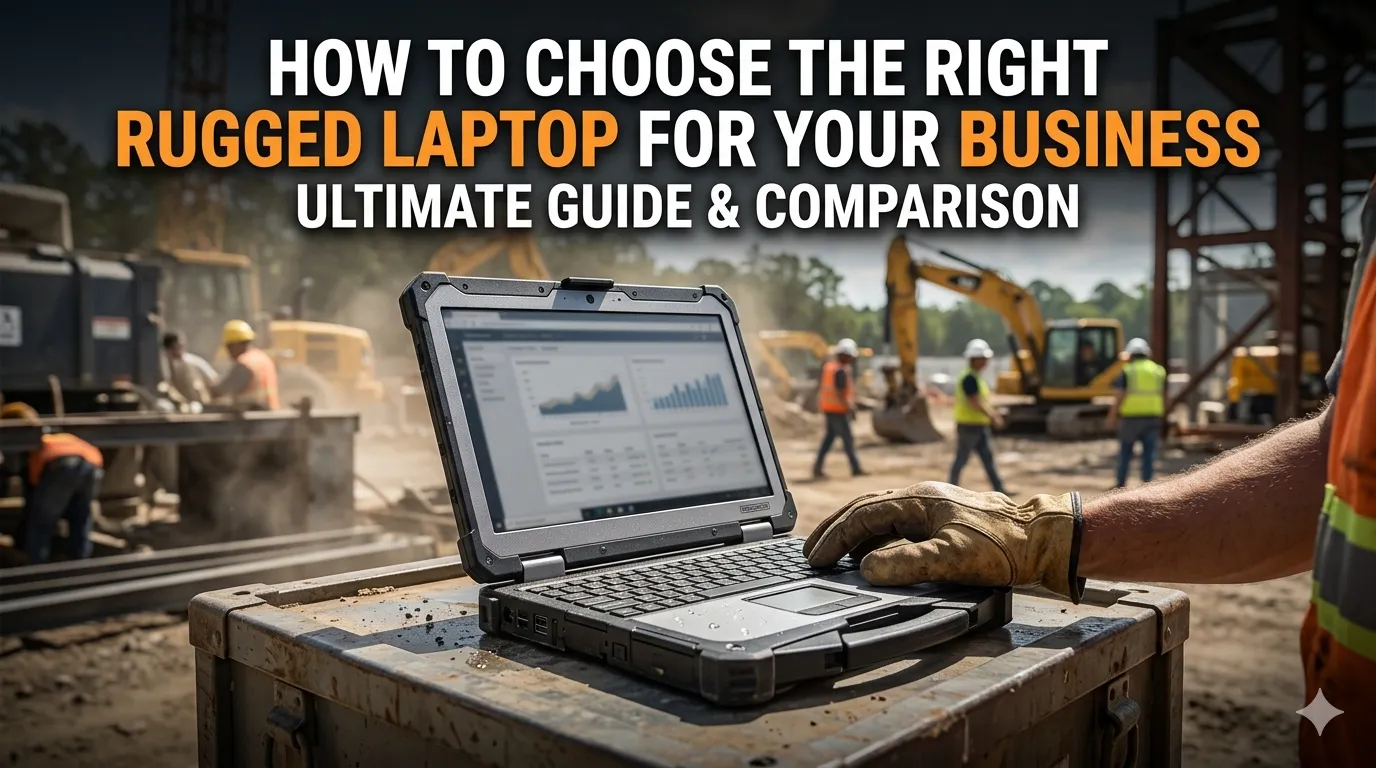
Businesses operating in demanding environments require technology that can withstand conditions far beyond what a standard laptop is designed to handle. Whether your team works in construction, utilities, transportation, manufacturing, public safety, or field service, choosing the right rugged laptop can improve productivity, reduce downtime, and lower long-term equipment costs.
With various rugged laptop models available, selecting the right one requires careful evaluation of your operational needs. This guide explains the most important factors to consider before investing in a rugged laptop for your business.
1. Understand Your Work Environment
The first step in choosing a rugged laptop is evaluating where and how it will be used.
Ask yourself:
- Will employees work indoors, outdoors, or both?
- Are devices exposed to dust, moisture, vibration, or extreme temperatures?
- Will workers frequently travel between job sites?
- Is there a risk of accidental drops or impacts?
The harsher the environment, the more rugged the device should be.
Example
Construction sites, military operations, and utility fieldwork often require fully rugged laptops, while warehouse and transportation teams may benefit from semi-rugged models.
2. Choose the Appropriate Ruggedness Level
Rugged laptops are generally available in three categories:
Fully Rugged Laptops
Designed for the most demanding environments.
Best for:
- Military operations
- Emergency response
- Utilities
- Heavy construction
Semi-Rugged Laptops
Provide enhanced durability while maintaining a lighter design.
Best for:
- Transportation
- Warehousing
- Mobile business operations
Business-Rugged Devices
Offer additional protection compared to standard laptops but are not designed for harsh environments.
Best for:
- Frequent travelers
- Sales teams
- Light fieldwork
Understanding the required ruggedness level helps prevent overspending on unnecessary features.
3. Evaluate Performance Requirements
Different industries use different applications. Some workloads require significantly more processing power than others.
Consider:
- Processor performance
- RAM capacity
- SSD storage size
- Graphics requirements
For example, engineering software, GIS mapping, and diagnostic applications typically require more powerful hardware than basic data entry or reporting tasks.
A rugged laptop should be capable of handling both current and future business requirements.
4. Check Durability Certifications
Not all rugged laptops offer the same level of protection.
Look for certifications such as:
MIL-STD-810H
Tests resistance to:
- Drops
- Vibration
- Shock
- Temperature extremes
- Humidity
IP Ratings
Measure protection against:
- Dust intrusion
- Water exposure
These certifications provide confidence that the device can withstand challenging conditions.
5. Consider Display Quality
Many field workers rely on laptops outdoors where sunlight can make screens difficult to read.
Important display features include:
- High-brightness screens
- Anti-glare technology
- Touchscreen functionality
- Glove-compatible operation
An outdoor-readable display can significantly improve productivity and reduce user frustration.
6. Assess Battery Life
Battery performance is critical for employees working away from power sources.
Look for:
- Long battery life
- Fast charging support
- Hot-swappable batteries
Devices that support battery replacement without shutting down can help maintain productivity during extended shifts.
7. Review Connectivity Options
Modern businesses depend on constant access to information and communication systems.
Key connectivity features include:
- Wi-Fi 6 or Wi-Fi 6E
- Bluetooth
- GPS
- 4G LTE or 5G support
- Ethernet ports
- USB and expansion ports
Reliable connectivity ensures field workers can access data and communicate effectively regardless of location.
8. Prioritize Security Features
Protecting business data should be a top priority.
Look for rugged laptops that offer:
- Trusted Platform Module (TPM)
- Fingerprint authentication
- Smart card readers
- Secure BIOS protection
- Data encryption support
Strong security features help reduce the risk of data breaches and unauthorized access.
9. Consider Expandability and Customization
Business requirements often evolve over time.
Choose a rugged laptop that supports:
- Additional storage
- Expansion modules
- Custom ports
- Industry-specific accessories
Modular designs allow organizations to adapt devices to changing operational needs without replacing entire systems.
10. Evaluate Total Cost of Ownership
While rugged laptops typically cost more upfront than standard laptops, they often provide greater long-term value.
Consider:
- Repair costs
- Device lifespan
- Downtime reduction
- Maintenance expenses
- Productivity improvements
A rugged laptop that lasts several years in demanding conditions may be more cost-effective than repeatedly replacing standard devices.
Why Many Businesses Choose the Panasonic Toughbook FZ-56
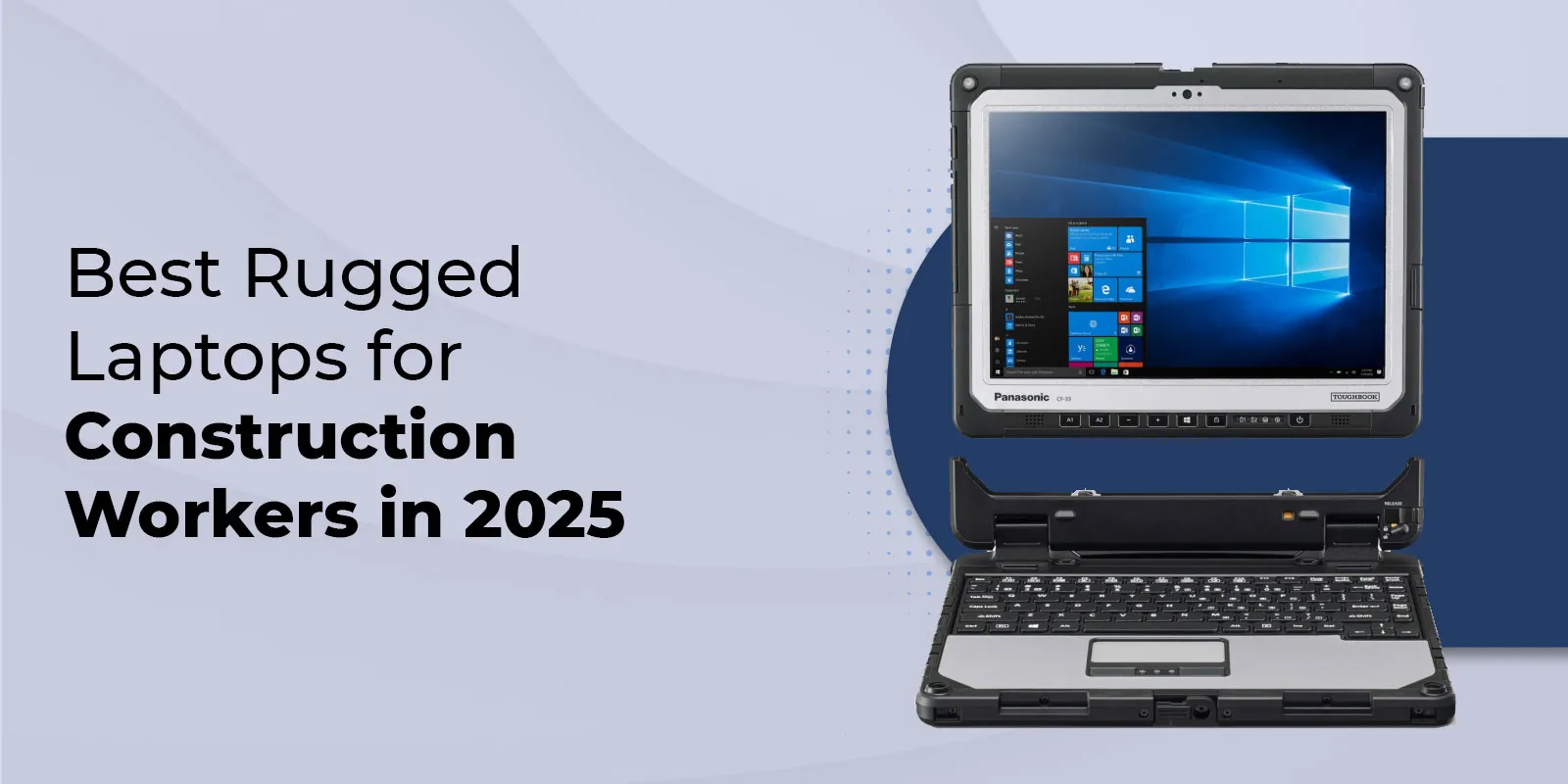
When evaluating rugged laptop options, many organizations consider the Panasonic Toughbook FZ-56 due to its balance of durability, performance, security, and flexibility.
Key advantages include:
- Rugged construction for demanding environments
- Powerful performance options
- Outdoor-readable display
- Long battery life
- Advanced connectivity features
- Strong security capabilities
- Customizable configurations
These features make it suitable for industries such as field service, public safety, utilities, transportation, manufacturing, and government operations.
Conclusion
Choosing the right rugged laptop requires more than comparing specifications. Businesses should carefully evaluate their work environment, performance needs, durability requirements, connectivity options, battery life, security features, and long-term costs.
By selecting a rugged laptop that aligns with operational demands, organizations can improve productivity, reduce downtime, and maximize their technology investment. Solutions like the Panasonic Toughbook FZ-56 continue to be popular choices for businesses that require reliable performance in challenging work environments.


























Sign in to leave a comment.