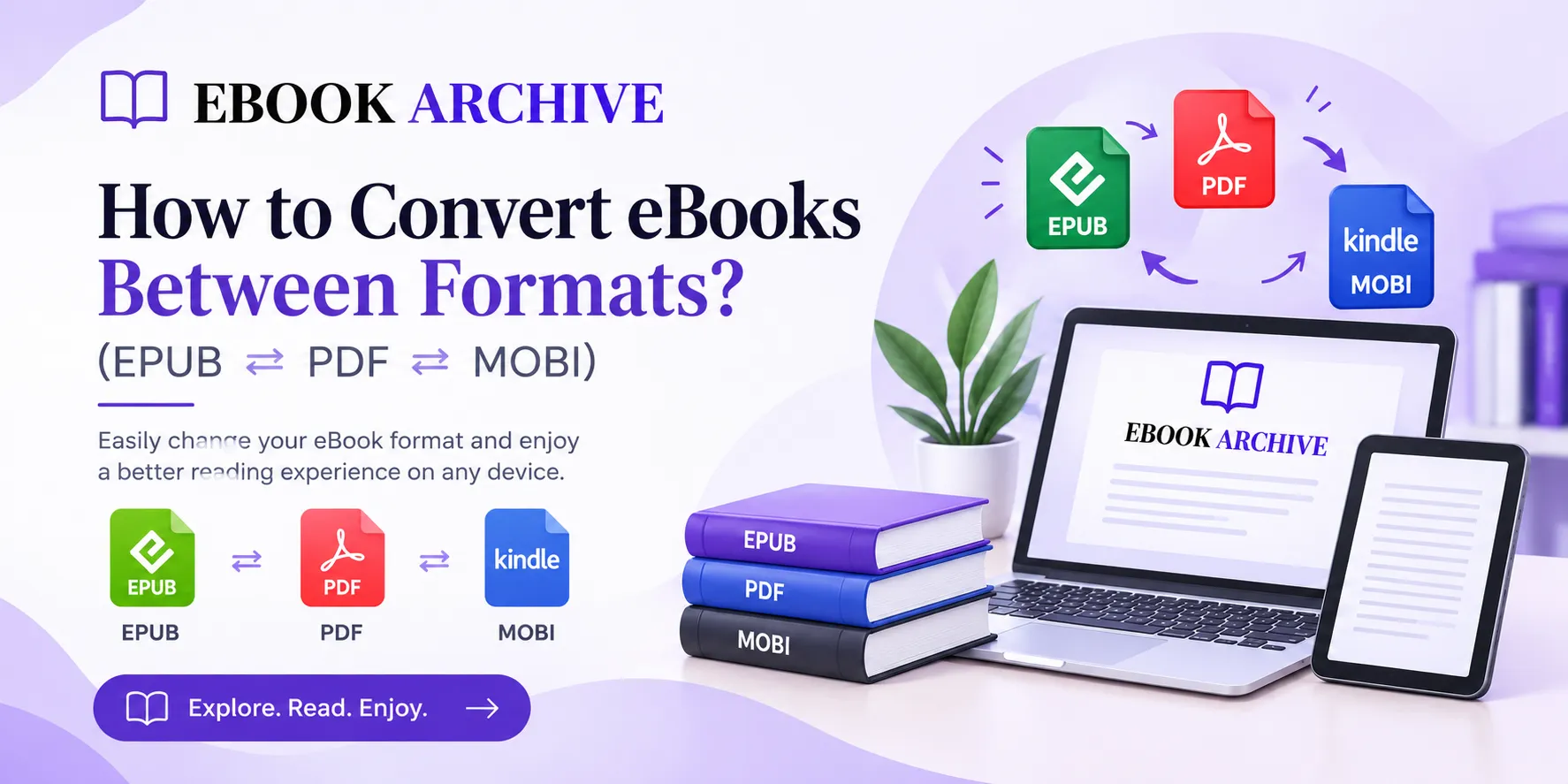

eBooks are available in several different formats, and each format is designed for a particular reading experience. EPUB is popular for its flexible, reflowable text, PDF is known for preserving a fixed page layout, while MOBI was historically associated with Kindle devices.
If you have an eBook that doesn't work well with your preferred device, converting it to another format can solve the problem. For example, you might want to convert EPUB to PDF for printing, PDF to EPUB for more comfortable reading, or an old MOBI file to EPUB for better compatibility with modern reading apps.
If you're new to digital books, visit the eBook Archive homepage to explore more eBook-related resources.
Understanding EPUB, PDF, and MOBI
Before converting an eBook, it's useful to understand what makes these formats different.
EPUB
EPUB is one of the most widely used eBook formats. It is designed around reflowable content, meaning the text can adjust to different screen sizes.
This makes EPUB particularly convenient for smartphones, tablets, computers, eReaders, and reading applications.
PDF is a fixed-layout format. It preserves the positioning of text, images, and other elements on each page.
PDF is useful when you need to print an eBook, preserve a specific page design, or share a document without changing its appearance.
MOBI
MOBI was once a common format for Kindle eBooks. However, it has become less important as modern reading systems have moved toward newer formats and EPUB support.
If you have an older MOBI file, converting it to EPUB can be a practical way to make it more useful with modern reading apps.
For a detailed comparison of these formats, read our format guide.
Why Convert an eBook?
There are several reasons you might want to change an eBook's format.
Perhaps you downloaded an EPUB but need a PDF version for printing. Maybe you have an old MOBI book that you want to read in an application that works better with EPUB.
Conversion can also help when your eBook isn't supported by your device, when you want a different reading experience, or when you need to move an eBook between different reading platforms.
The Best Free Tool for eBook Conversion: Calibre
One of the most popular solutions for converting eBooks is Calibre. It is free, open-source software designed for managing and converting digital books.
Calibre supports many common eBook formats and works on Windows, macOS, and Linux.
Another benefit is that conversion happens locally on your computer. You don't need to upload your eBook to an external website, which can be preferable when working with private or unpublished material.
How to Convert an eBook Using Calibre?
The basic conversion process is simple:
- Install and open Calibre on your computer.
- Click Add books and select the eBook you want to convert.
- Select the book in your Calibre library.
- Click Convert books.
- Choose the desired output format.
- Review the available conversion settings if necessary.
- Click OK to begin the conversion.
- Save or export the converted file when the process is complete.
EPUB to PDF Conversion
Converting EPUB to PDF is one of the more common eBook conversions.
This can be useful if you want to print a book or need a document with a fixed page layout.
However, keep in mind that EPUB and PDF work differently. EPUB is designed to reflow its content, while PDF is designed to maintain a specific page arrangement.
PDF to EPUB Conversion
PDF to EPUB conversion can be more challenging.
A PDF may contain columns, tables, images, headers, footers, and carefully positioned text. EPUB, on the other hand, needs content that can rearrange itself according to the reader's screen.
This means a PDF converted to EPUB may not look exactly like the original.
You might need to correct paragraph spacing, headings, images, tables, page numbers, and footnotes.
For more information about converting between formats, see our conversion guide.
MOBI to EPUB Conversion
If you have an older MOBI eBook, converting it to EPUB can make it more useful with modern reading environments.
The process is generally straightforward when the MOBI file contains clean, text-based content.
EPUB is particularly useful because it can adapt to different screen sizes and is supported by many modern reading systems.
EPUB to MOBI: Is It Still Necessary?
For most readers, converting EPUB to MOBI isn't necessary anymore.
MOBI was widely used in older Kindle workflows, but modern eBook ecosystems have moved toward newer formats and direct EPUB support.
If you're preparing a book for a modern Kindle, you should first check the current supported workflow rather than automatically converting everything to MOBI.
How to Keep Your Formatting Intact
No matter which conversion method you use, formatting can sometimes change.
Here are a few ways to reduce problems:
- Keep the original: Always retain the original eBook before starting a conversion.
- Check the table of contents: Make sure chapters and navigation work correctly.
- Review images: Ensure images haven't disappeared or become distorted.
- Check several chapters: Open different sections to identify formatting problems.
- Choose the right format: Select a format that suits your intended device.
What About DRM-Protected eBooks?
Some eBooks contain Digital Rights Management (DRM). DRM is designed to restrict unauthorized copying, distribution, or use of digital content.
A normal converter may not be able to process DRM-protected files.
You should only convert eBooks when you have the necessary rights and permission to do so.
Which eBook Format Should You Choose?
Your ideal format depends on your needs:
Choose EPUB if you want flexible, reflowable text for phones, tablets, eReaders, or reading apps.
Choose PDF if preserving a fixed page layout or printing is your priority.
Choose MOBI mainly when you specifically need it for an older system or legacy file.
Consider AZW3 for certain manual Kindle workflows instead of relying on the older MOBI format.
Final Thoughts
Converting an eBook between EPUB, PDF, and MOBI doesn't have to be difficult. The key is understanding what each format is designed to do and selecting the format that matches your reading needs.
For most modern readers, EPUB is a versatile choice, while PDF remains useful for fixed layouts and printing. MOBI is now primarily relevant to older eBook collections and legacy workflows.
If you regularly work with digital books, a tool such as Calibre can make conversion and library management much easier. Before converting, always keep a copy of your original file, check the converted version carefully, and make sure you have the right to convert the content.
For more guides and resources about digital books, visit the eBook Archive.





















Sign in to leave a comment.