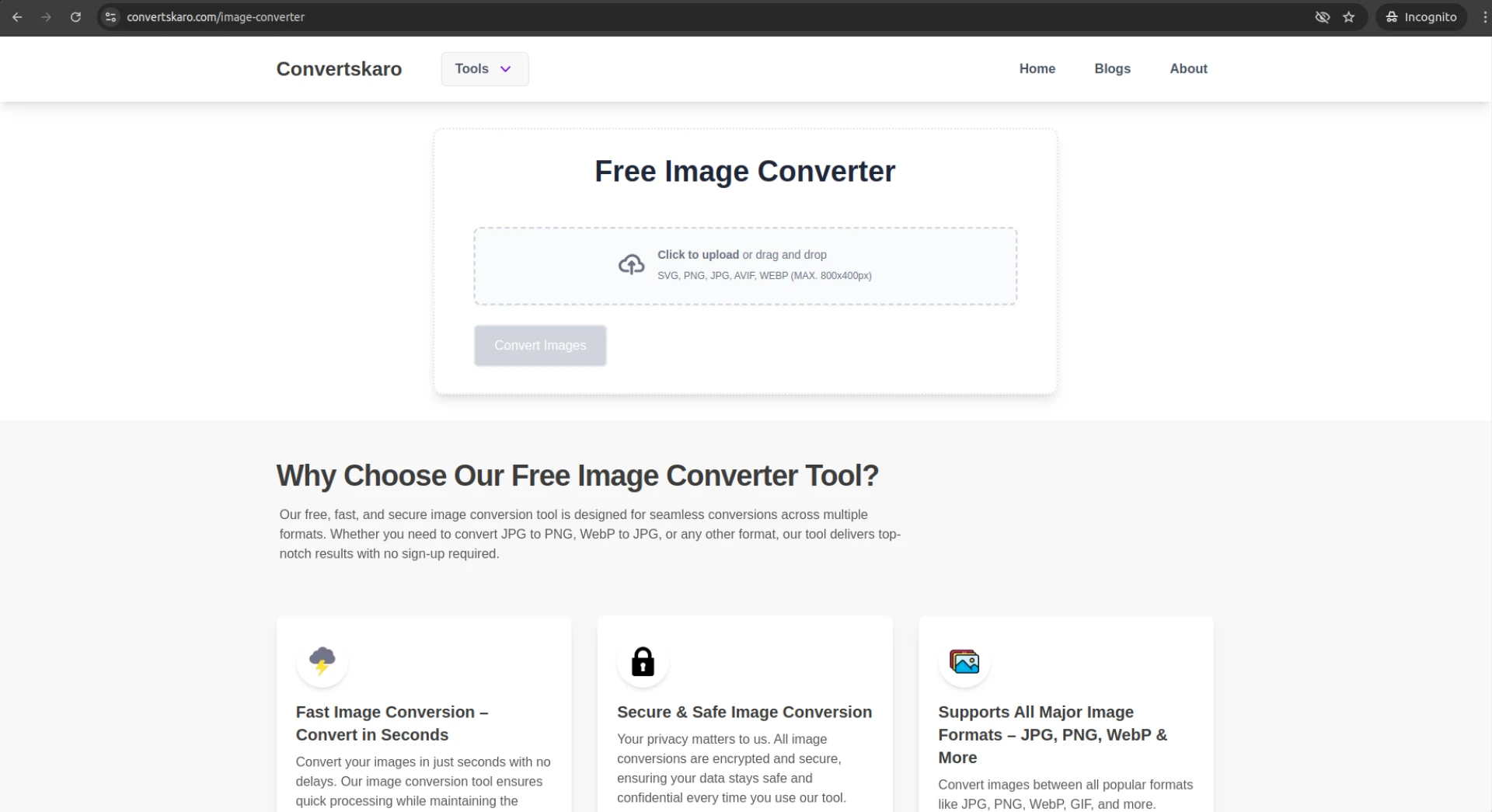

In today’s digital landscape, website performance is crucial. A fast-loading site not only improves user experience but also boosts search engine rankings. One often overlooked factor in optimizing website performance is image conversion. By converting and optimizing images effectively, you can significantly enhance your site's speed and performance. Let’s dive into how Convertskaro, your one-stop tool for image conversion, resizing, and optimization, can help you achieve this.
1. Understand the Role of Image Formats
Different image formats serve different purposes. Choosing the right one can improve load times without sacrificing quality.
- JPEG: Ideal for photographs and complex images due to its high compression ratio.
- PNG: Perfect for images requiring transparency or sharp details.
- WebP: A modern format offering excellent compression without quality loss, ideal for web use.
- GIF: Suitable for animations but not recommended for static images due to larger file sizes.
With Convertskaro, you can easily switch between these formats based on your website’s needs, ensuring optimal performance.
2. Optimize Image Dimensions
Large images slow down websites. Resize images to match their display dimensions on your site.
- Avoid uploading images that are significantly larger than their rendered size.
- Use Convertskaro’s image resizer to ensure your images are scaled perfectly without losing quality.
3. Compress Images Without Losing Quality
Compression reduces file size, making images faster to load.
- Lossy Compression: Removes some data to reduce size. Works well for JPEG and WebP.
- Lossless Compression: Retains all data but reduces redundancy. Suitable for PNGs.
- Convertskaro offers both compression options, letting you find the perfect balance between quality and size.
4. Convert Images to Web-Friendly Formats
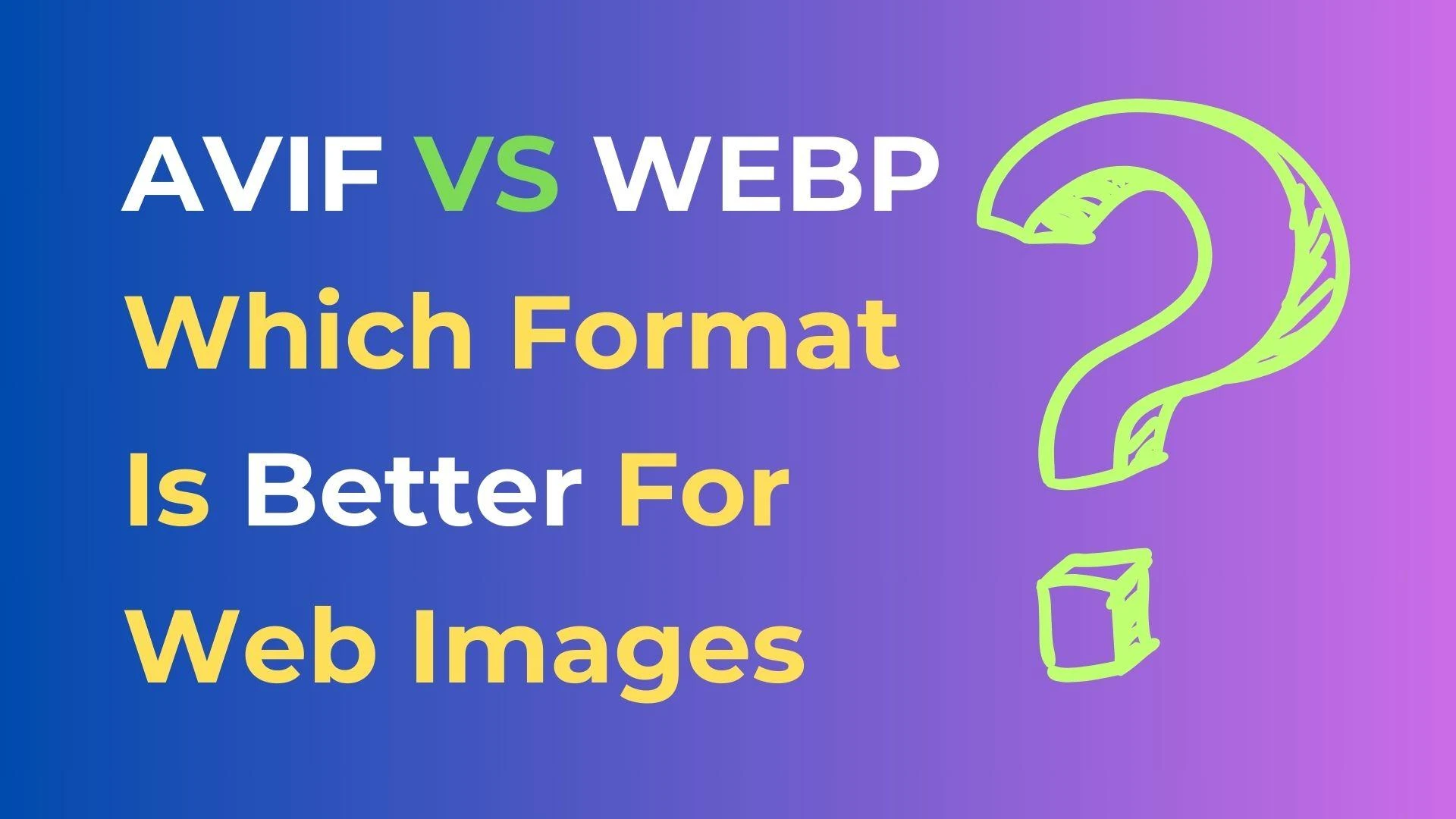
WebP and AVIF formats are designed for web performance. They offer smaller file sizes with excellent quality.
- Convert images from JPEG or PNG to WebP directly using Convertskaro.
- Ensure the converted image maintains high quality while loading faster.
5. Leverage Lazy Loading
Lazy loading ensures images are loaded only when they appear in the user’s viewport. This reduces initial load time, especially for image-heavy websites.
- Use HTML attributes like
loading="lazy"or enable it through your CMS.
6. Implement a Content Delivery Network (CDN)
A CDN caches images on servers closer to your visitors, reducing latency. Many CDNs also offer built-in image optimization features. Use Convertskaro to prepare your images for smooth integration with CDN services.
7. Regularly Audit Your Website’s Images
Regular audits can help identify oversized or unoptimized images. Tools like Google PageSpeed Insights and GTmetrix can pinpoint image-related performance issues. Once identified, use Convertskaro to fix these issues with its intuitive and efficient tools.
Why Use Convertskaro for Image Conversion?
Convertskaro simplifies the entire image optimization process with:
- Support for multiple formats: Convert JPEG, PNG, GIF, and more with ease.
- Image resizing: Quickly adjust image dimensions for better site performance.
- Compression options: Balance quality and file size with lossy or lossless compression.
- User-friendly interface: No technical expertise required!
Start using Convertskaro today to optimize your images for a faster, more efficient website.









Sign in to leave a comment.